


For the needs of image de-backing, there are currently many powerful AI de-backing tools, in addition to such as SLAZZER、remove.bg、Trace by Sticker Mule、BG Eraser These online memorization tools that require no downloading of apps are also available such as PhotoRoom and Magic Eraser Go back to the app with these free pictures. In addition, users can also use Word and PowerPoint This kind of office document software is used to achieve the purpose of removing pictures.
Today I will introduce a simple, fast and easy-to-use removal.ai free AI automatic backline removal tool. As long as you upload the image, it can automatically remove the backline in just five seconds!
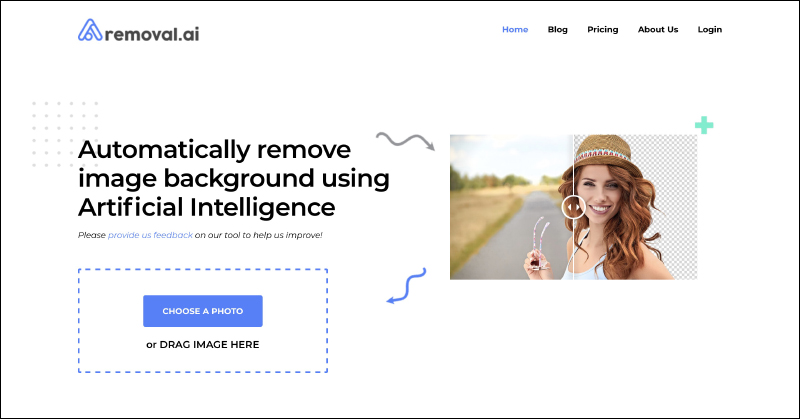
removal.ai is a free AI automatic backline removal tool that quickly removes backlines from images in just 5 seconds!
In the past period, we have introduced a number of online de-memorization tools, all of which use AI artificial intelligence to de-memorize images through machine learning. Even people who are not familiar with professional image processing software can quickly produce transparent background images that are de-memorized one by one. removal.ai is a free online back-removal tool that is similar in function to the previously introduced SLAZZER or remove.bg. Both of them can generate images with transparent backgrounds in a short time just by uploading them. The actual effect is also considered ideal.

removal.ai free AI automatic backline removal tool:Click here to go
First, in removal.ai Click “CHOOSE A PHOTO” on the homepage to upload pictures, or you can drag pictures directly into the window to quickly upload:
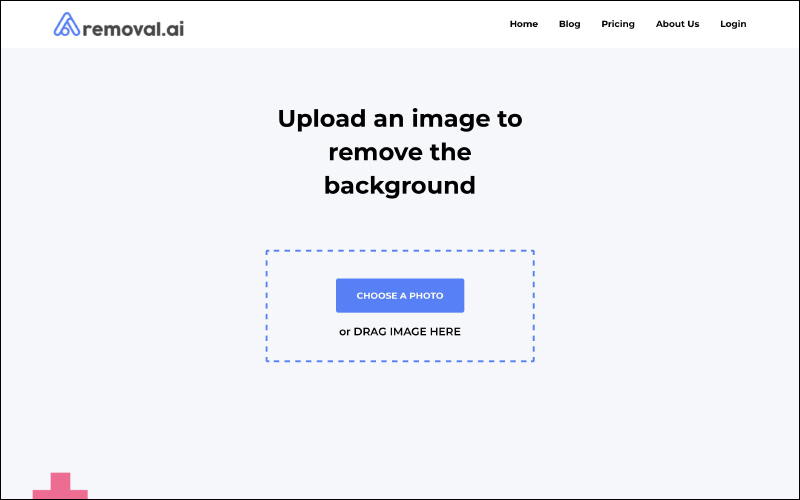
After uploading the image, the user does not need to do any setting operations. As long as the processing time is about five seconds, the background image will be automatically generated with a transparent background:
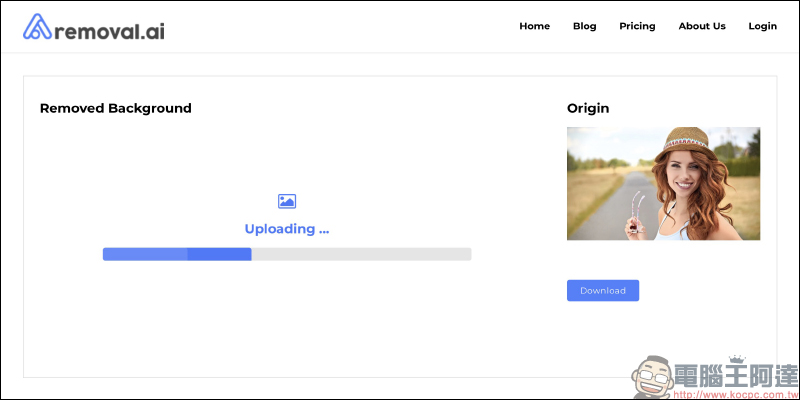
After the back removal is completed, the removed back image will be displayed on the left to provide a preview. It also allows users to compare the original image with the right image. However, because removal.ai has no way to manually adjust the removal parameters, when selecting pictures to be removed, it is recommended to avoid selecting pictures with complex subjects and backgrounds and similar colors, as the removal effect will be better.
If you confirm that the image meets your needs, you can press “Download” to download the image for free. In addition, removal.ai also supports high-definition image downloading, but you must first register as a member and pay before you can use it (members can download a high-definition removal image for free). However, after testing a few free images of general quality, the author found that it is quite sufficient for general purposes that do not require large image output.
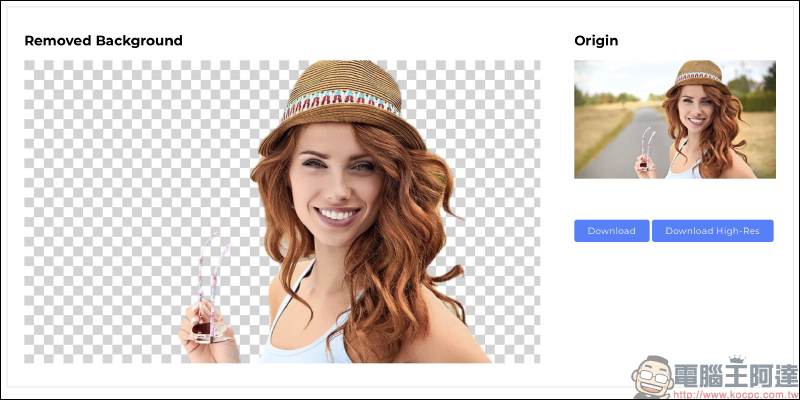
Comparison of the effect of using removal.ai to remove the back. The finished image will be a PNG file with a transparent background:

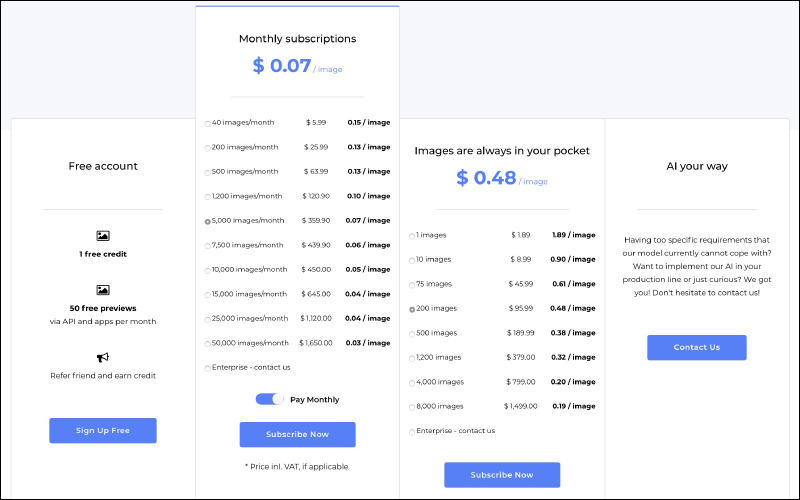
The removal.ai official website has also compiled a detailed price list. Registering as a free member can get a free quota of high-definition removal pictures. However, if you want to process more high-definition pictures, you must calculate the price through monthly subscription or purchase quota. As for whether you need to pay for this service, it depends on your personal choice.
The author personally recommends that you do not need to register as a member and just use the free general quality image removal tools, which is enough, because the image quality processed by removal.ai is much better than some similar online back removal tools. If you need professional back removal, it is better to use professional image processing software such as Photoshop to remove the back.
removal.ai free AI automatic backline removal tool:Click here to go
Further reading:
FBDown.net online video downloader, super simple Facebook video download tool

Source: KOCPC Chinese