


Although there are many free image conversion tools on the Internet, after all, you have to upload them to the servers of these websites. If you have some relatively private or copyrighted images and photos, it is safer to use desktop software. If you don’t have a set of them on your computer, the Zeus Image Converter Pro professional image conversion software that is currently available for free is worth collecting. The original price is US$39.95 (approximately NT$1,200). It supports most image formats and can not only convert to JPG, PNG, PDF, HEIC, TIFF, etc., also provide image weight reduction (50%~75%), in addition to batch processing, resizing, rotation, renaming, cropping and other functions.
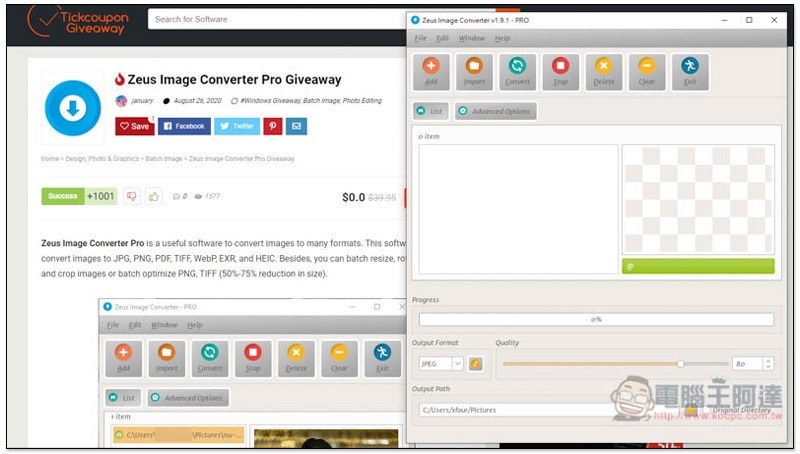
Zeus Image Converter Pro Professional Image Conversion Software Limited Free Promotion
This Zeus Image Converter Pro limited free event is provided by the foreign Tickcoupon Giveaway website. After installation, it has been registered as a professional version and can be used for free for life, but it cannot participate in subsequent software updates and technical support.
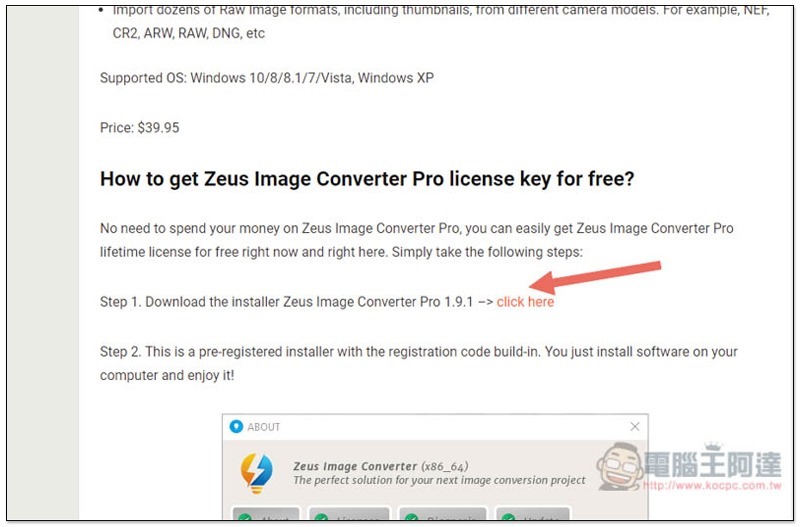
Click here to enter the Tickcoupon Giveaway websiteAfter that, you can find the download point under How to get…:
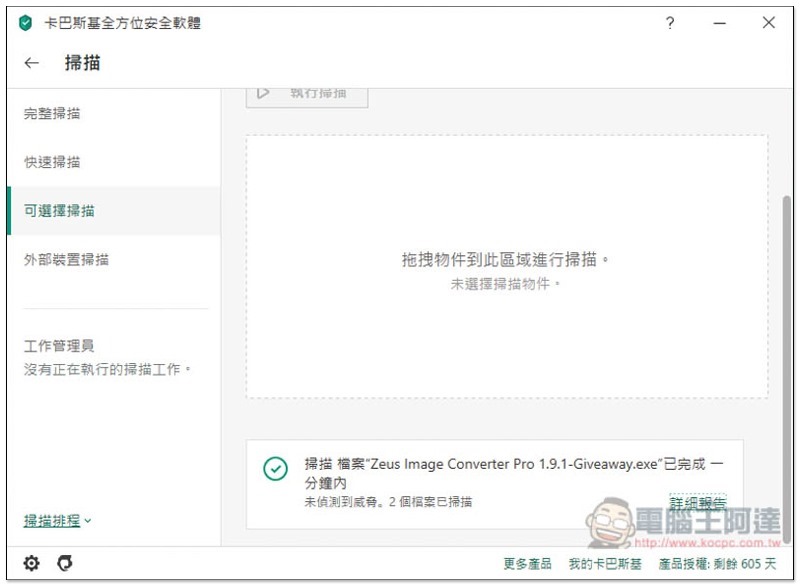
However, the upload space is MEGA. In order to ensure that there is no problem with the file, I used two sets of anti-virus software to scan. The first was Kaspersky. No threats were found:
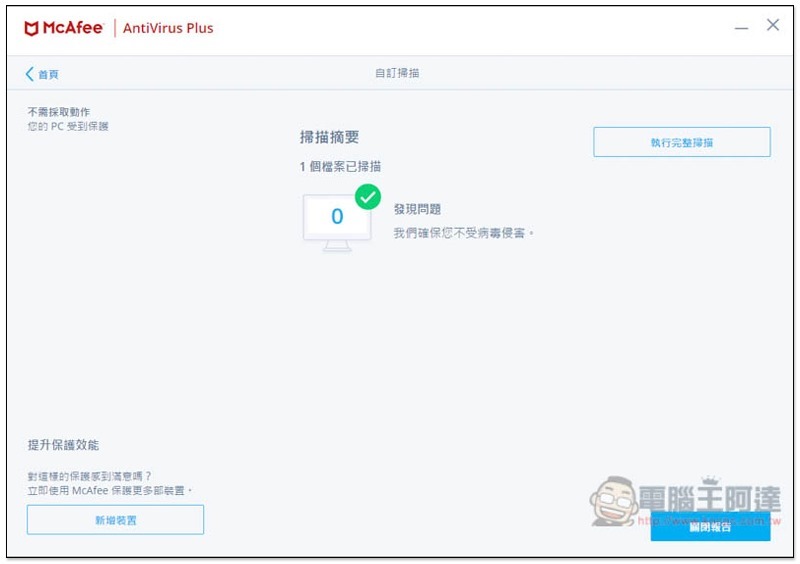
The same goes for McAfee, there are no problems, so you can install it with confidence:
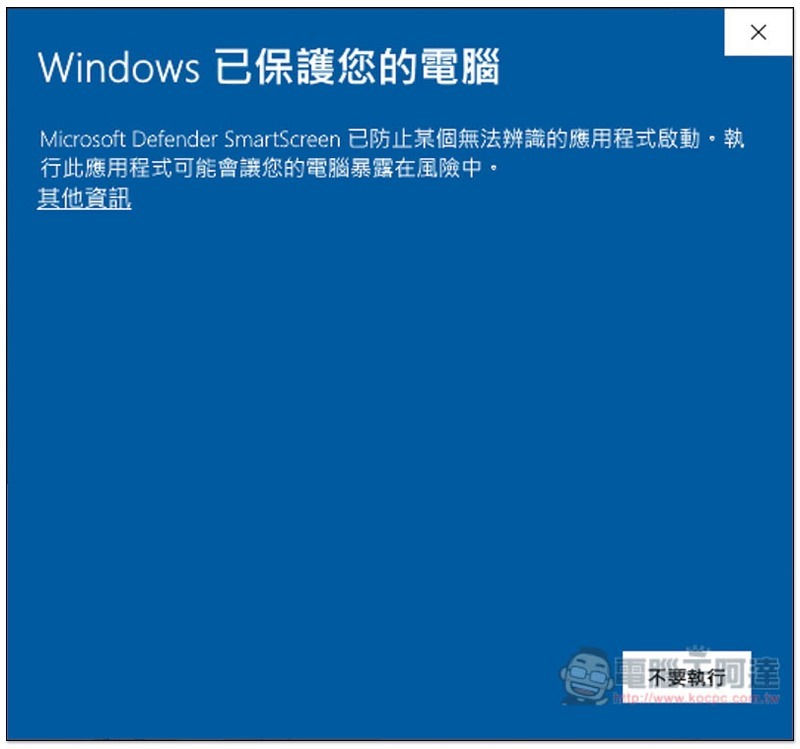
When opening the installation file, this screen may pop up. If so, please click “Other Information” in the upper left corner:
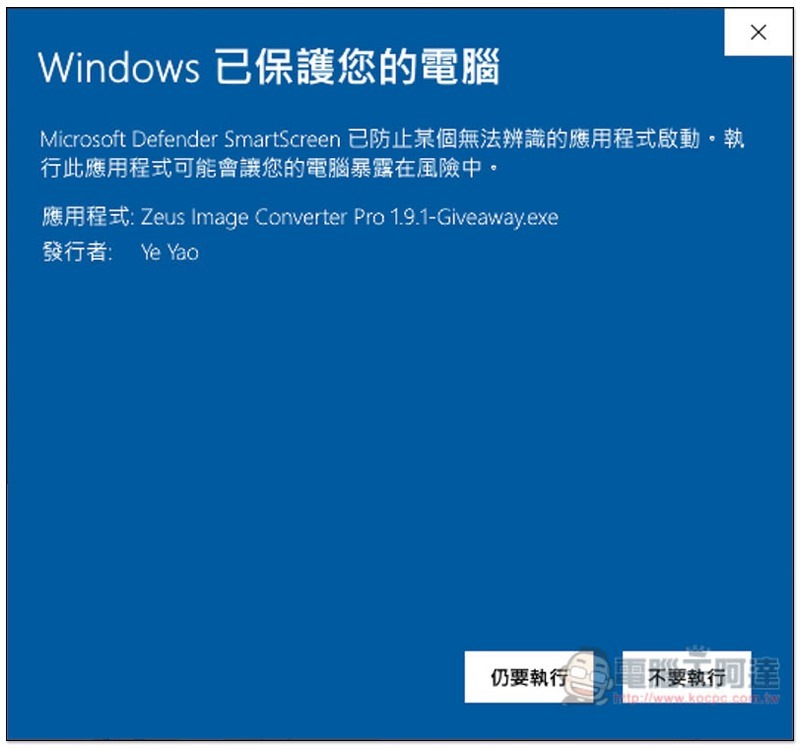
Click “Do Anyway”:
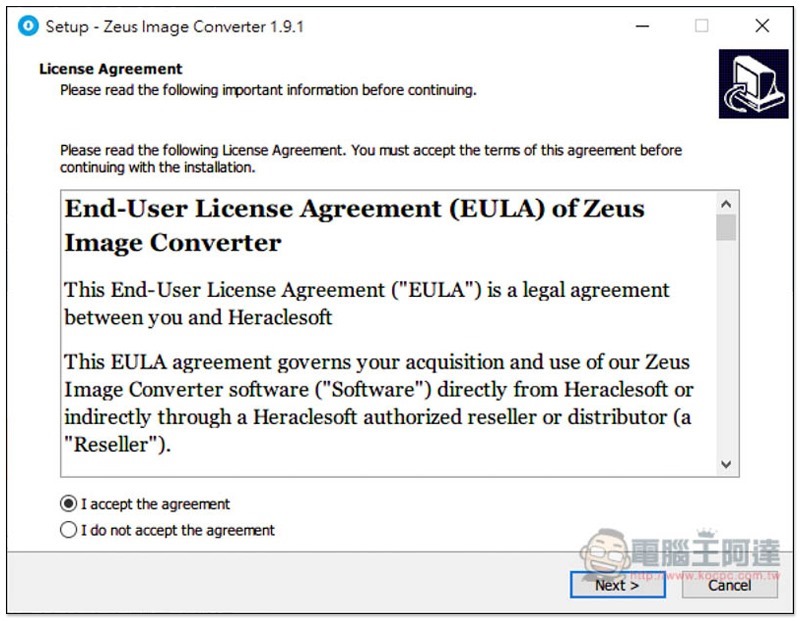
Just keep pressing Next during the installation process:
Then you can open it and use it. It has been registered as a professional version (the software name above has PRO):
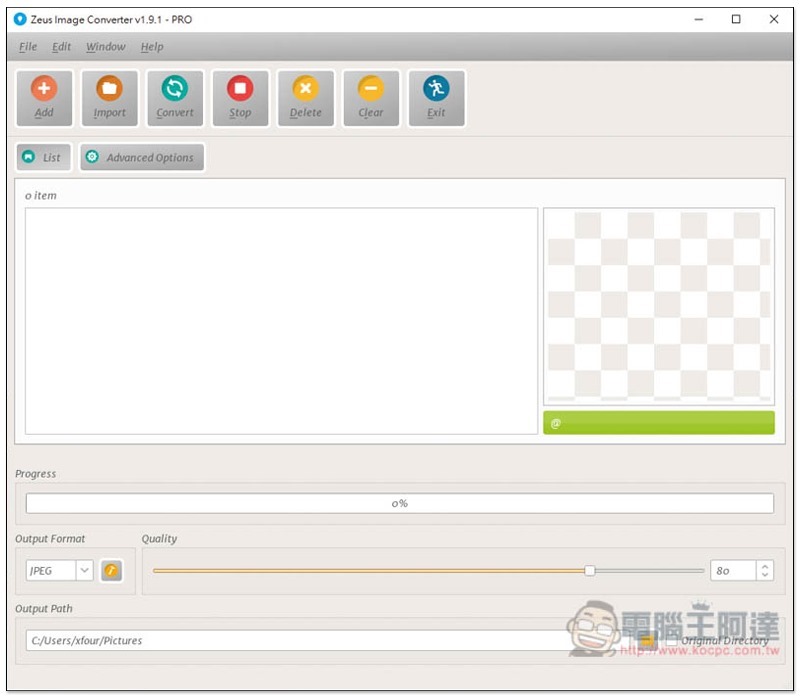
Click Add in the upper left corner to select the image to be converted. More than 100 formats are supported, and RAW files are no problem:
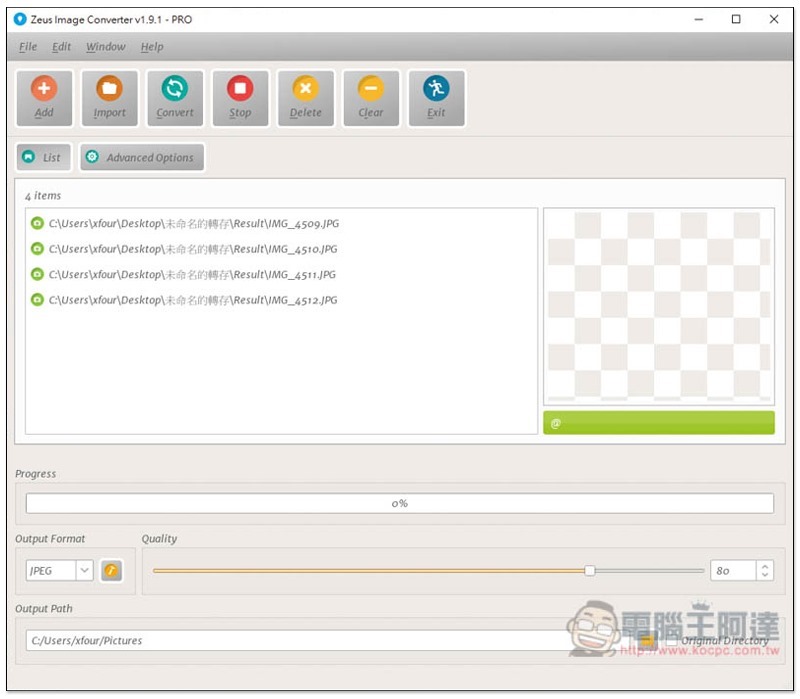
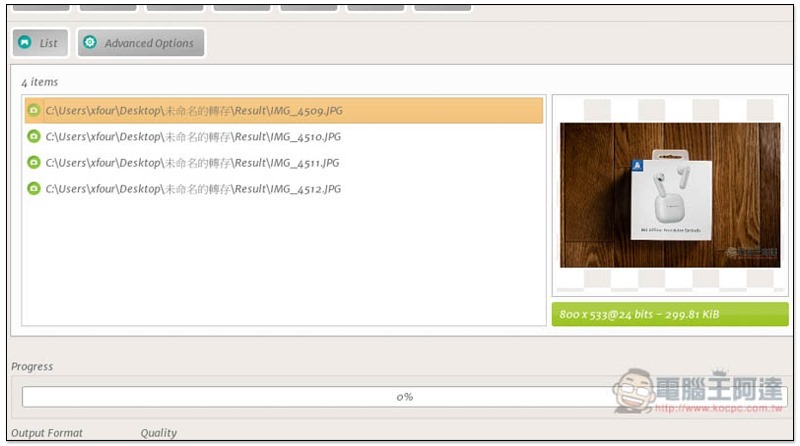
Provides image preview function, and there is an Advanced Options advanced setting above:
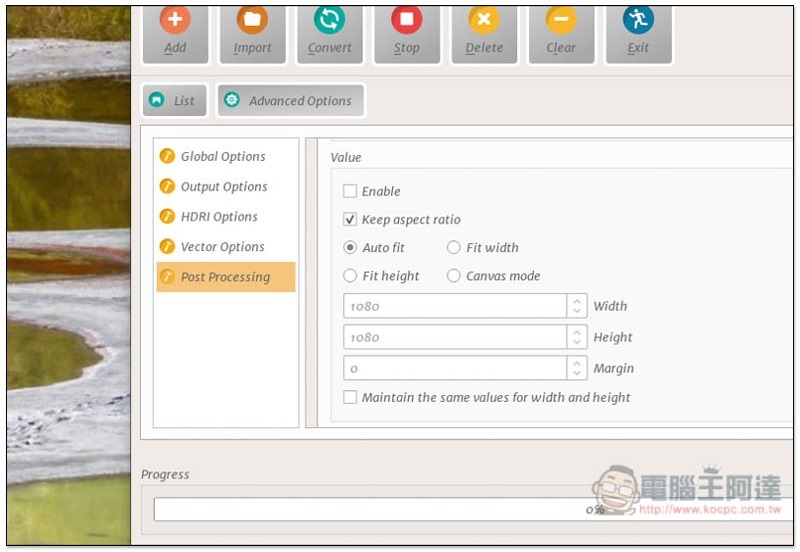
Here you can set up batch processing to adjust image size, rotate, rename and other functions:
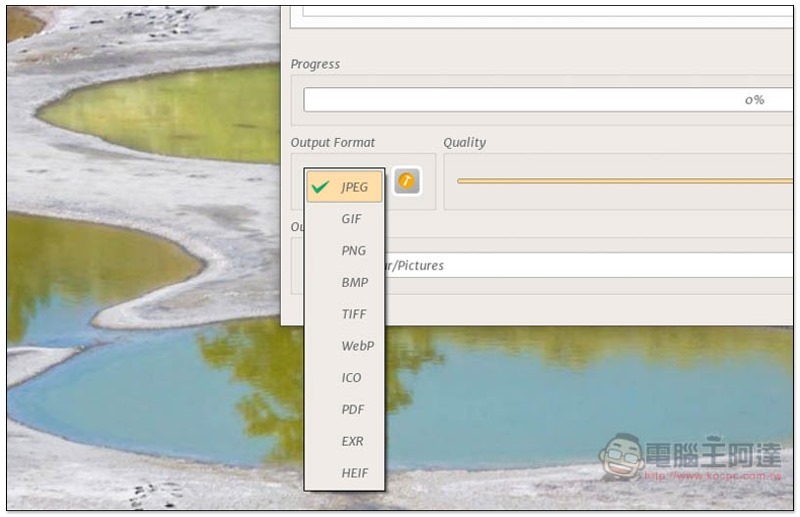
If you just need to convert files, just click Output Format below to select the format you want to convert to, including JPEG, GIF, PNG, BMP, TIFF, WebP, ICO, PDF, EXR, and HEIF:
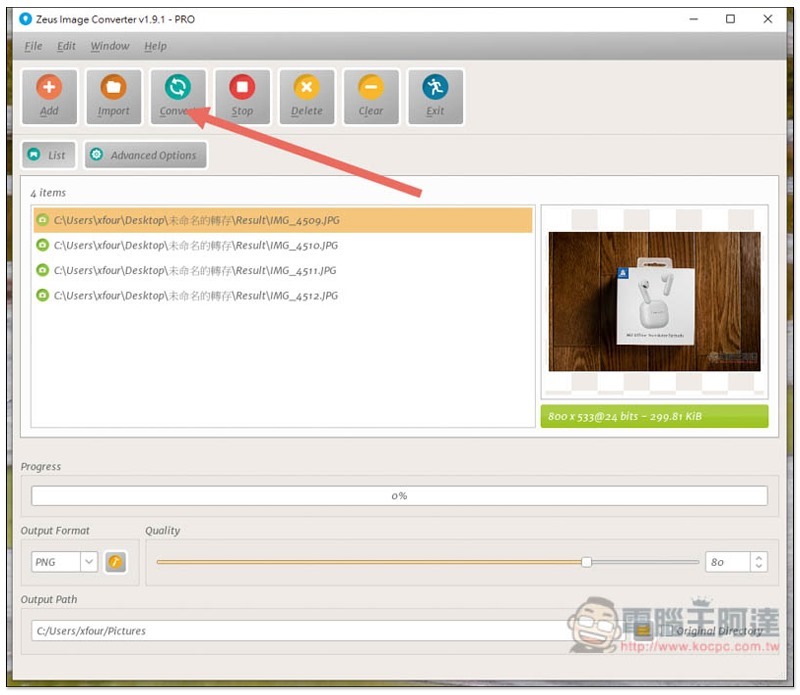
After everything is set, press Convert above to convert. It is very fast and can be completed in a few seconds:
Supplementary information
- Software name: Zeus Image Converter Pro
- Limited free URL:Click here to go
Source: KOCPC Chinese