


Although many online music services now have free versions available (such as Spotify), they all have some limitations. For example, there is no way to specify which song to play, and there will be advertising interruptions every once in a while. If you don’t like these very much, and you happen to be using an Android phone, I recently discovered this good Yee Music free music app on Google Play. All songs are from YouTube, so it is completely legal, and it also supports background playback (of course, through some methods). The home page also organizes a lot of playlists, so when you don’t know what song to listen to, you can find it directly here.

Yee Music Free Music App Introduction
After opening the app, the top of the “Discover” menu on the homepage has “Rankings”, “Hot Songs”, “Latest Songs” and “This Week’s TOP20”, which allows you to quickly know which songs are currently popular, and there are also recommendations for popular singers:

Scroll down and there are many popular theme song lists, and some of the names are very literary, such as: “What has time diluted, and what has it given me?”, “Singing heals people’s hearts, we all need to smile”:

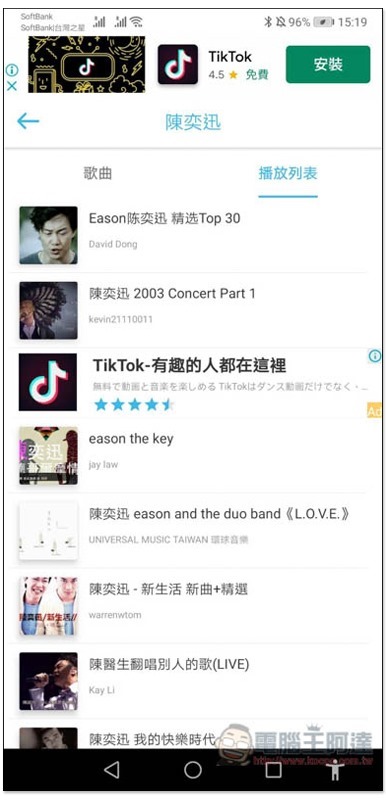
For a singer, entering the inner page will display the singer’s YouTube songs and playlists:

However, I personally think it is more difficult to find this way, because each YouTube music has a different name, which looks quite confusing. It is recommended to directly search for the music you want to listen to:
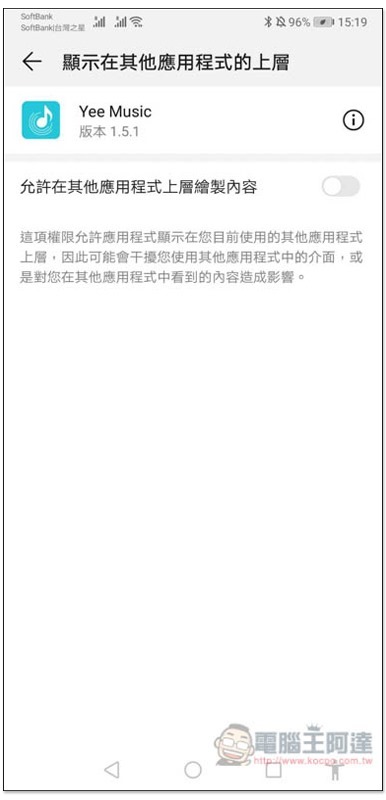
After clicking on the song you want to listen to, this screen will pop up. Turn on “Allow content to be drawn on top of other applications”. This only needs to be set once:
Then it will start playing:

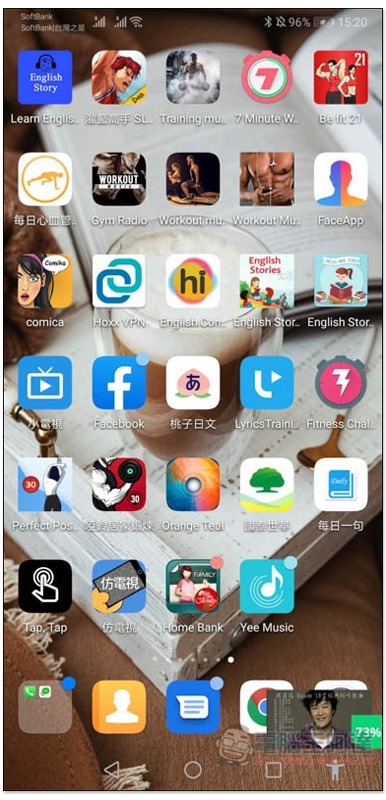
At this time, jump to the mobile phone desktop or use any other App, the song will continue to play, and the screen will also display a small window of the YouTube video. The position can be dragged anywhere, but it cannot be closed:
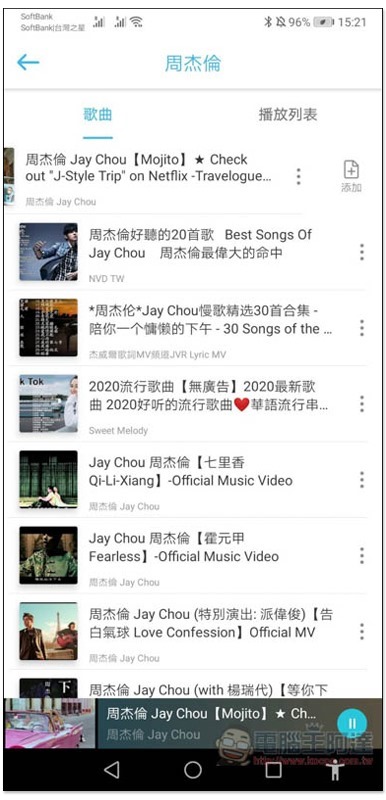
Click on the small window to expand it entirely:

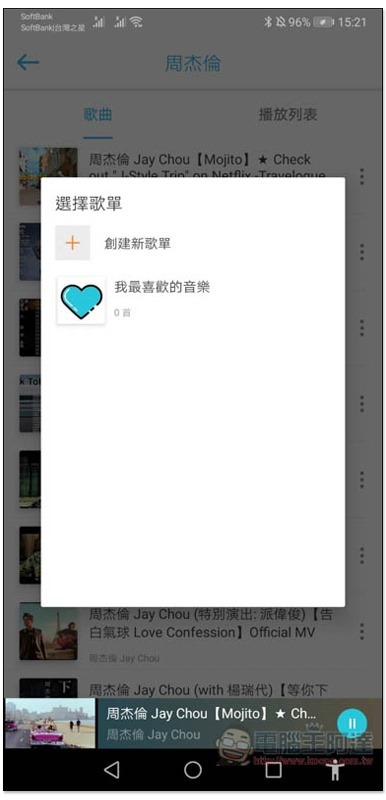
There is also a built-in function for creating playlists. Click on the… function on the right side of the song and you will see “Add”:
My favorite music is already preset, or click “Create New Playlist”:
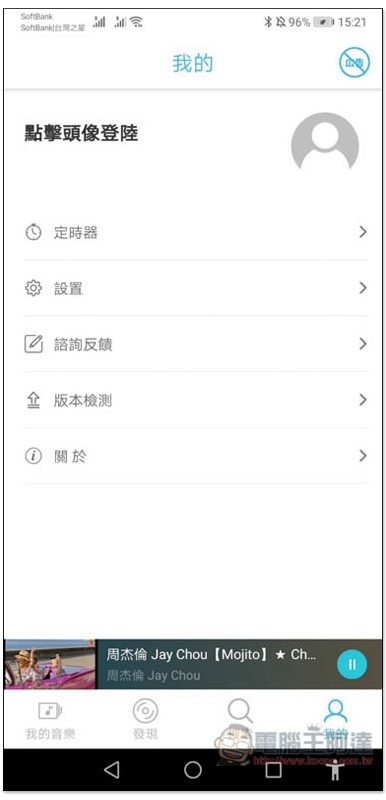
There is a timer function in the “My” menu. If you want to listen before going to bed, you can turn it on so that it will automatically stop when the time is up:
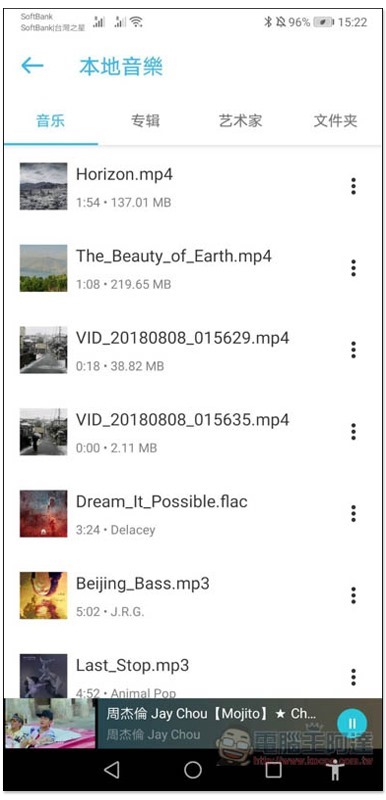
This device can also play local music (music stored on your phone), MP3, MP4 and other formats are supported:
Supplementary information
- App name: Yee Music
- Nature: Free
- Supported operating system: Android
- Download page:Google Play
Source: KOCPC Chinese