


OpenAI Codex has been available for quite some time, but it has never had a dedicated desktop application—primarily available only as a web version, which made it somewhat inconvenient to use. Earlier, OpenAI finally officially launched it, but as usual,macOS First,Windows Users will need to wait a bit longer.
Additionally, here are two pieces of good news:
- Free users can now also use Codex, along with the cheapest ChatGPT Go plan.
- Premium users get a limited-time offer: double the usage allowance.
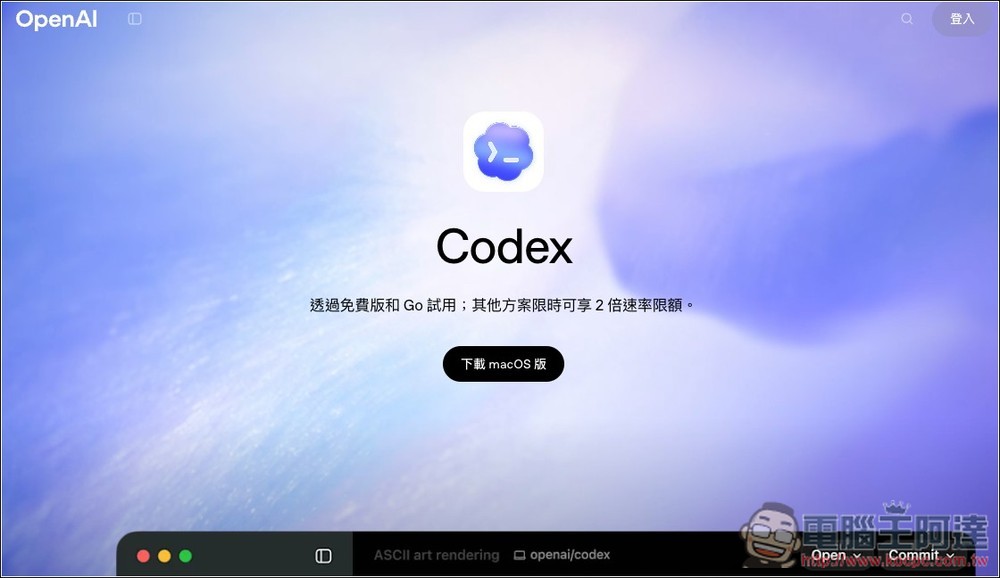
Codex desktop app officially launches! Mac users can download and use it now, while Windows users will have to wait.
OpenAI says that since Codex launched in April 2025, the way developers work with agents has fundamentally changed. Models can now handle complex, long-running tasks end-to-end, and developers are starting to coordinate multiple agents within projects: dispatching work, processing tasks in parallel, and having agents take on large projects that may span hours, days, or even weeks. As a result, the Codex App desktop application was launched as a command center for agents.
Different agents run in separate threads, allowing you to switch between projects freely without losing context. You can also view code differences directly, add comments, or open the editor to make manual changes.
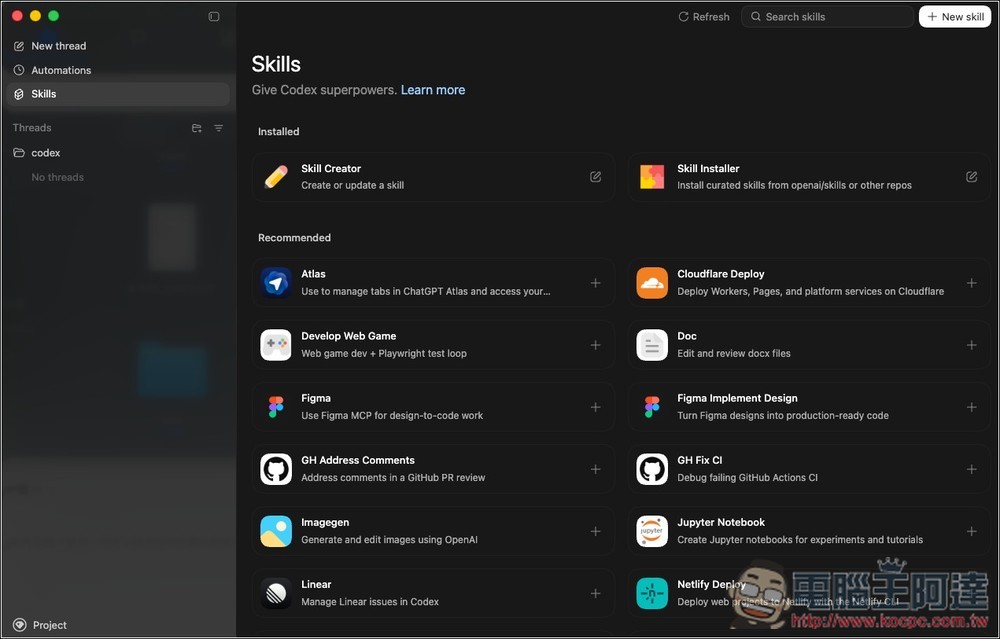
Codex App also supports Git worktrees, allowing multiple agents to work independently within the same repository without conflicts. Beyond coding, it can extend capabilities through Skills to perform tasks like information organization, document creation, image generation, and cloud service deployment—even automating entire project workflows.
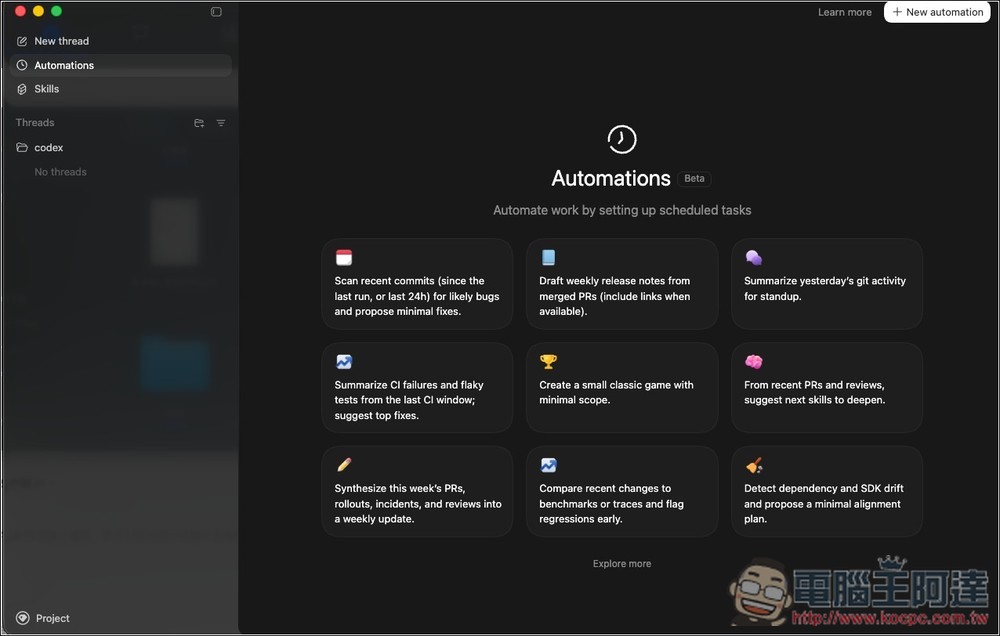
Furthermore, pairing with the Automations feature enables scheduled background tasks, such as daily bug summaries, CI failure analysis, or release digests. The system also includes built-in sandbox and permission controls, allowing modifications to specified folders only by default to ensure security.
Currently available only on Mac, but a Windows version has been promised, along with enhanced cloud automation capabilities.
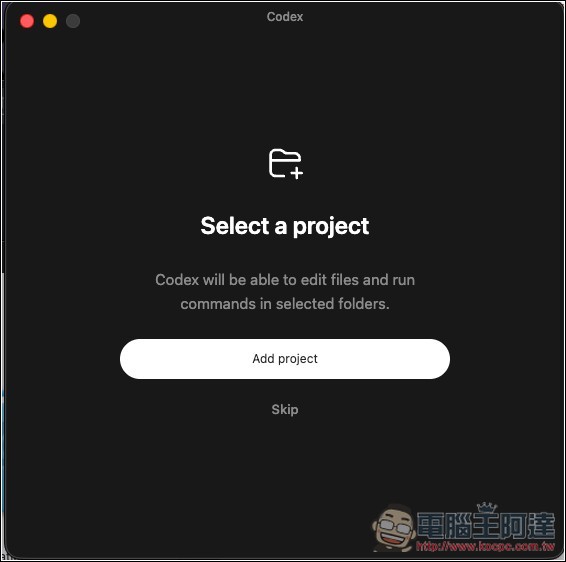
After installation is complete, the first launch will prompt you to create a project.
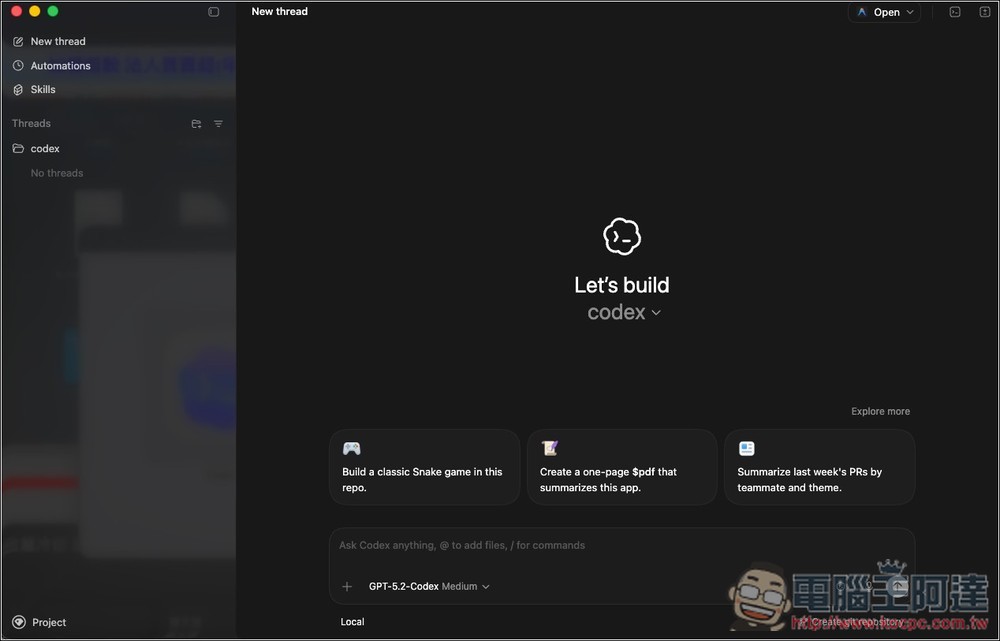
Next, you’ll enter Codex’s interface, which is similar to ChatGPT—the function menu and project list are on the left, and the chat interface is on the right:
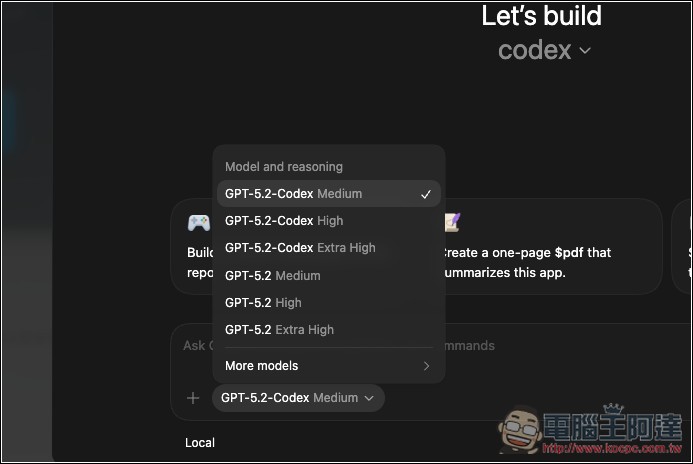
Select the model you want to use:
Open the Skills menu to add more capabilities to Codex anytime, such as “Deploy to Cloudflare, Netlify, Render, Vercel”, “Generate images and design assets”, “Create and edit PDFs, spreadsheets, and Word documents”, “Pull designs from Figma and convert them to proportionally accurate UI code”, and more.
Automations also offers some automation workflow templates, or click the button in the upper right corner to create custom workflows:
With the launch of the Codex App, OpenAI also announced that ChatGPT Free and Go users can now use Codex, while paid plan usage limits are doubled (for two months).
Source: KOCPC Chinese