


YouTube of AI Auto-dubbing was already introduced back in late 2024, but it had many limitations and wasn’t available to everyone. As AI continues to mature, YouTube has finally announced on their official blog that it’s now accessible to all users. automatic voiceoverfeatures, while also expanding language support to 27 languages
Unfortunately, Chinese hasn’t been added to the list of supported languages yet, so you still can’t use the AI dubbing feature to convert foreign videos into Chinese audio.
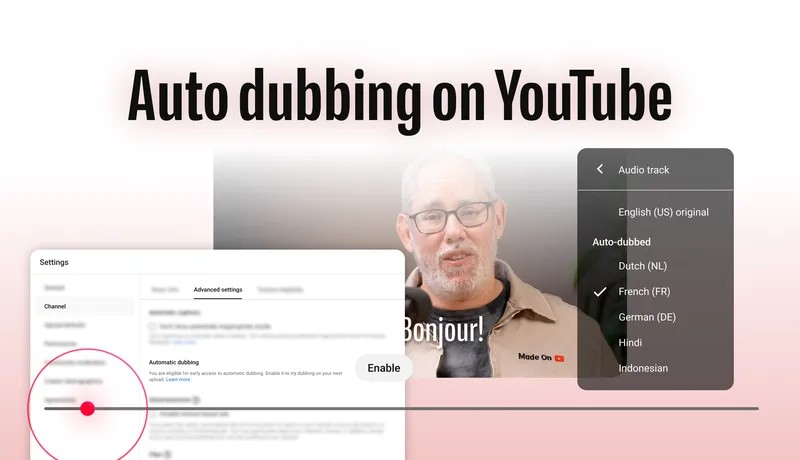
YouTube AI Auto-Dubbing Now Fully Available, Support Expanded to 27 Languages
Earlier today, YouTube announced several updates on its official blog, including the AI-powered automatic dubbing feature that many have been waiting for, now available to all users.
YouTube says: “Last December, YouTube had an average of over 6 million viewers per day watching at least 10 minutes of auto-dubbed content. Exploring videos from around the world has never been easier.”
Note that the current AI auto-dubbing feature only supports the following two modes:
- Auto-dub other languages into English
- Auto-dub English videos into other languages
Below is the current complete support list:
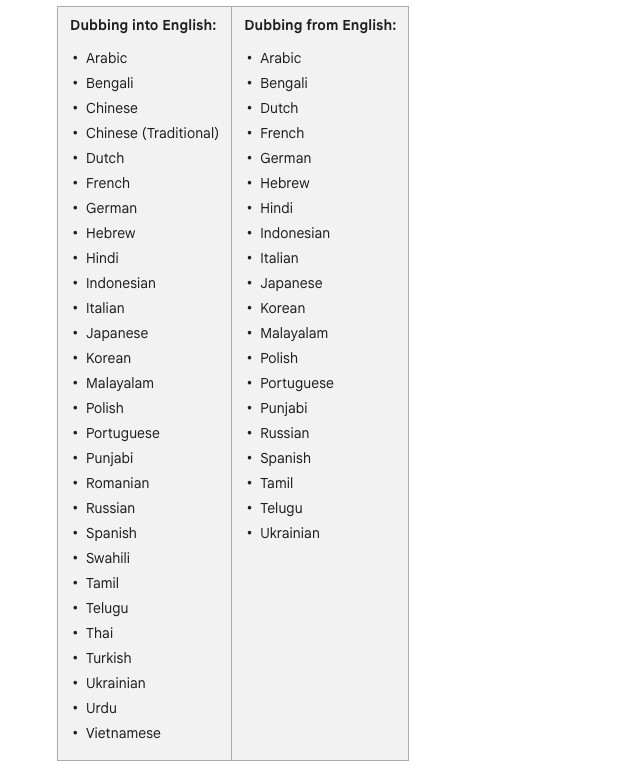
On the right is a list of languages that English videos can be auto-dubbed into, including Japanese, Korean, German, French, Italian, Portuguese, and more, but Chinese is not yet available. For those who understand English, there are even more options available, with support for almost all major languages.
YouTube also noted that videos in English, French, German, Hindi, Indonesian, Italian, Portuguese, and Spanish will also feature “Expressive Speech,” where the dubbed audio preserves the creator’s original emotion and energy.
Using it is also very simple. For the web version, click the gear icon in the bottom right corner, then select the audio track:
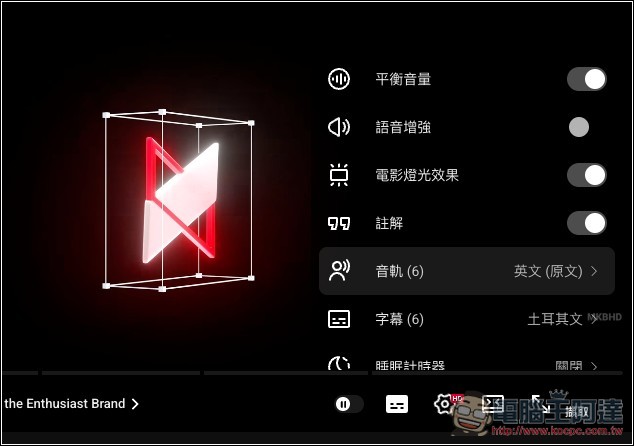
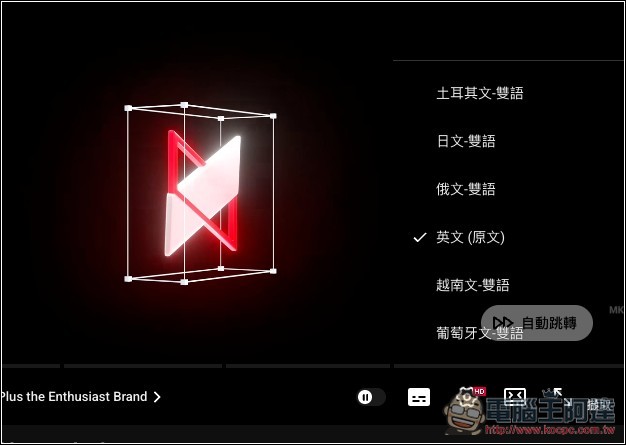
you can switch to other AI voiceovers. I did a quick test with Japanese—this is an MKBHD video, and the voiceover is actually pretty good. The voice really sounds like it’s him speaking Japanese, and the translation quality is great too, everything is understandable. But there are still some weird details:
On the mobile YouTube app, when playing a video, tap the gear icon in the top right corner:
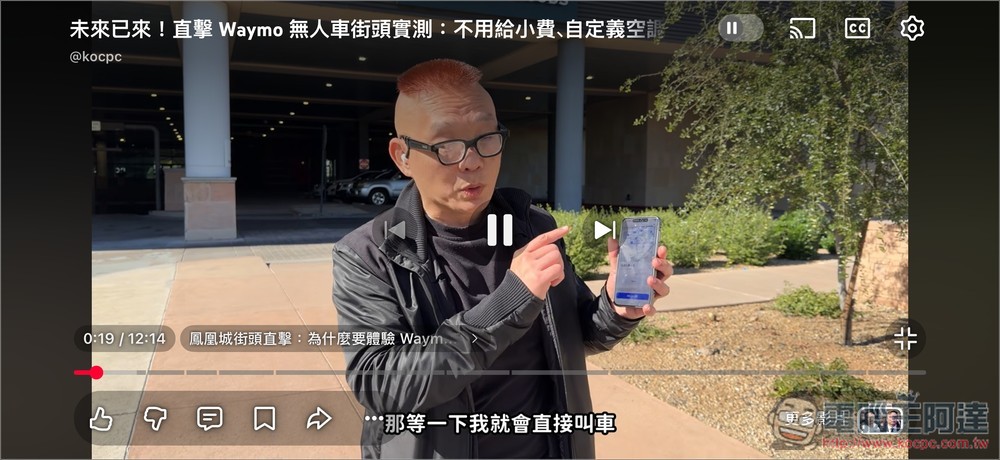
You will also see “audio tracks”
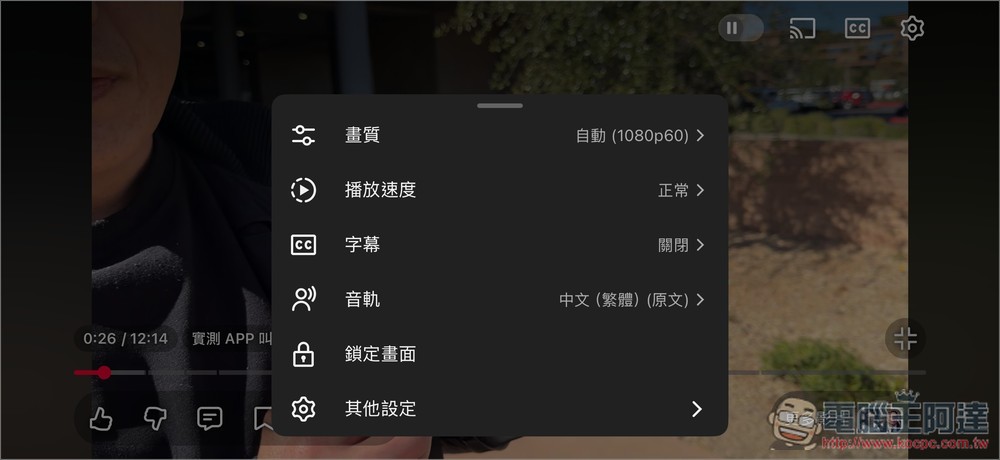
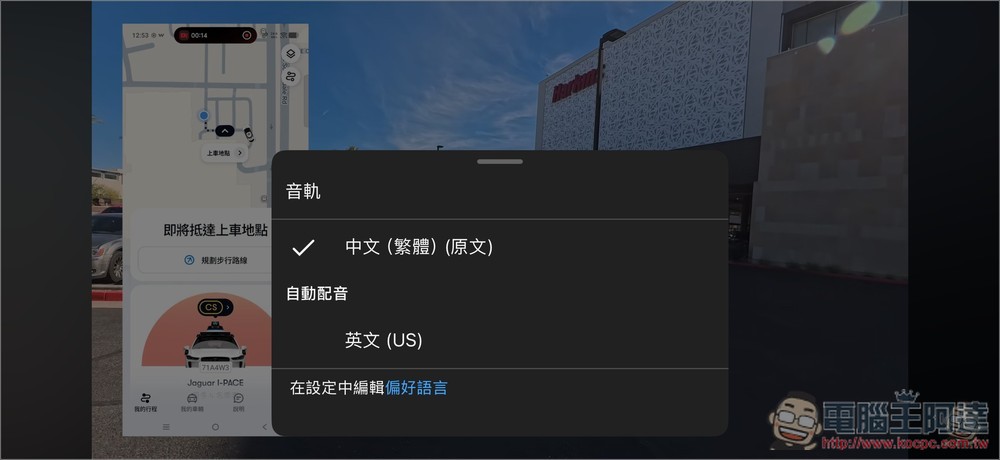
After entering, you can switch to AI auto-dubbing. This video is by Ada, so it’s in Chinese audio, and currently can only be auto-dubbed into English.
And having to manually switch each time is a bit inconvenient, so YouTube has also added a new “preferred language” feature. If you set it up, videos in other languages will automatically play using AI dubbing.
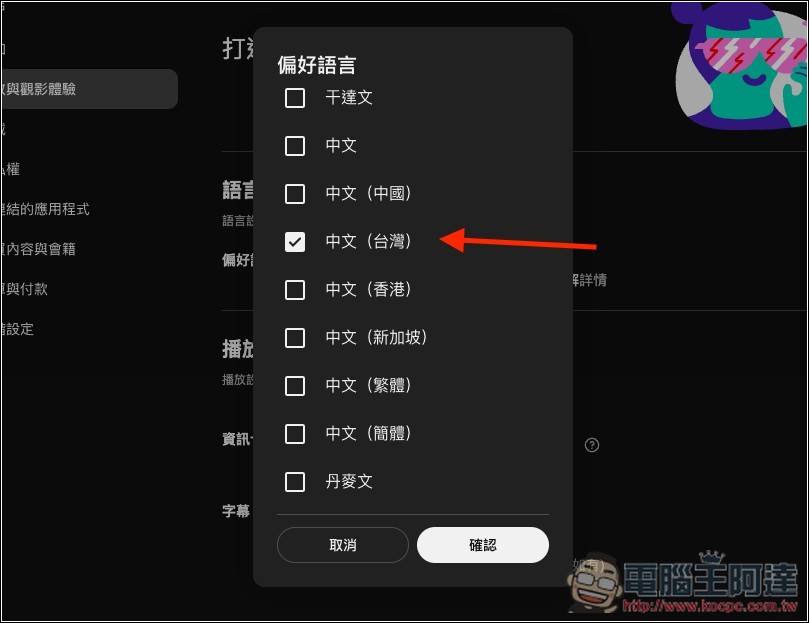
After opening Settings, go to “Playback and Viewing Experience” and you’ll see the “Preferred Language” setting. Click “Add or Edit Languages”:
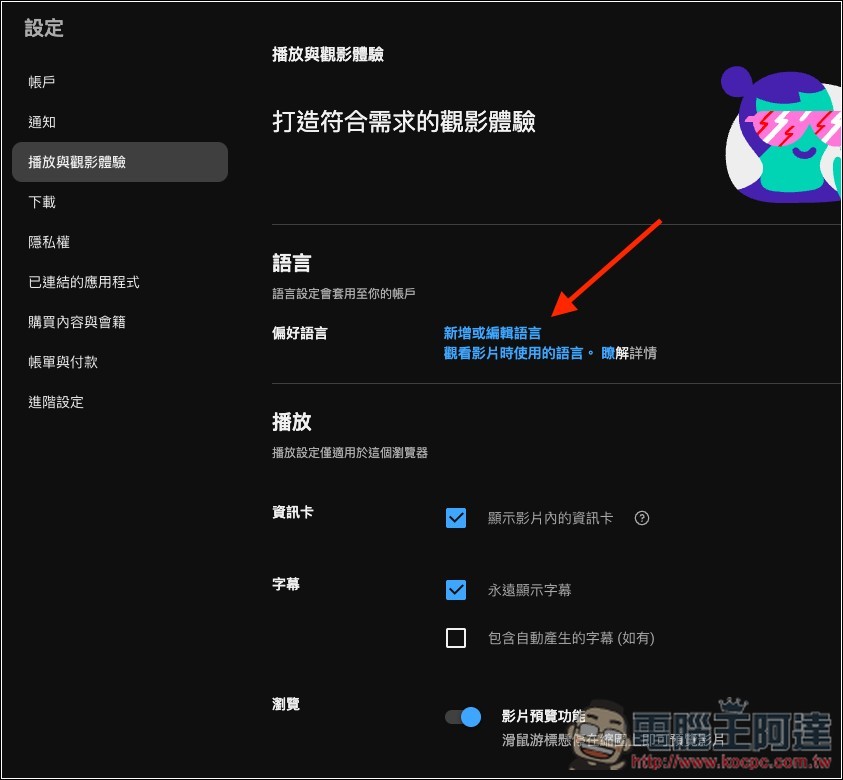
Although Chinese (Taiwan) is already included here, AI auto-dubbing is not supported yet, so even if you set it, it won’t take effect:
YouTube also previewed that, to make dubbing look more natural, it is currently testing a lip-sync trial program that will allow characters’ mouth movements to subtly align with the translated audio.
For the creator side, there’s also a small update. The new video-level filtering feature can identify content that’s not suitable for dubbing, such as music videos or silent vlogs.
YouTube also emphasizes that auto-dubbing only has benefits and no drawbacks, and will not negatively impact the recommendation algorithm for the original video, encouraging creators to use it with confidence.
Of course, creators can turn off the auto-dubbing feature at any time if they don’t want to use it, and they can also upload their own dubbed version.
Source: KOCPC Chinese