


Although there are many one-click memorization tools on the Internet, such as:AIPIX、BgEraser、Trace by Sticker Mule Wait, but after all, it is a web version, and the operation may not be so smooth for iPhone or iPad. The free Magic Eraser App to be introduced in this article, I recently tried it for a while and found it to be quite useful. It provides a variety of back removal tools, such as magic wands, erasers, color masks, etc. In addition to being able to remove backing with just one click, it can also be used for fine-tuning to make photos more perfect. There is also a built-in function for adding a background, whether it is a single color or selected from the photo album. Basically, this app is enough to eliminate all the related needs. Currently only available on iOS.

Introduction to Magic Eraser
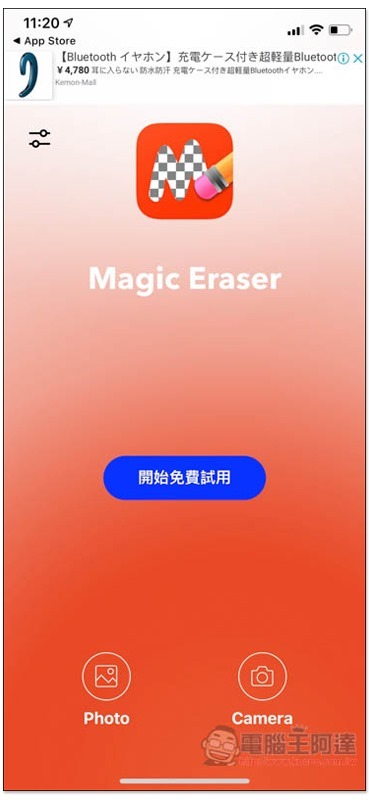
Although Magic Eraser is a free downloadable app, it does provide in-app purchase upgrades. This screen will pop up when you open the app. Remember to click the X in the upper left corner to close it. Do not click below to continue the trial. The free version can remove photos and use some of the background adding functions. There is no need to upgrade if there are no special requirements:

The interface design is a bit cheesy, but it’s easy to use. Click the Photo icon below to select a photo from iOS Photos, or press Camera to take a photo:
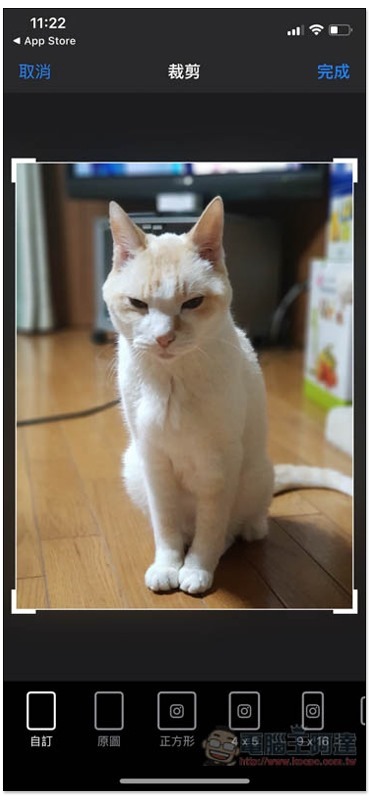
I’ll take this photo as an example. I’ll first let you choose the size of the image, original, square, 4×5 or 9×16:
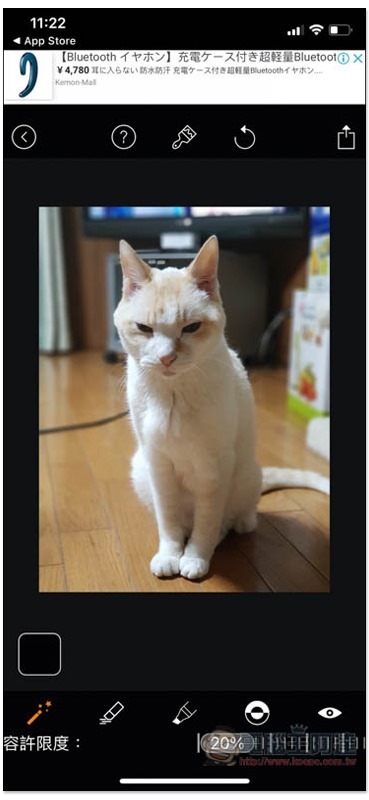
You will then enter the post-production interface. There are many small icons below. These are back removal tools. From left to right they are: “Magic Wand (Magic Wand), Eraser (Clear), Restore, Negative Effect, Mask”. The allowable limit is the intensity of back removal. It is recommended not to set it too high, otherwise the main body will be removed:
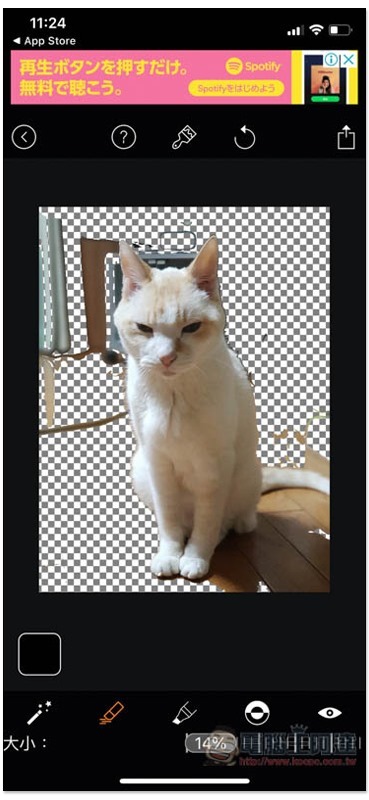
The background behind it will become transparent. Large areas can be removed with one click using the magic wand. Small areas that have not been reached can be erased with an eraser:
If you find it difficult to recognize the transparent background, you can also turn on the color mask. The red area means that it has been removed:
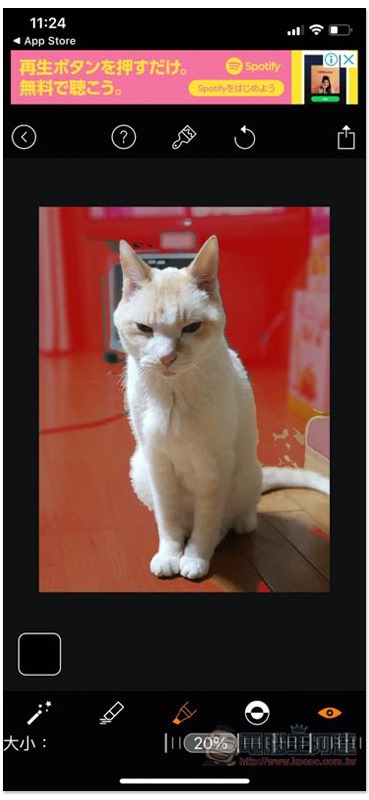
If you accidentally click on the subject, you can click the “Arrow Rotation” icon above to restore the previous step, or click the “Restore” tool below to repair it:
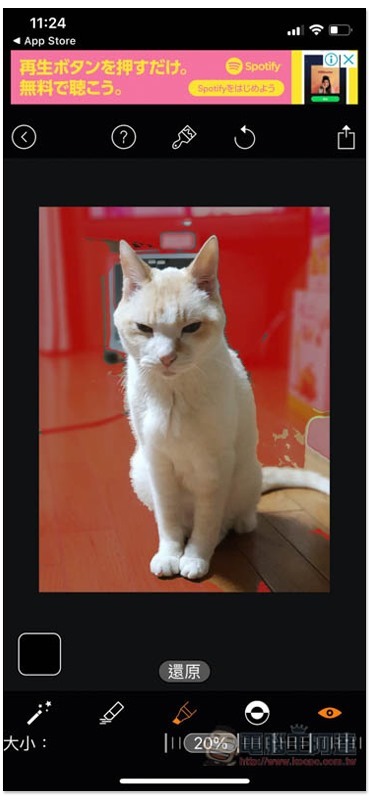
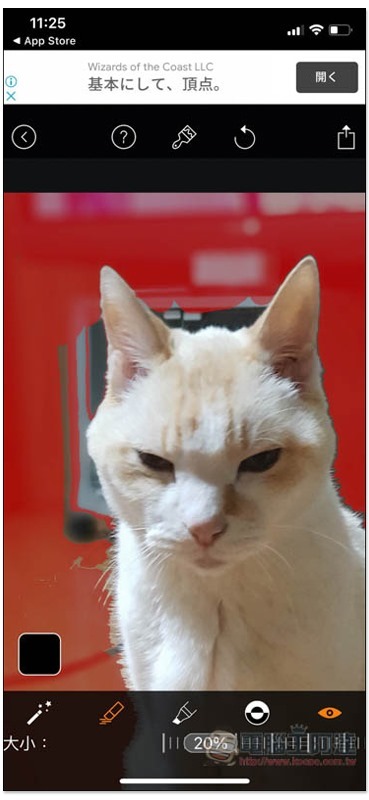
Use two fingers to zoom in or move the photo. When finished, click the share icon in the upper right corner:
You can choose whether to save in JPG or PNG format. To add a background, click “Edit Background” below:

JPG and PNG can optionally be stored in high or low resolution:

Only shadows and part of the gallery free version cannot be used to edit background tools, but the rest are available:
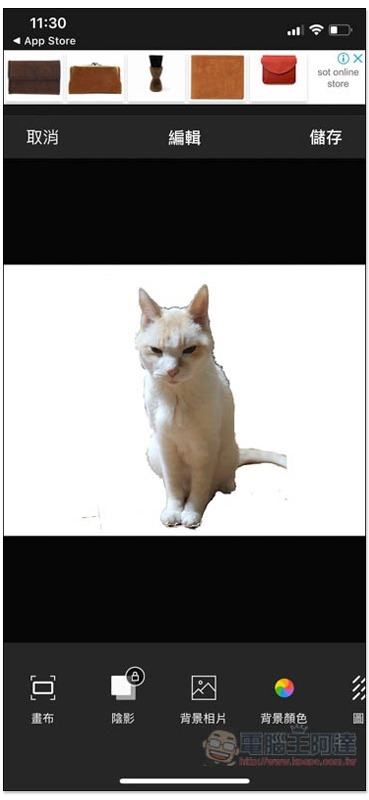
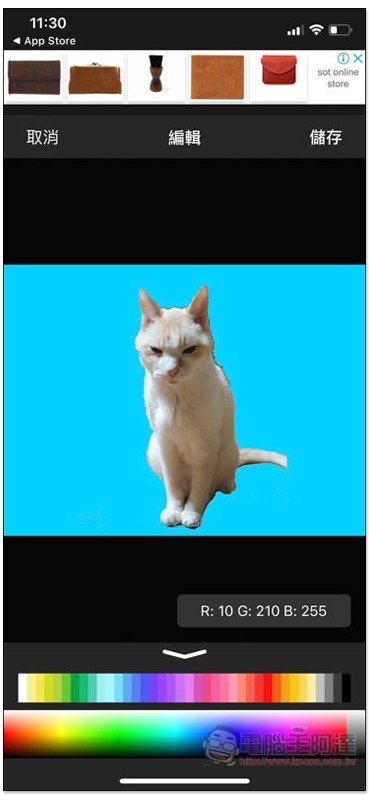
Easily add a single color background:
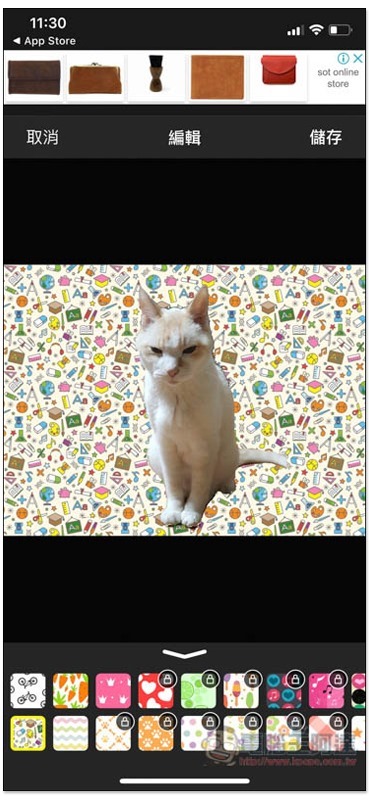
Or some cute background galleries:
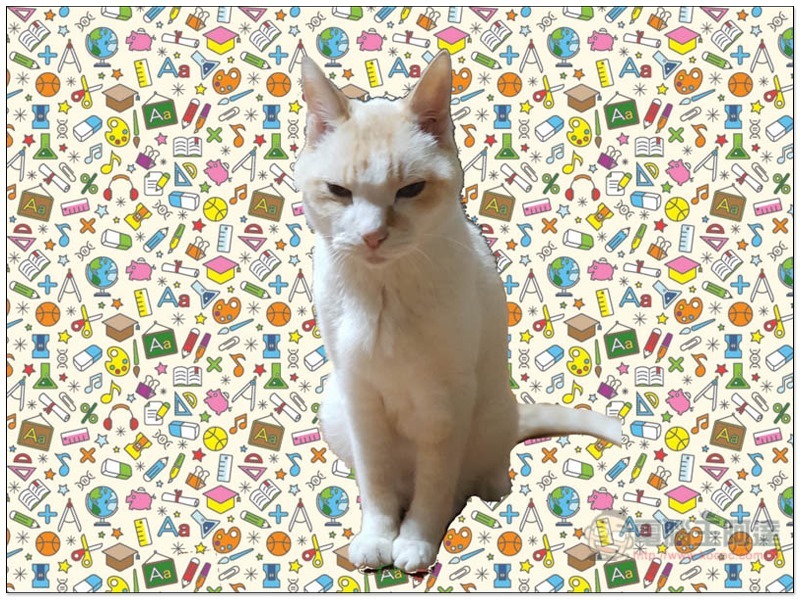
The picture below is the final work I completed, which only took a few minutes:
Therefore, if you have any need to memorize iOS in the future, you can easily achieve it with this App without downloading some paid professional software.
Supplementary information
- App Name: Magic Eraser
- Nature: free, paid
- Download page:App Store
Source: KOCPC Chinese