


By the way, the editor’s English is also very poor, so the title is also about me (eh). All in all, “Google” has been a powerhouse for report writing for many years. Now it is thoughtful to update the mobile version of Google Docs/Google Docs, another very convenient word processing tool, to provide Smart Compose, a smart function that allows you to write English articles with more confidence. Continue reading The mobile version of Google Docs adds a smart writing feature to help save bad English report content.
▲Image source: Google
Google Docs adds smart writing function to help save bad English
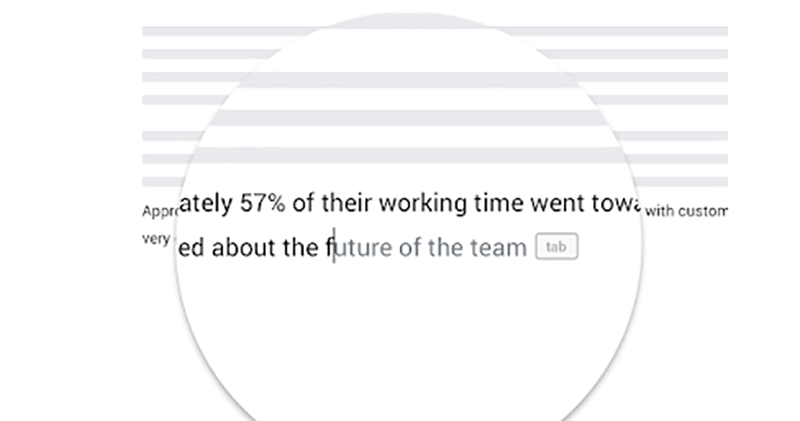
Some of the functions here can actually be played in the web version, but in this era where mobile first is not a new concept, many functions cannot be called practical until they are available in the iOS and Android versions (what a myth XD). Recently, Google disclosed some new features that will come to the mobile version of Google Docs in the G Suite update blog. One of the things that the editor is looking forward to is the Smart Compose smart writing function that not only knows how to correct spelling when writing an article, but also uses an algorithm to provide sentence suggestions based on the surrounding context.
Although it is not surprising that this function should still be mainly in English. But for editors who are good at English, if they encounter a situation where they have to write an article in English today, it is actually a very helpful function to be able to get some correction reference through Smart Compose without asking anyone, and write a pure English document that is at least not too leaky.
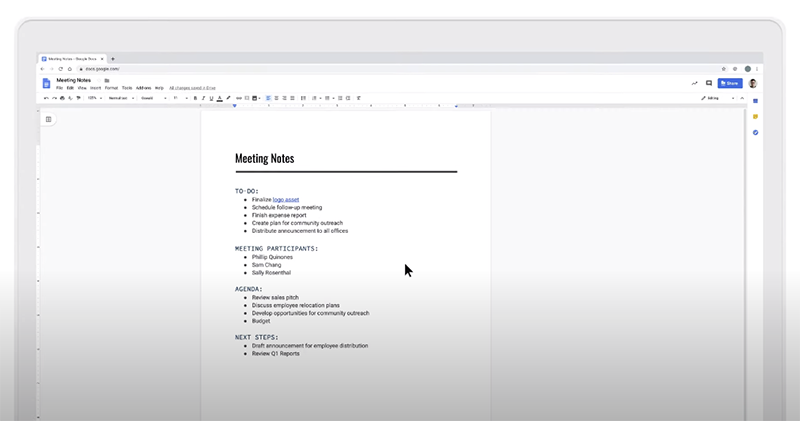
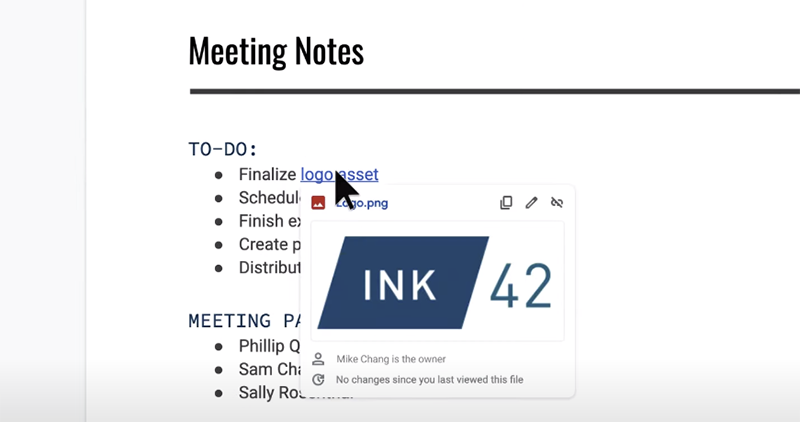
In addition, this mobile version update also includes some small and thoughtful functional improvements. For example, the function of previewing links directly in articles can also avoid the trouble of jumping between applications – this may not be so troublesome for the desktop version, but it can be said to be a big plus for the mobile experience. Several functions are basically enabled by default. Friends who are using Google Docs can open it and try to see if it is enabled.
Pictures/sources cited in this article
Further reading:
It is reported that Canon’s “10TB” website data was stolen by ransomware (the unit is really TB)

Source: KOCPC Chinese