


Although there have been many free blogging services in the past, 99% of them have advertisements, which is not only difficult for readers to read, but not every creator hopes to make money from it. Many simply like to write and share good things with everyone. And this article is recommended “Pathfinder TIMELOG“The new writing platform focuses on “ad-free blogs”. It has been rapidly rising recently and has been widely praised. Not only is it easy for users to read, but I actually tried the writing function and it was surprisingly smooth. It is rare to encounter a platform that can be used so quickly. The article layout is also very beautiful. Creators will definitely like it.
For those who already have a blog, it also provides a one-click blog moving function. You only need to paste the URL to complete. It is super convenient. If you have long considered moving to other platforms, you should not miss it. I will introduce it to you in detail below.

Pathfinder TIMELOG website interface – easy to read, ad-free blog
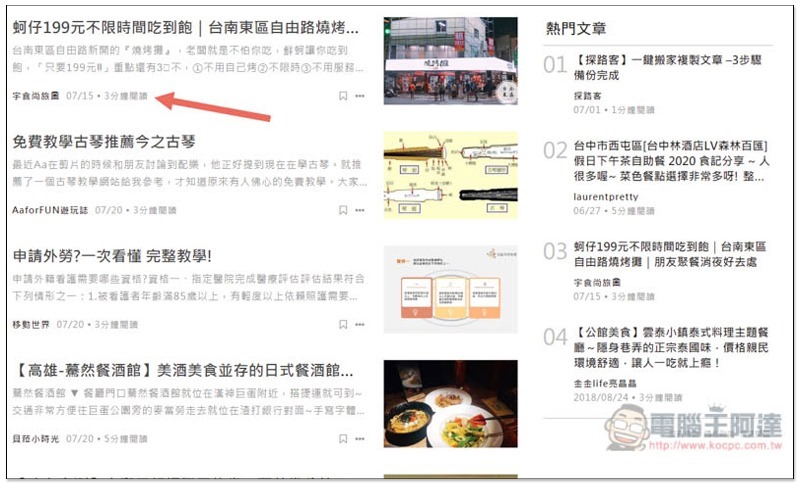
PathfinderThe homepage is very different from ordinary blogs, it feels more like a website. The category selection is at the top, and you can quickly find the type of articles you like, from life, technology, learning, to inspirational, and so on. In addition, because there are no ads, all you see in every block are articles, so you don’t have to worry about being disturbed or deceived by ads:

The latest articles will be displayed on the left side at the bottom of the homepage, and popular articles will be displayed on the right side. What I really like about this website is that each article is marked with “x minutes to read”, so you can roughly know how much time it will take before clicking in, and quickly understand how rich the article is:
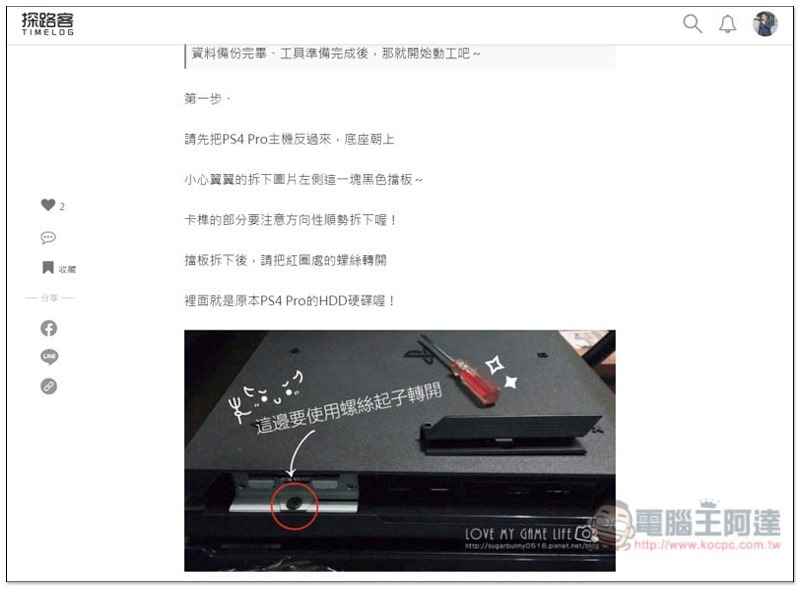
The layout of the inner pages of the article is very clean and neat, somewhat similar to the feeling of Medium:

There are six shortcut functions on the left:
- Love – Used to encourage the creator and tell him that you like this article
- Number of comments – how many people discussed and sent love
- Collection – After logging in to your account, you can collect all the articles you are interested in for easy reading again in the future.
- Share to Facebook
- Share to LINE
- Copy article link with one click

I have to say that the ad-free reading is really good. It’s clean and you can focus on the text and pictures in each article. I haven’t had this kind of reading experience in a long time:
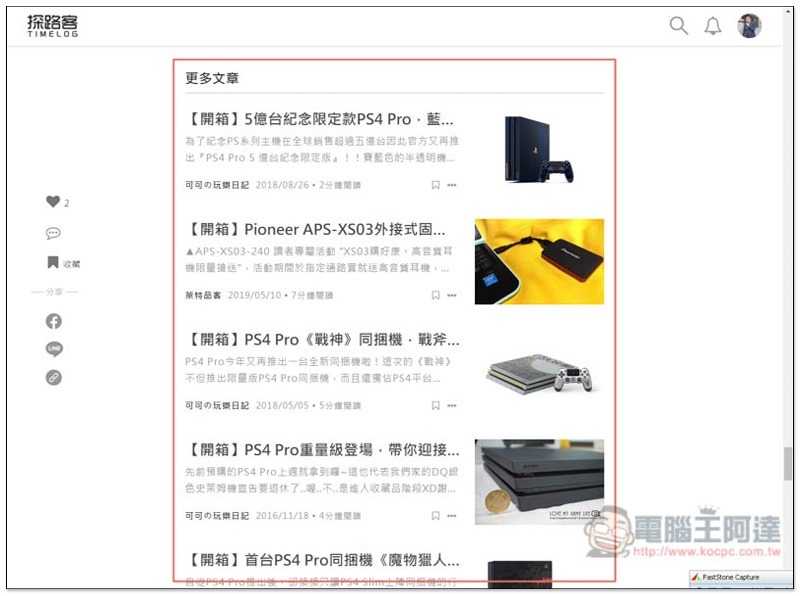
Other related articles will also be recommended at the bottom so that we can quickly find more information:
The collected articles will be stored in the “My Favorites” menu in the background of the account. This way, the articles you like do not need to store links yourself, but can be added to my favorites, etc., which is much more convenient:

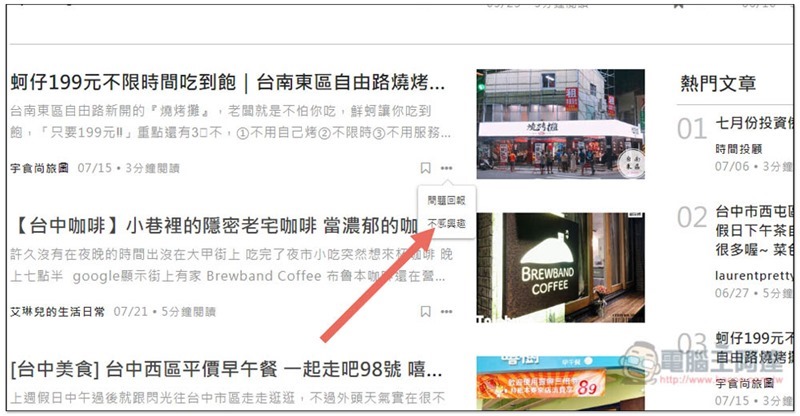
If there are some articles that you don’t like, this website also provides a “not interested” function to hide this article immediately:
Super smooth and easy-to-use writing function – Haofawen
For creators, whether the writing function is easy to use or not is definitely a very important part. Experienced people should know that some blog writing backends are really not very easy to use. It often happens that you get stuck when trying to find a certain function, which reduces writing efficiency and even affects writing inspiration.
Although the writing function of Pathfinder is not super rich, I think it is just right. It has all the basics, and the operation interface has to be said to be one of the most convenient among the blogs I have ever used. Even if it is the first time to use it, you can become familiar with it in just a few seconds and you can keep writing.
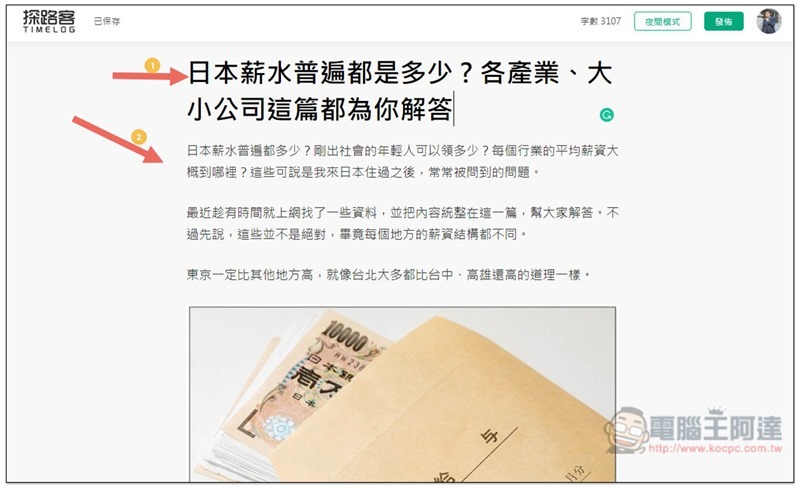
The picture below is the article writing interface. It has a very clean background just like reading. The top is the title of the article, and the bottom is the text. After entering each paragraph of text, press Enter and it will automatically jump to the next line. The space is just right. It does not say whether it is too wide or too narrow. It is very comfortable to read:
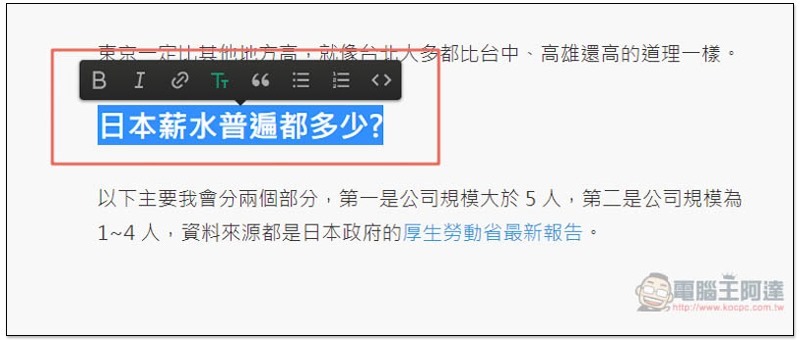
Select the text to be modified, and the text tools will be displayed, including “bold, italic, hyperlink, font level (headline), introduction, unordered list, ordered list, and code block”:
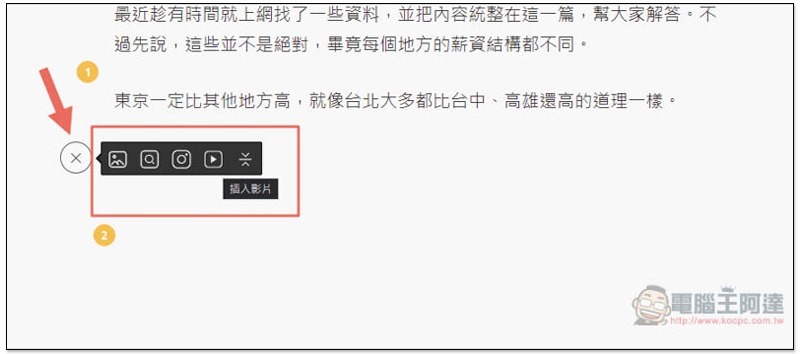
If you want to insert anything, when you press Enter to break the line, a + will appear on the left. After clicking, you will see the related list. From left to right, they are “Upload images, search for Unsplash free images, insert Instagram, insert YouTube videos, and insert dividing lines”:
One worth mentioning is “Search Unsplash Free Images”, which is really easy to use.
When writing articles, in order to enrich the content or make the text more picturesque, I usually add some situational picture descriptions, but I don’t always have suitable pictures, so I will search for some free online stock photos. Many people should be like me.
Pathfinder’s article writing backend has built-in the most famous Unsplash website with the richest picture gallery, which means you can search directly without jumping out of the article writing screen. Once found, the image will be automatically embedded, and even the source link is attached. There is no need to manually download and upload. The whole process is completed in a few minutes, saving a lot of time.
Click the second search icon:
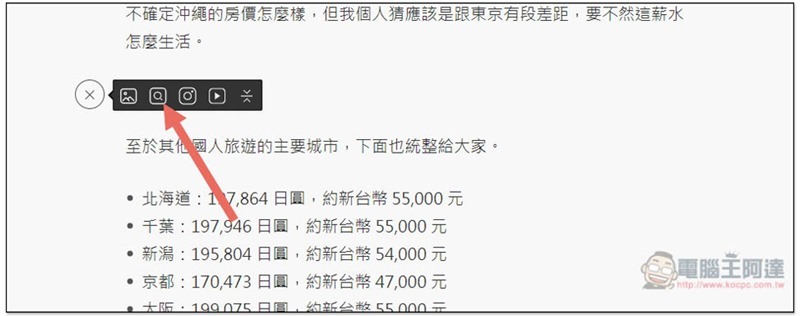
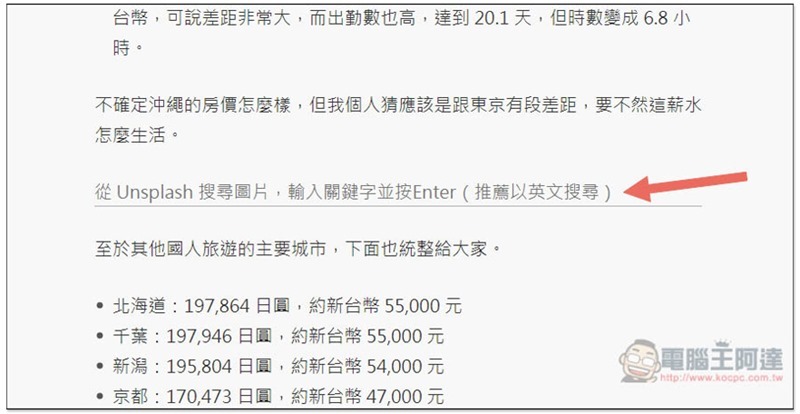
Search images from Unsplash will be displayed. Enter the image keywords you want to find. It is recommended to use English. The results will be more accurate and more numerous:
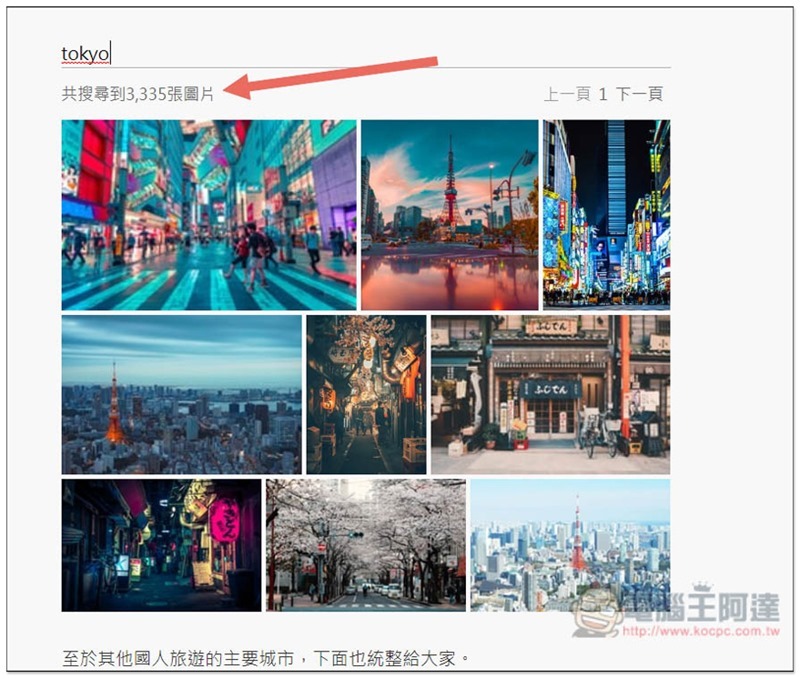
Taking Tokyo as an example, when I enter English, I will find more than 3,000 pictures, each of which is very high-quality:
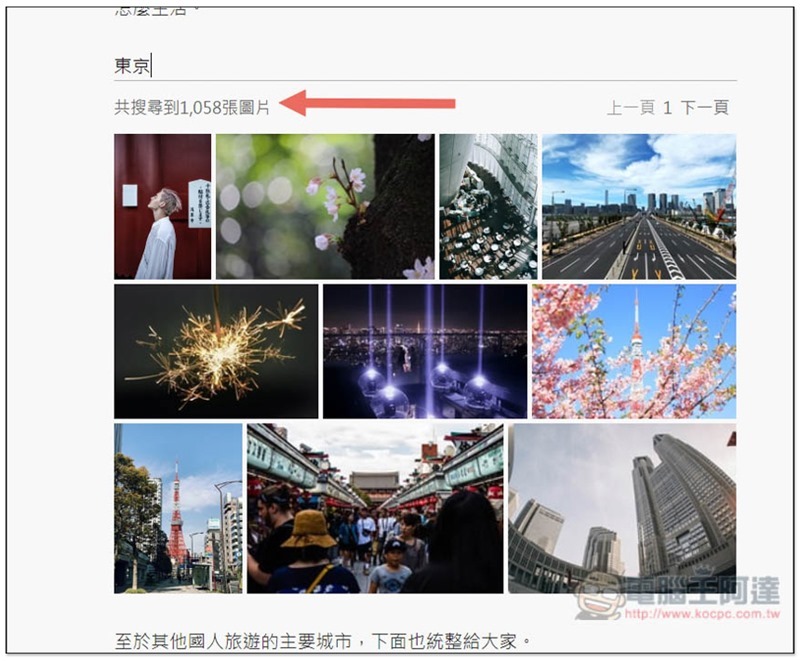
There are only 1,058 pictures left after changing to Chinese, and there are also many pictures that cannot be seen in Tokyo:
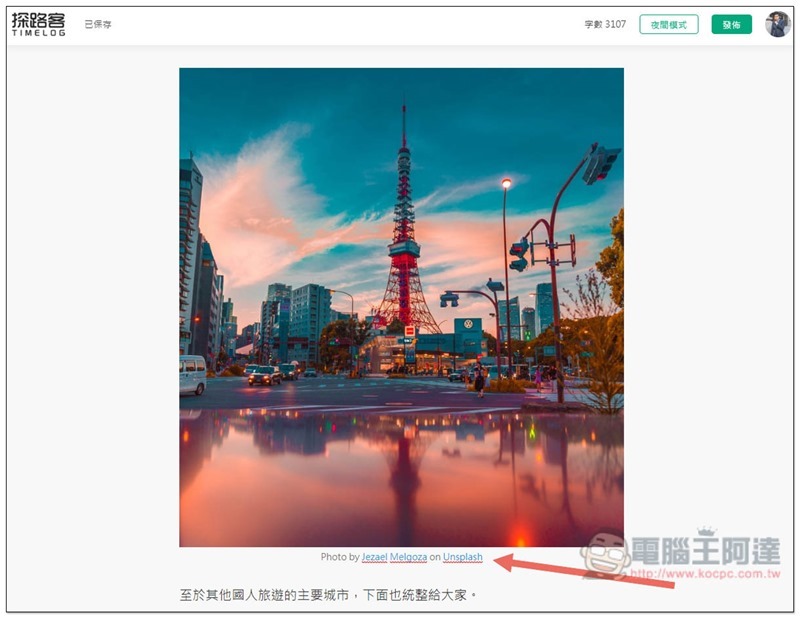
After clicking on the picture you like, it will be immediately embedded in the article, and the source URL is also attached at the bottom:
Embedding YouTube and Instagram is also easy, just paste the URL and press Enter:
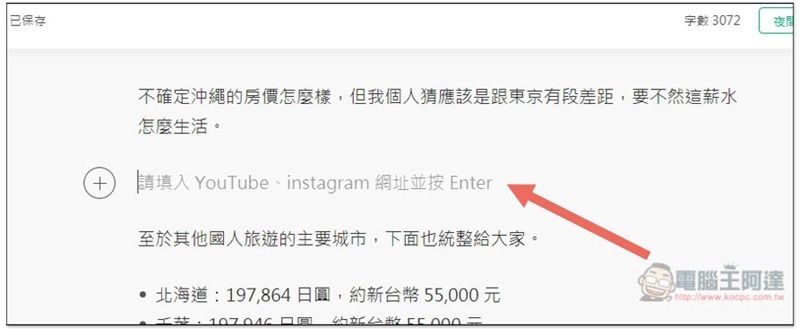
As shown in the picture below, the full page will be displayed directly without considering the size issue:

In addition, this website also has the most popular night mode this year. It is located in the upper right corner of the article writing background. Click to switch it:
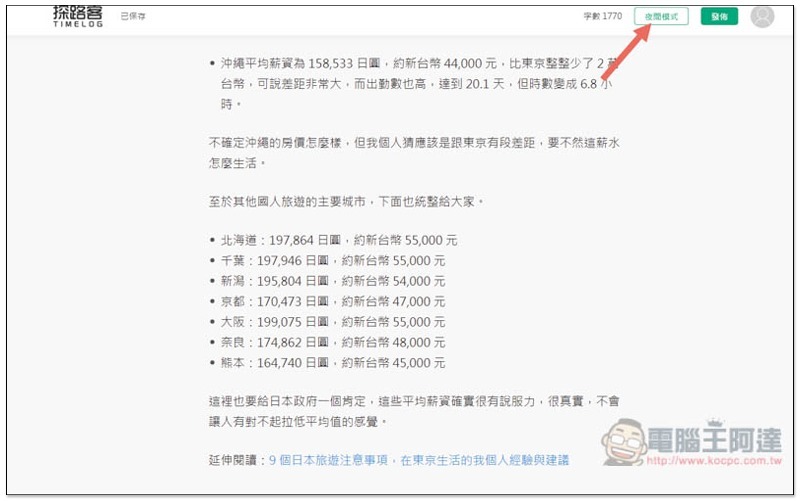
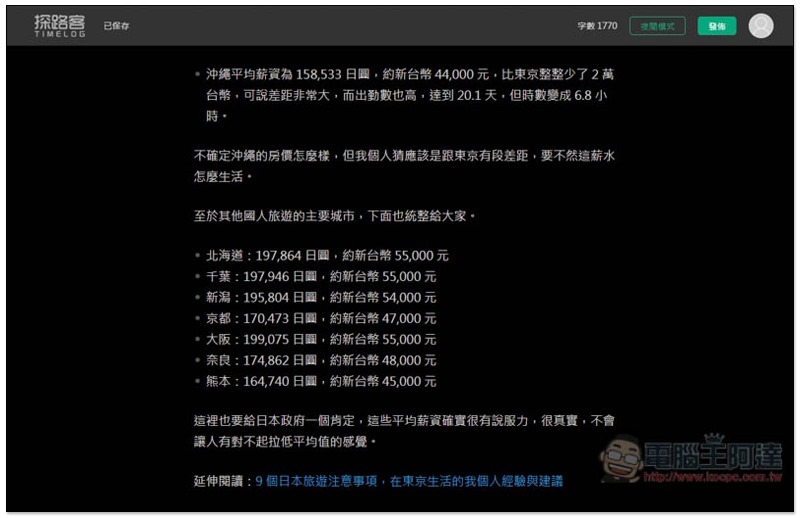
The original white background immediately changes to a dark color scheme. This is a very considerate feature for people who often write at night. It can reduce eye irritation and make writing more comfortable:
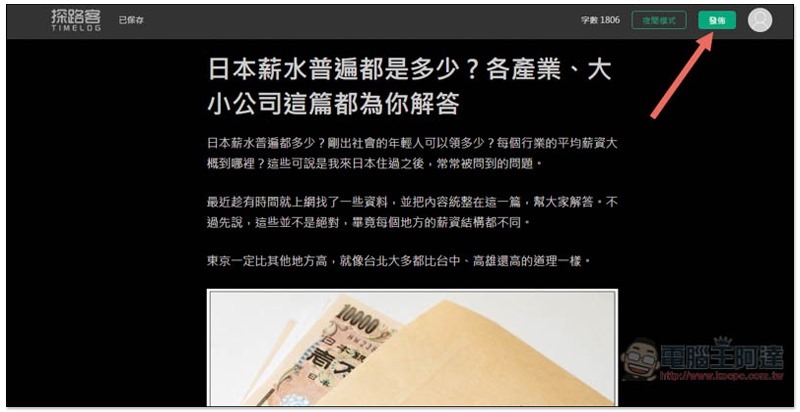
After the article is finished, click Publish in the upper right corner and you will enter the article publishing background:
First set the preview image of this article (the default is the first image of the article), then the description, keywords and classification. The system will crawl the classification part first. If there are any errors, you can modify them manually. No problem, press the lower right corner to confirm the release and you are done:
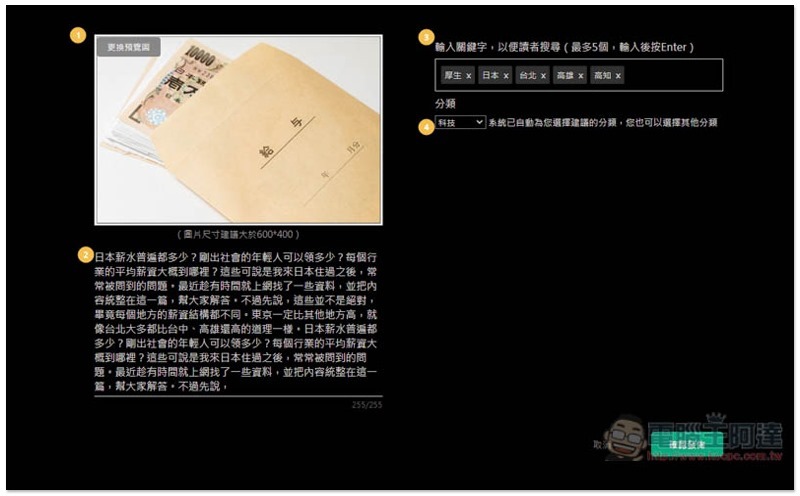
There are few blogs that are so easy to write for the first time and require almost no time to explore. It is highly recommended for those who want to start their own blog.
If you already have a blog, but feel that there are too many ads currently, the post function is not easy to use, or you want to operate it on multiple platforms, Pathfinder’s one-click blog migration function will definitely allow you to move all the articles easily.
Blog article about moving easily with one click – Good Moving
Pathfinder’s moving function currently supports Pixnet, Zuiwo and Medium.
These three websites can directly paste the link of a single article, and the background will automatically move. “Pixnet and Xuite” can even move the entire blog. That is, after you paste the URL of your original blog, all the articles will be moved there after the processing is completed. There is no need to manually move one by one or post the article URL. It is super simple.
After opening the account menu in the upper right corner, you will find the “Article Moving” function:

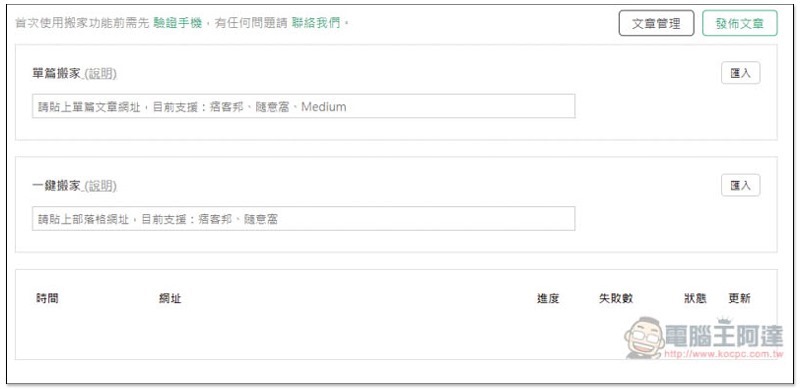
There are two types of “single article moving” and “one-click moving”, both of which post URLs:
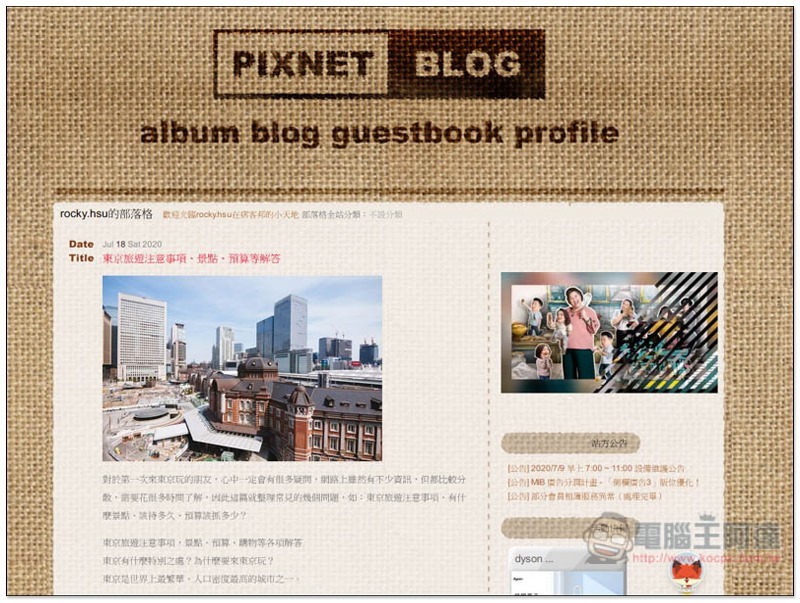
Let me take this article from Pixnet as an example: “Tokyo Travel Precautions, Attraction Budgets, and Other Answers”:
After pasting the URL, press Import on the right, and the background will start to move. If there are not many pictures, it will basically be completed quickly. This is what I am going to do. I will come back and look at it in a few minutes:
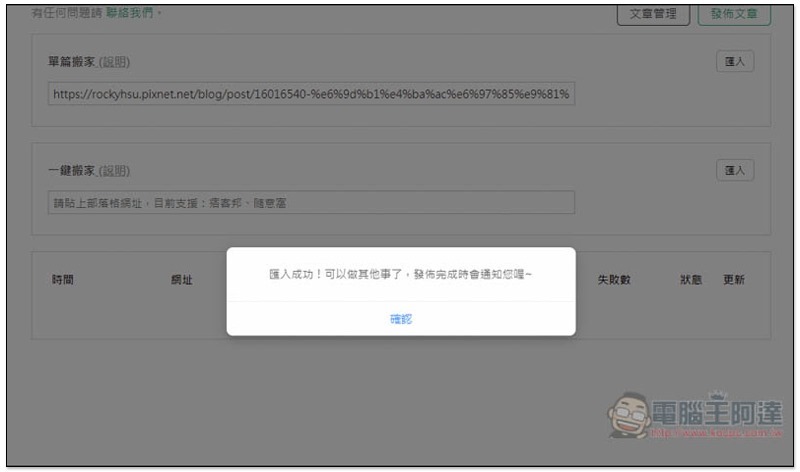
The results are also displayed below:
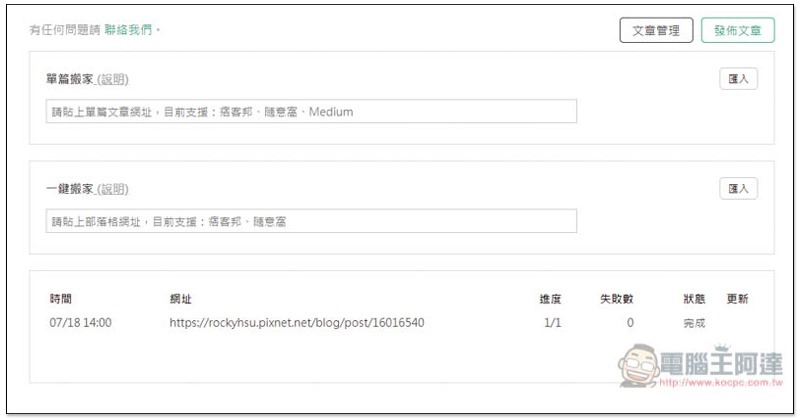
After I checked the content, I found that this moving function is really powerful. Not only the text and pictures were completely moved, but also the H2 titles, sequences, and hyperlinks were retained. There was almost no need to modify anything, unless there were embedded YouTube videos, which required manual modification. Compared with manual moving, it really saves a lot of time, not to mention when there are many articles:
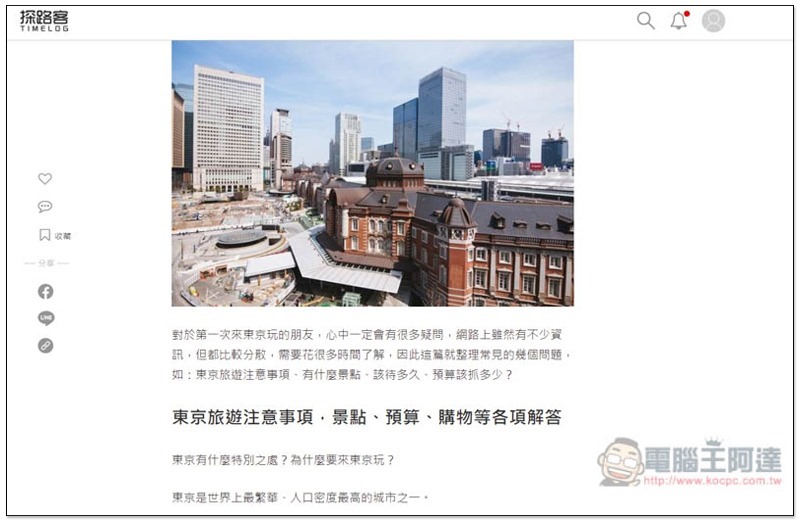
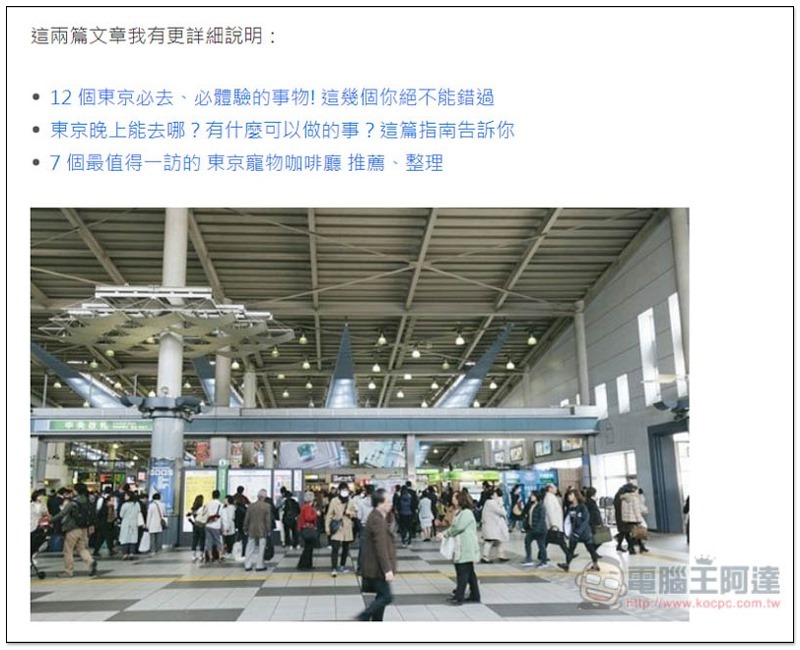
There are hyperlinks and the URLs are correct:
Let me test one-click moving again:
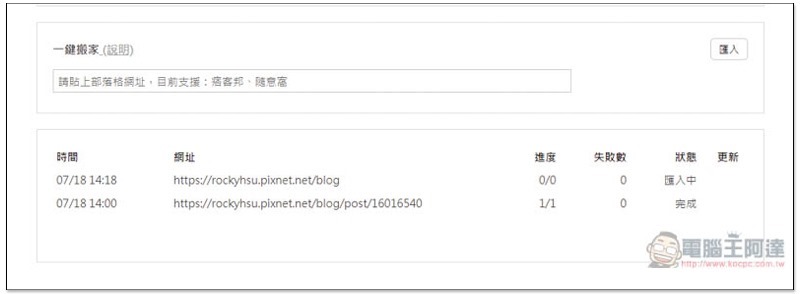
Sure enough, all the articles were moved over correctly, and they were very smart and did not move my first article again. The representative said that it would still compare the content for duplication first, and then decide whether to move it:
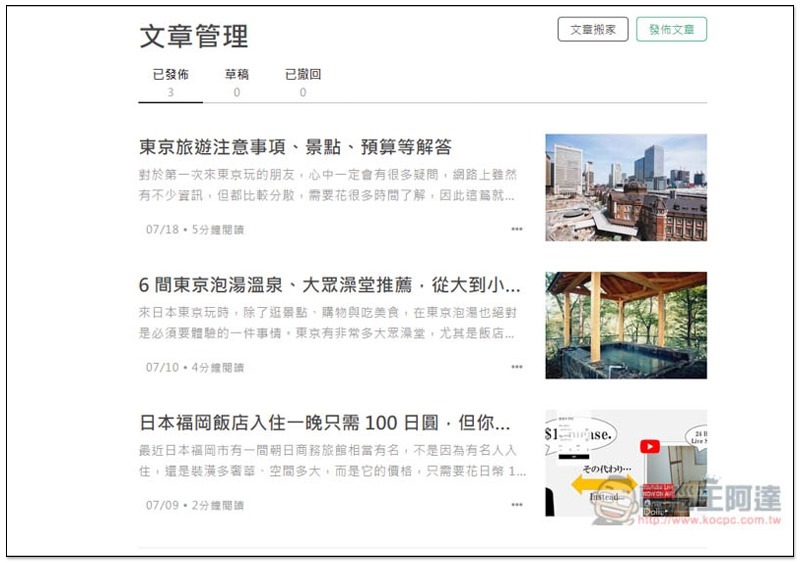
To be honest, I originally thought that moving the blog on this website would require a lot of settings, but I didn’t expect that it only needed the URL to complete. Each post was moved so perfectly, which really surprised me.
Moving has always been the most troublesome thing for people who run blogs. This is why many people choose to stay on the same platform without leaving. Moving one by one manually is time-consuming and cumbersome, and requires a lot of patience. After Pathfinder has this function, I think people who have long wanted to change to other blogs will no longer have to worry about this and can take action immediately.
Backend statistics function – quickly know how many views each day and each article has
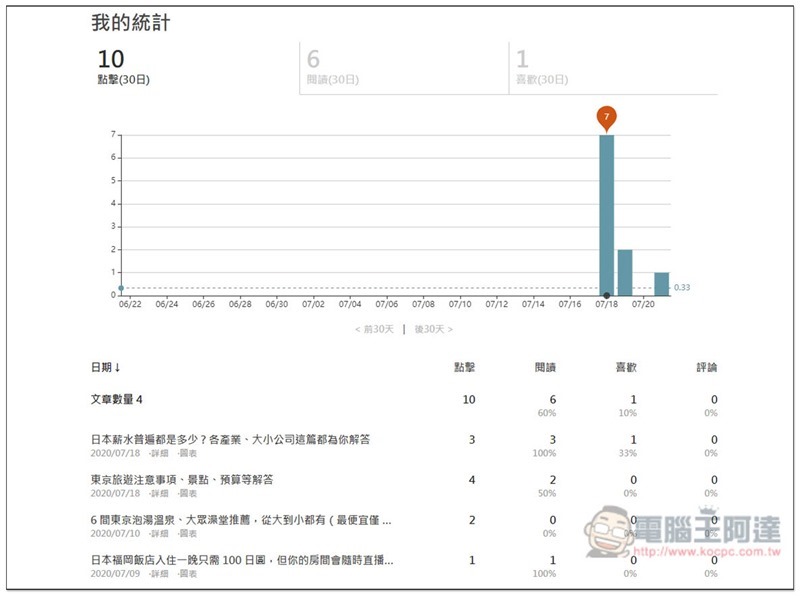
The purpose of writing articles is undoubtedly to hope that someone will read them. Pathfinder itself has a built-in back-end statistics function, without the need to install any third-party tools, and it is quite rich in terms of the number of clicks, readings, likes and comments per day. This also means that you can quickly and fully understand the status of your articles, and then think about how to improve it to attract more people to read it.
As shown below, my statistics homepage will display the total daily page views through a bar icon, and the status of a single article is below:
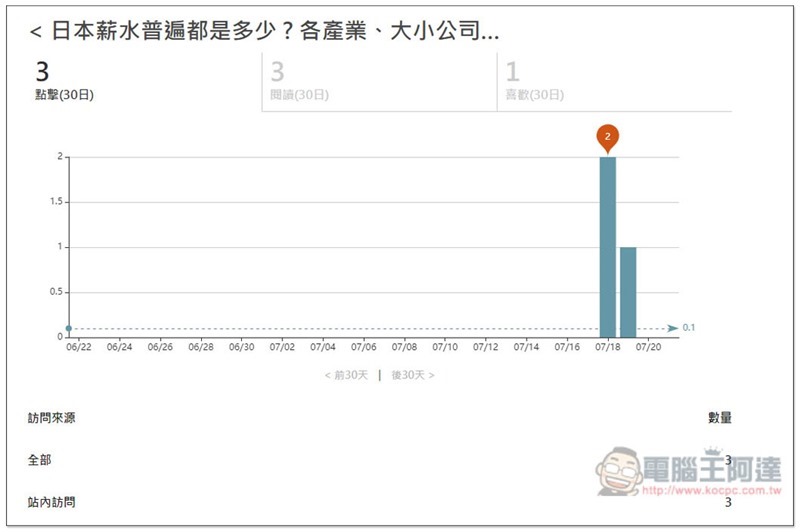
Click on any article to view details, such as a column of daily page views and whether the source is on or off the site:
in conclusion
I never expected that there would be such a Buddhist-minded and high-quality ad-free blogging platform called “Pathfinder TIMELOG”. This is good news for readers and creators. Moreover, after using it as a whole, every part, from reading, posting to moving, is well designed. I can’t say it has zero shortcomings, but it is at least above the level in the industry. People who want to run a blog or change platforms, I strongly recommend giving it a try. There are already many high-quality articles on the website that are worth reading.
Source: KOCPC Chinese