


Many people have the hobby of reading novels and books on the Internet. Sometimes it is a bit troublesome to bring an e-book reader when going out. The Android application ReadEra I will introduce to you today can not only be used to read common e-book formats such as ePub and TXT, but is also compatible with various file types, even Word files and PDFs. It can’t be a problem!

Free ReadEra multi-function book reader, no ads, no registration, supports multiple file formats
The author personally likes to read e-books. Even when the Internet is not smooth or there is no Internet, I will use e-books to pass the time. The application “ReadEra Reader” recommended this time can support a wide range of document types and has all the functions that a reader should have. The key points are that it is free, requires no registration, has no ads, has smooth operation and is convenient for offline reading. It is really a must-have tool for home and travel.
Android Download:Click here
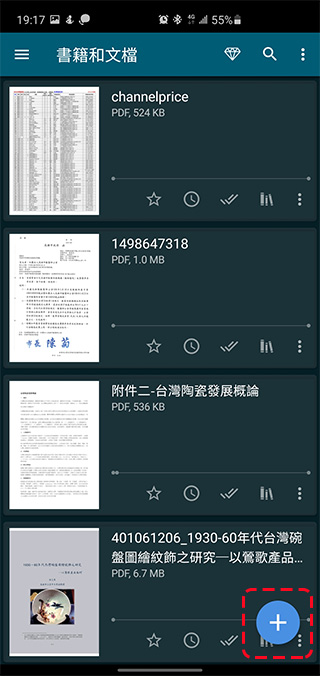
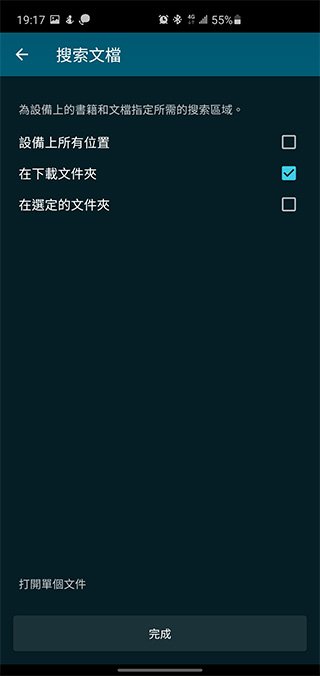
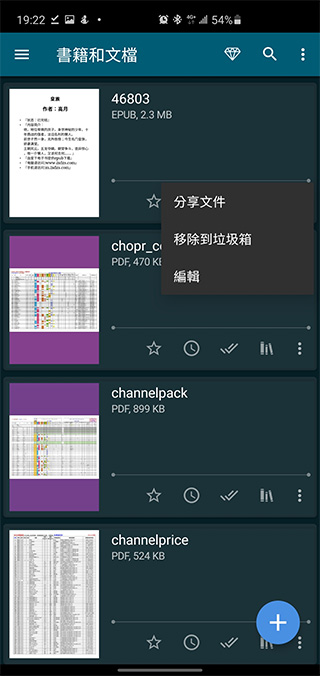
The operation of ReadEra is very simple and intuitive. When you download e-books and files and want to use ReadEra to read them, just press the + sign in the lower right corner of the screen to automatically search for the file at the selected location. If you want to open a single specific file, you can click “Open Single File” in the lower left corner to select the file you want to read.
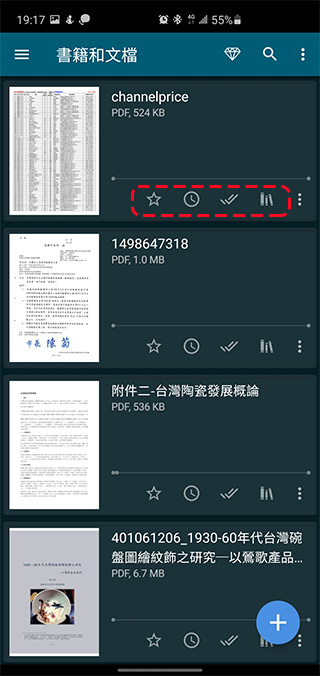
The size, file type, cover, etc. of each file will be displayed in the loaded list. You can also click the management button under each file frame to decide whether to add the book as a favorite, add it to your reading list, add it as read, or add it to a collection, or choose from the menu whether to share the file, remove it to the trash, or edit the file’s display name. ReadEra supports file types including PDF, EPUB, Microsoft WORD (DOC, DOCX, RTF), Kindle (MOBI, AZW3), DJVU, FB2, TXT, ODT and CHM formats.
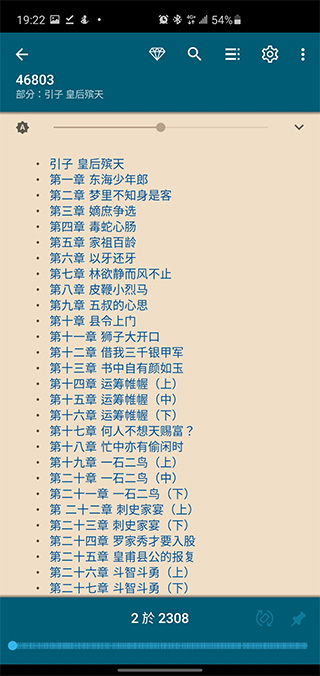
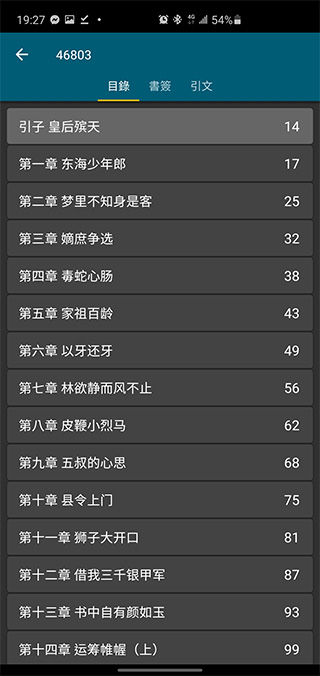
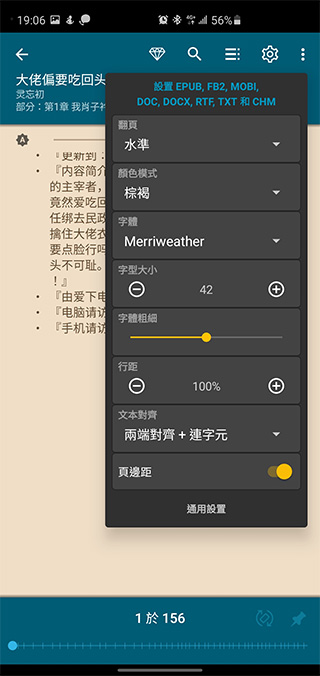
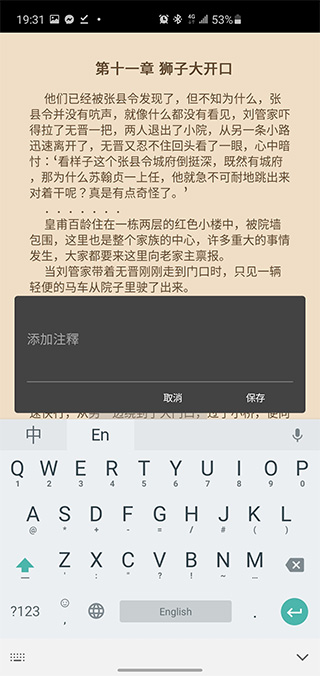
After clicking on the file, you can enter the inner page and start reading. Touch the middle of the screen to call up the function bar. If it is an e-book file like ePub, you can customize details such as page display color, flipping mode (horizontal or downward scrolling), font size, font weight, line spacing, and document alignment. From the menu, you can also quickly jump to the table of contents, chapters or bookmarks, and you can also use search to find keywords in the article. You can highlight a certain paragraph of text in the book and add comments, which is very convenient for people who need reading reference books.
The author personally recommends this app. When I don’t take E INK e-books with me, I will put one or two novels in my phone and read them offline at any time. My own experience of using it is quite good. Pages turn smoothly and there are no advertisements to interfere with reading. I recommend it to people who like to read books.
Source: KOCPC Chinese