


When using ChatGPT, Gemini, or Claude, your conversation list inevitably grows over time. Once there are too many conversations, finding past records becomes harder, and the sidebar gets cluttered. While you can manually delete unwanted conversations, currently you can only delete them one at a time (or remove everything), which is quite tedious. If you face this problem, the “AI Conversation Batch Deleter” introduced in this article is an excellent tool. It’s a free, open-source Chrome extension made by Taiwanese developer hirakujira, supporting all three AI tools mentioned above. After installation, you can select multiple conversations and delete them all at once—simple and convenient.
AI Conversation Batch Deleter – Introduction and Operation Tutorial
“AI Chat Batch Deleter” is an open-source Chrome extension that lets users batch delete conversation history across AI chat platforms, currently supporting ChatGPT, Gemini, and Claude. For frequent AI tool users, having a sidebar cluttered with old conversations is practically inevitable. Manually deleting them one by one is not only time-consuming but also easy to miss unwanted records. The key focus of this tool’s design is to transform this tedious process into a checklist-style management approach with selectable, batch operations.
It doesn’t work through the platform’s private API, nor does it directly access account tokens. Instead, it simulates user interactions with the web interface within the browser, such as opening menus, clicking delete, and confirming deletion. Therefore, it’s more like an automation assistant that helps you quickly organize chat records currently loaded in the sidebar. To use it, simply click the extension icon on a supported platform page to open the management panel, then click scan currently loaded conversations, select the items you want to delete, and finally click delete.
However, keep in mind that the delete action itself is irreversible, and the tool can only scan conversations that are already loaded in the sidebar. If you have more old conversations hidden below, you’ll need to manually scroll the sidebar to load them first, then scan again.
Featured list
- Supports ChatGPT, Gemini, and Claude — the three major AI chat platforms
- Can scan the currently loaded chat conversations in the sidebar
- Provide a checklist so you can choose which conversations to delete
- Support one-click select all or deselect all
- After deletion, it will automatically rescan to keep the list in sync.
- By operating through existing buttons on the web page, without using private APIs
- We do not collect, transmit, or store user data
GitHub / Chrome Extension Store
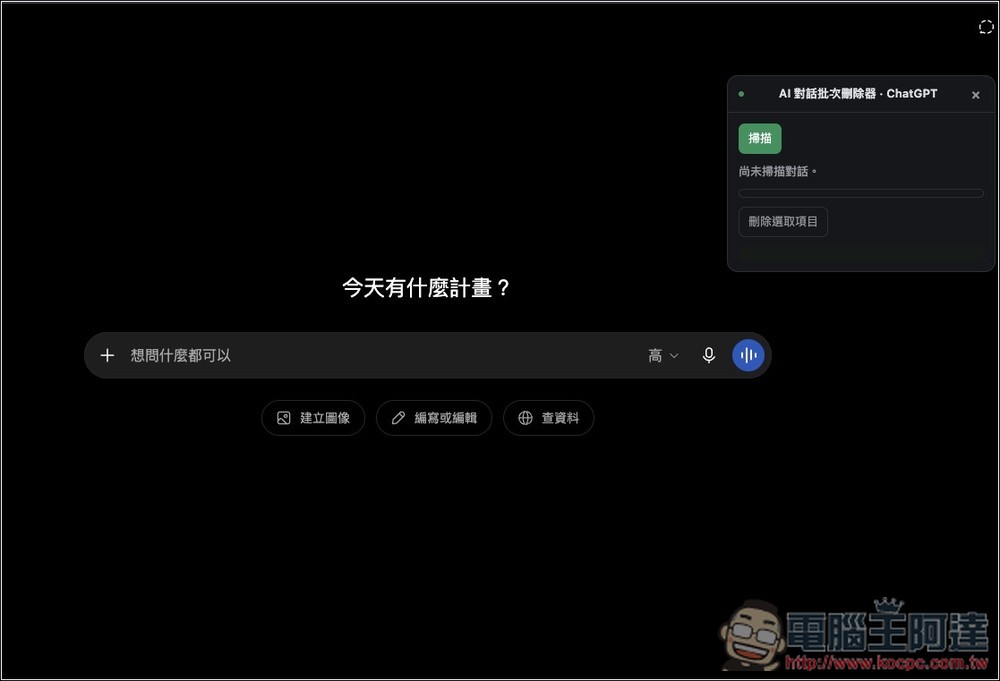
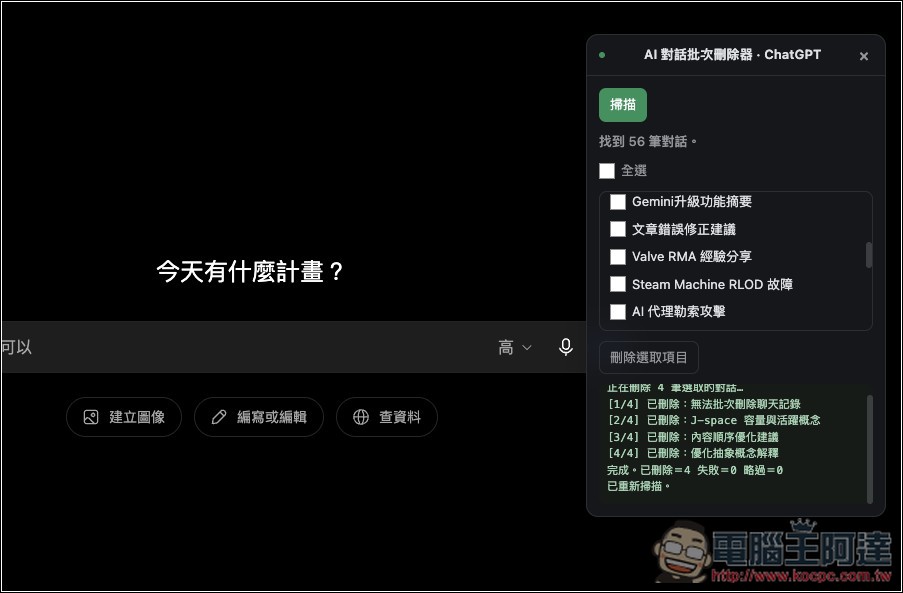
Using the “AI Conversation Batch Deleter” is straightforward. After installing it, go to your preferred AI chat tool and click the extension icon. The operation interface will appear on the right. First, click “Scan”:
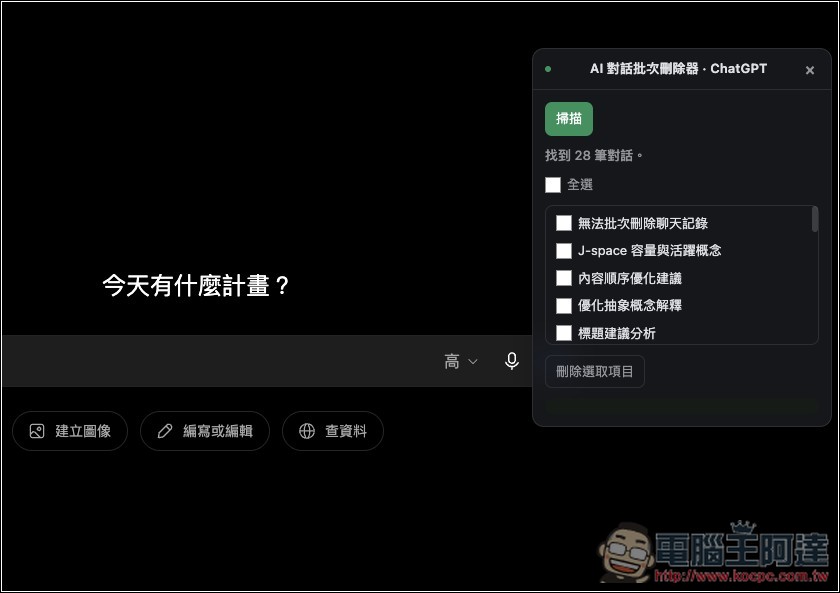
The conversation history currently visible on your screen will be listed. You can then select the conversations you want to delete, and it also supports selecting all.
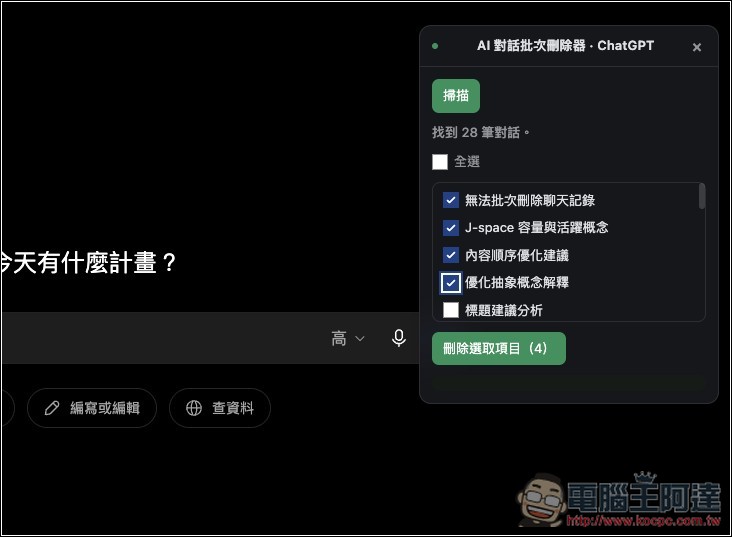
After making your selection, click “Delete Selected Items” below:
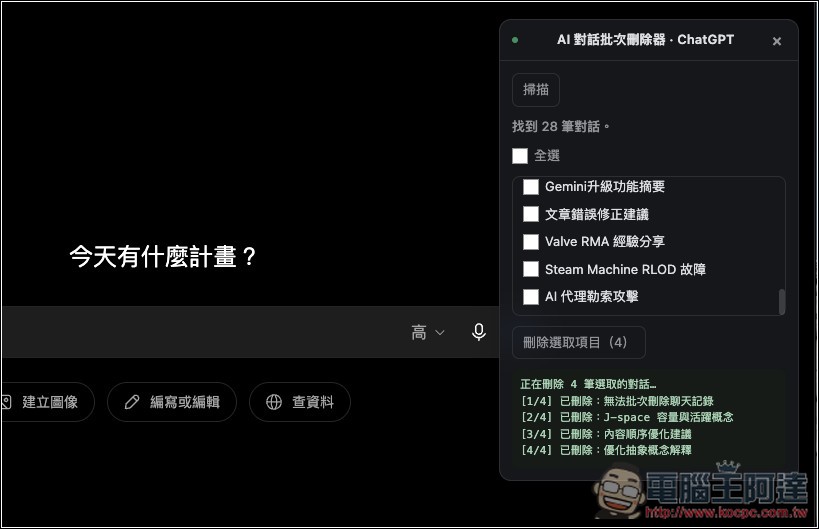
It will start batch deleting, and the status of whether items were deleted will be shown below. After deletion completes, it will automatically rescan the conversations. The only thing to note is that once deleted, it cannot be restored, so make sure you think carefully before proceeding:
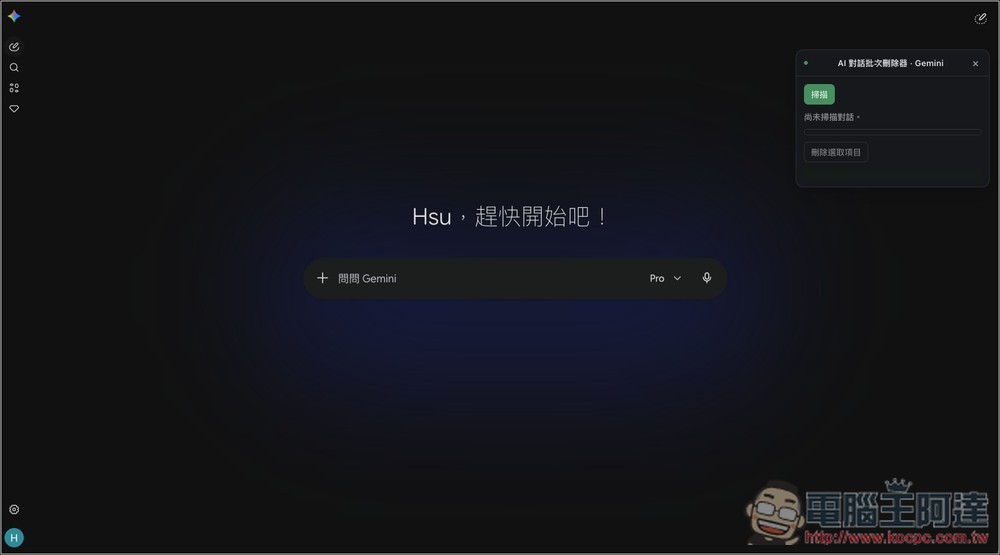
I also successfully tested Gemini:
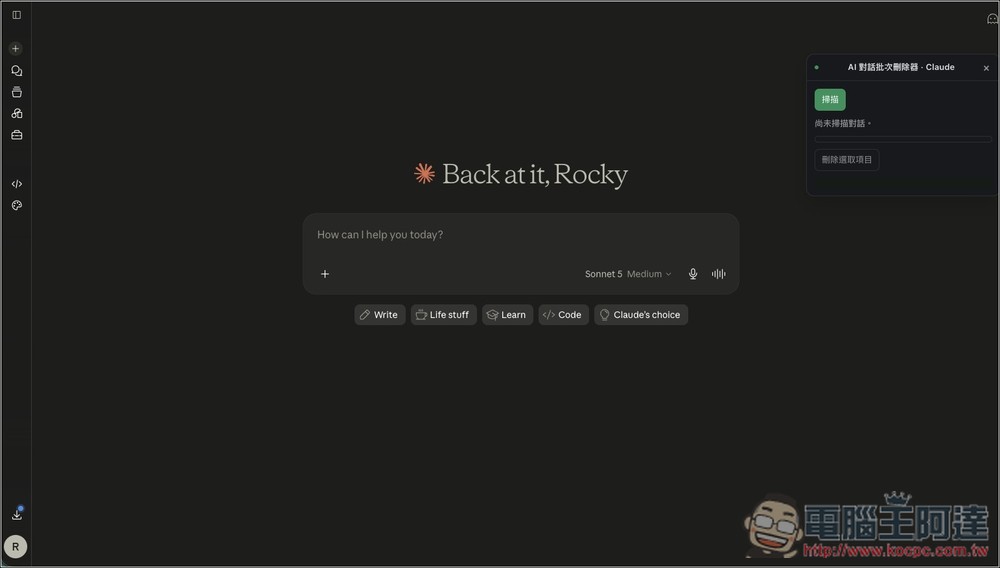
Claude works too:
Source: KOCPC Chinese