


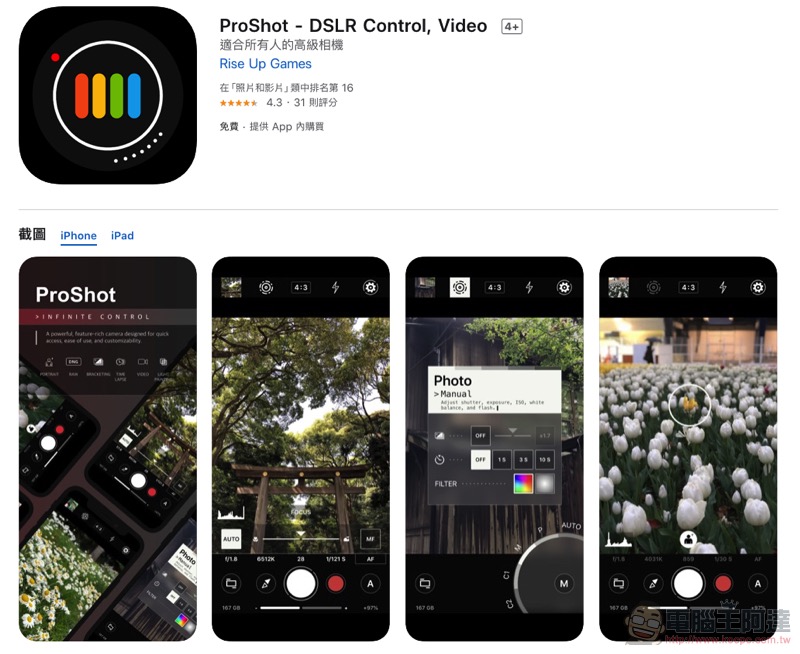
As the shooting specifications of mobile phones become more and more powerful, if it can be paired with a shooting application with a professional interface, the shooting results will be more stable and even more creative. Recently, ProShot app, a still/video shooting application that is known as “an advanced camera suitable for everyone”, suddenly became free for a limited time. It is said that this is an opportunity only available after a year. Our Computer King Ada team also took this opportunity to download and use it (both Android and iOS are available). However, before sharing your experience, it is recommended that you download it first to avoid missing out on the limited free opportunity.继续阅读手机化身专业相机 ProShot app 使用分享(iOS / Android 全面限免中)报导内文。
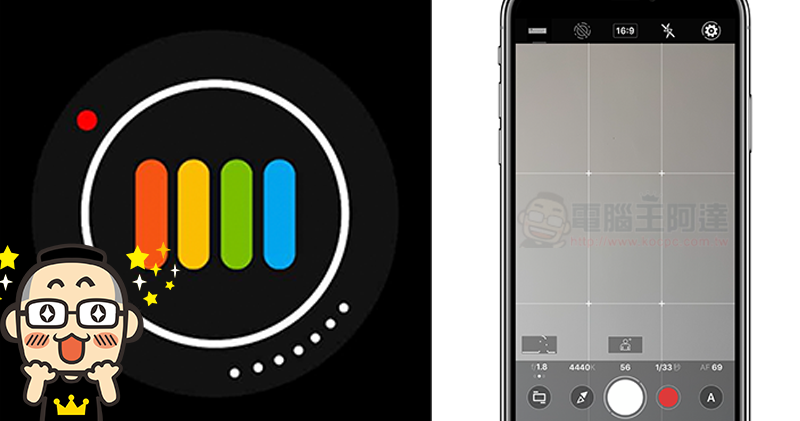
Your mobile phone turns into a professional camera ProShot app for free use and sharing
The free version of ProShot is simple to use. Although you can see that there are additional payment options for in-App (the Android version directly crosses out the original price of NT$120), in fact, it only requires developers todrink coffeeIt’s just a project that rewards Dou Nei, and there are no functions that are emasculated due to the restriction. Of course, if you like it after using it, you can really consider giving them some support (the minimum price is NT$33, which is cheaper than the original price!). The iOS version of the application requires 12.8MB of installation space; the Android version requires only 2.5MB. The minimum system requirements are iOS11.1 or later and Android 7 or later.
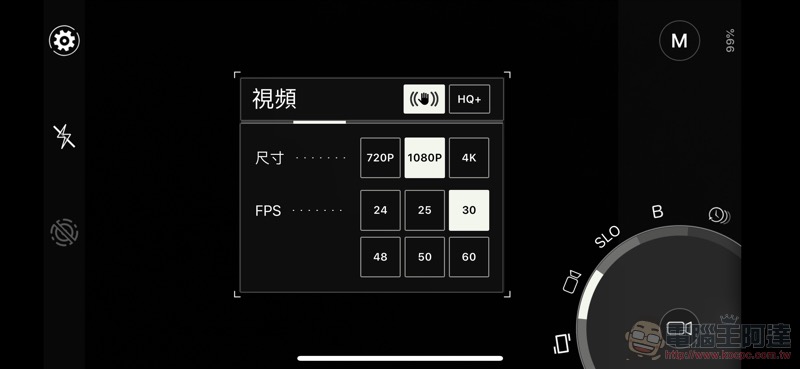
Like many similar applications, ProShot supports manual exposure/auto/program modes for taking pictures/videos, as well as options including slow motion, B shutter and time-lapse photography – B shutter also supports light painting mode, which allows you to be creative! The wonderful thing is that it does not provide a shutter prerequisite (except for certain models of mobile phones, the aperture of mobile phones is basically fixed except for switching lenses), and whether it is P mode or A mode, as long as the shutter time is switched, it will basically jump to M mode; if the sensitivity is changed, A will jump to P mode. It can be roughly interpreted that P mode mainly allows you to shoot with sensitivity first, and A is really fully automatic.
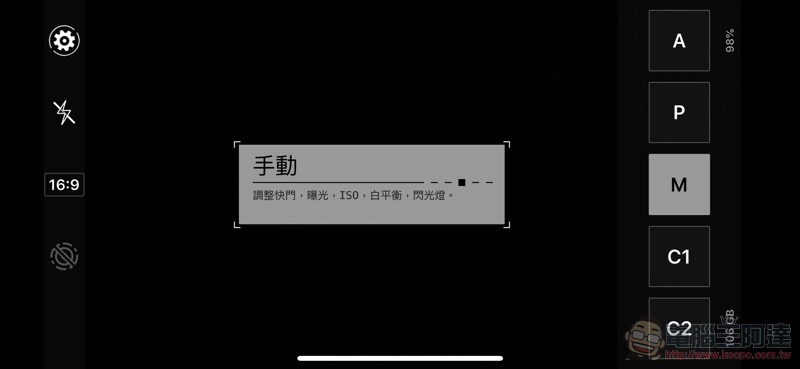
The interface part can be adjusted through settings to switch modes using square buttons or a disk interface that is closer to a traditional camera. In ProShot, you can see a human-shaped button in the shooting interface. After clicking it, you can activate the shallow depth of field mode. The iOS version can get the portrait mode data in the original photo app, but it cannot adjust the aperture size through editing.
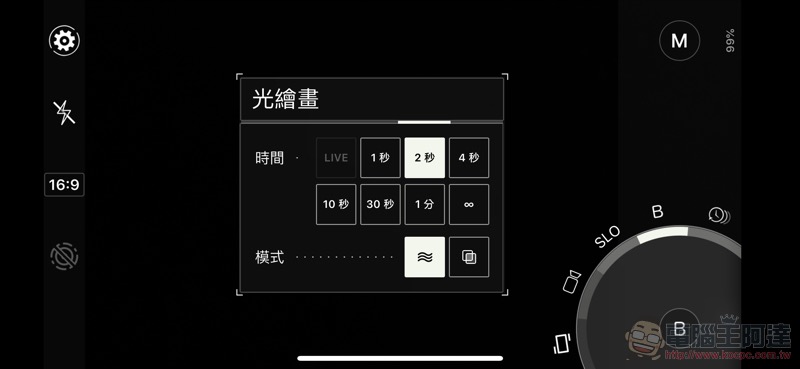
Overall, ProShot really provides a very intuitive and simple shooting interface. Moreover, settings such as slowing down the shutter speed will directly reflect the effect (including possible shaking) on the screen, which is also a very interesting shooting function. If you feel that the original shooting application cannot meet your needs for slow shutter speeds or light painting, then you must download ProShot to use it.
ProShot download portal (iOS / Android)
Further reading:
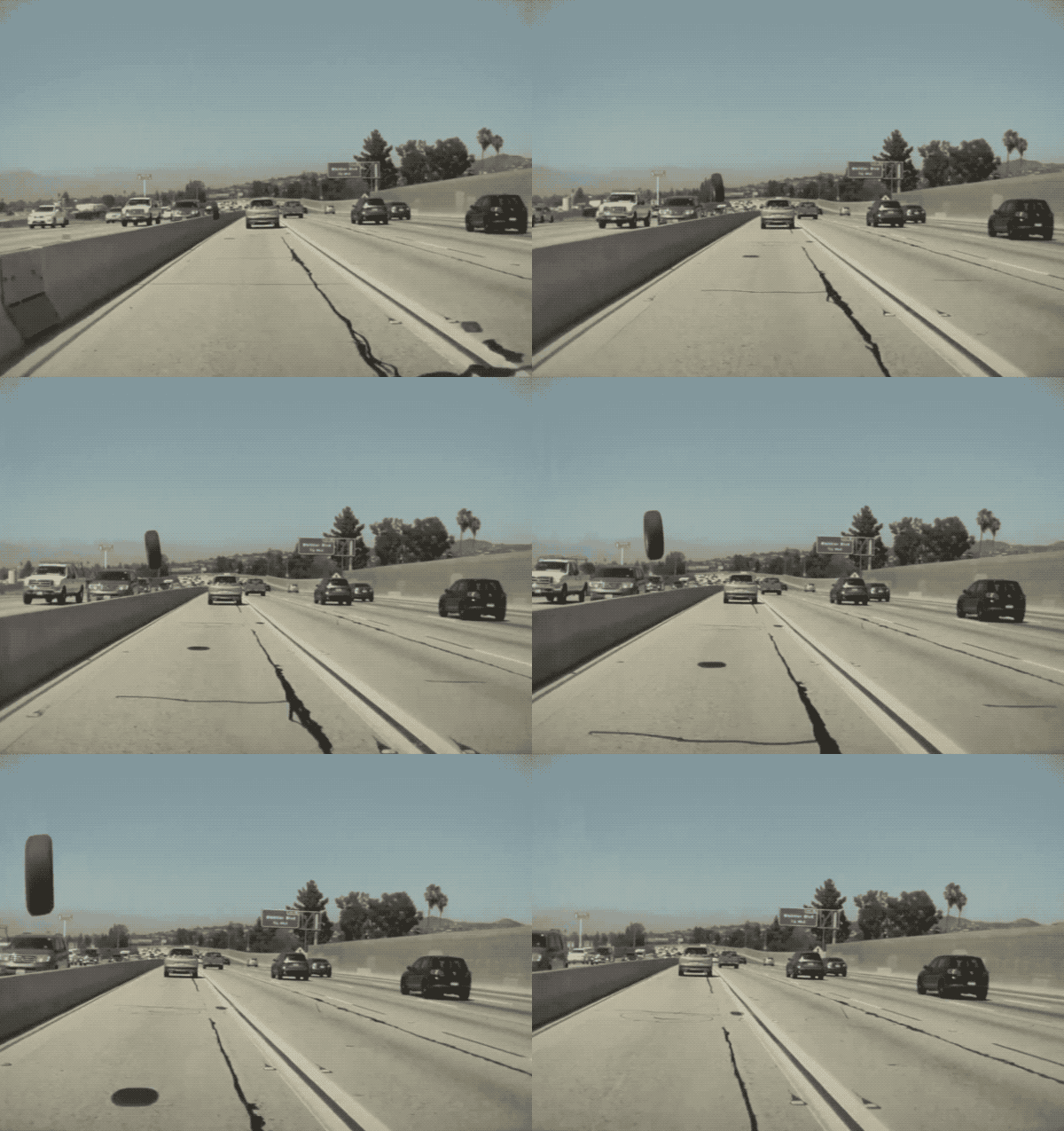
Autopilot Adventure: Tesla Model 3 Encounters Flying “Tires” (Video)
Source: KOCPC Chinese