


Although Windows itself has the function of removing software, people who have used it for a long time will encounter these two situations: “A certain software or application cannot be removed”, “Even if a lot of software and applications are removed, the storage space is still not enough”. This is because the removal function of Windows cannot completely remove the software, such as: login files and certain files will be retained, and this set of Wise Program Uninstaller Free software has a deep removal function and even provides forced removal. Even stubborn, incorrectly installed or removed software can be cleaned.
Wise Program Uninstaller operation tutorial and introduction
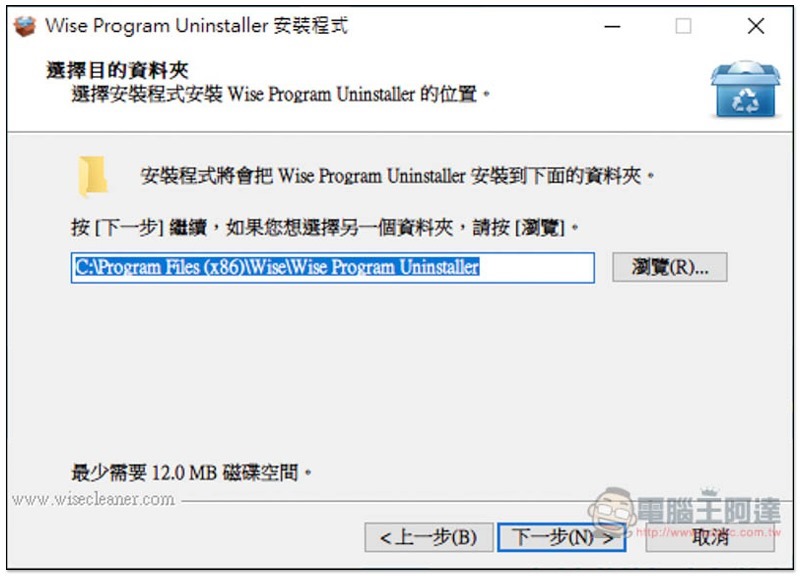
Click here to go to the official website to download the installation file, just keep pressing Next during the installation process:
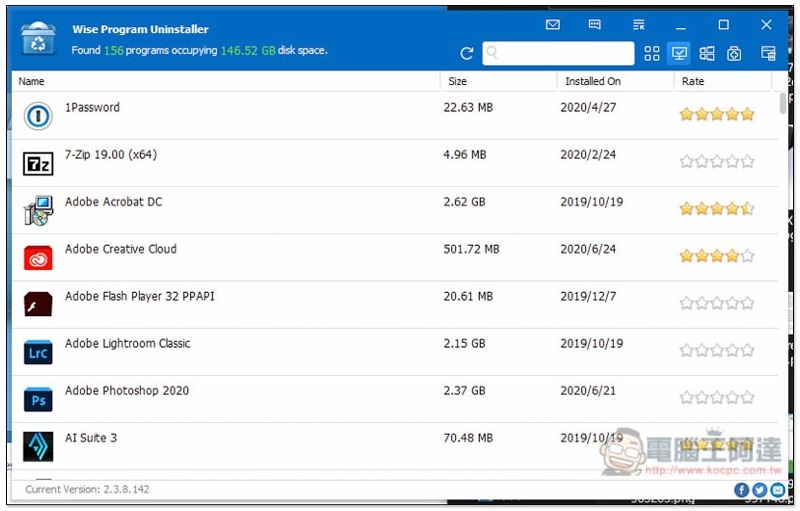
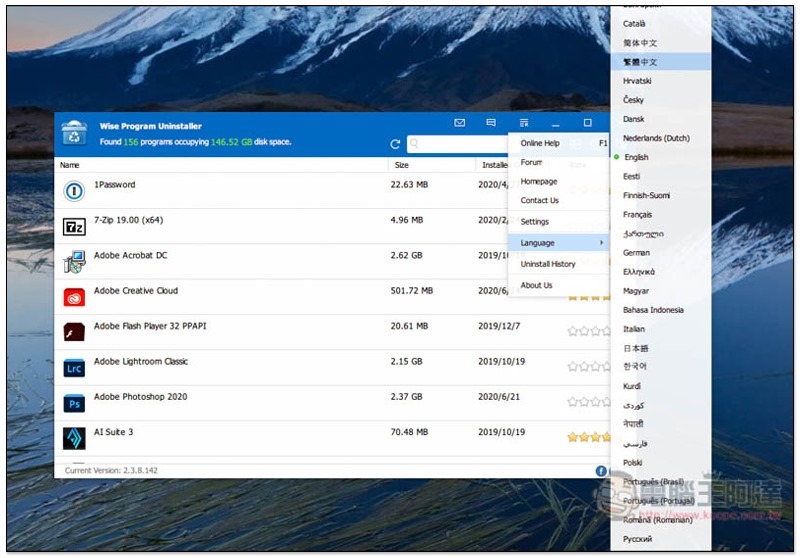
This app is available in Traditional Chinese. If you open it in English like me, please open the menu function on the upper right:
As shown below, Traditional Chinese can be found in the Language option:
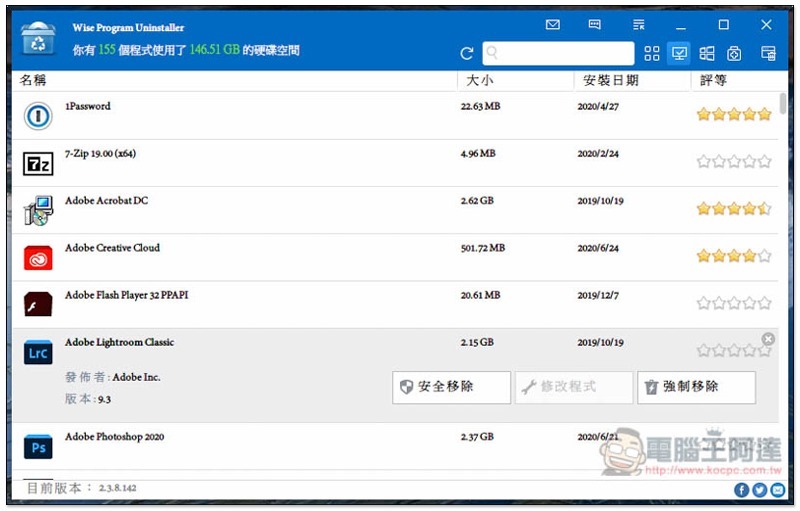
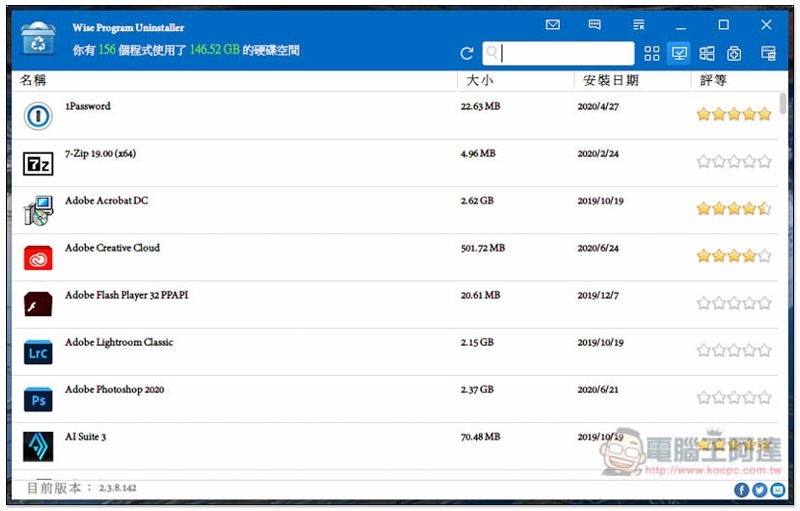
Then it will become Chinese. The upper left corner will display how many programs are currently installed on the computer and how much hard disk space is being used. You can quickly understand how much the application is occupying, so that you can quickly find out what files are using too much space. Each set of installed applications below will also display the installation date, size, and rating. If you see some applications with too low ratings (excluding no ratings), it is recommended to check:
After clicking on the application to be removed, three options will appear on the right: “Safe Removal”, “Modify Program” and “Forced Removal”. For general removal and deep cleaning, use “Safe Removal”. For applications that cannot be removed, use Forced Removal:
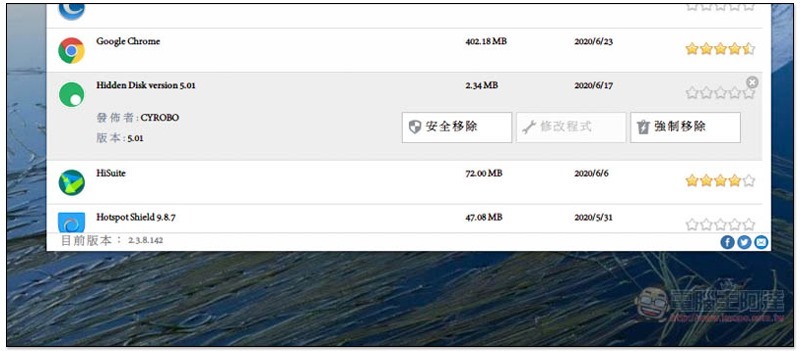
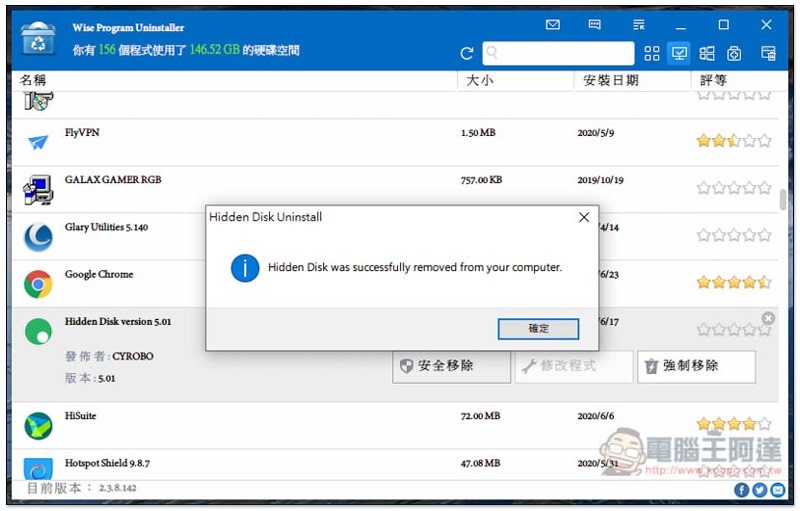
Clicking Safe Remove will enable the application’s removal process:
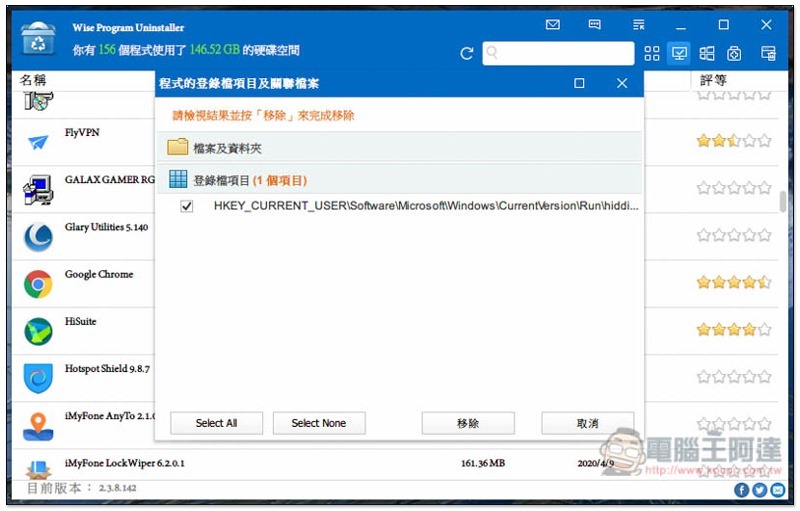
After completing the basic removal process, this system will also scan related login file items and related files. If any are found, you will be asked whether you want to remove them:
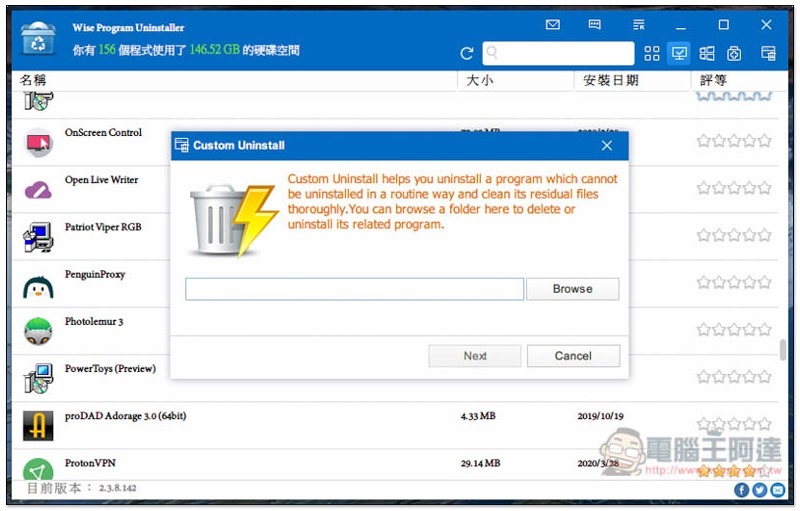
If the application you want to remove is not on the list, this set also provides a custom removal function that allows you to specify folders and files. This function is quite good:
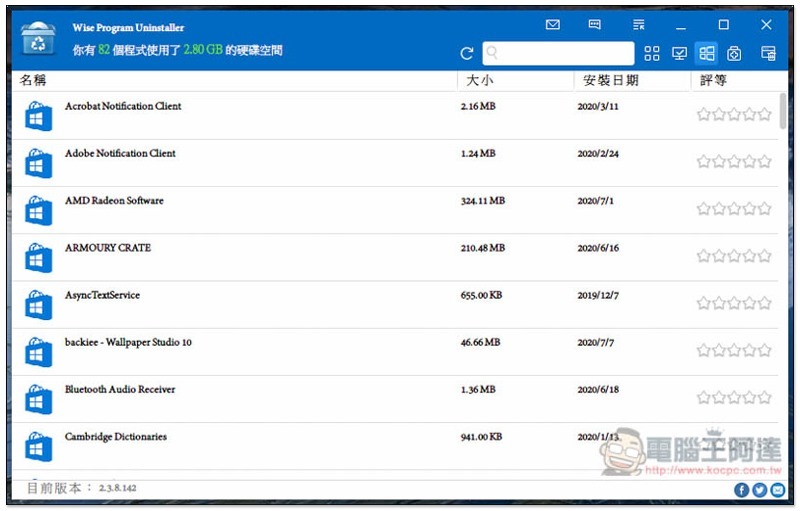
Toggle to show only Windows Platform (UWP) apps:
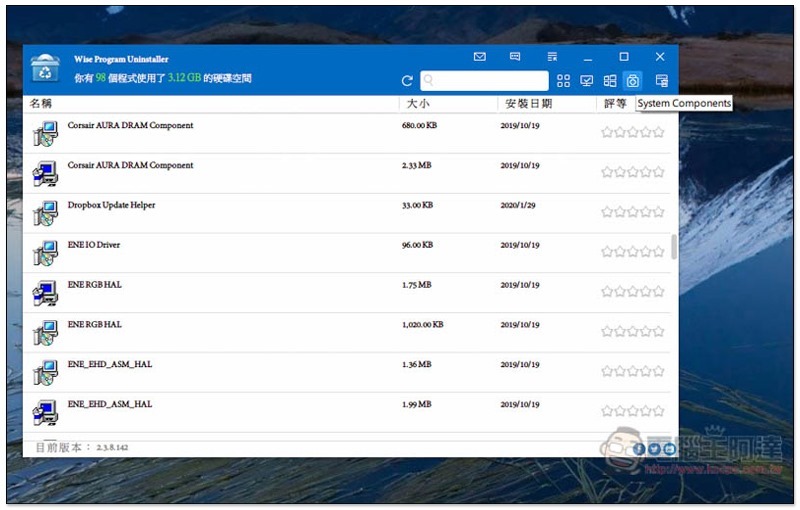
And display system components:
Finally, I would like to remind you that unless there are special circumstances, I personally do not recommend using forced removal (unless it is really impossible to remove it through normal procedures).
Supplementary information
- Software name: Wise Program Uninstaller
- Nature: Free
- Supported operating system: Windows
- Official website and installation file download:Click here to go
Source: KOCPC Chinese