


It’s no surprise that iOS 14 is here (it will certainly be surprising that iPhoneOS is not on the scene). This time, this smart system specially provided for iPhone and iPod Touch has turned into a reality the desktop gadget function that many people have been looking forward to from the very beginning. Although this function feels familiar in other systems, it has to be said that after Apple’s manipulation, this function suddenly became very Apple. AirPods, for example, will also provide seamless switching between devices. Continue reading iOS 14 officially released: Desktop gadgets and floating video functions also come to iPhone! Report text.
▲Image source: Apple
iOS 14 officially released: Desktop gadgets and floating video functions also come to iPhone!
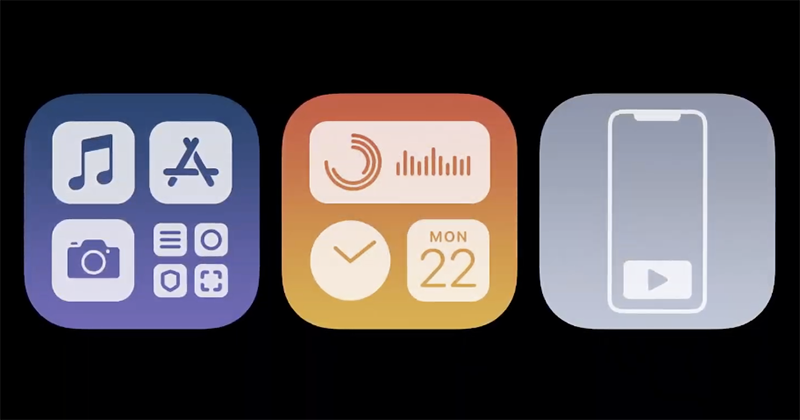
Better application management capabilities
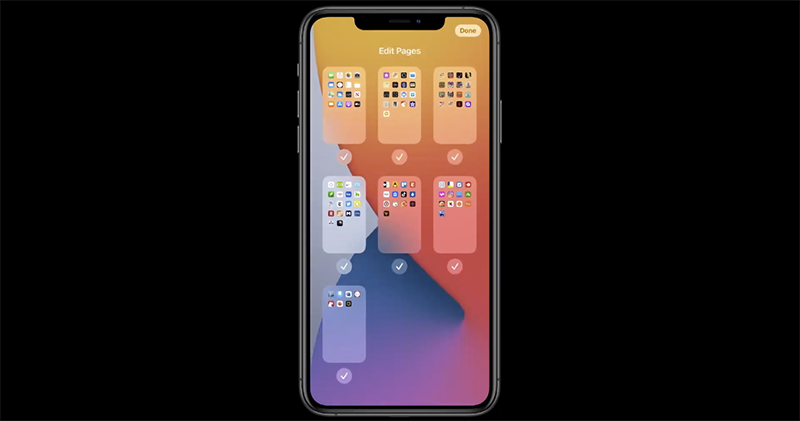
Faced with the increasingly rich applications in the App Store, Apple has introduced a better managed App library and automatic organization functions for the latest iOS 14. Through category folders with various attributes, App Library can provide application recommendation options including suggestions, recently added, etc., as well as Arcade, community, entertainment, health, etc., all directly preset recommended category arrangements through the folder. In addition, alphabetical pages like watchOS are also provided:
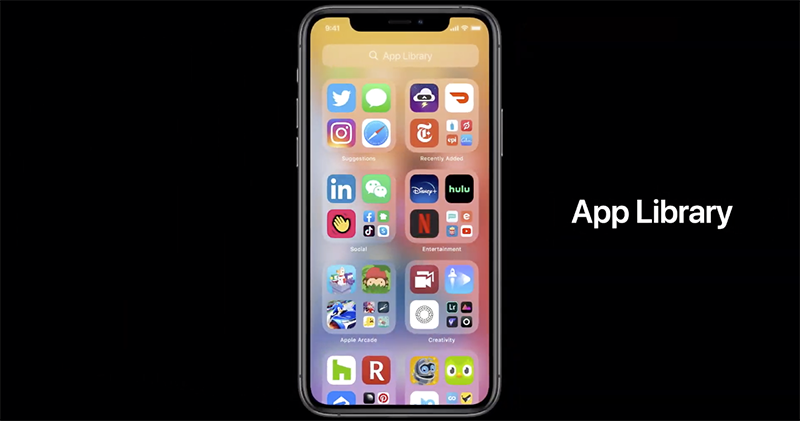
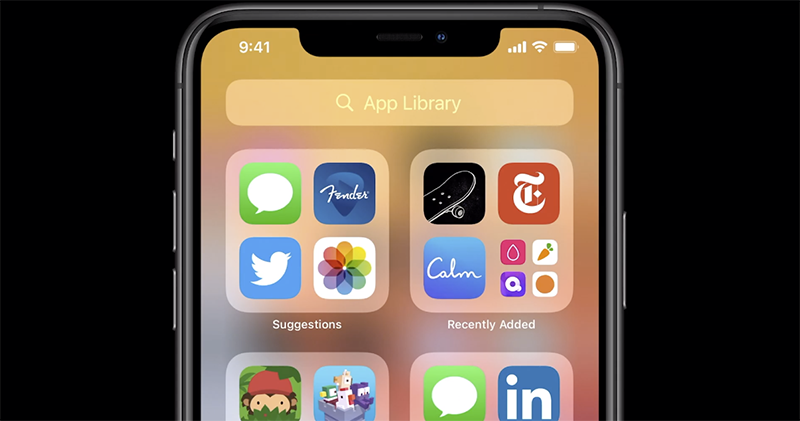
iOS 14 will be able to hide the home screen page:
To the “Widget” on the desktop
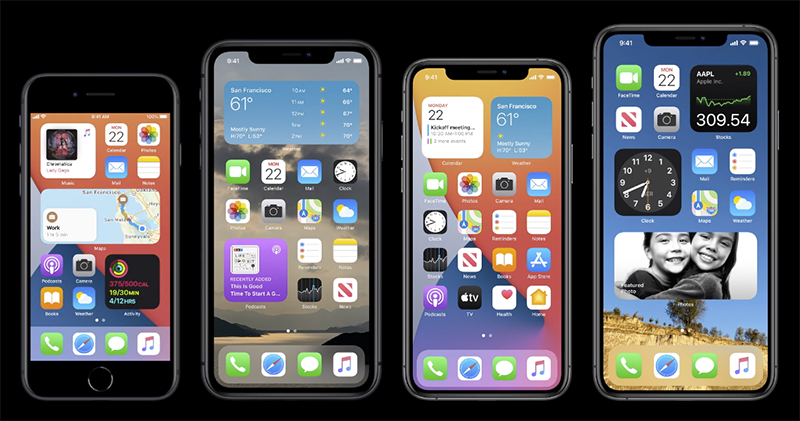
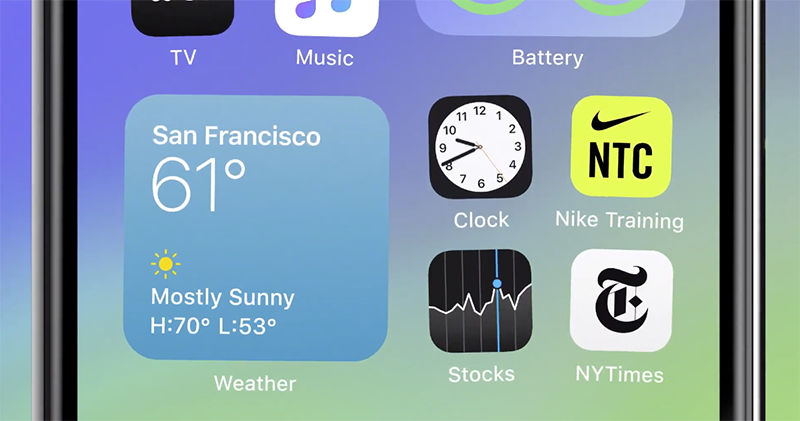
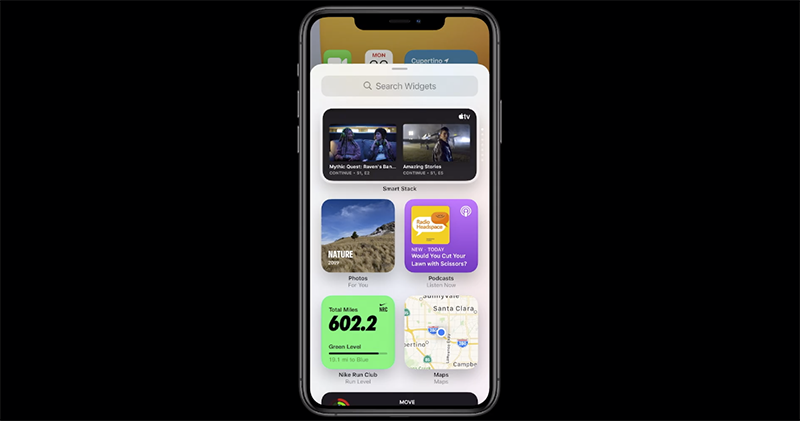
After all, gadgets in Today View can also be pulled to the desktop for use on iOS 14. You can grab gadgets from the Gallery in the gadget editing options to use (this is much more intuitive than before), and select gadgets of various sizes to place directly on the desktop for use. In addition, Apple also brings Smart Stock intelligent stacking that knows real-time updates, allowing you to switch gadgets at any time or let the system automatically switch for you based on time and other conditions.
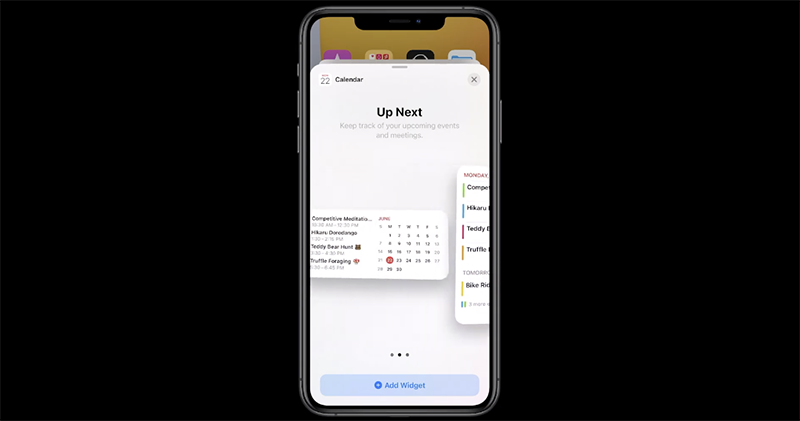
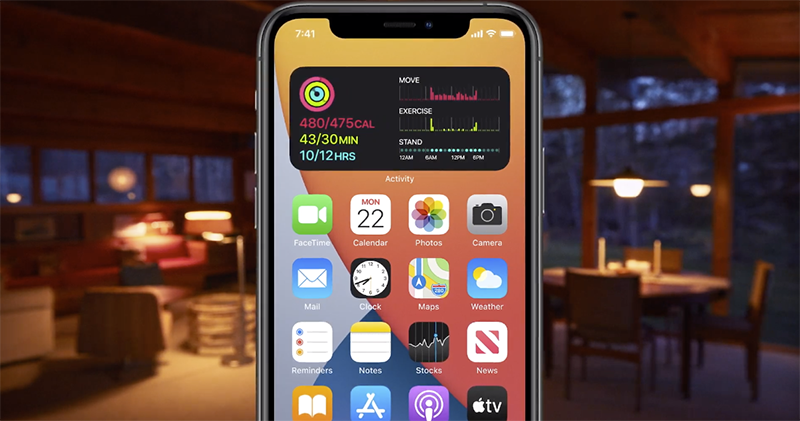
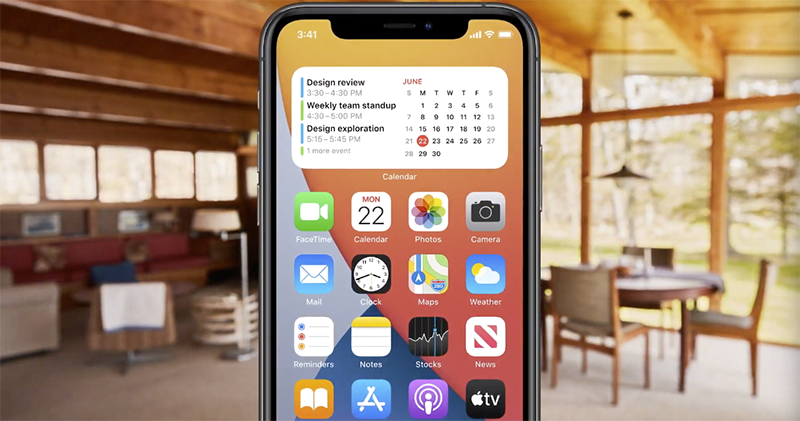
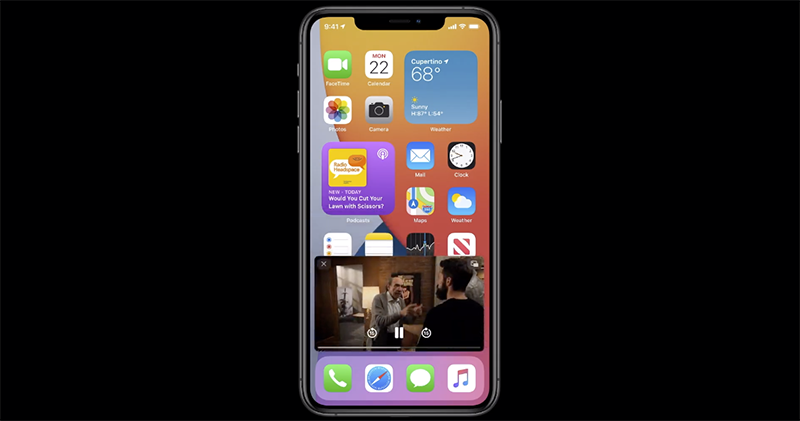
Picture-in-picture floating video in iPadOS is also available on iPhone
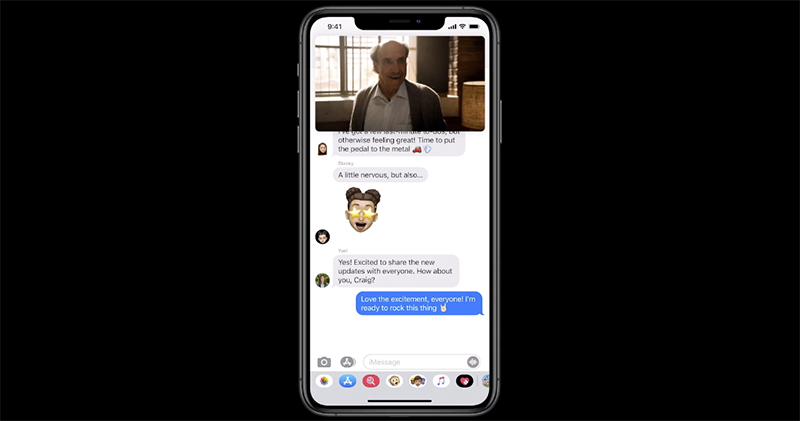
This should require no special explanation. The PiP floating video feature on iPadOS is now also available on iPhone. In addition to the floating screen when the app pops up (which can be zoomed in and out), on the iPhone you can move the window to the edge of the screen, and then slide it out from the side to continue viewing:
Standalone translation app
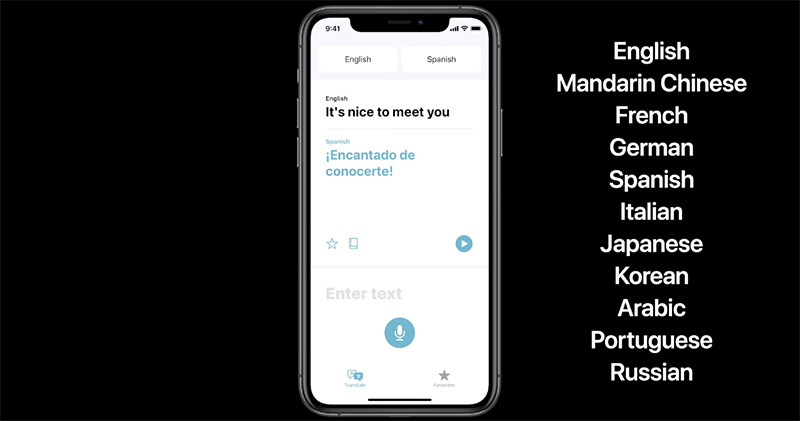
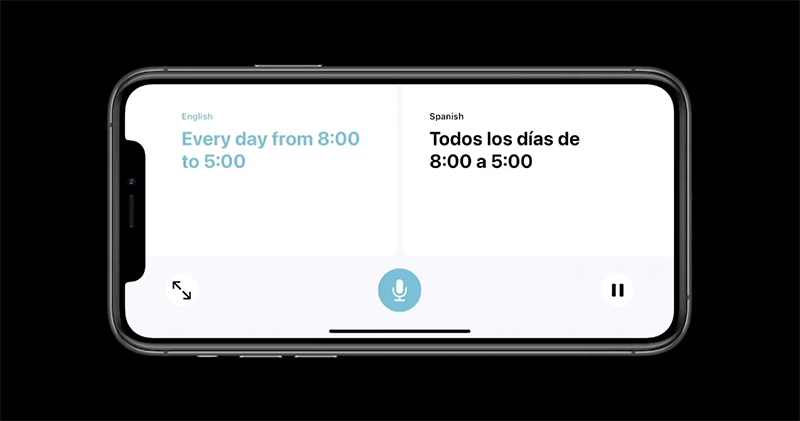
The translation function originally attached to Siri and the system is now transformed into a new “translation” application. It will support offline use and enable real-time conversation translation through horizontal orientation. The point is, the first wave of languages supported is Chinese:
Scan QR code / scan NFC to use the lightweight application: App Clips

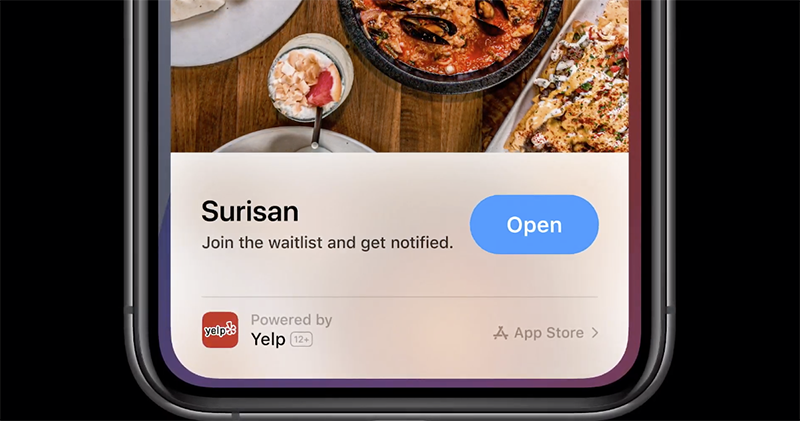
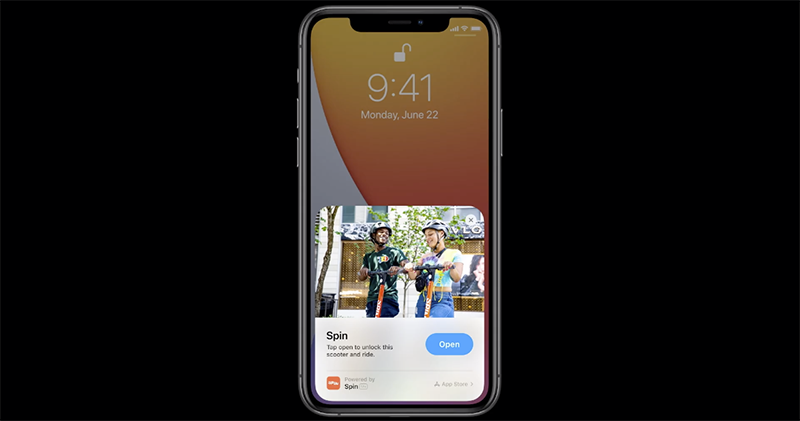
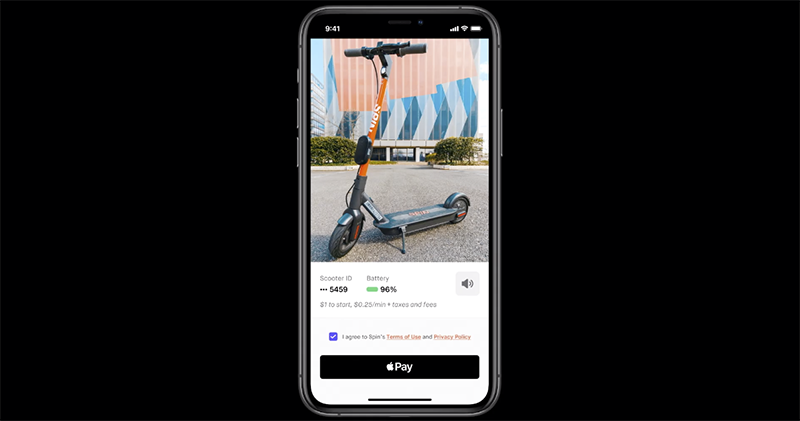
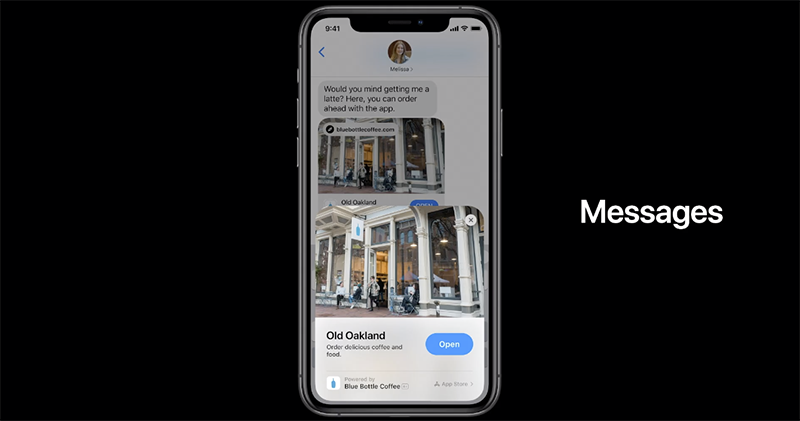
While the App Store is booming, although “There’s an app for that” has become a reality, how to find good apps has also become a problem. Apple launches quick apps in iOS 14 that can be launched directly through NFC sensing, message links, and camera scans. After the sensing is completed, an App card will pop up for you to quickly access the functions. After using it, the user can also find these apps in the recently used App category folder:
A new “map” for bicycles and electric vehicles
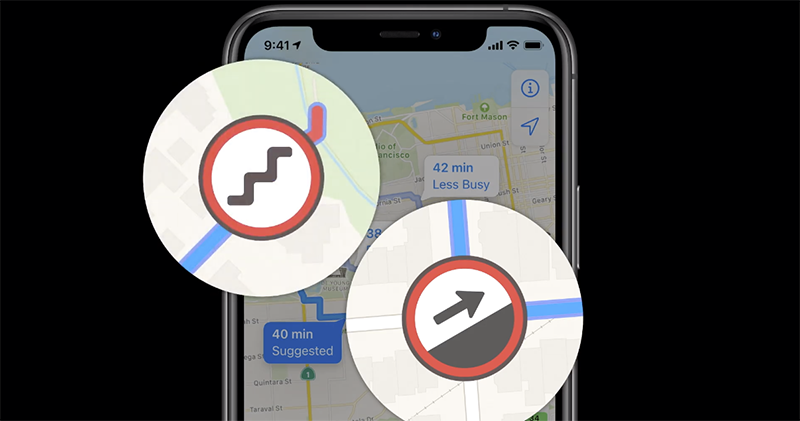
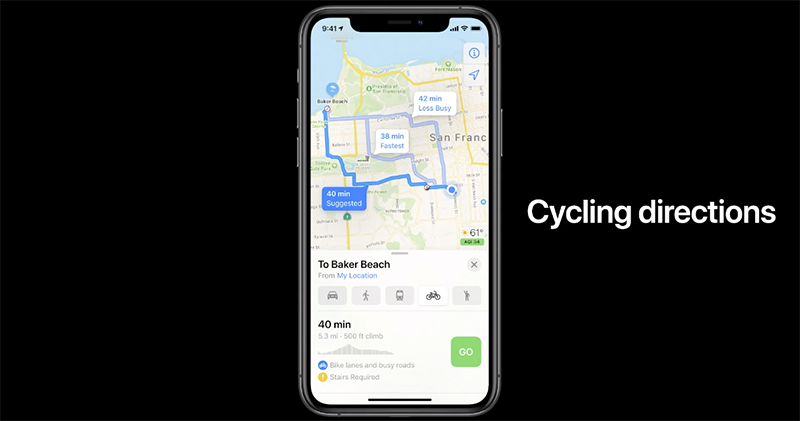
The new map brings navigation functions for cyclists and even new-generation electric vehicles – the former will show sections that require moving the vehicle or climbing steep hills, while electric vehicle navigation allows users to avoid range anxiety (but it is currently only working with Ford and BMW):

iPhone as car key with new CarPlay
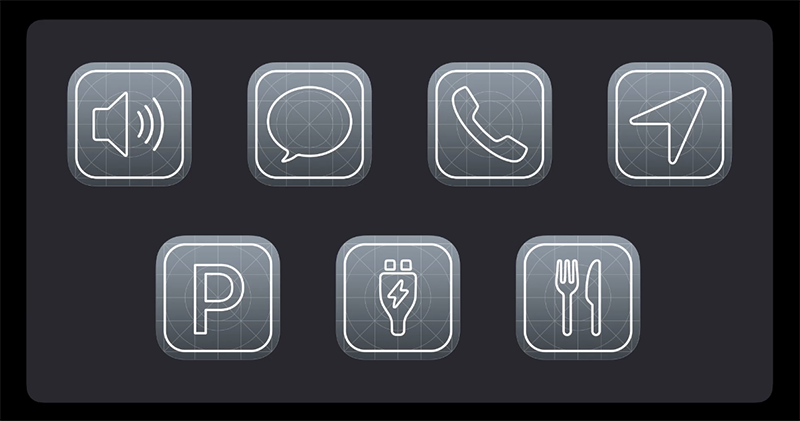
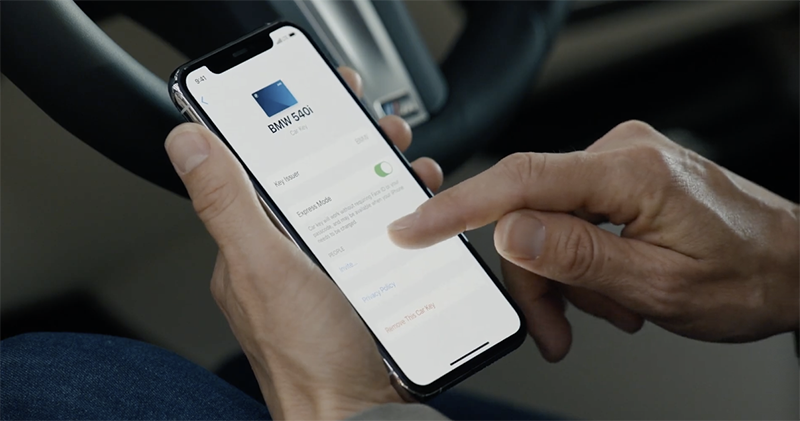
The new CarPlay with a new tablecloth provides many new applications—maps, new electric vehicle navigation, and options for parking locations and food pick-up locations. In addition, the iPhone can also be used as a key for the new 2021 BMW 5 series to provide proximity activation, which can be activated after being placed in the wireless charging dock (actually using the iPhone as an induction key). And because you can use your phone as a key, it naturally also provides the function of sharing keys through iCloud, and also provides the option of permission restriction – it is said that such a function can also be used on iOS 13:


Floating Siri and more interesting messages
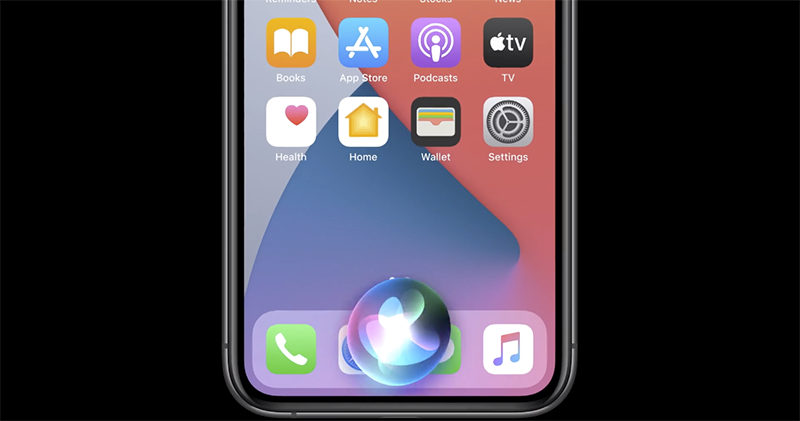
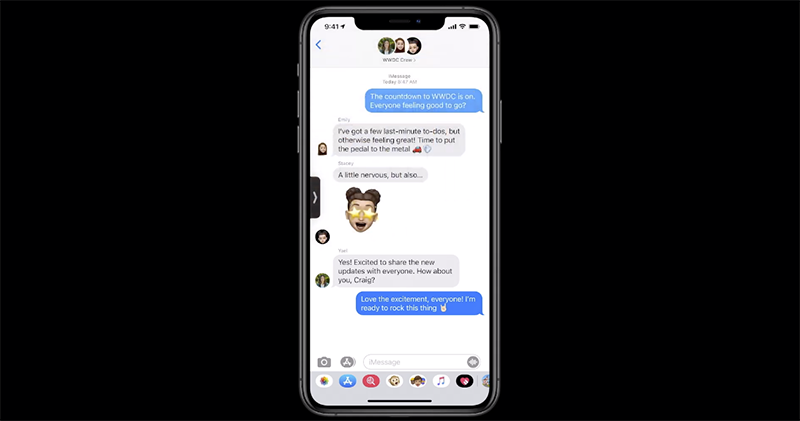
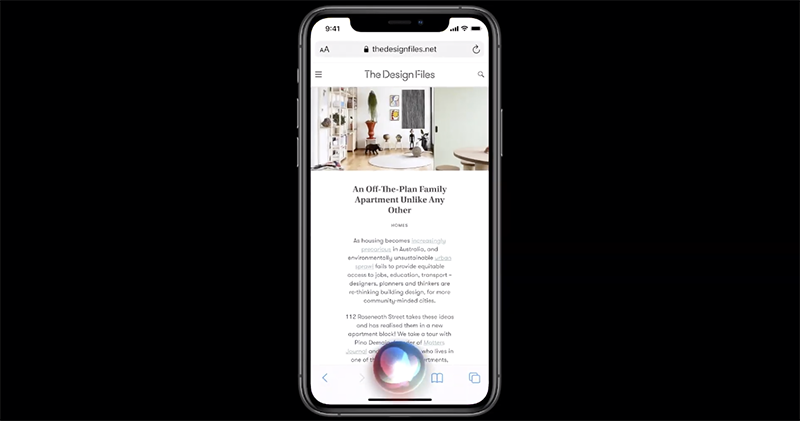
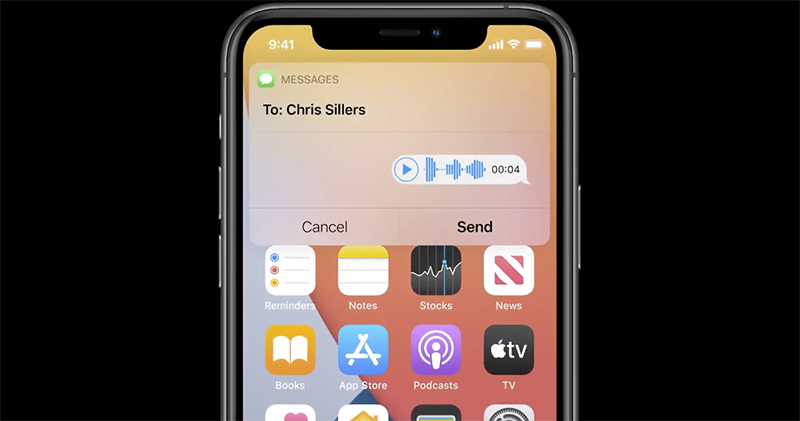
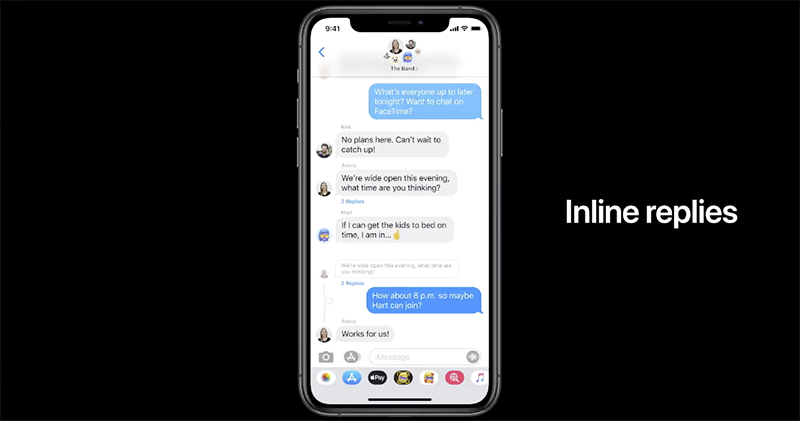
Siri on iOS 14 will no longer jump to the page, and will instead be displayed as a notification floating window. In addition, Siri can also send voice messages. In addition, the voice recognition function can also be used offline – which should mean faster recognition speed. As for the messaging function, you can pin contacts in iOS 14, and you can also see a collection of photo stickers in a multi-person chat room. The chat function also introduces the inline reply function and the function of tagging someone – the important thing is that notifications will only notify that person (this is good!). iOS 14 will also have more Memoji customization options (with masks):


Conclusion: A more free iPhone system
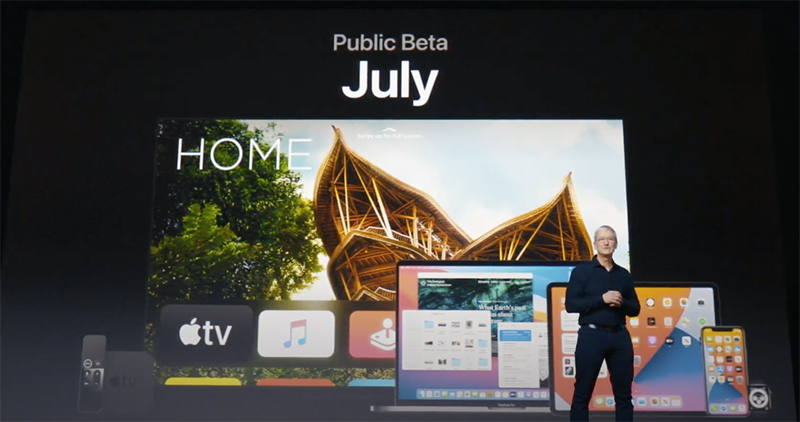
The new generation of iOS 14 feels like a lot of new functional applications have been extended under a freer (you know) interface. It also further reorganizes the experience of using the entire system. iOS 14 will officially launch public beta in July. Friends who want to play these new features directly will not have to wait long to do so.
Pictures/sources cited in this article
Further reading:
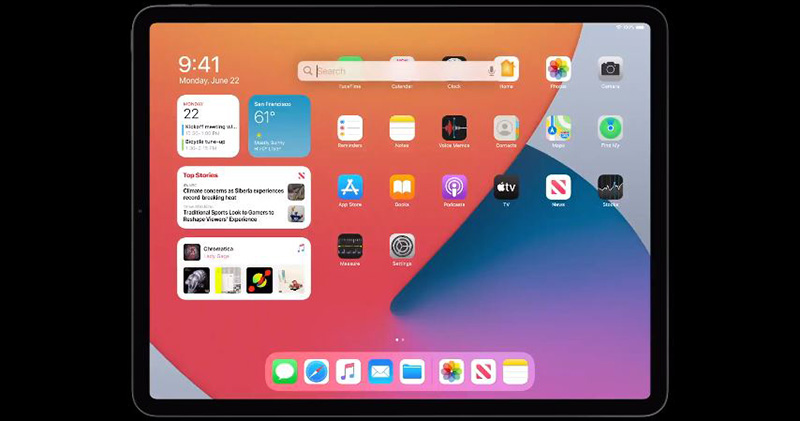
iPadOS 14 arrives with redesigned apps, handwriting recognition and universal search
Source: KOCPC Chinese