


Most people want to set their mobile phone ringtones to music they like. Although there are some free ringtone apps in the App Store and Google Play, you may not be able to find what you want, so it is easier to do it yourself. Many people think this is troublesome. For example, you need to download the music first and then edit it with professional tools. In fact, it is super simple. You can use this free Audio Cutter Online tool to do it directly online without installing anything. This article will teach you how to operate it.
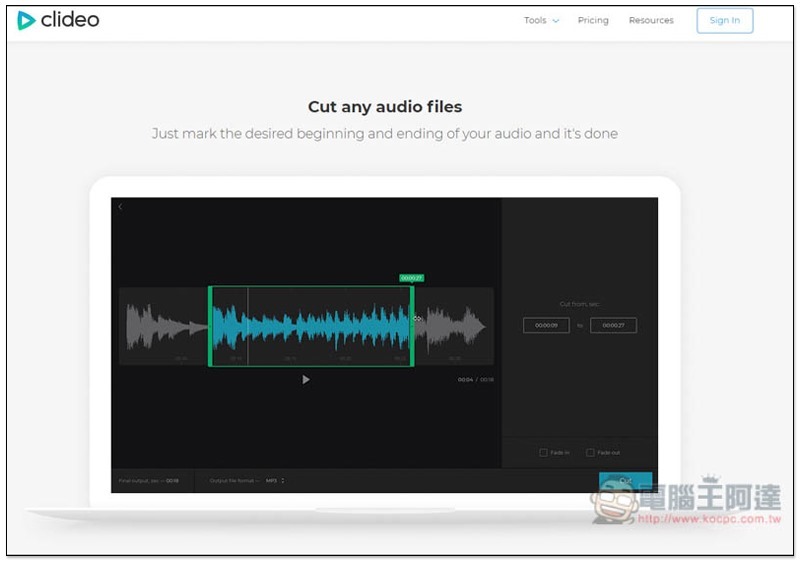
Introduction to Audio Cutter Online MP3 Ringtone Cutting Tool
Audio Cutter Online is a free online music editing tool launched by clideo. It is completely ad-free, has almost no restrictions on editing, and is super simple to operate:
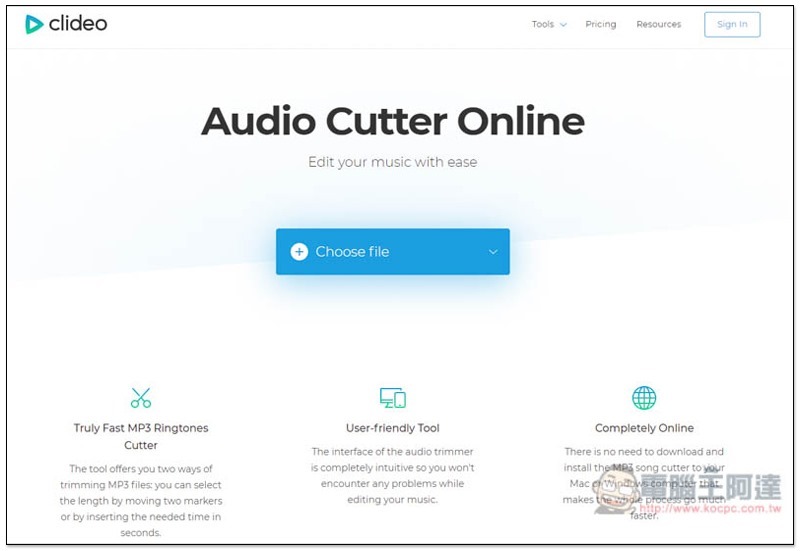
The following six are its main features, “Super-fast MP3 ringtone editing”, “Friendly interface”, “Online completion”, “Provides fade effects”, “Supports almost all audio formats” and “Very safe”:
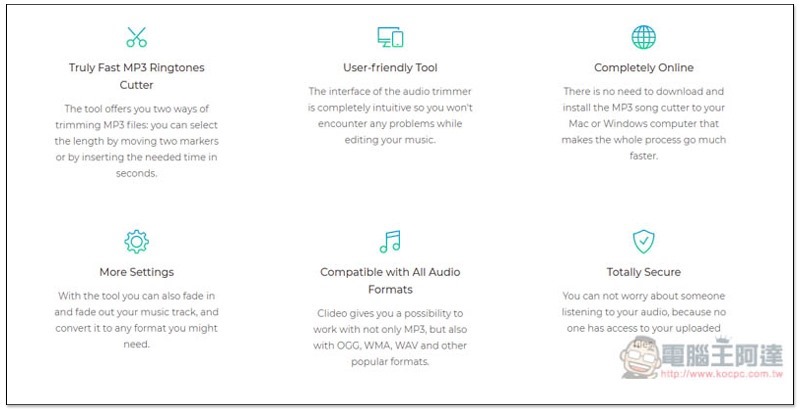
Supports four methods of uploading via computer, Google Drive or Dropbox, or pasting music (video) URLs. I will post YouTube URLs as an example:
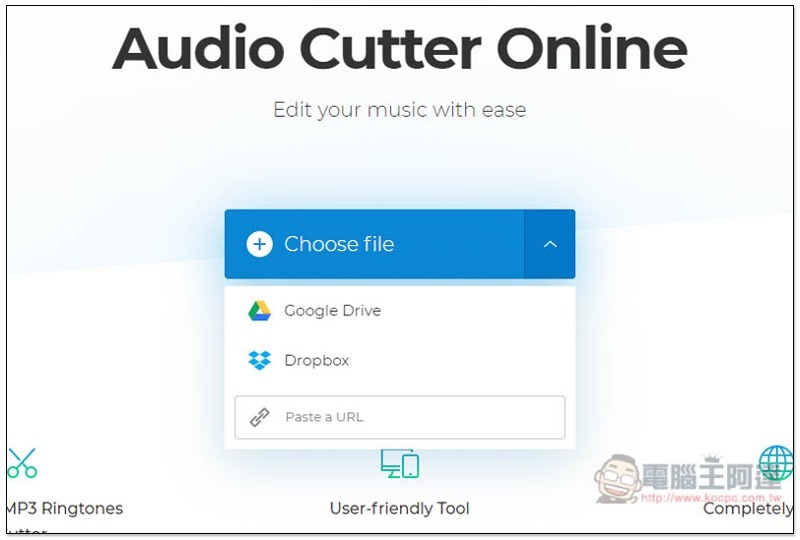
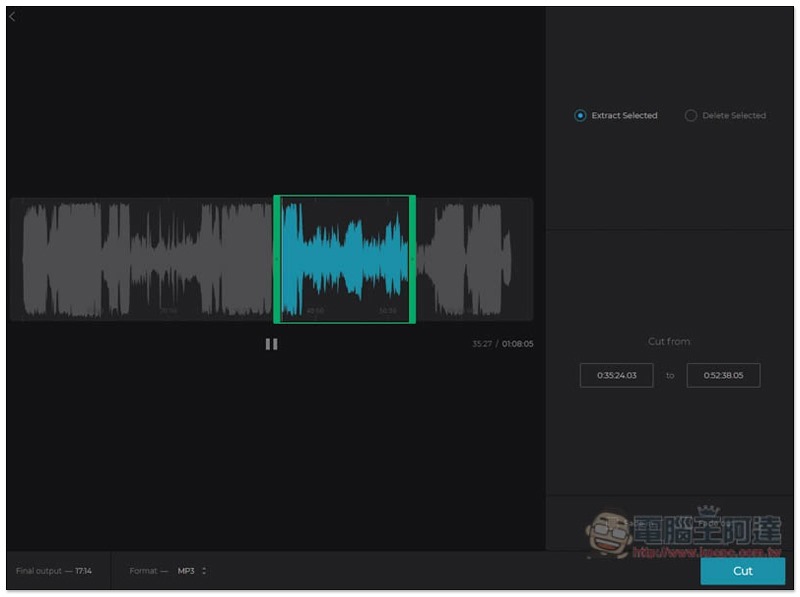
After pasting, it will take a while to read, and then you will enter this editing screen. By moving the frame and the green edges on the left and right sides, you can set the music ringtone segment you want to keep. When changing, the segment will be played for you in real time:
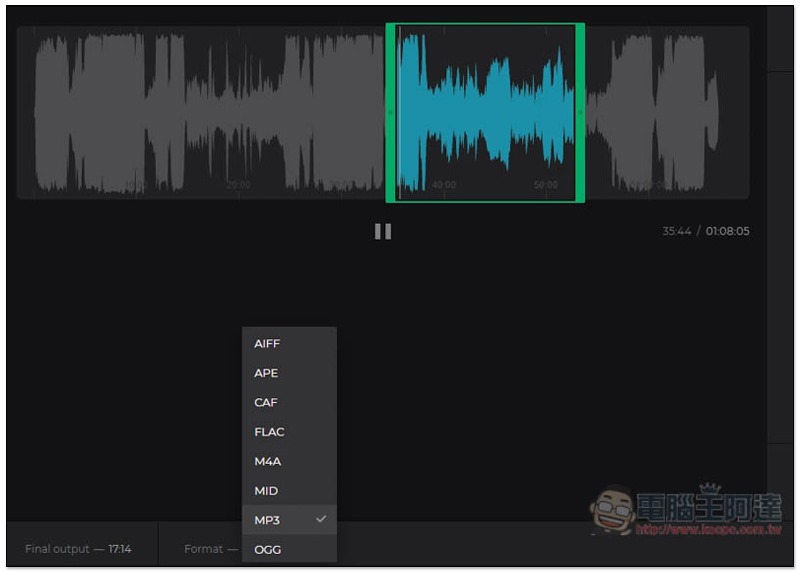
Other output formats can be changed in the lower left corner. The default is MP3. Other audio formats such as OGG, WMA, WAV, AIFF, and APE are also supported:
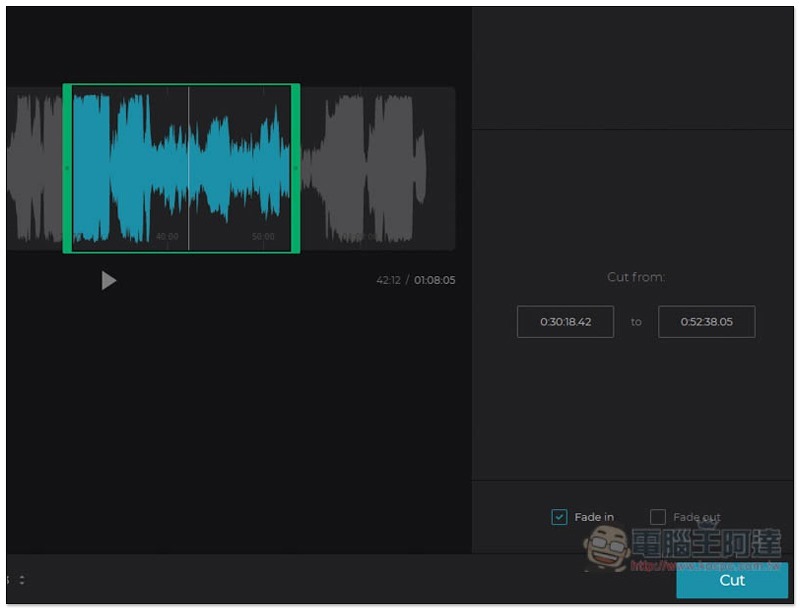
You can also set the Fade in and Fade out effects on the lower right side, which are the same as ringtones purchased online. Once there is no problem, press Cut and the output will start:
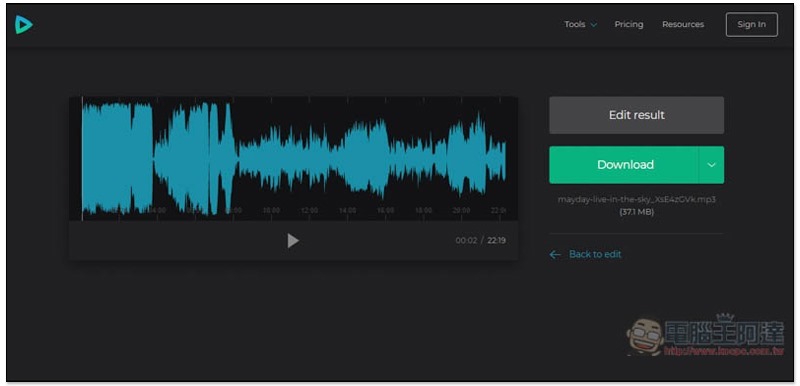
After this screen appears, press Download to download it to your computer. In this way, the ringtone production is completed and can be transferred to your mobile phone to be set as a ringtone:
This can be said to be the simplest tool I have ever used. It is especially suitable for people who often want to change ringtones. It is simple and does not require installing anything or downloading music.
clideo also has many useful online editing tools, and those who have time can play around with them.
Supplementary information
- Audio Cutter Online MP3 ringtone editing tool:Click here to go
Source: KOCPC Chinese