


Although there are many cloud space sharing services on the Internet, they all need to upload files before they can share the files with others. Therefore, the steps are a little more troublesome, and you may also worry about security issues. This ShareDrop is a very good alternative tool. It adopts P2P point-to-point transmission method. Simply put, it is to transfer files to others directly through the browser. The files will not go through any cloud space. It is completely free, supports cross-device, and can be used in different network environments.
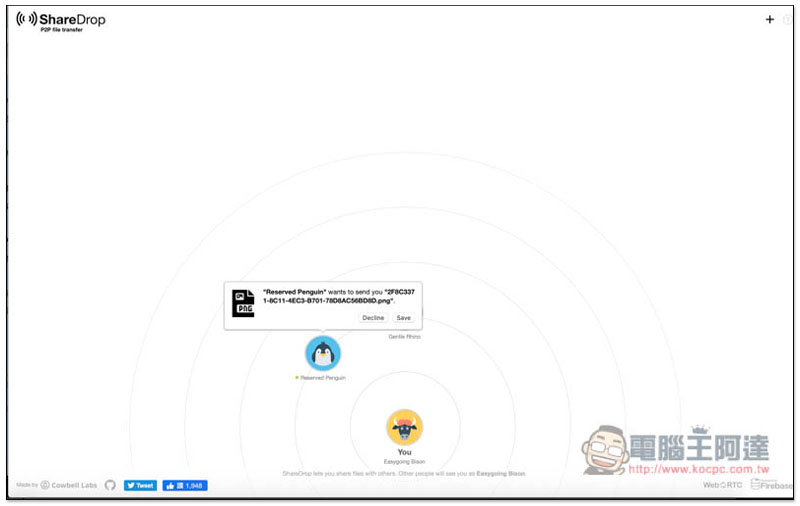
Introduction to ShareDrop
The use of ShareDrop is very simple. After opening the webpage in the browsers of the two devices, if they are on the same network, they should be able to see each other (the website description says so, but it doesn’t seem to work in my actual test?). Anyway, it also provides exclusive links. Just create and share them with others or another device, and you will see each other after clicking:
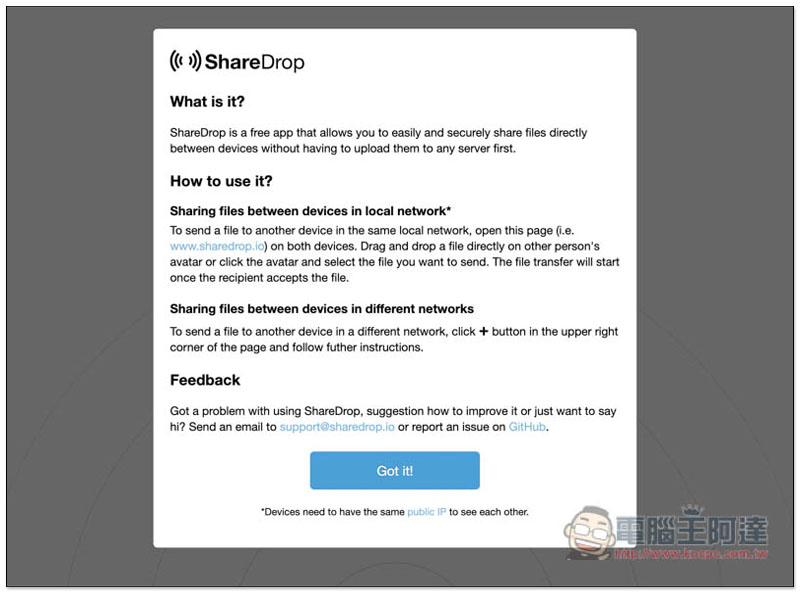
Using P2P transmission technology, your files will not be stored in any cloud space, but will be transferred directly from your local computer to the other party.
This also means that your upload speed and the other party’s download speed are very important. If one party is too slow, the transfer may take longer. Personally, I suggest that it’s okay to use this one for small files, but not recommended for large files.
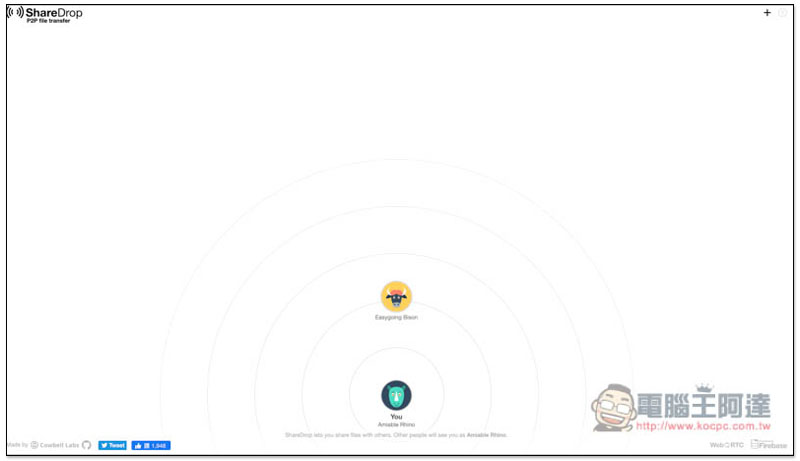
After entering the website, your name and icon will be displayed at the bottom. Each device (browser) has its own name and icon:
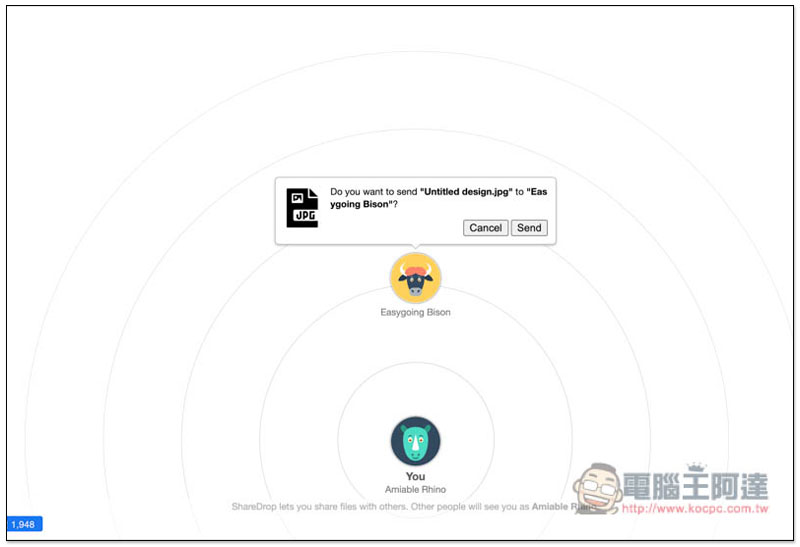
Click or drag the file into the window to share the file with the other party. A message will pop up asking you if you want to share it (Do you want to send…). After clicking Send, you need to wait for the other party to confirm:
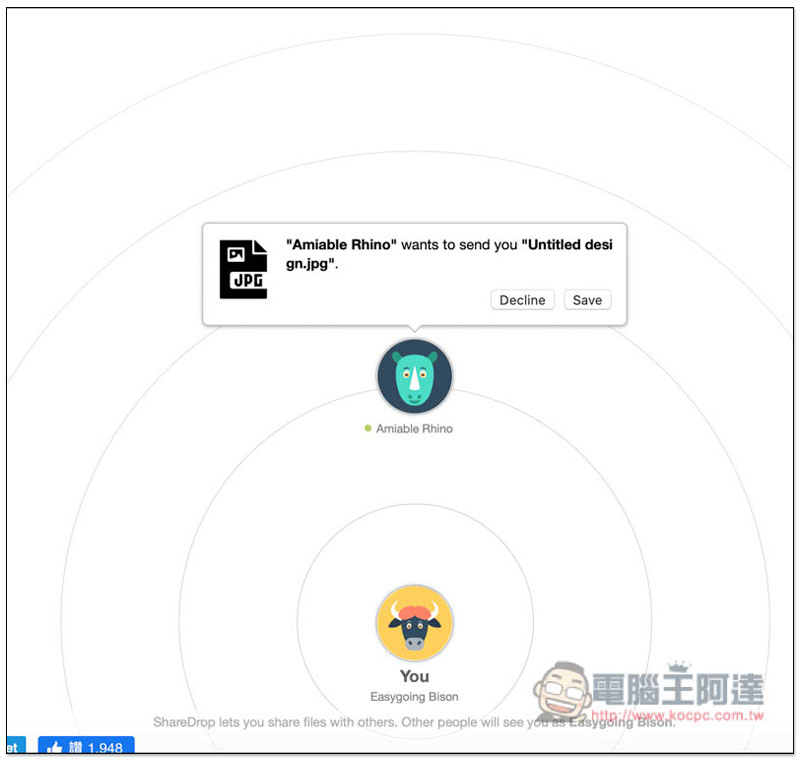
The other party’s screen will pop up to see if they want to receive the file you sent. Click Save and the transfer will begin:
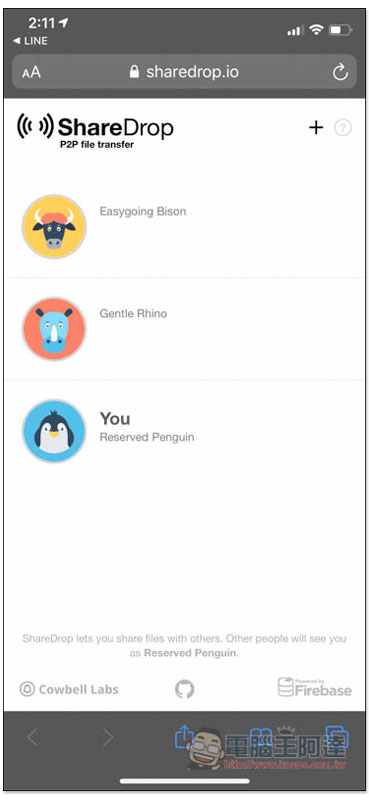
The mobile version is also supported, which means if you need to transfer files across devices, you can use this set:
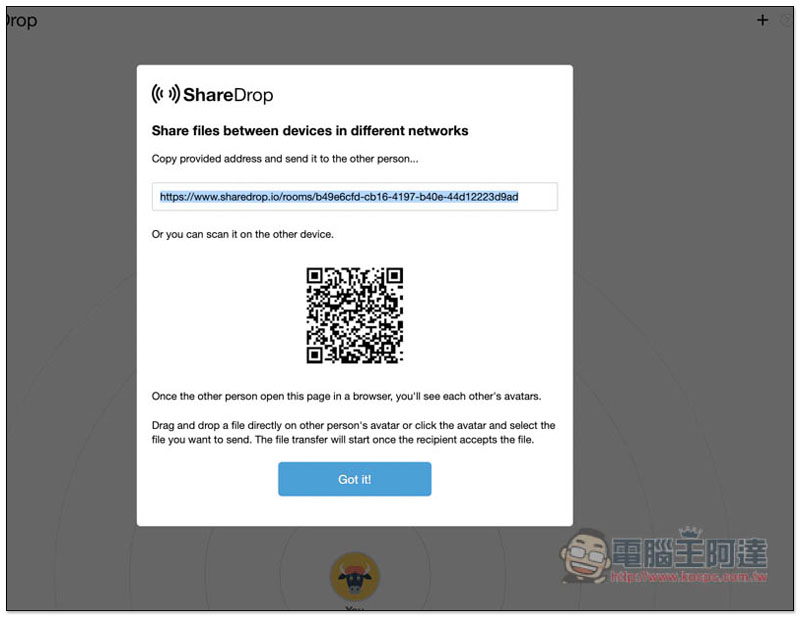
If it is a different network environment, click + in the upper right corner to create an exclusive room link and share this URL with others, or after scanning the QRCode, you will enter the room and you can transfer files to each other:
In addition to this set, another Fladrop Not bad, it also uses point-to-point transmission technology, and multiple files can be selected at one time.
Supplementary information
- Website name: ShareDrop
- Nature: Free
- URL:Click here to go
Source: KOCPC Chinese