


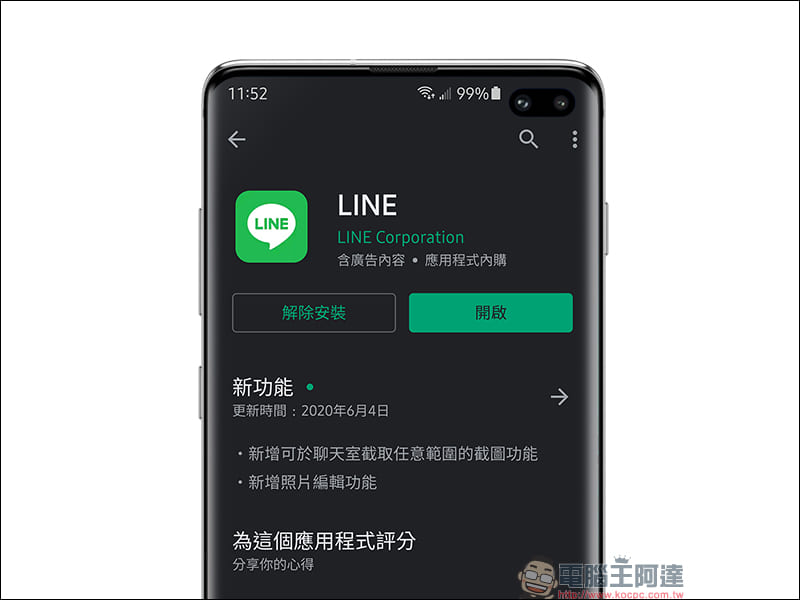
LINE has been experimenting with the chat screen screenshot function in LINE Labs since the end of May 2018., and then alsoIt was officially launched on LINE iOS version in early April last year.. This extremely useful feature built into LINE is finally available on the Android version in the latest LINE Android 10.9.2 update! In addition, for the photo editing function, a practical mosaic/blur function has been added, allowing users to partially mask the screen before sending the photo.
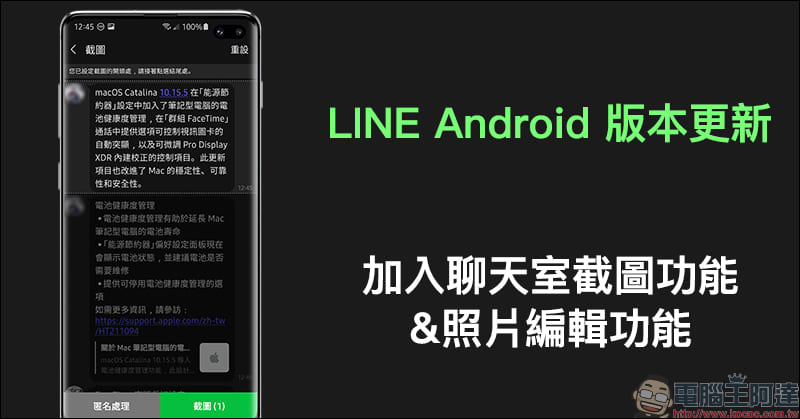
LINE Android version update: Added chat room screenshot function and photo editing function
Chat room screenshot
When chatting with different friends, sometimes you want to share screenshots of the chat conversation with other friends for discussion. In addition to using the built-in screenshot function of your phone, LINE has actually launched the chat room screenshot function in the iOS version since last year. LINE’s screenshot function can capture more chat conversations in a single screenshot than the phone’s built-in screenshot function, and it also does not include the screen above the phone into the screenshot.
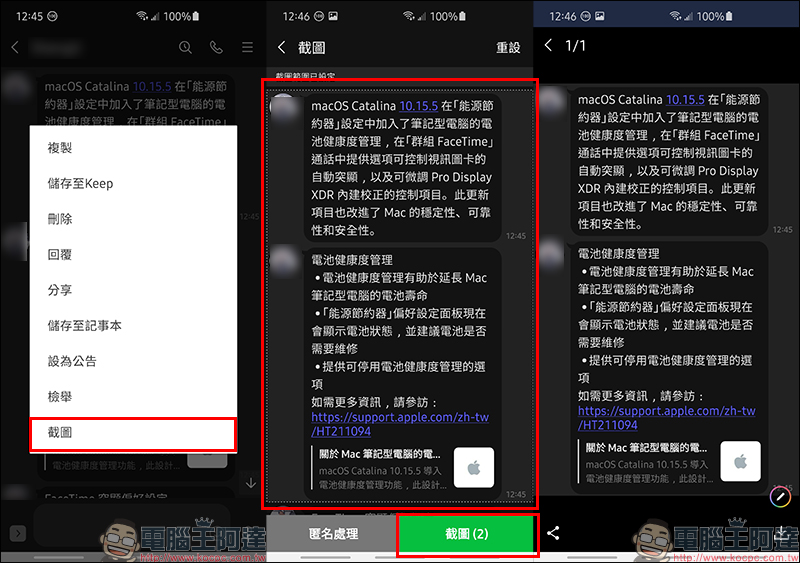
The LINE chat room screenshot function is very intuitive and simple to operate. Just long press any message box in the LINE chat room, and then click the “Screenshot” button to start selecting single or multiple messages according to the message box. After the selection is completed, select the “Screenshot” button in the lower right corner of the screen to enter the preview screenshot screen. At this time, the user can further edit and mark the screenshot. Finally, the user can directly select the “Share” button in the lower left corner to share the screenshot directly to other LINE chat rooms or other applications.
In addition, you can also click the “Download” button in the lower right corner to save this screenshot to your phone’s photo album:
If you want to hide the speaker of the chat conversation, you can select the screenshot range and click “Anonymous Processing” in the lower left corner of the screen, and all the people participating in the conversation within the screenshot range will be named by various anonymous names:
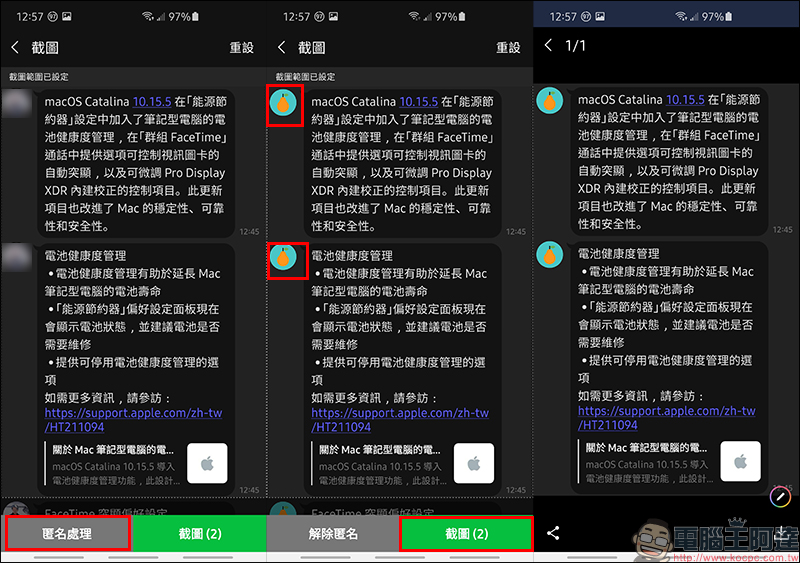
photo editing
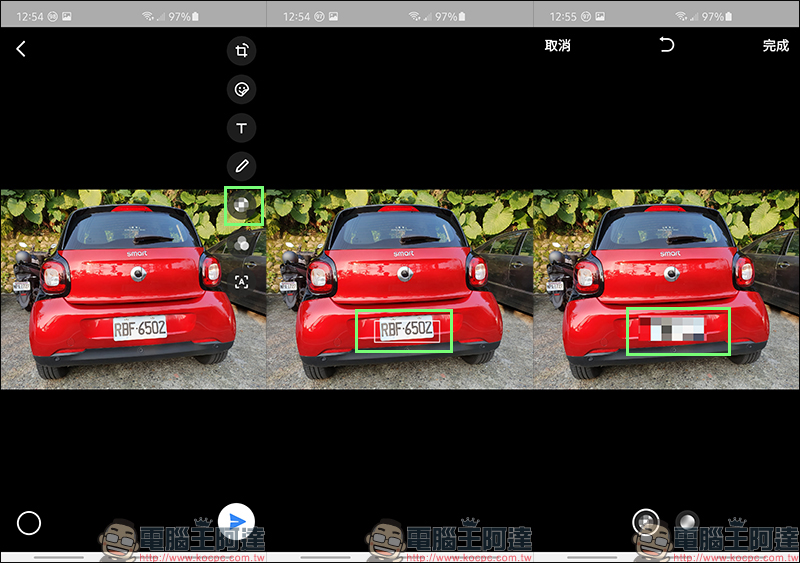
In addition to text messages and voice messages, when chatting with friends on LINE, they actually send each other photos from their daily lives. However, sometimes when sending a photo, you want to block a partial area of the photo (for example, the license plate). This LINE Android 10.9.2 version update also adds mosaic and blur effects, and this feature is also supported on LINE iOS.
LINE App download:
Android version (Google Play Store)| iOS version (App Store)
Further reading:
The WeMo Scooter shared scooter cooperates with LINE. In addition to using the official LINE account to rent a car, it can also be combined with LINE SPOT to start the car rental service.
Source: KOCPC Chinese