


Because Android is Google’s own operating system, it is subject to stricter review on Google Play. You can hardly find any apps that can be downloaded and play YouTube in the background, unlike iOS, which has at least some. However, you can still achieve this function by installing an APK file. NewPipe, which I will introduce in this article, is one of the good choices. It is simple to operate and does not have any ads. It can play in the background, download videos or music, and even import your YouTube subscription list. It has quite complete functions.
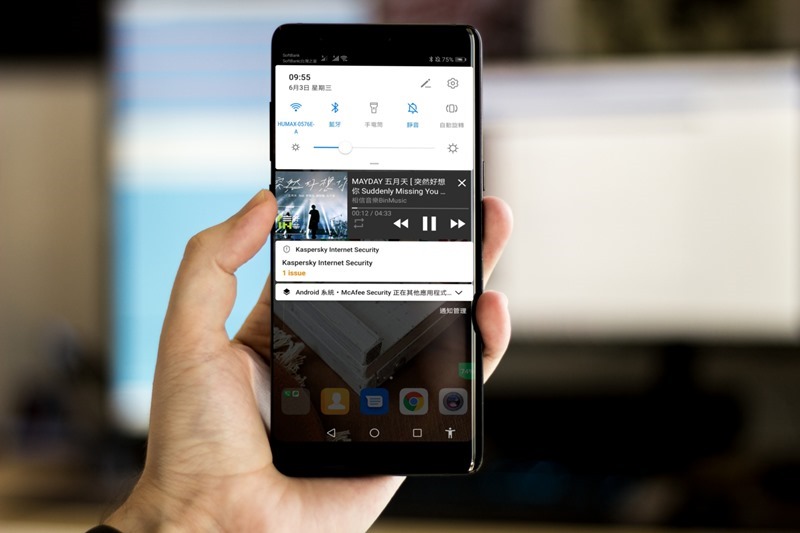
Introduction to NewPipe
NewPipe is not available on Google Play, so you need to download the APK file to install it. We recommend downloading it from APKMirror Safest to Download (If you want to know more safe APK websites,In this article we have compiled 4):
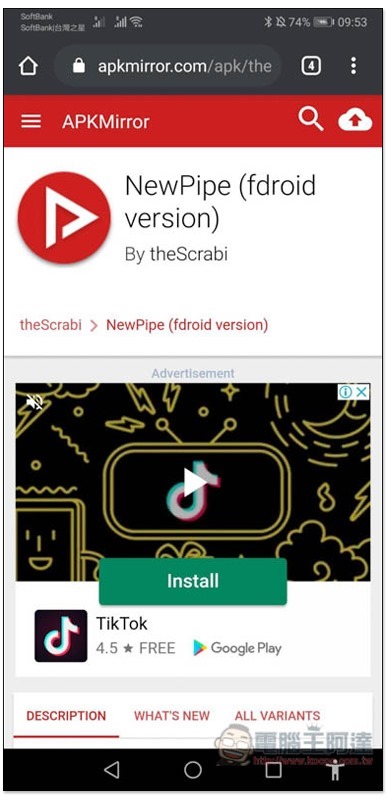
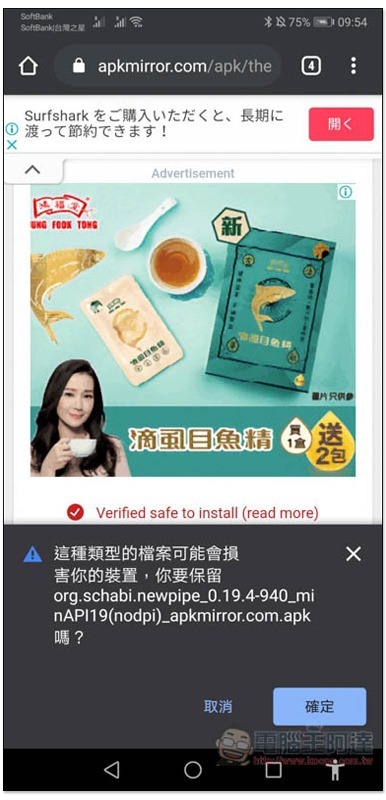
This warning will pop up when downloading the APK, just click OK:
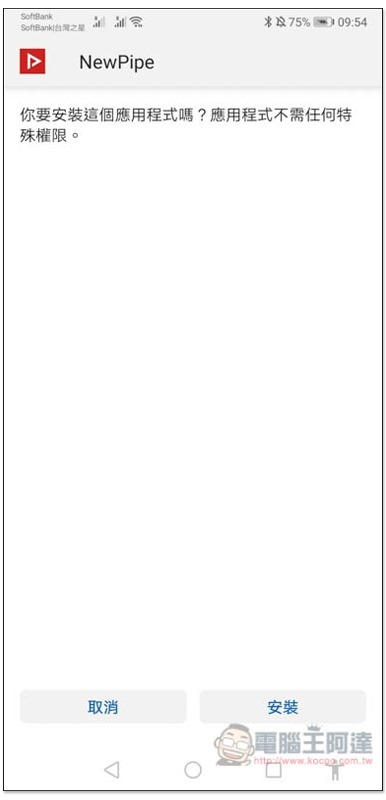
After downloading, open and install:
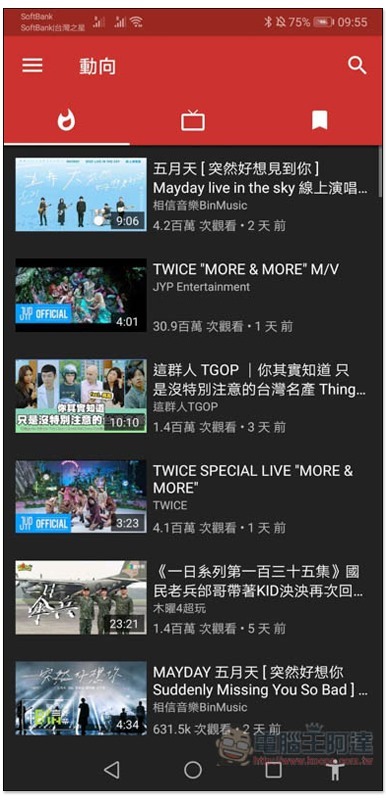
Then you can start using it. The homepage will recommend recently popular videos:
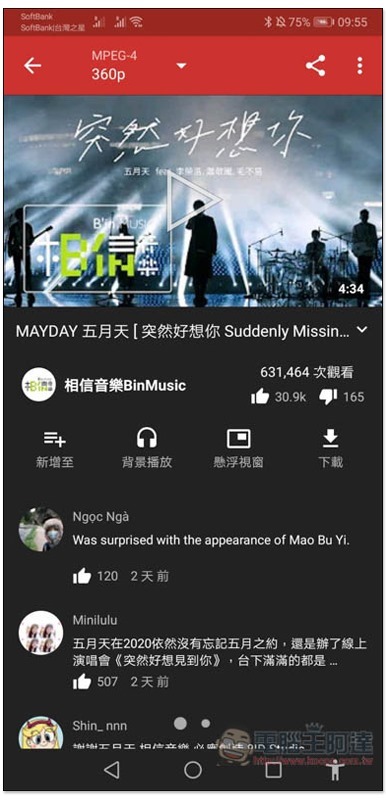
After entering the video or music you are interested in, you will see the “Background Playback” and “Download” functions below, which also support floating windows:
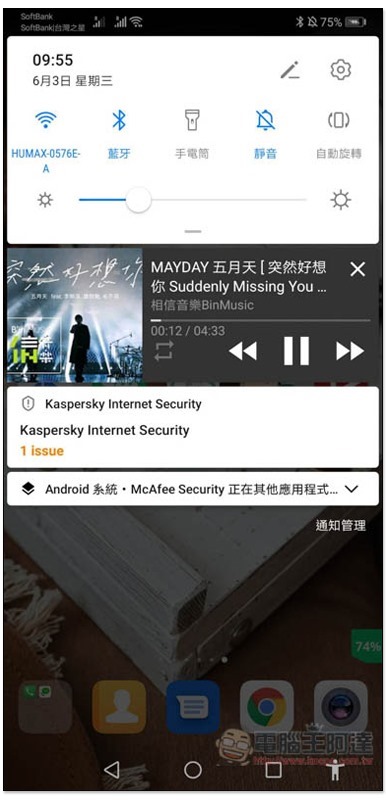
Click on background play, and the screen will automatically jump to the desktop. Confirm that both background and standby play are successful. You can also control it in the notification bar:
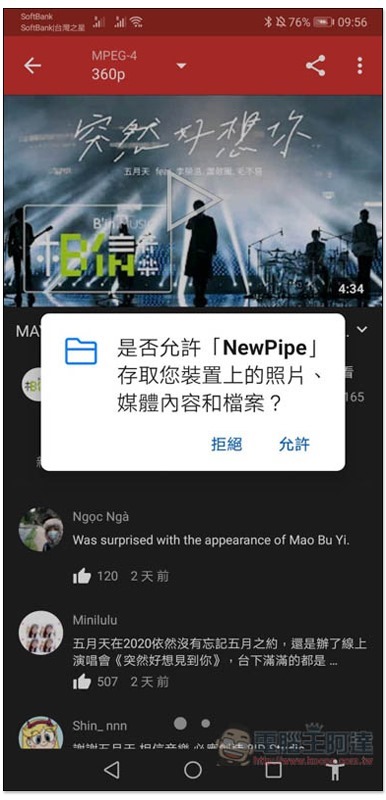
This message will pop up in the download section for the first time, click “Allow”:
Choose whether you want to download video or audio. You can also set the quality part:
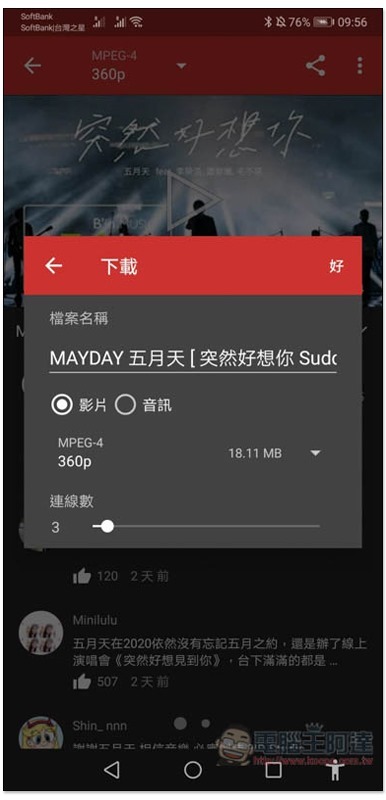
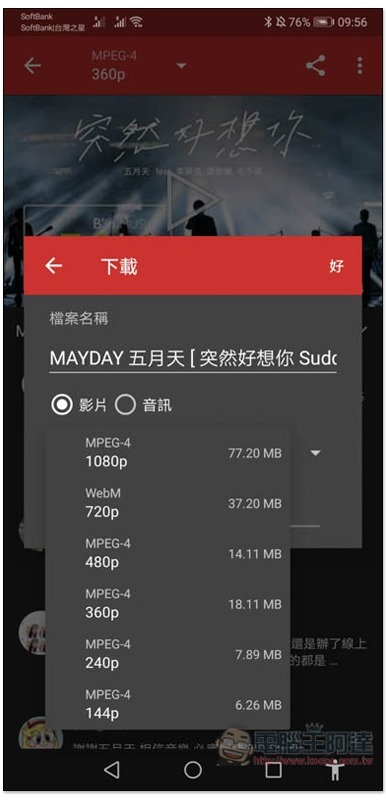
Take this Mayday video as an example, which provides up to 1080p image quality in MPEG-4 and WebM formats:
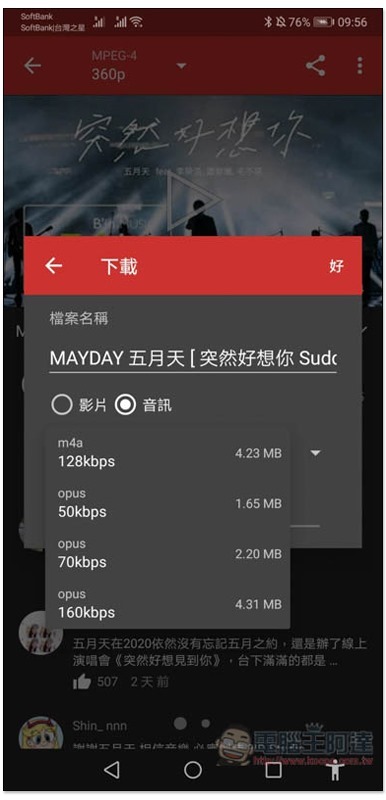
Unfortunately, the audio part does not support MP3, only m4a and opus. However, Android can also play it directly, so I personally think it is fine:
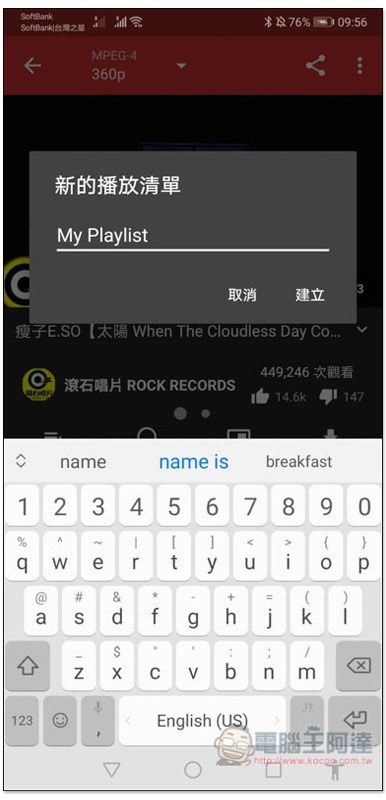
You can also create playlists with no limit on the number:
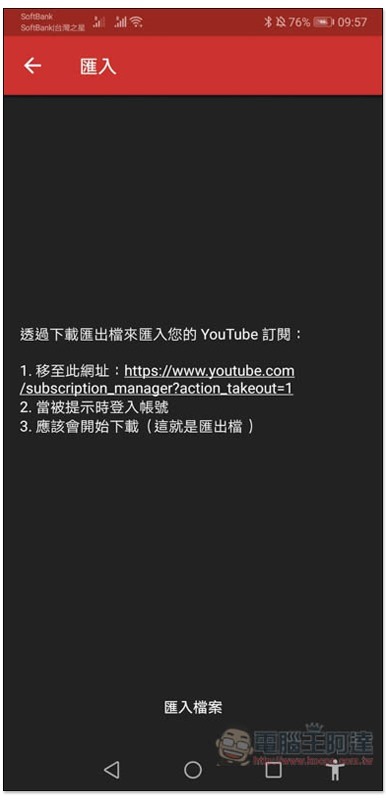
Although this set does not support YouTube account login, you can transfer the records of your YouTube account through the import method, and SoundCloud can also be used:
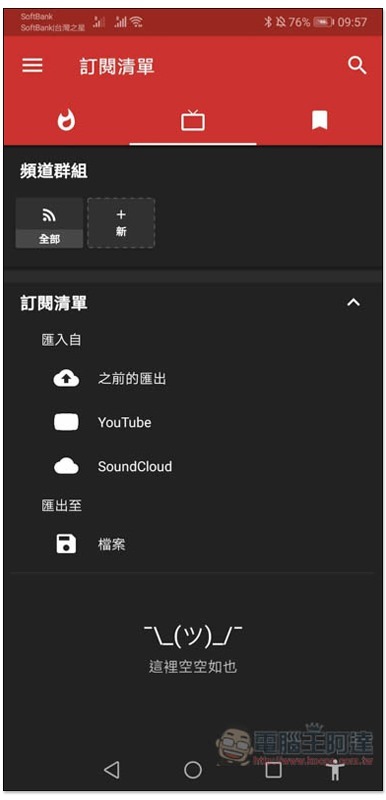
There are detailed operation instructions. After clicking the specified URL, the login account information will be exported:
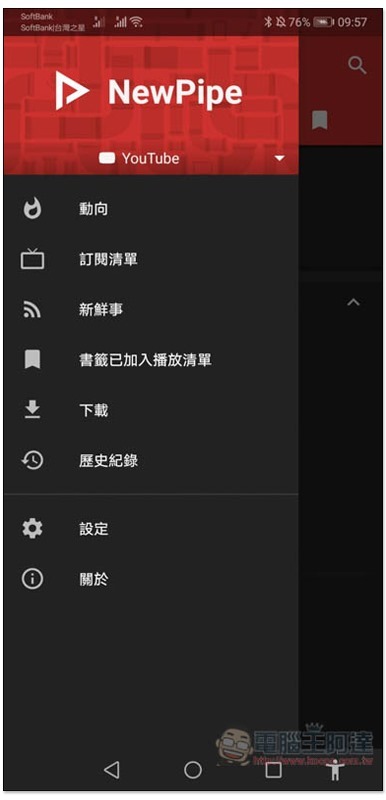
Download and playlist categories can be found in the menu on the left. In addition, you can notice that there is a small triangle icon at the top. After clicking it, you can switch to the SoundCloud, MediaCCC, and FramaTube pages. However, these are still Beat beta versions and may not be as stable as YouTube:
Supplementary information
- App name: NewPipe
- Nature: Free
- Supported operating system: Android
- APK download page
Source: KOCPC Chinese