


When writing articles, I often need to refer to some foreign news. Sometimes I wish to set the writing page or the window of these websites to the top, so that it will not be covered when switching to other software. However, the Chrome browser itself does not provide this function, so in this situation, I can only keep tab + Alt, which is very troublesome. Recently, I discovered this very good free gadget “DeskPins”, which can pin any window to the top, including Chrome, Adobe, LINE, Spotify, etc., and even folders. You can pin multiple pins at once. If you have this problem like me, I recommend it to you.
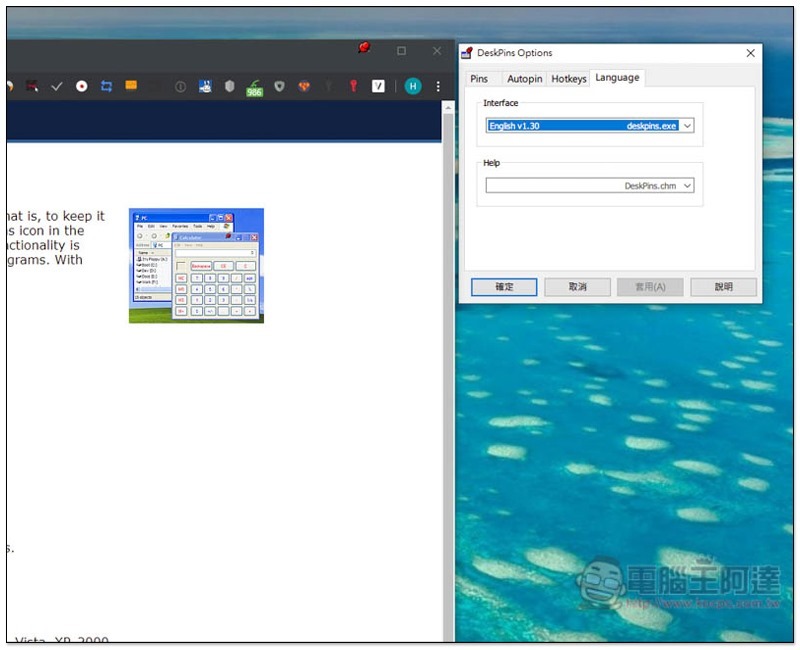
Introduction to DeskPins
DeskPins has Windows 9x and other Windows versions, depending on which operating system you are using, most people should have Windows 10, so please choose the first v1.32:
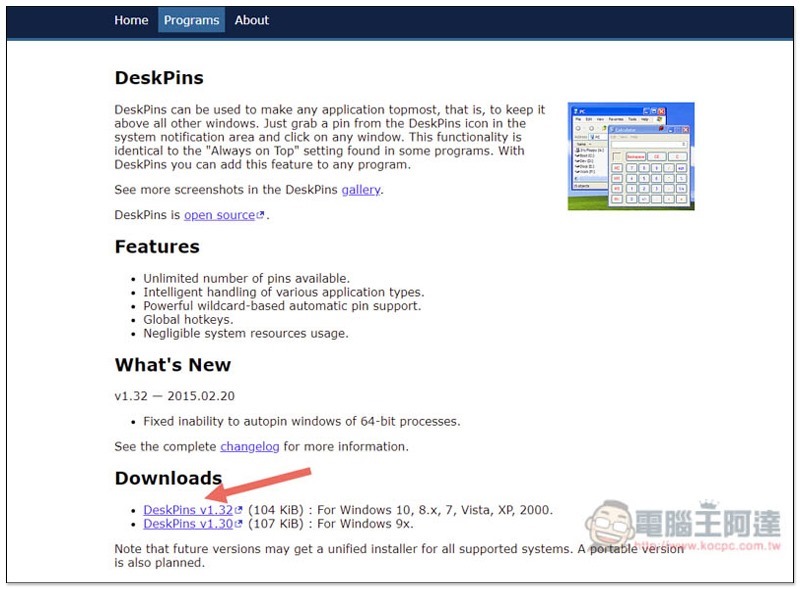
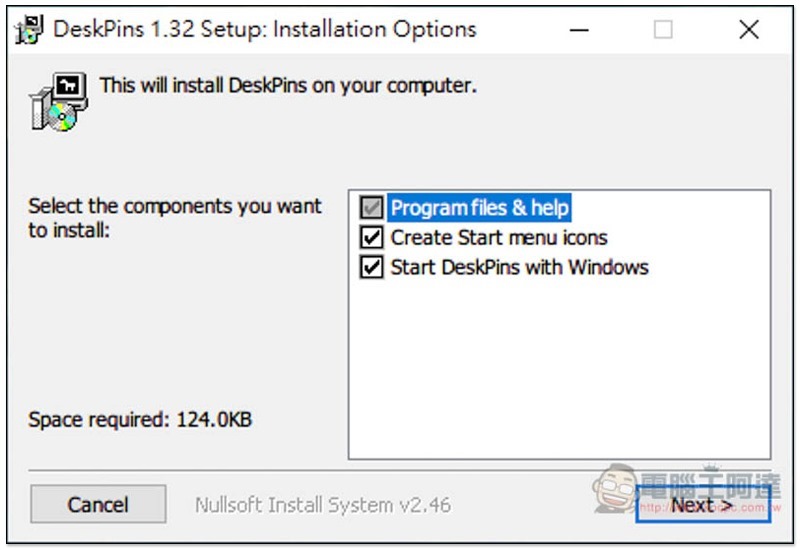
Just keep pressing Next during the installation process. Although this product does not have a Chinese interface, the operation is very simple. People who are not good at English do not need to worry too much:
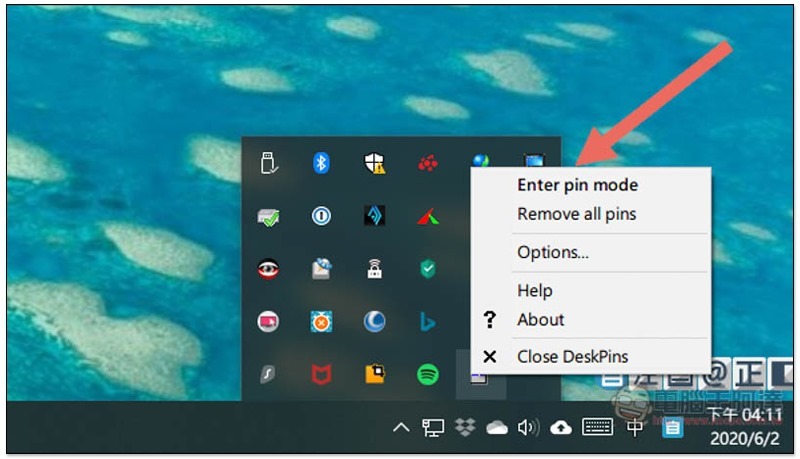
After installation, open it and it will stay in the menu in the lower right corner. There is a pin icon:
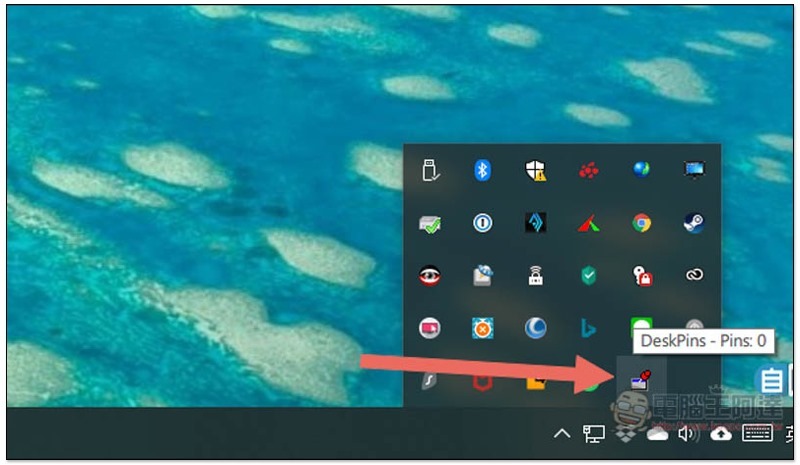
Open the right-click menu to find the pin selection Enter pin mode function, or you can directly click the icon to pin the window.
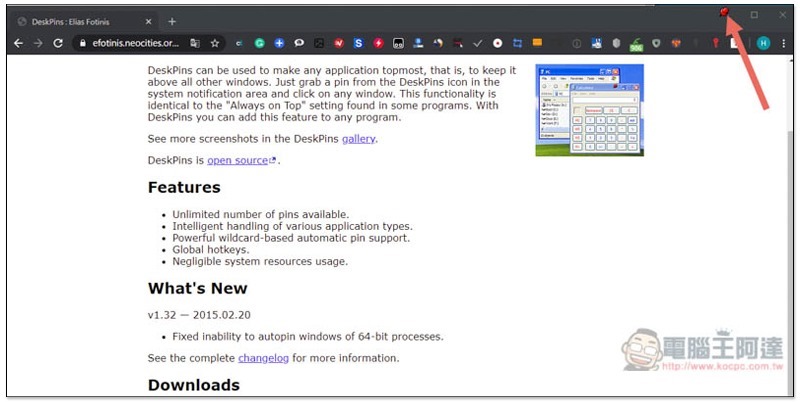
After selecting the window you want to pin to the top display, a pin will appear in the upper right corner. No matter what software or application you open, this window will not be covered. If you want to cancel pin selection, click on the pin:
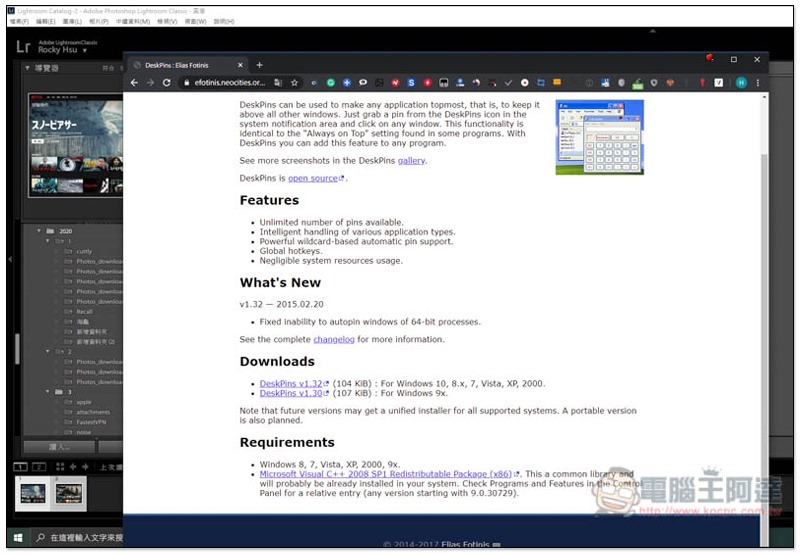
As shown below, it will always remain at the top of all windows (I’m not sure about full screen, I haven’t tried it yet):
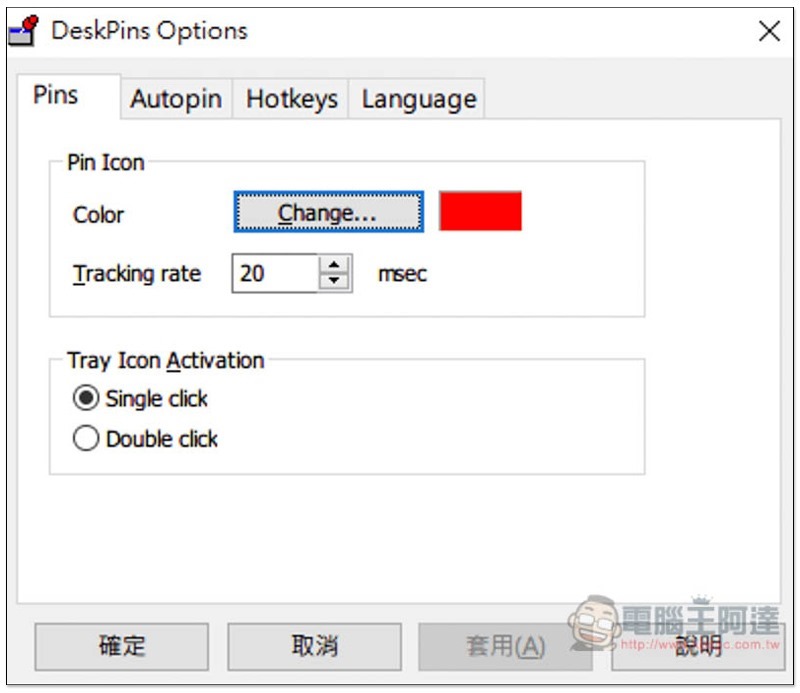
There are also some settings that can be adjusted in the Options option, such as color, tracking rate value, etc.:
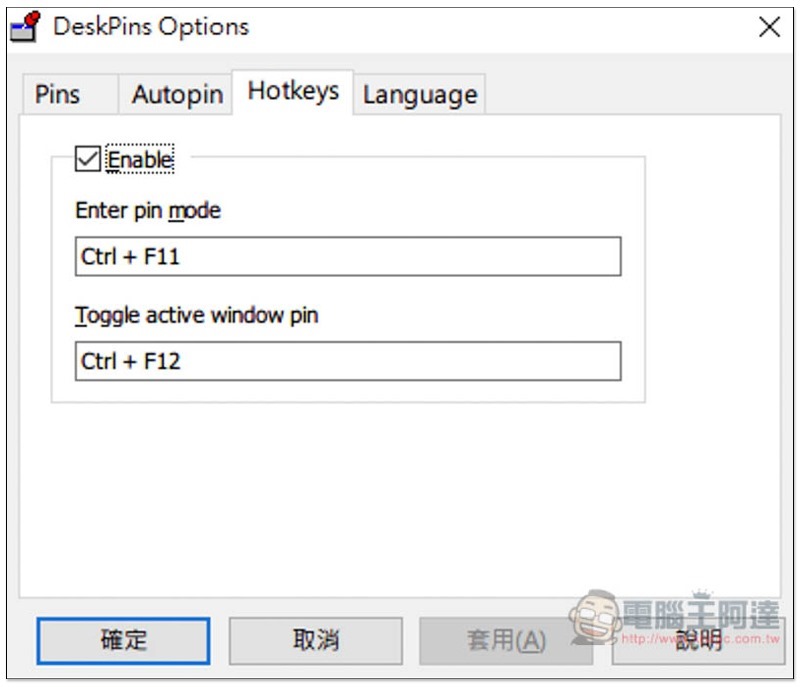
It also supports the hotkey function. People who use it frequently recommend remembering it so that they can use it faster in the future:
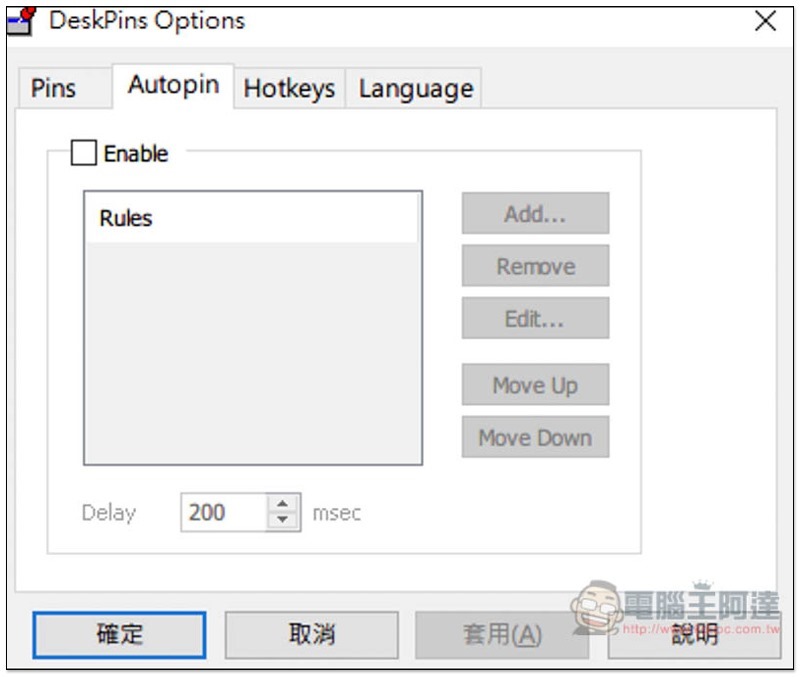
There is also an Autopin option, which is not sure how to use it. Interested readers can try it out on their own:
The only small pity is that it does not support the memory function, otherwise it would be even better. You only need to pin the settings once and you can start working quickly when you open it in the future.
Supplementary information
- Software name: DeskPins
- Nature: Free
- Supported operating system: Windows
- Official website and download point:Click here to go
Source: KOCPC Chinese