


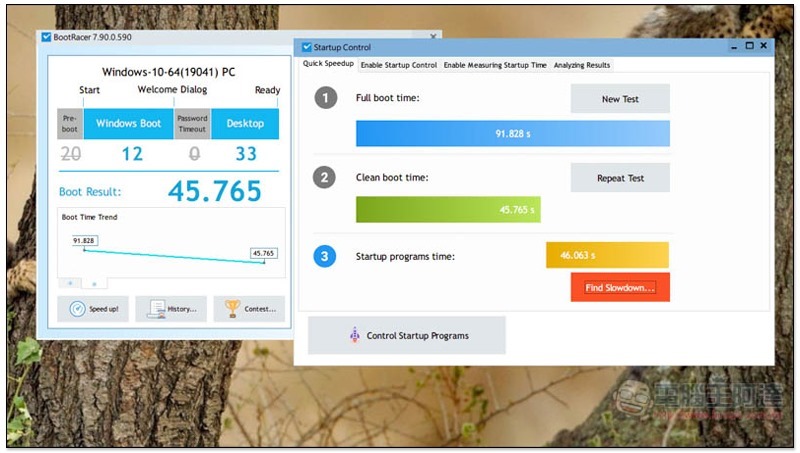
Nowadays, many people’s desktops and laptops should use SSD. Compared with the old HDD hard disk, the boot speed is much faster, but it will still slow down after a long time. The main reason is that there are too many softwares that need to be launched to boot. You can manually enter the Windows settings to manage it, or you can directly download this set of BootRacer Premium boot acceleration software, which is now available for free, allowing you to easily improve the boot speed of your computer. The original price of this set is $24.95.
BootRacer Premium Limited Free Download
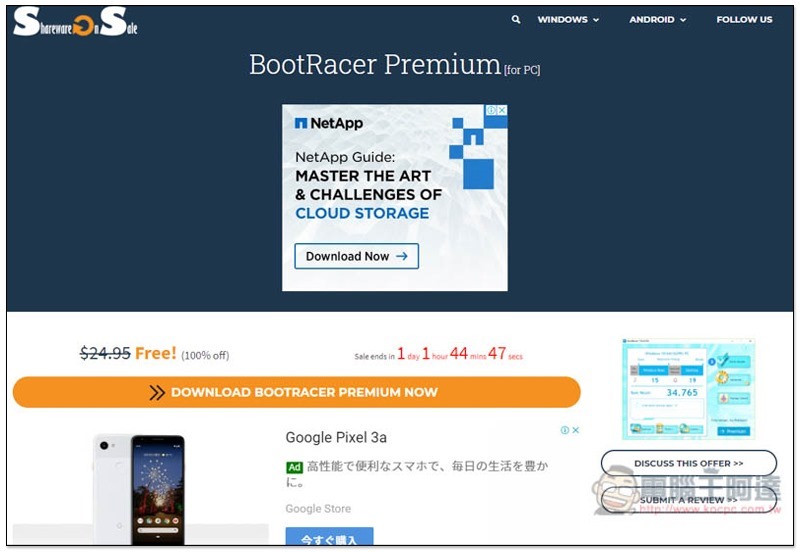
The website that launched the BootRacer Premium limited free event this time is the very familiar Shareonsale. After entering the event page, click DOWNLOAD BOOTRACER PREMIUM NOW below. There is still a little more than a day before the end time:
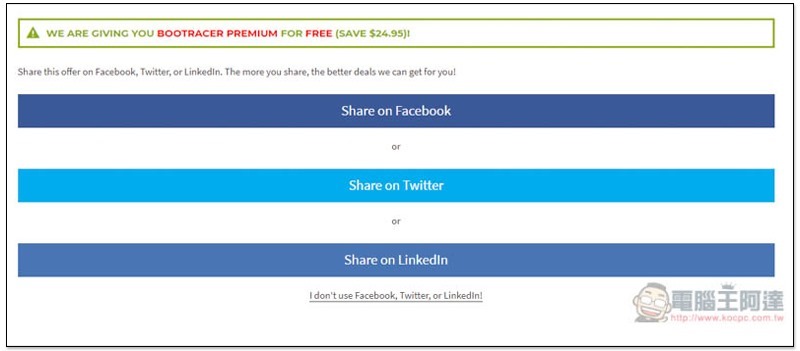
You can quickly share this event to Facebook, Twitter or Linkedln to get the serial number, or click “I don’t use Facebook….” below to fill in the basic information using the old version:
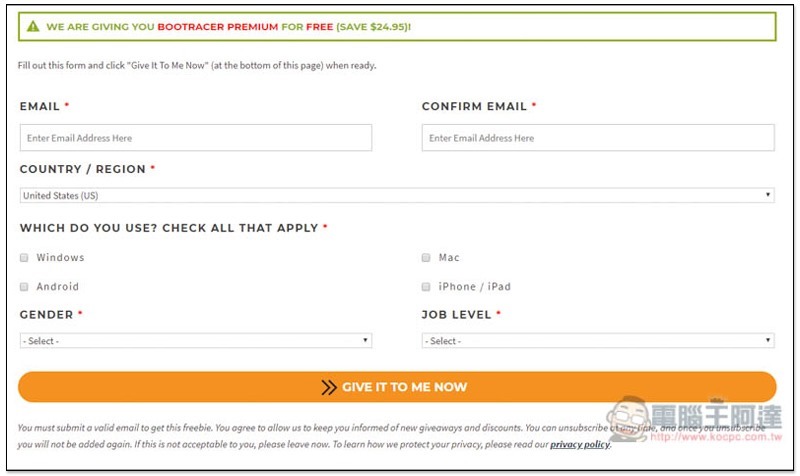
As shown below, enter your email, country, operating system, gender and rank. When completed, click GIVE IT TO ME NOW:
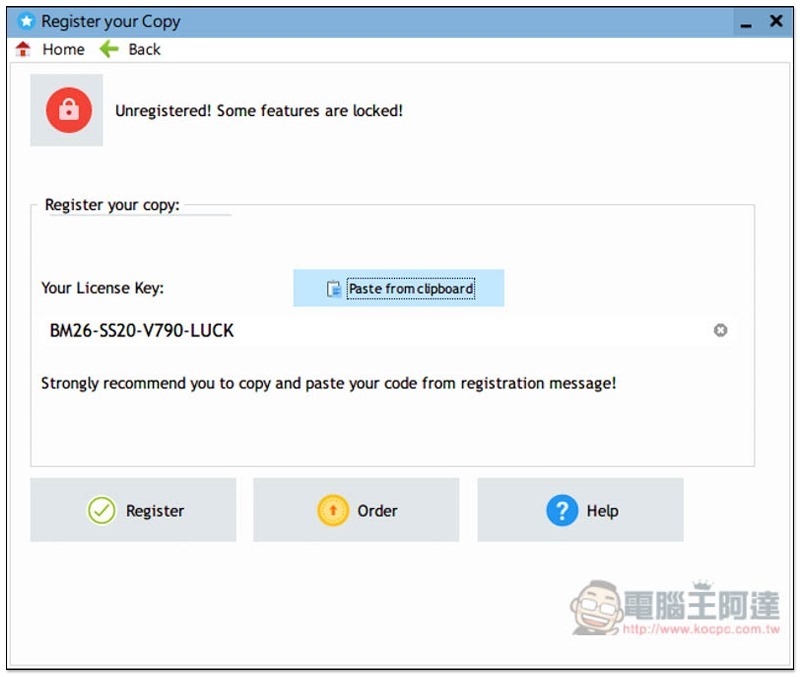
The installation file will be downloaded automatically, and the screen will also display the limited exemption serial number, which looks like a universal serial number. You can also download the installation file directly from the official website, and then fill in the limited exemption serial number I obtained to try (BM26-SS20-V790-LUCK):
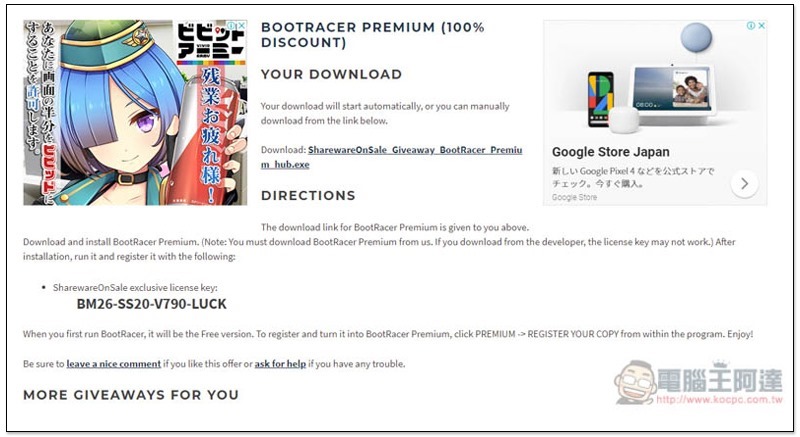
The installation file downloaded from the website is SharwareonSale Hub. You need to download the real BootRacer installation file through this set:
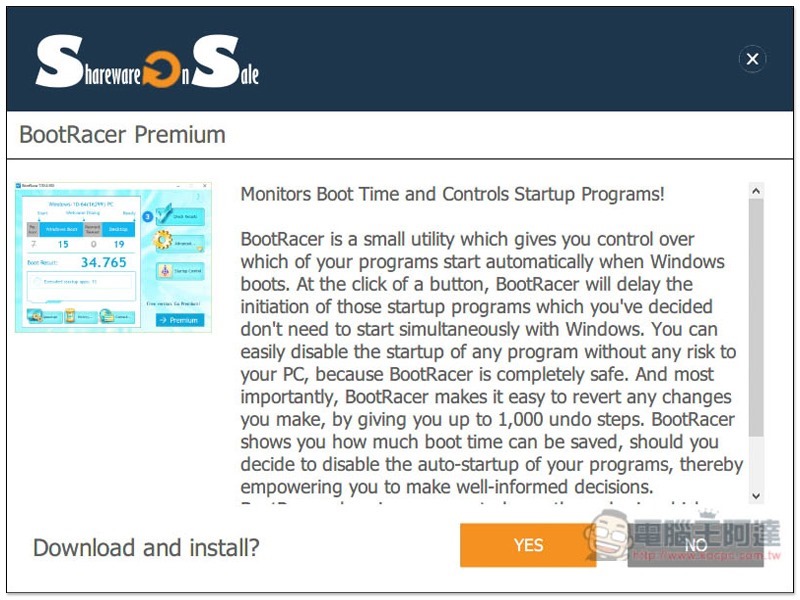
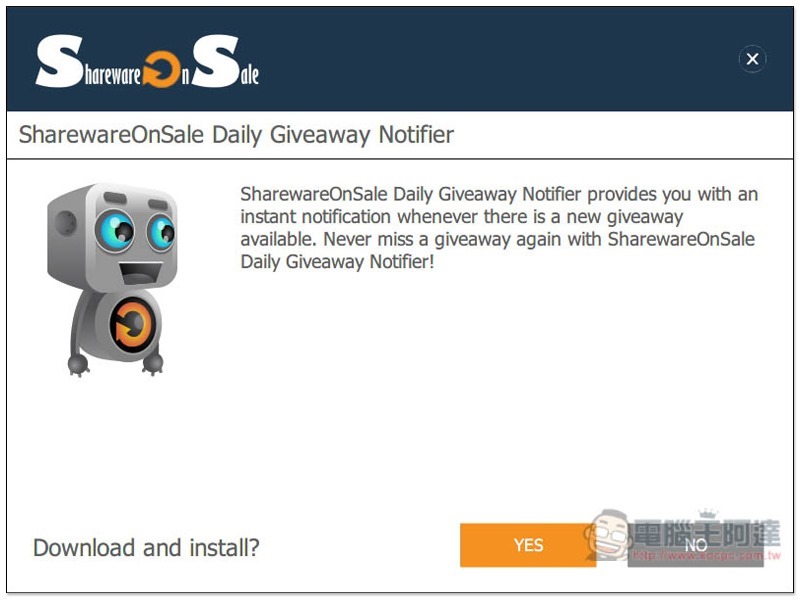
This step will ask you if you want to install their limited-free notification tool. If you don’t want to, please click NO:
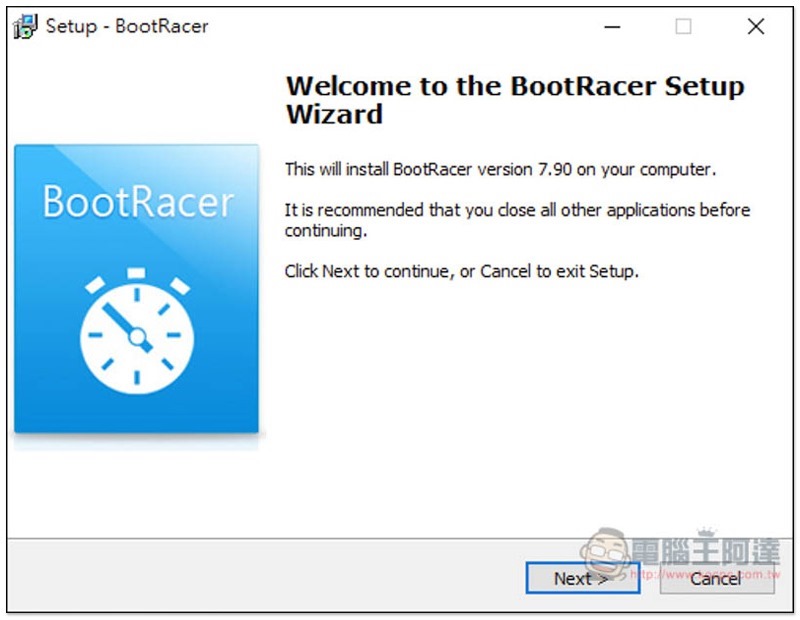
Just keep pressing Next during the installation process:
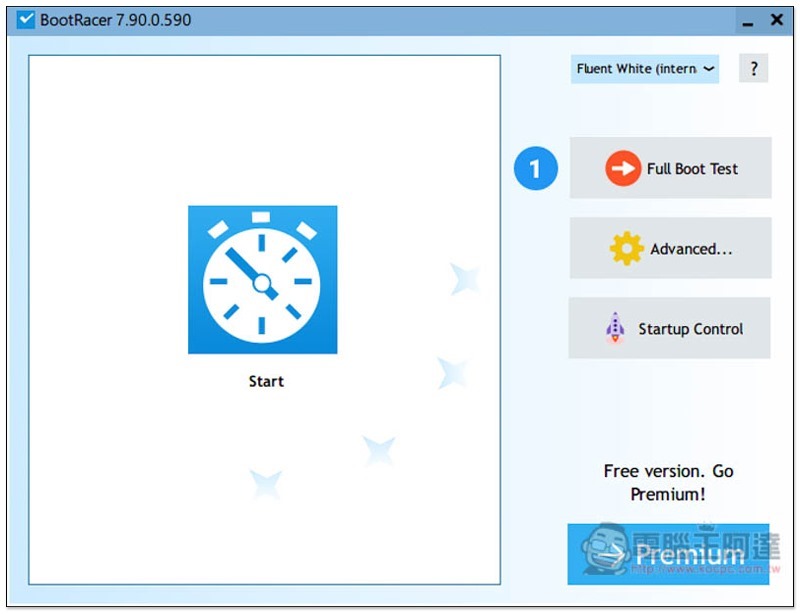
Then you can start using it! First, activate the Premium version to unlock all features. Click Premium in the lower right corner:
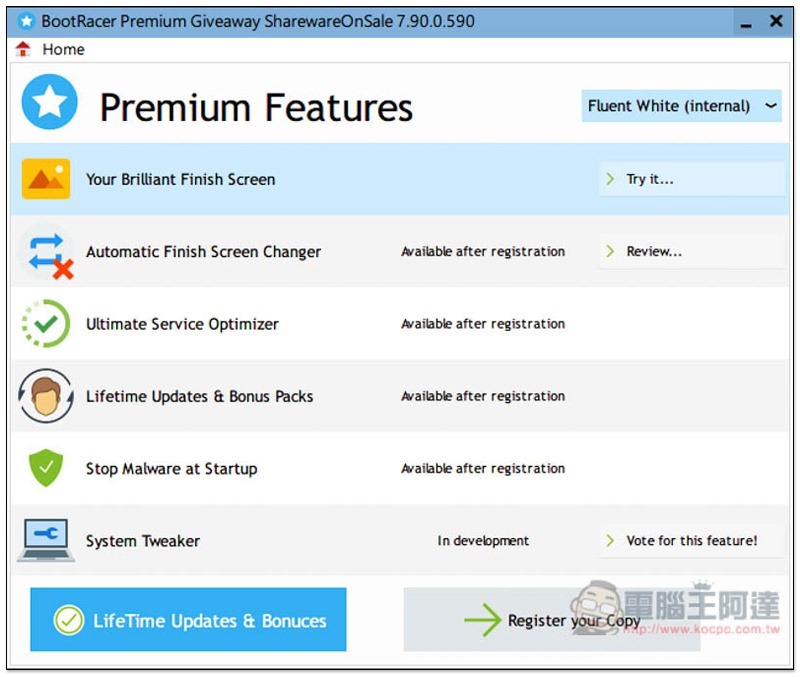
The features of the Premium version will be displayed first. If you are interested, you can take a look. Click Register your copy:
After copying the serial number, click Paste from clipboard, the serial number will be automatically pasted, and then click Register below:
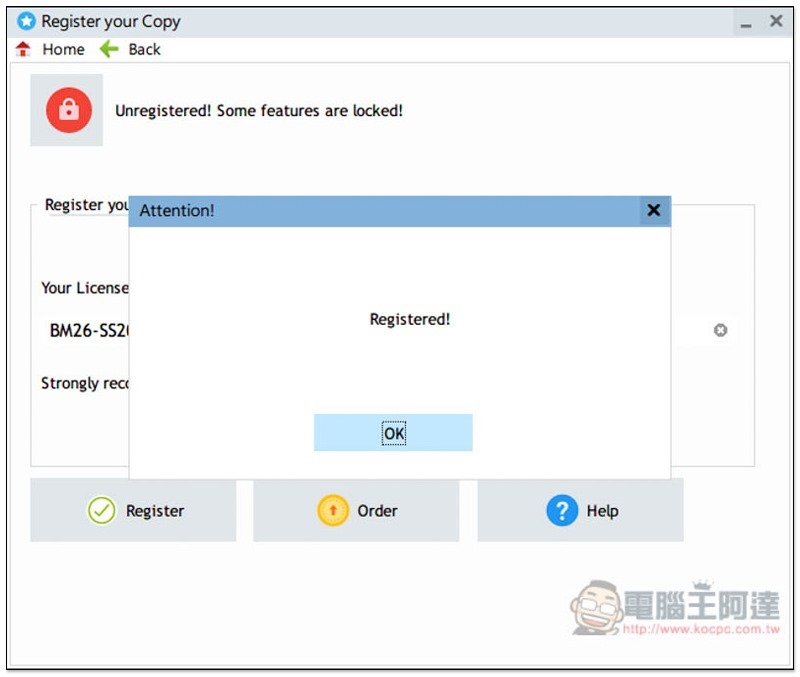
The registration is successful! Free lifetime use:
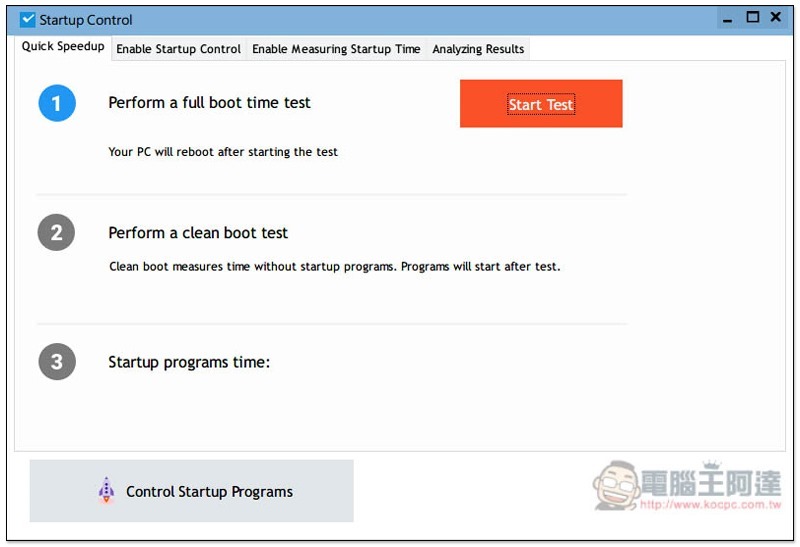
After registration, please test the boot speed score of your current computer. Clicking Full Boost Test will open this screen. Please click Start Test on the upper right. The computer will restart afterwards, so remember to save important data before testing:
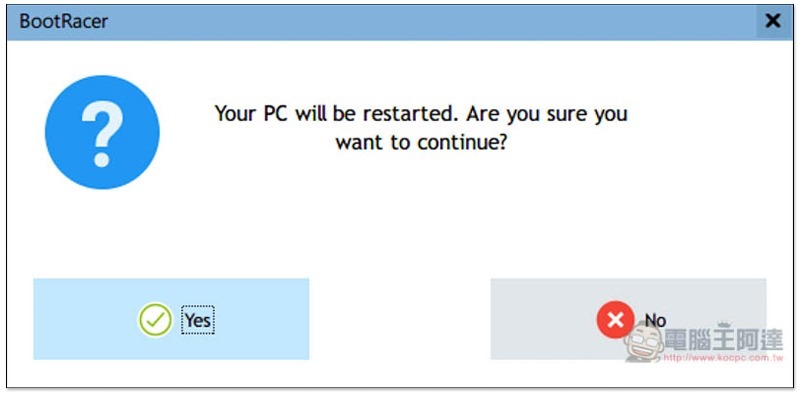
It will be confirmed again before restarting. If there is no problem, click Yes:
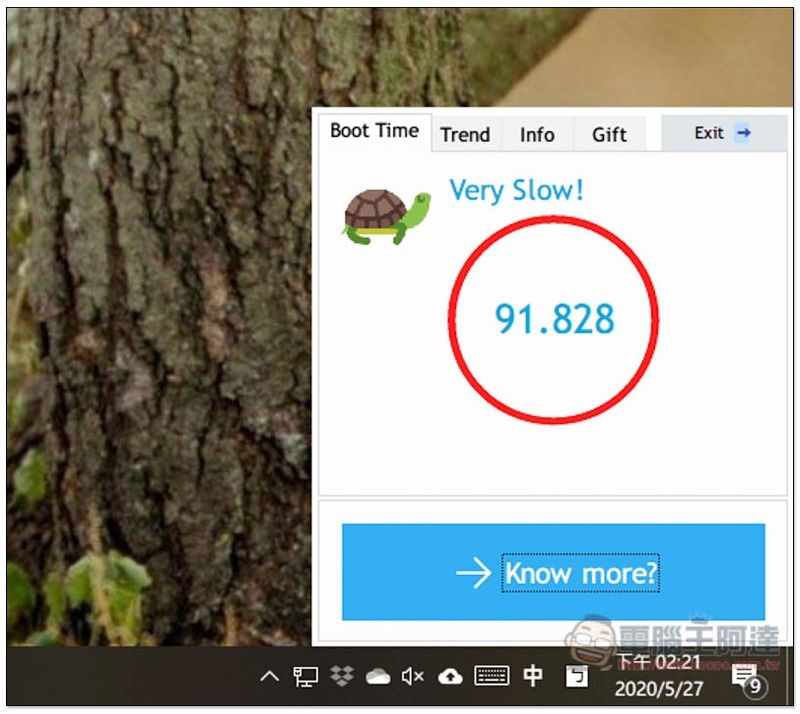
After restarting the computer and entering the desktop, a 10-second countdown will be displayed in the lower right corner. It may repeat back to 10 and then count down again. It depends on how many software on your computer will automatically activate. Just wait until it finishes! Finally, a number will be obtained. Unexpectedly, the comment I received was Very Slow:
You can view more by opening the software. For example, it only takes 11 seconds for me to start Windows, but after entering the desktop and opening all the software, it takes 80 seconds (but I don’t think it is that long…). In any case, you can click Clean Boot Test on the upper right to speed up, but I personally recommend using the “Enable Control” below:
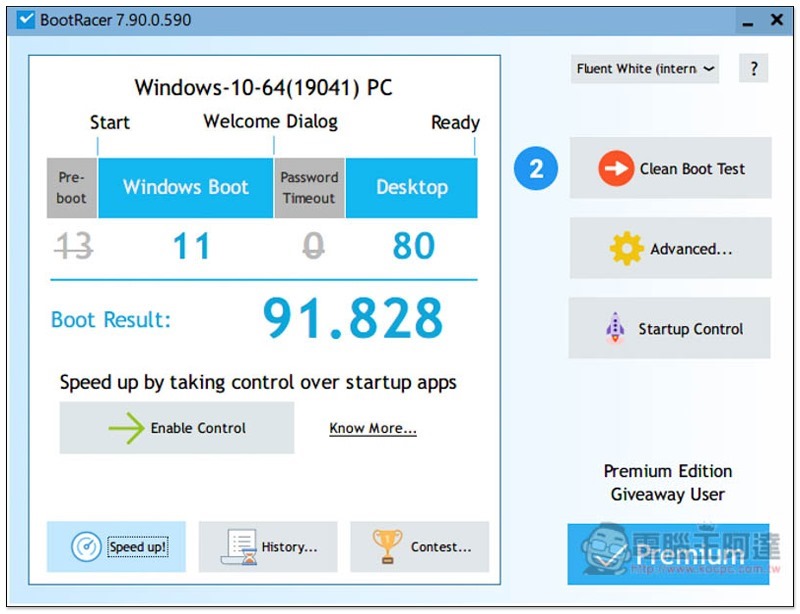
This function can control the software that is automatically launched when booting. Click Control Startup Programs below:
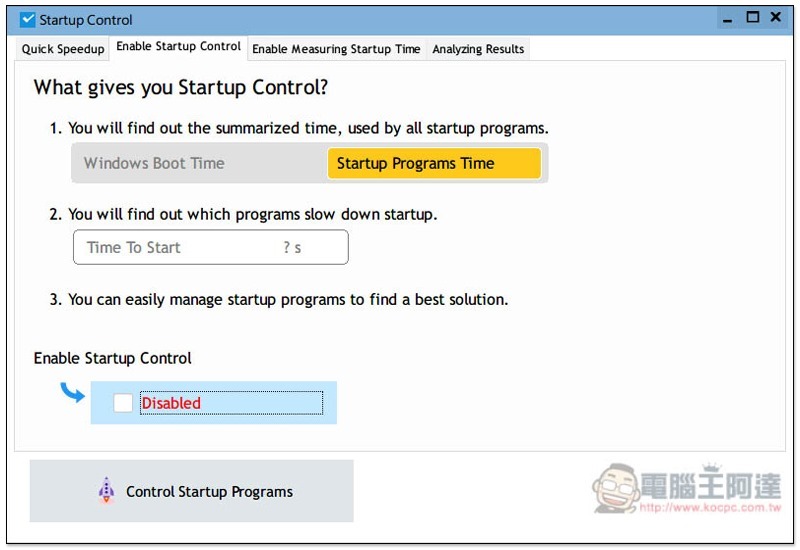
Click Activate Startup Control:
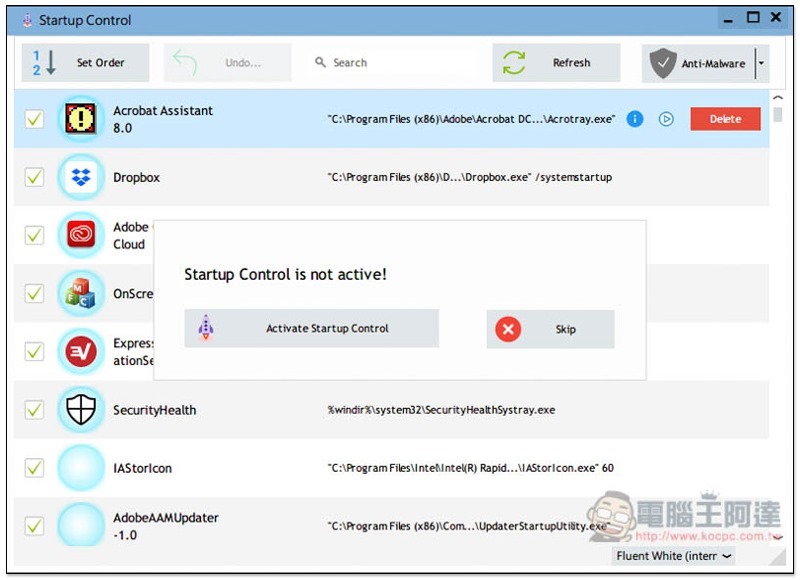
Then you can cancel the software that you think is not important:
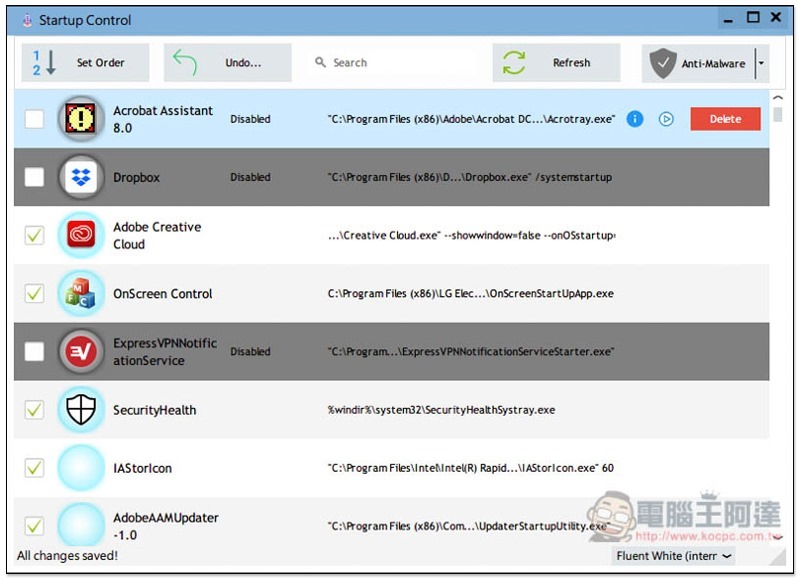
After everything is completed, return to the main screen and click Clean Boot Test in the upper right:
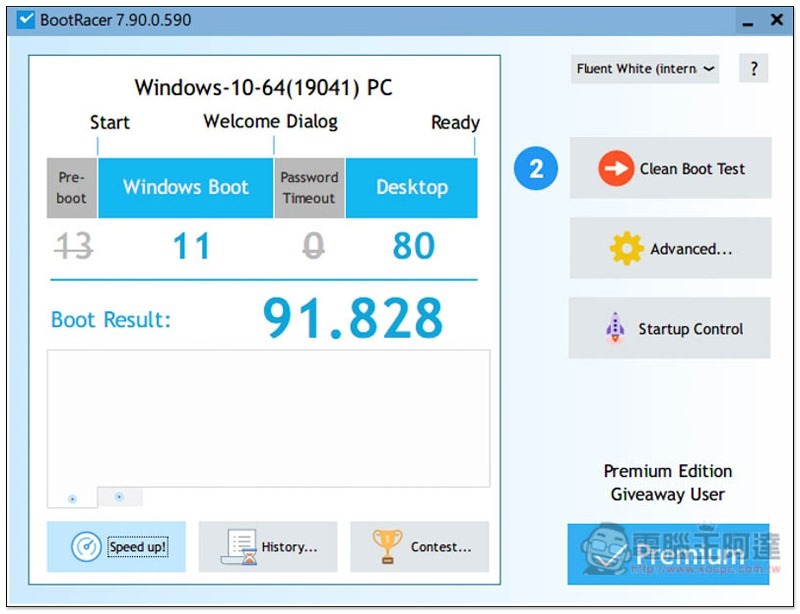
Click Start Test in the second step to restart:
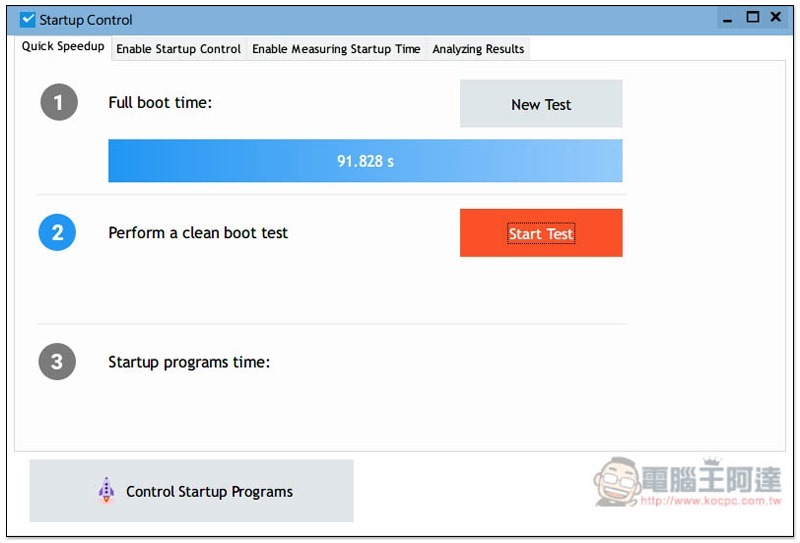
As shown in the picture below, after I restarted the test again, the desktop speed increased significantly, and it only took 33 seconds, which was half as fast:
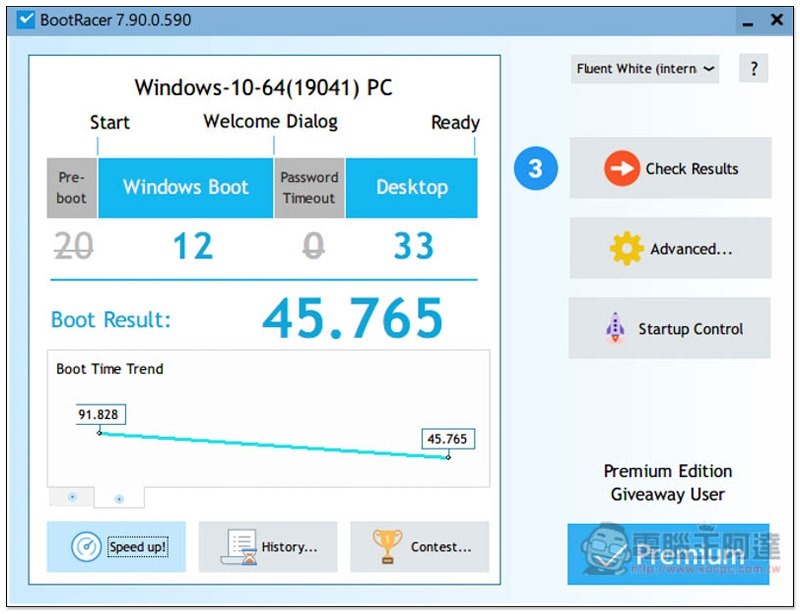
But I personally think that if you use SSD like me, the actual speed increase may not be that obvious, and HDD will be much different.
Supplementary information
- Software name: BootRacer Premium
- Nature: Limited exemption
- Limited free event page:Click here to go
Source: KOCPC Chinese