


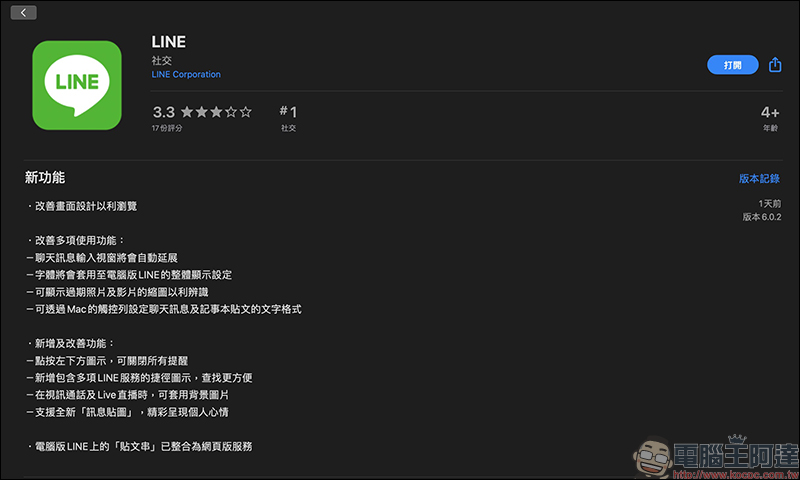
After the Windows 6.0.1 version update of LINE PC version was first launched a few days ago, the LINE Mac version 6.0.2 update was finally released yesterday! From now on, Mac users can also experience the new features of the new LINE PC version. At the same time, this update also supports “message stickers”. To celebrate the opening of message stickers on the computer version, LINE has officially released Bear Message Stickers for users to try for free for 14 days. If you haven’t experienced how fun message stickers are, hurry up and seize the opportunity to download and give it a try!
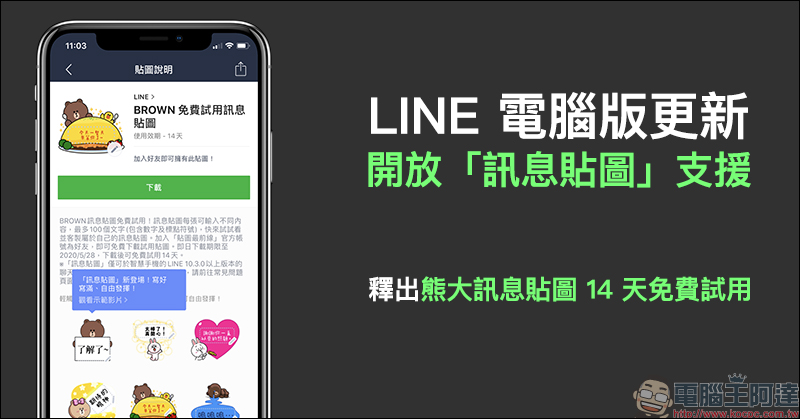
LINE PC version updates, opens “Message Stickers” support, releases Bear Message Stickers for 14-day free trial
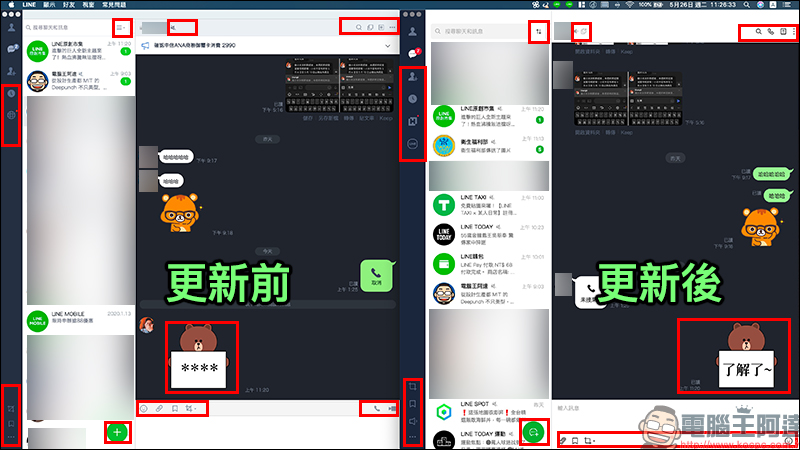
To quickly compare the design differences between the main page before and after the LINE Mac computer version 6.0.2 update, the following red boxes mark the most obvious changes after this update. For more details on the optimization of the user experience, please refer to our previous article.(Further reading:LINE PC version has been significantly updated! Compilation of 10 interesting update and optimization projects)
In addition to the ten interesting updates that I have compiled for you before, another highlight of this update is that the PC version of LINE finally supports “Message Stickers”! then The LINE team launched LINE message stickers in Taiwan at the end of March this year, allowing the majority of LINE users to send message stickers with up to 100 words of text content at a time through message stickers, and they can change them at any time as they like. Each sticker can be matched with different text content, so there is no need to change the text every time you want to change a picture. It is very convenient for users who are accustomed to using stickers to express their moods.
However, when it was launched two months ago, “message stickers” were only supported on mobile devices. If the person you were chatting with was chatting on LINE on a computer, the text part of the message sticker would be displayed as “****”, and you might not be able to understand what you wanted to express at all.
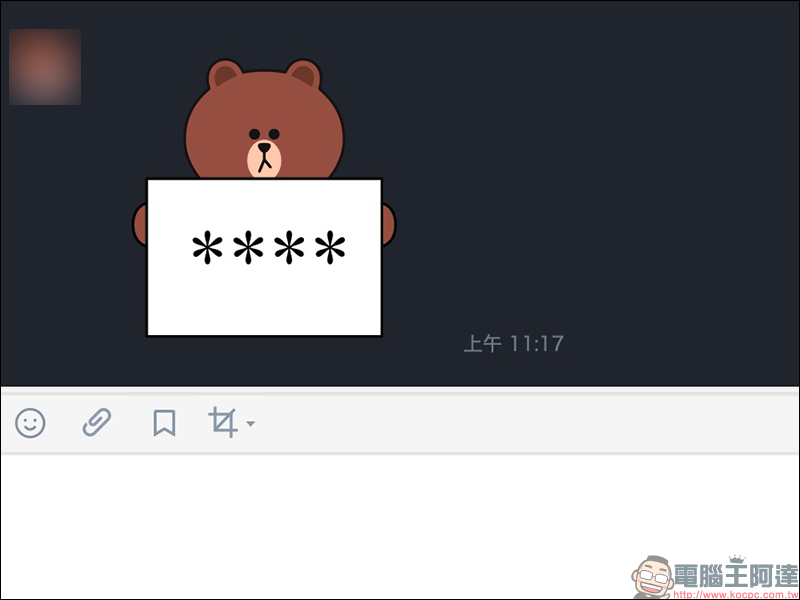
However, with the update of the computer version of LINE, it not only brings more new features and optimization of the user experience, but also allows message stickers to be used normally in the computer version. Moreover, if the sticker has not been updated when you receive a message from a friend, you can go back and check the friend’s message sticker after LINE is updated, and you will be able to see the text in the sticker!
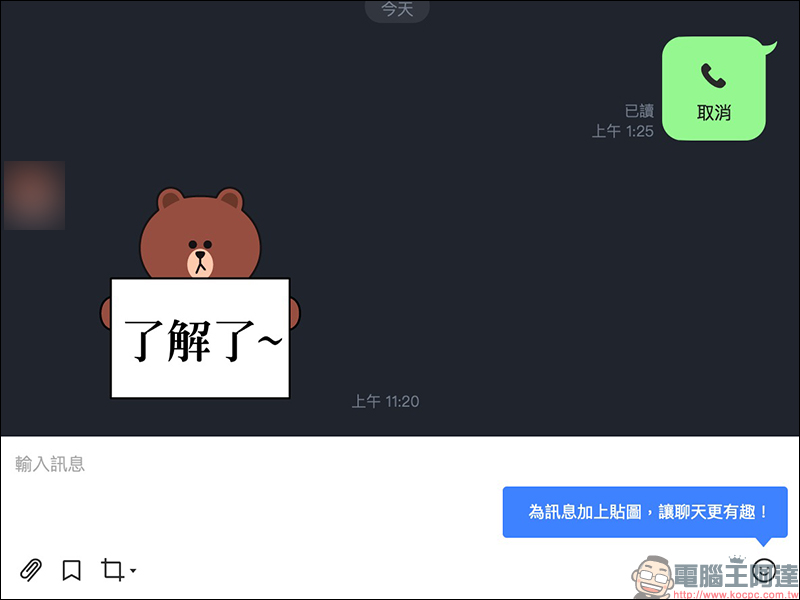
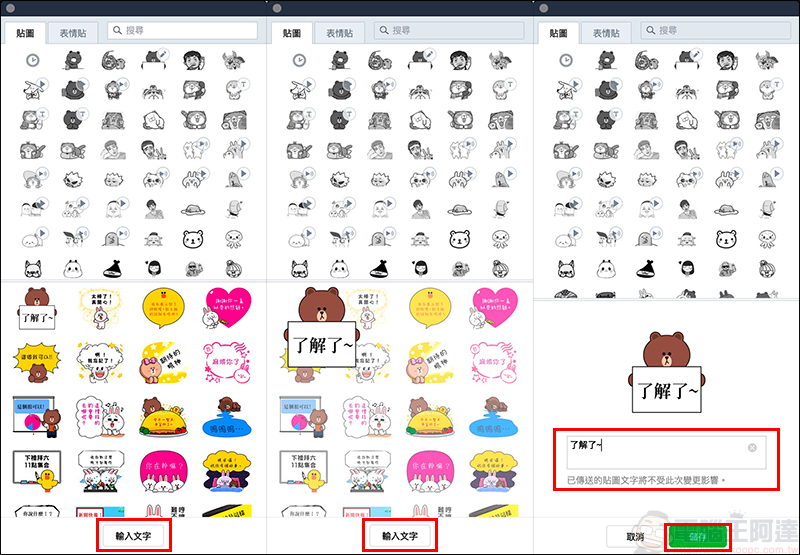
Just like the mobile version, after this update, the PC version of LINE can also click on the sticker to enlarge the preview directly in the sticker selection window, and can edit the text content of each message sticker at will. After editing, press Save to change the content of the message sticker. However, please pay special attention. If you change the message sticker that has been sent before, the content will not be changed due to subsequent changes!
For example, if the sticker originally sent said “I love you”, after the message sticker saying “I love you” has been sent, even if you edit the sticker text in the sticker window afterwards, the content of the sent sticker text will not be changed.
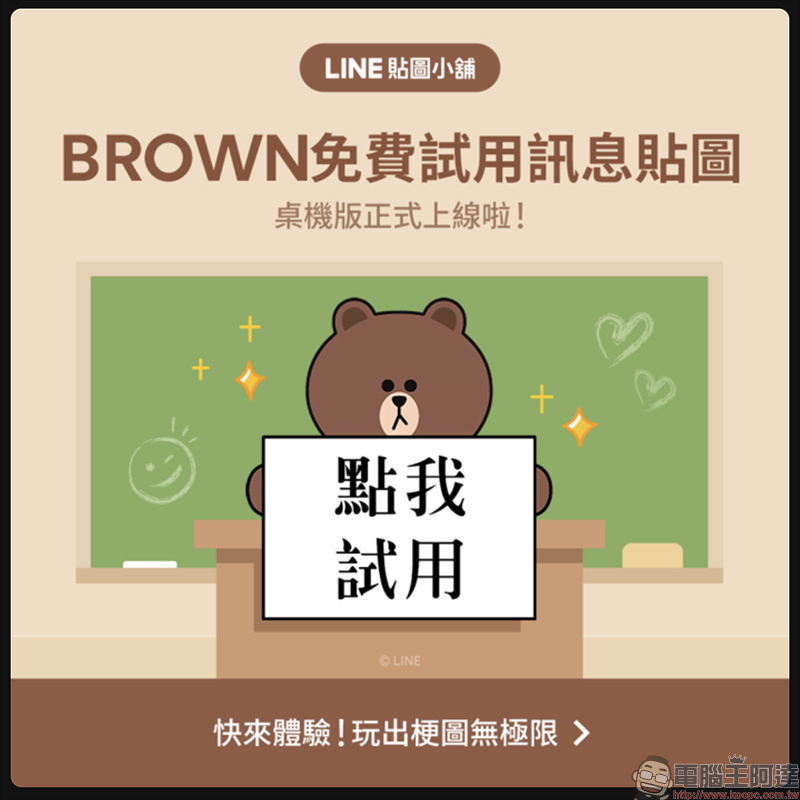
Of course, although LINE messages have been launched for nearly two months, after all, message stickers are almost always purchased for a fee. There must be many LINE users who still have not actually used LINE message stickers. This time, the PC version of LINE has been updated to support message stickers, and LINE officials have also generously released “Bear Big Free Trial Message Stickers”!
Just put“LINE stickers at the forefront”LINE official account (LINE ID: @linestickertw)Add as a friend and you can download trial stickers for free. You can download it now until May 28, 2020, and you can try it for free for 14 days after downloading.
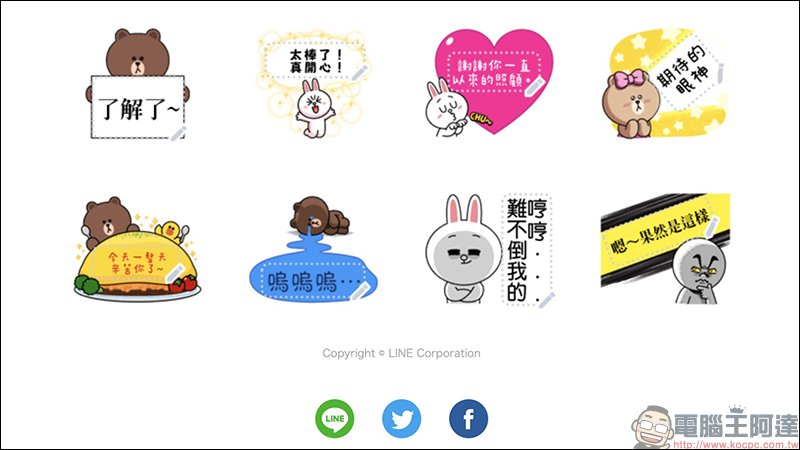
There are 8 types of message stickers in the free trial version of Xiongda this time. They are actually simplified versions of the “BROWN & FRIENDS message stickers” that were initially launched when LINE opened message stickers. Although the sticker styles are fewer than the paid version at that time, they are still quite practical and cute!
BROWN free trial message sticker download:Click here to go
(Download period ends on May 28, 2020)
Official tutorial video on how to use LINE message stickers
Further reading:
LINE PC version has been significantly updated! Compilation of 10 interesting update and optimization projects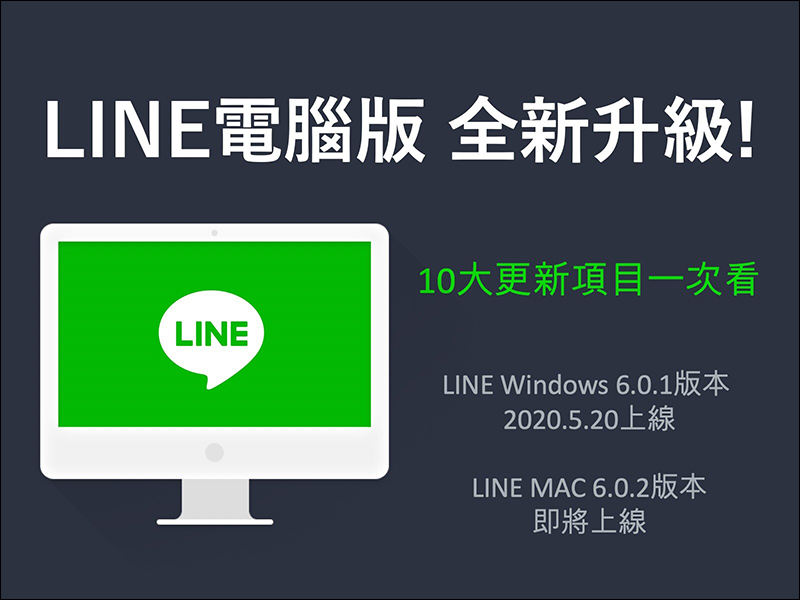
Source: KOCPC Chinese