


Shareit.video is a free tool that allows you to record your screen by opening a browser. It does not require installation of anything, and it also supports microphones. The best thing is that after recording, it can be uploaded directly to the cloud (the cloud of this service), allowing you to share it with others immediately. It is very suitable for people who often record teaching videos, and there are no ads.
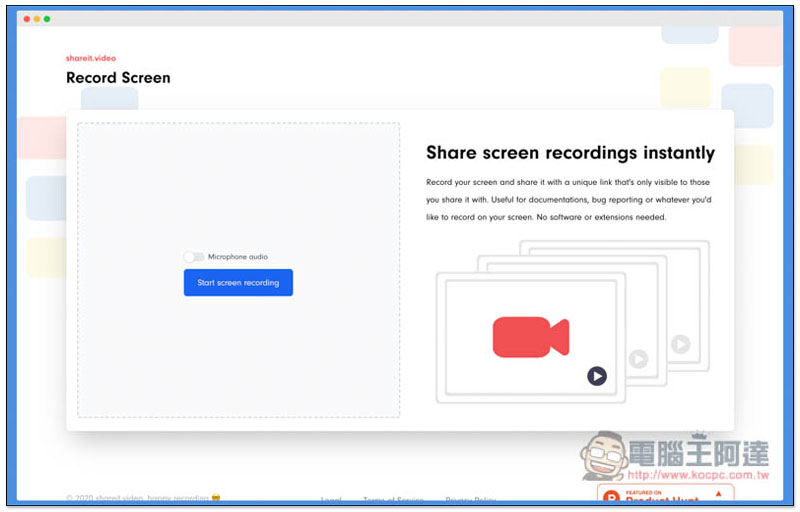
Introduction to Shareit.video Free Screen Recording Tool
Shareit.video can basically be used in most browsers, such as Chrome, Firefox, Edge, and Opera. Mac Safari cannot. I will use Chrome as a teaching example below.
After entering the website, you can directly press Start screen recoding to start recording. If you need to use a microphone, remember to turn on Microphone audio above: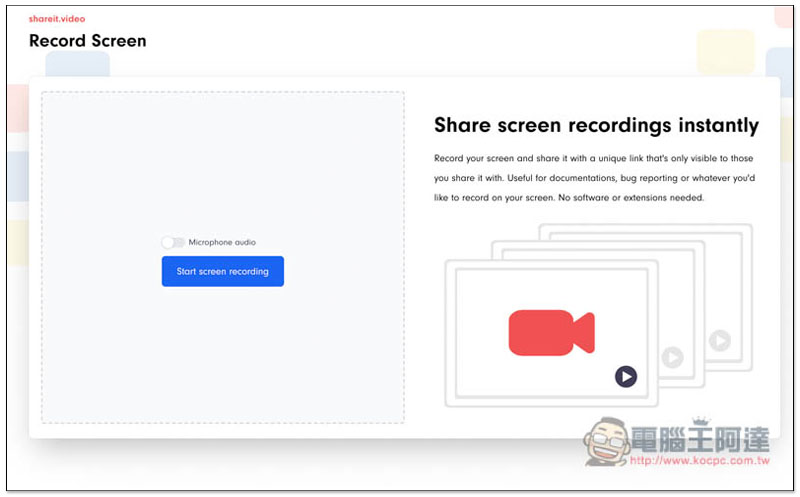
If you use a Mac like me, “Google Chrome” may pop up and you want to record the screen content of this computer. Please click to open System Preferences, and then check Chrome:
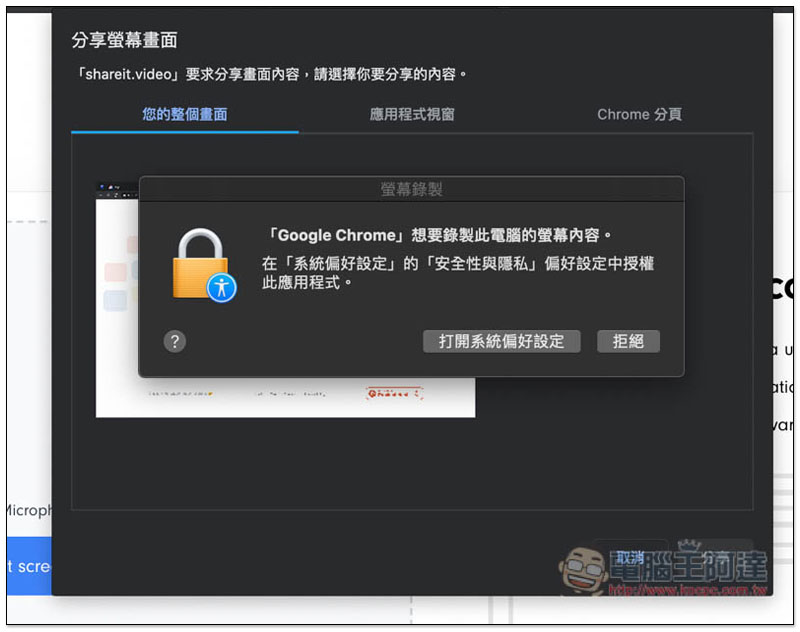
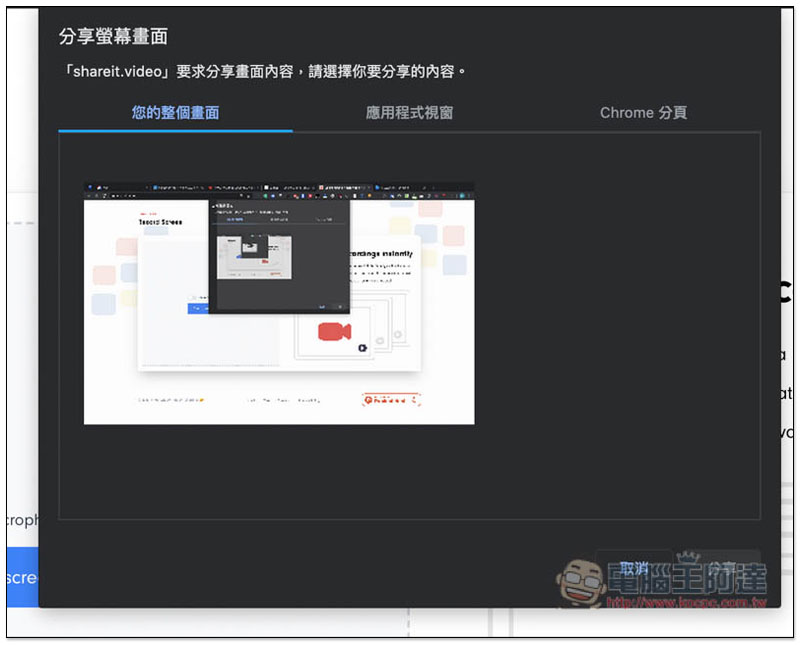
There are three screen recording methods to choose from, “Your entire screen”, “Application window” or “Chrome tab”:
The application window can select other open software:
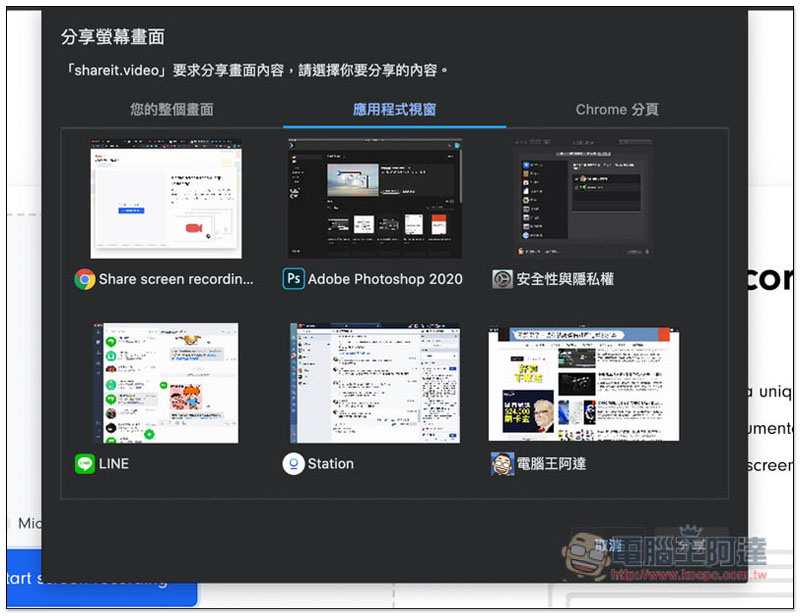
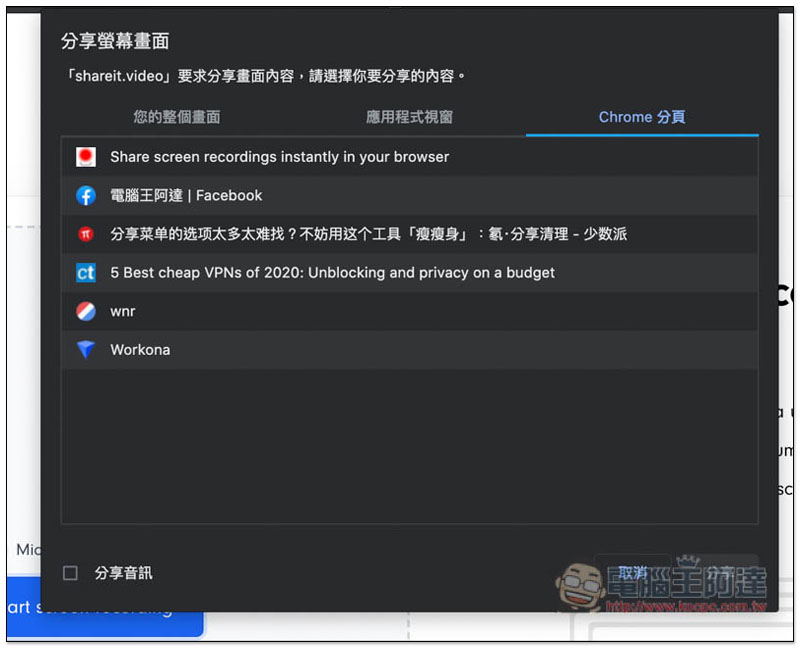
There is no problem with Chrome pagination. It will only record this pagination, so you don’t have to worry about other images being included in the video:
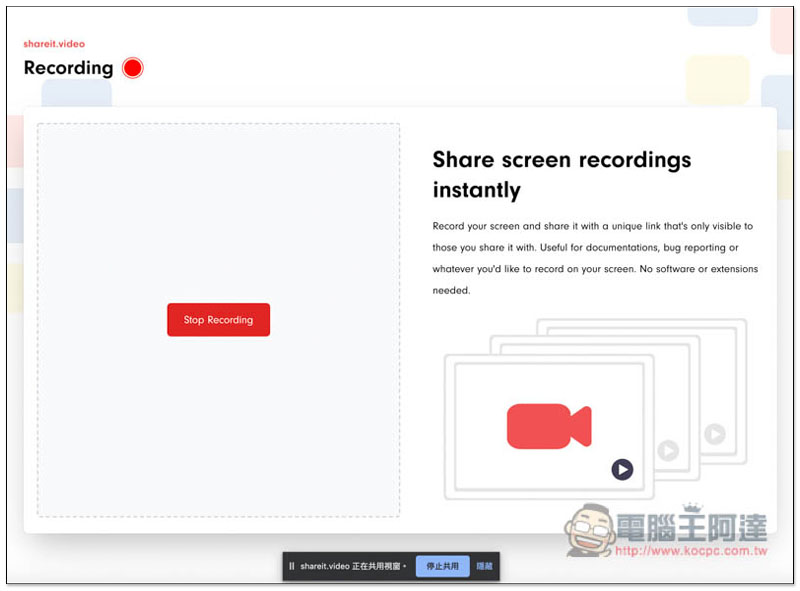
After starting recording, the Sharing window will be displayed below. Click Stop Recording to stop recording. It’s a pity that it doesn’t support the pause function, so you can only keep recording.
After the recording is completed, there will be three options in the upper left corner: “Upload & Generate Link”, “Record again”, and “Download”:
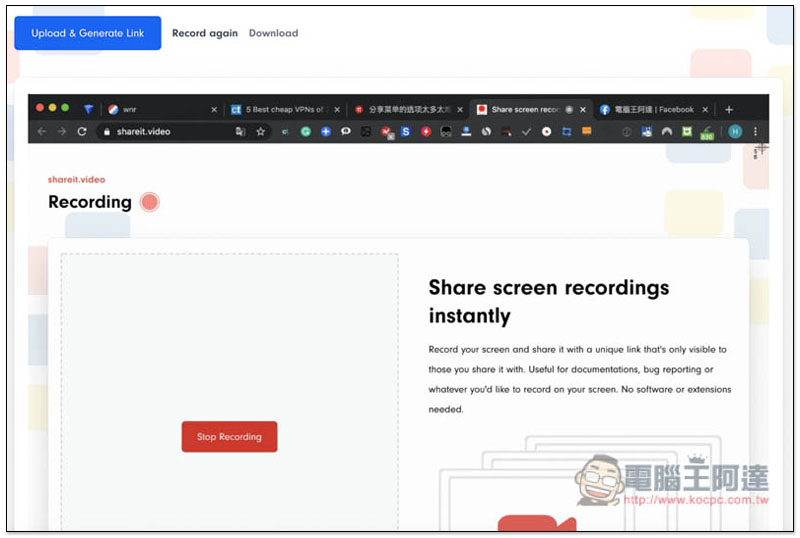
I’m not sure if there is any length limit for the upload part:
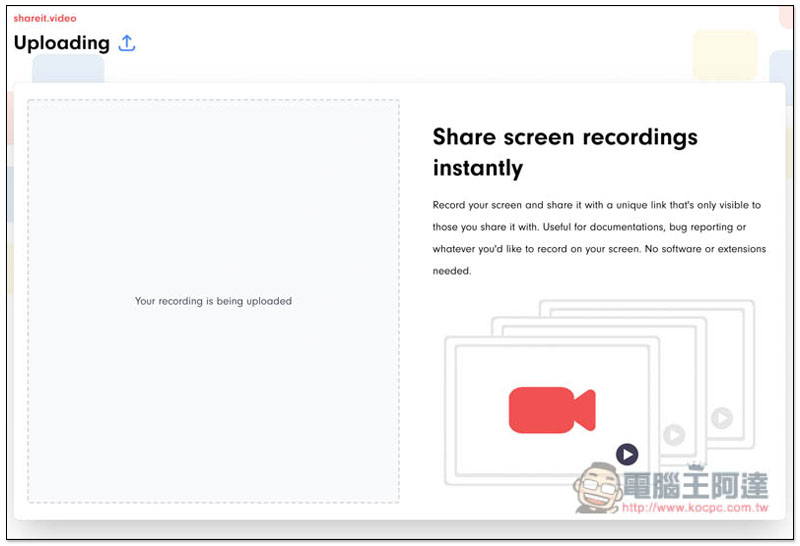
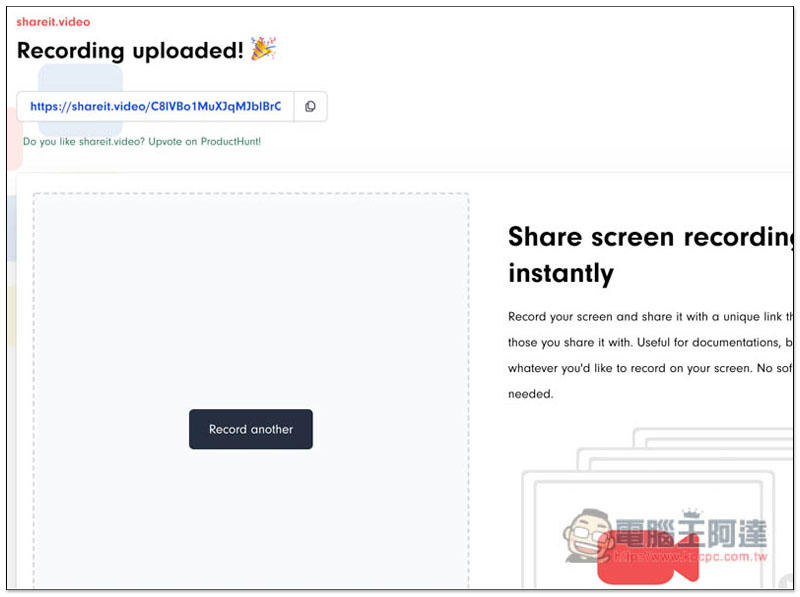
Once the upload is complete, you will get an exclusive link that you can copy and share with others:
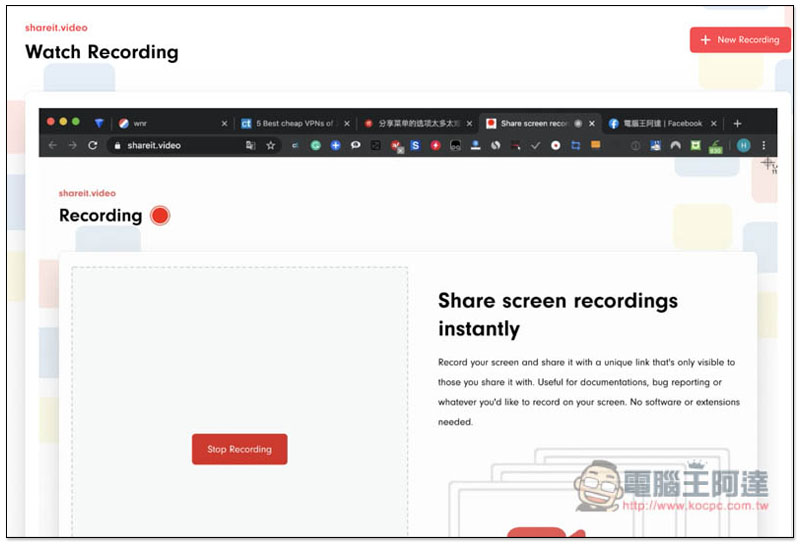
The other party can watch directly through the Internet, saving time on data transmission. Of course, the prerequisite for uploading is that this video does not have any privacy or security issues. After all, it is stored on their server:
It seems that the website does not mention how long the video will be stored (or I can’t find it). Anyone who wants to use the upload function can look for it on their own.
Supplementary information
- Website name: Shareit.video
- Nature: Free
- URL:Click here to go
Source: KOCPC Chinese