


Although on the Android side, there are already powerful automation tools like Tasker app that can be applied. However, for people with physical disabilities and cognitive impairments, simple setup and use solutions like Siri shortcuts seem to be more practical. For similar purposes, Google Action Blocks, which can easily activate commands through Widget buttons, has been officially launched after being released last year. Continue reading Google Assistant’s “shortcut” Action Blocks are officially available for download. Text of the report.
▲Image source: Google
Google Assistant’s “shortcut” Action Blocks are officially available for download
At the end of last year, Google announced the launch of various features for people with cognitive disabilities. It is also one of the accessibility features that many people are looking forward to bringing rich and extended applications like Siri shortcuts. The company specifically chose the “Global Accessibility Awareness Day” to officially put this app on the shelves, and it can be used as long as Android 5.0 or above.
▲Image source: Google
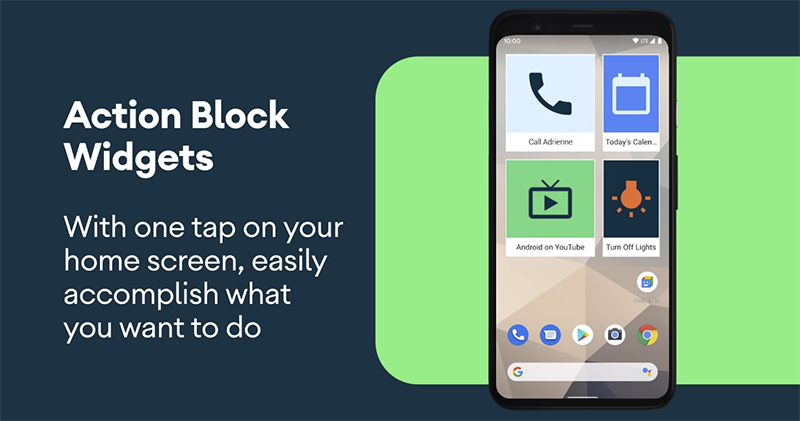
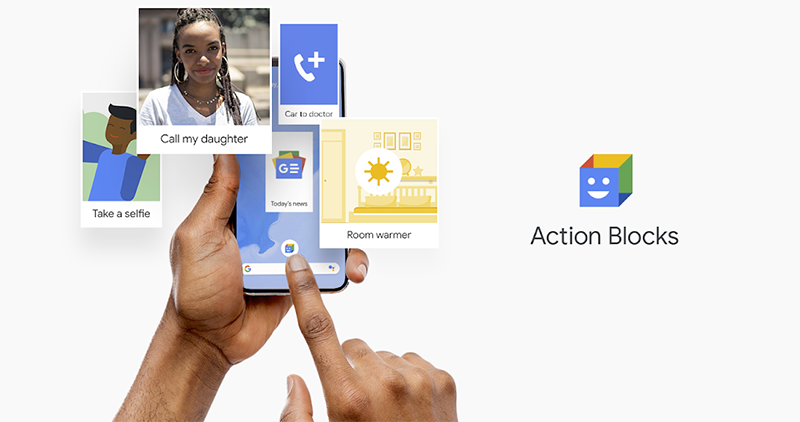
This app can use desktop buttons made of customizable pictures, which will allow the elderly and people who are inconvenient to call Google Assistant by voice or text, the opportunity to quickly complete various tasks through set preset actions, including automatically dialing calls to contacts, sharing locations, watching favorite programs, and even asking Google Assistant to help turn off IoT products such as lights and speakers with one click.
▲Image source: Google
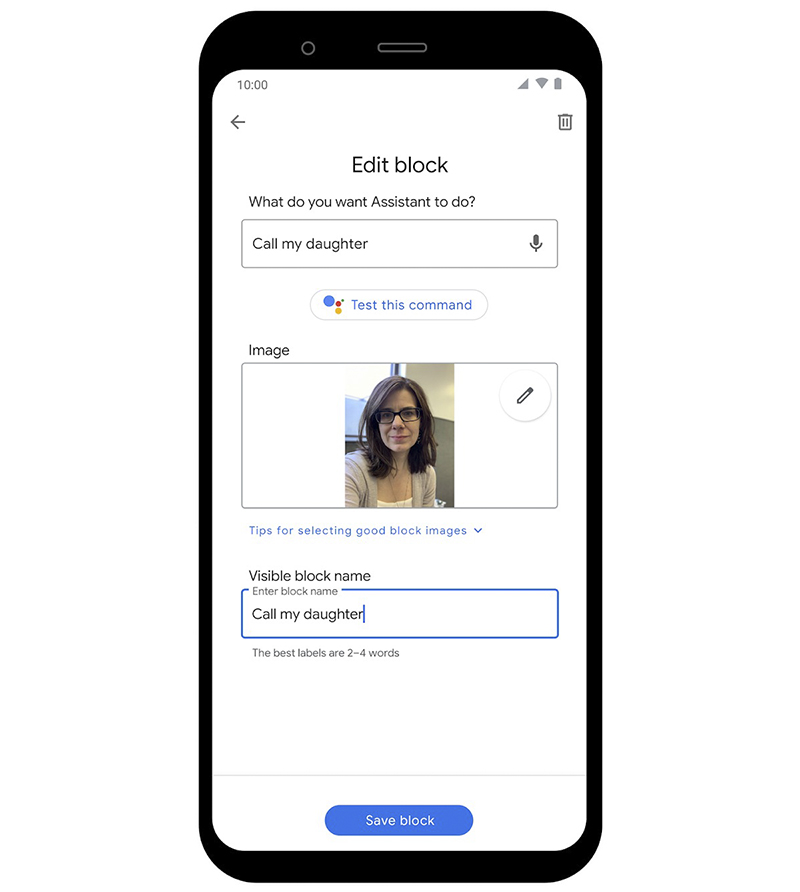
Compared with Siri shortcuts, which can directly add multiple complex commands, the function of Action Blocks is relatively simple. Currently, you can only save the voice assistant’s voice commands as text as buttons, and you can name them and put customized pictures to enhance the impression (for example, if you want to call a function to your daughter, you can put her photo and text on the button). However, since Google Assistant itself also has a “routine” multiple command function, it should be able to meet such usage needs through a single voice command.
▲Image source: Google
After adding the accessibility features of Instant Transcription and Sound Amplifier, both On-Device device-side accessibility features, to Action Blocks. It has to be said that in recent years, Google has indeed been very serious about establishing a more advanced barrier-free experience in the Android system. I believe it will meet the needs of more friends with similar needs and make the application range of Google mobile systems wider.
Google Action Blocks Download (portal)
Further reading:

Guess how much Elon Musk thinks “true” fully autonomous driving should cost? Breaking NT$3 million

Source: KOCPC Chinese