


When using Gmail, most people should use the official Google App or web version. Although it is not difficult to use, if you also use related tools such as memos, to-do lists, and reminder functions, then Twobird will be a better choice for you. It combines almost all productivity functions, including the above mentioned ones. The interface is simpler than the official Gmail (no ads). It also supports all platforms, including Windows, Mac, iOS and Android versions. It is completely free.
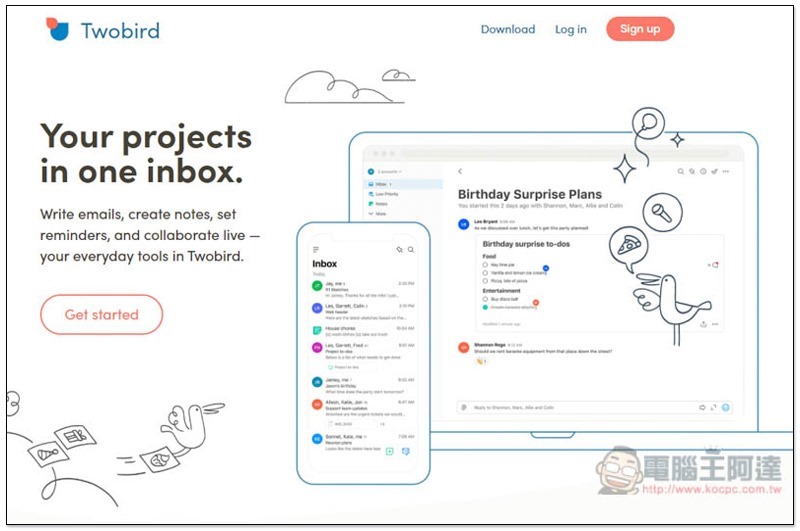
Introduction to Twobird
Twobird supports multiple operating systems. I will use Windows as an example in this article. The operating interfaces should be similar. The download link will be added at the end of the article.
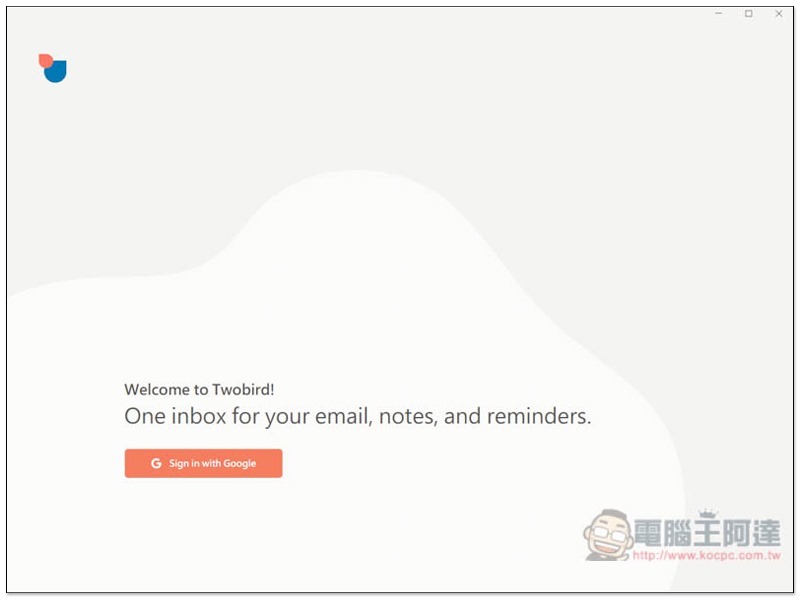
After the Windows version is installed, click Sign in with Google to connect your Gmail account:
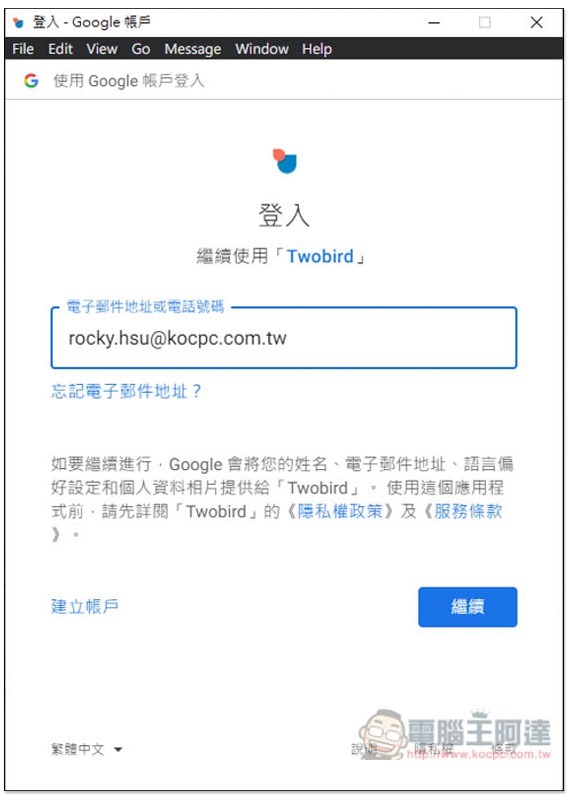
Enter your Gmail account and password:
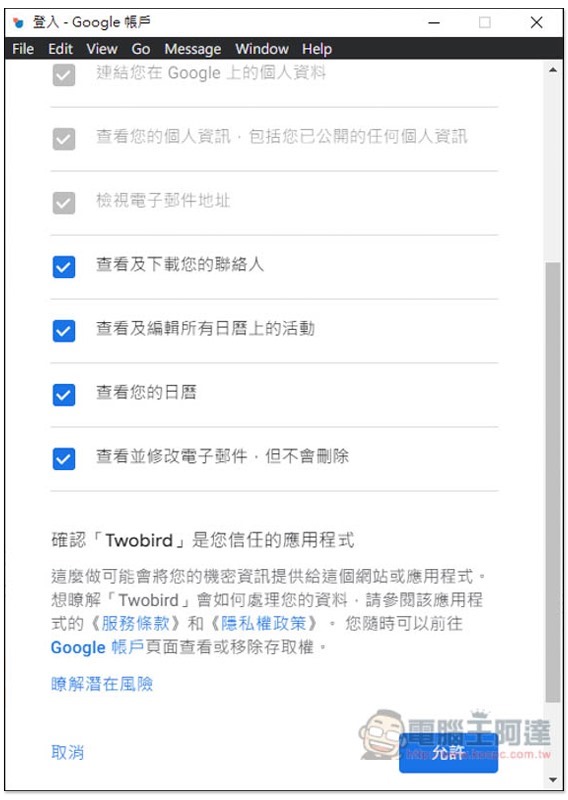
Then it will ask for some permissions, and I click Allow:
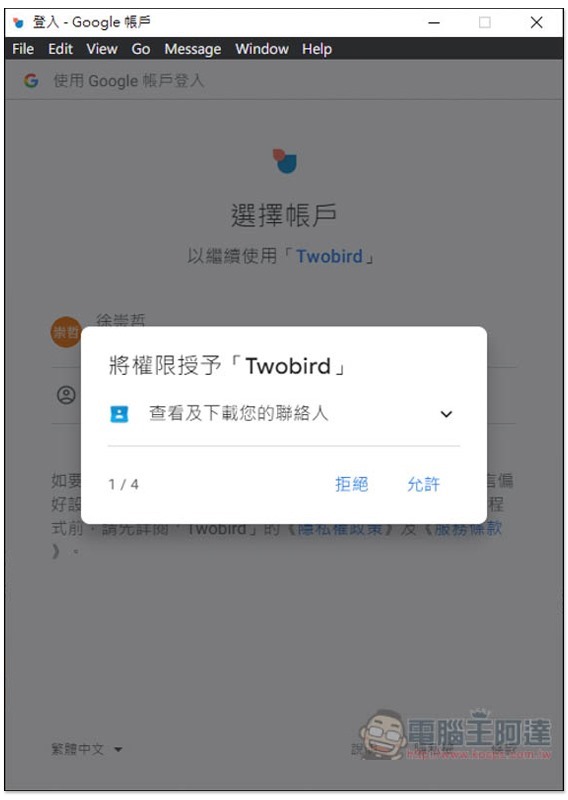
The following are the permissions it will need to provide full functionality:
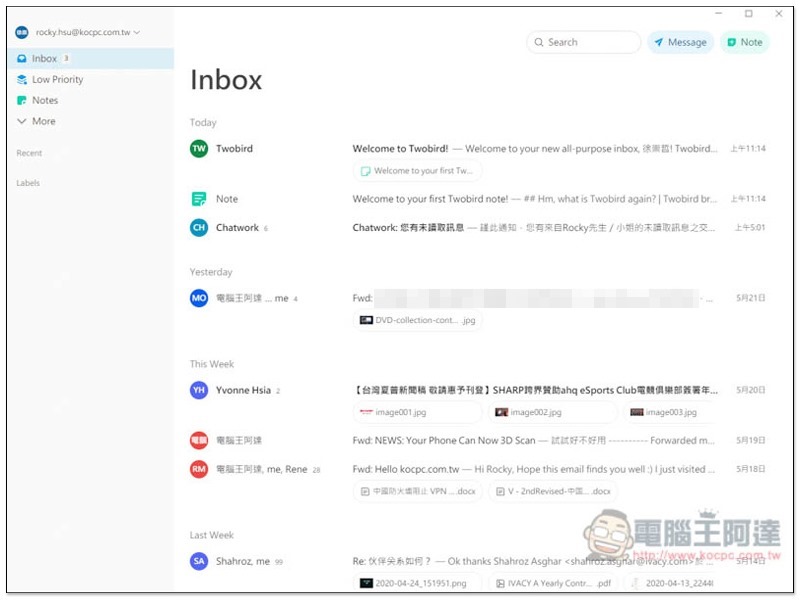
The picture below is the interface of this set. It is very clean and concise, and there are no advertisements. Inbox will display important emails in your Gmail. If it detects that they may be advertisements, it will be placed in Low Priority:
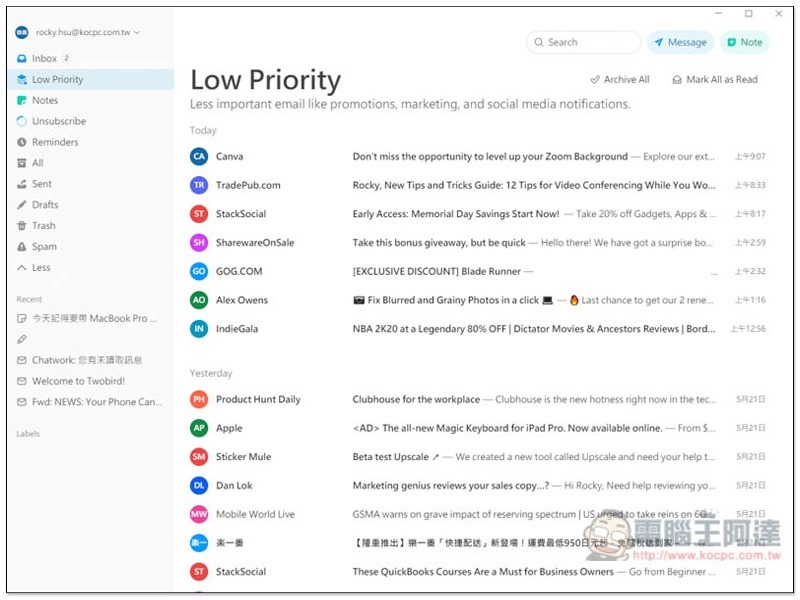
Like this, I have to say that as far as my Gmail is concerned, the detection is very accurate. These letters are indeed advertisements and propaganda, and there is no misjudgment:
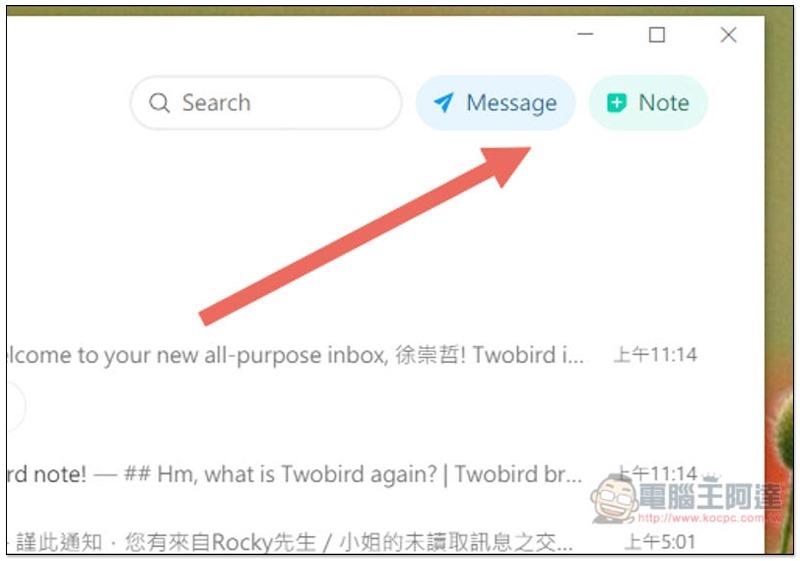
There are two functions “Message” and “Note” in the upper right corner. Message is for composing new emails, and Note is for functions such as memos and to-do items:
Message’s interface for composing new emails is also very clean, and it also supports adding attachments and memos:
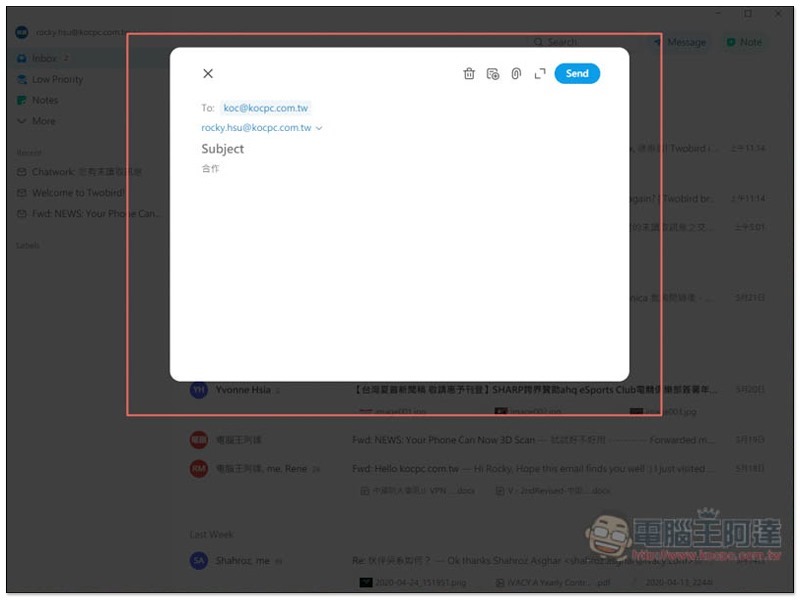
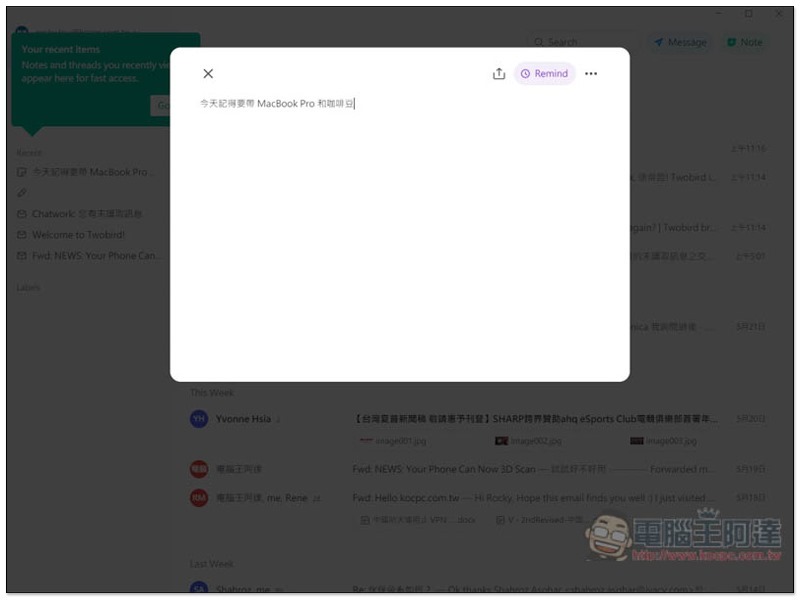
Note is defaulted to memo, so you can directly enter things you are afraid of forgetting:
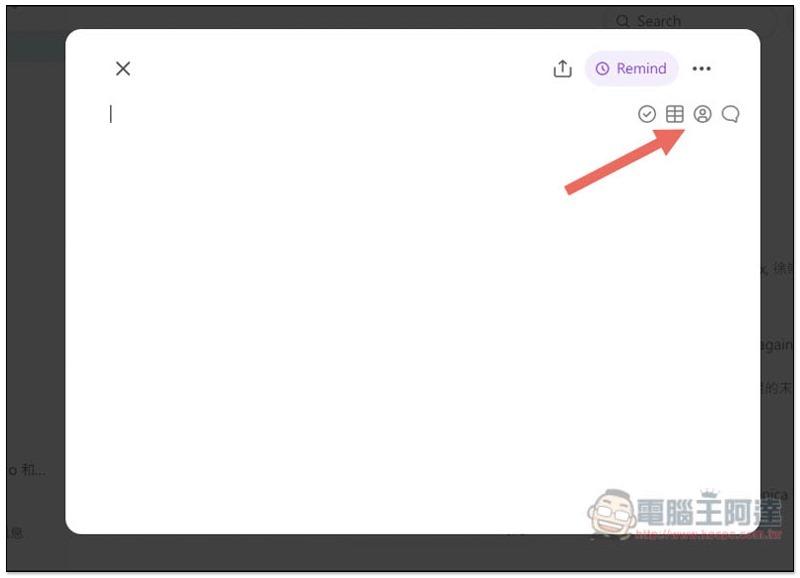
If you want to change it to a to-do list, please click on the small icon in the upper right corner (the first one), and the second one is the table:
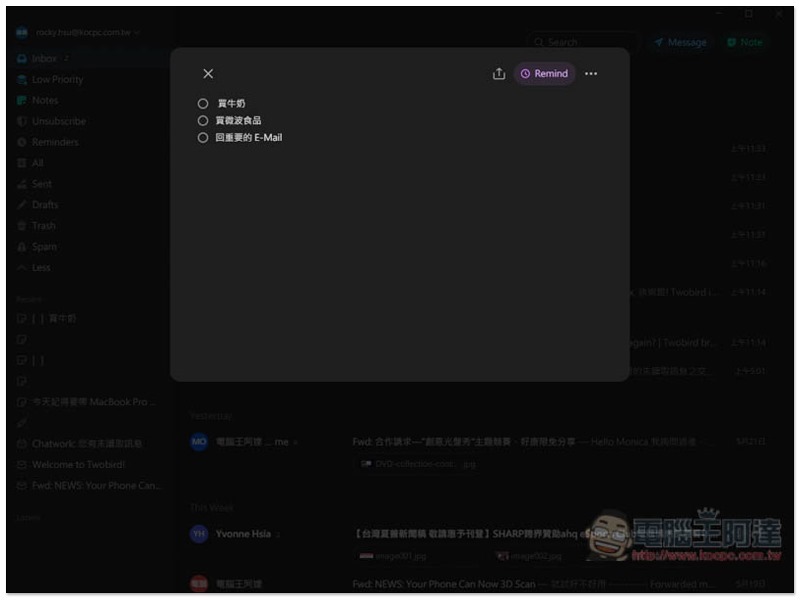
There will be a circle at the front of the to-do items so that you can check them after completing them:
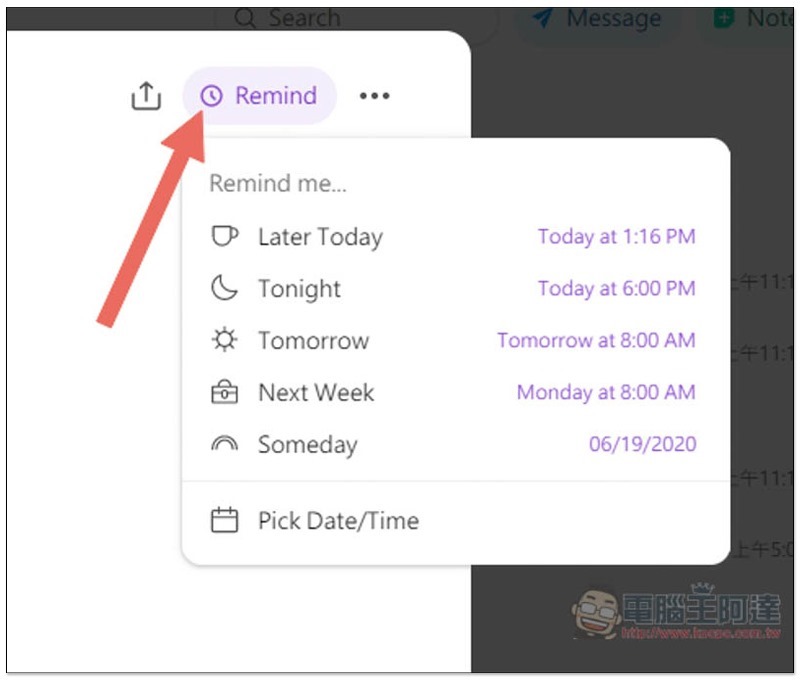
You can also set reminders if necessary. Several commonly used ones have been preset, such as: later today, tonight, tomorrow, next week or a random day. Pick Date/Time allows you to choose the time:
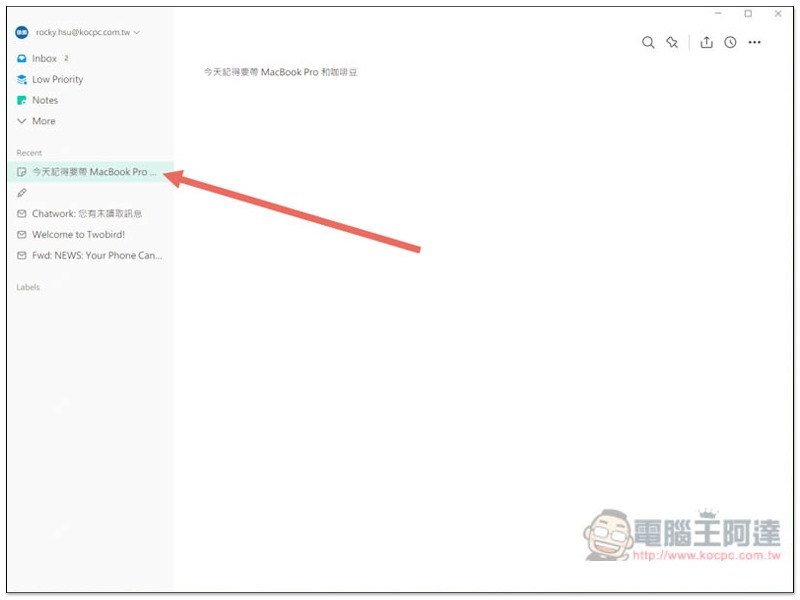
All new emails or notes that have been recently opened and created will be displayed under Recent:
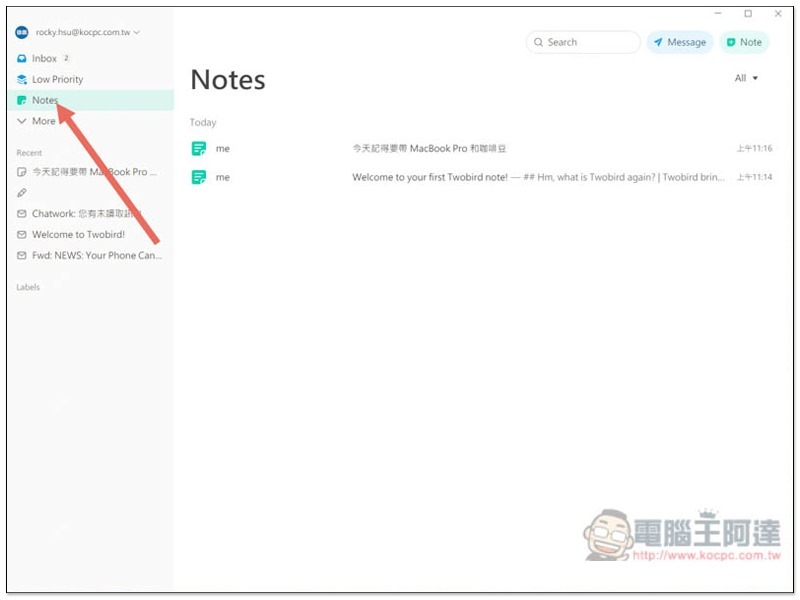
The memos, to-do items, etc. you have created will be placed in the Notes category:
This set can also be used to log in to multiple Gmail accounts. You can find it by opening the inverted triangle icon in the upper left corner. Dark Mode is also provided, and those who need it can turn it on:
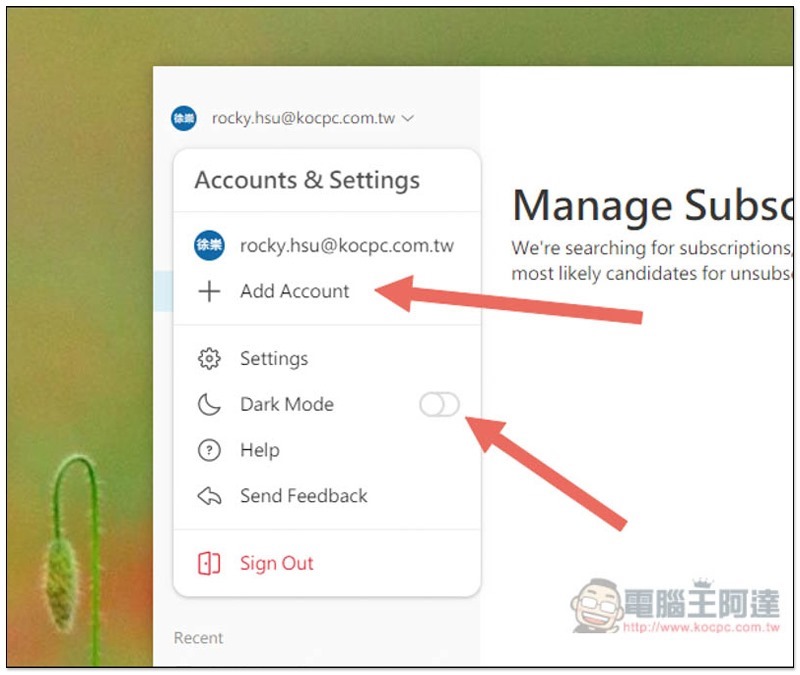
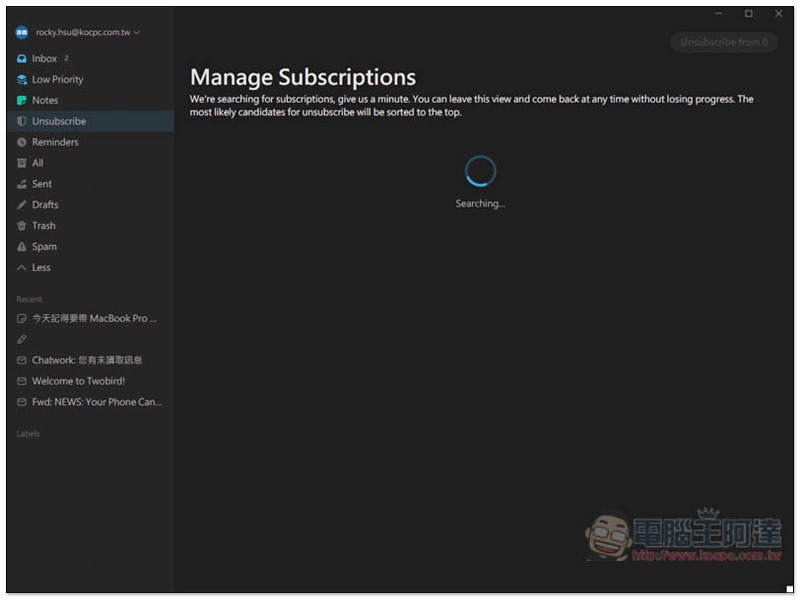
It also supports managing email subscriptions, but I kept scanning during the test and felt that the function was not very stable yet:
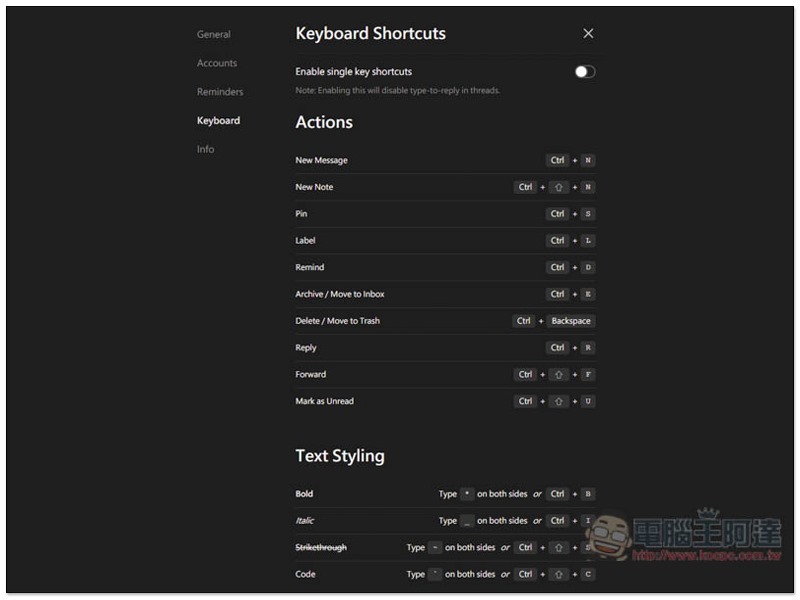
There are also shortcut key settings:
Supplementary information
- Software name: Twobird
- Nature: Free
- Supported operating systems: Windows, Mac, iOS, Android
- Official website and download point:Click here to go
Source: KOCPC Chinese