


PowerToys is a product that launched last SeptemberOpen source gadget launched by MicrosoftAt that time, the only functions were “Window Manager” and “Windows Shortcut Guide”, so it may not be attractive to most users. However, in the recently updated version 0.180, a new PowerToys Run function similar to Mac Spotlight was added, which can quickly search and open shortcuts for software and applications without having to go to the Start menu to find them, which made me interested.
And my actual test is really good. Not only is it fast, but all installed software can also be found (unlike some third-party software that may miss some). If you are switching from Mac to Windows, or want to get a faster way to open various software, it is worth trying.
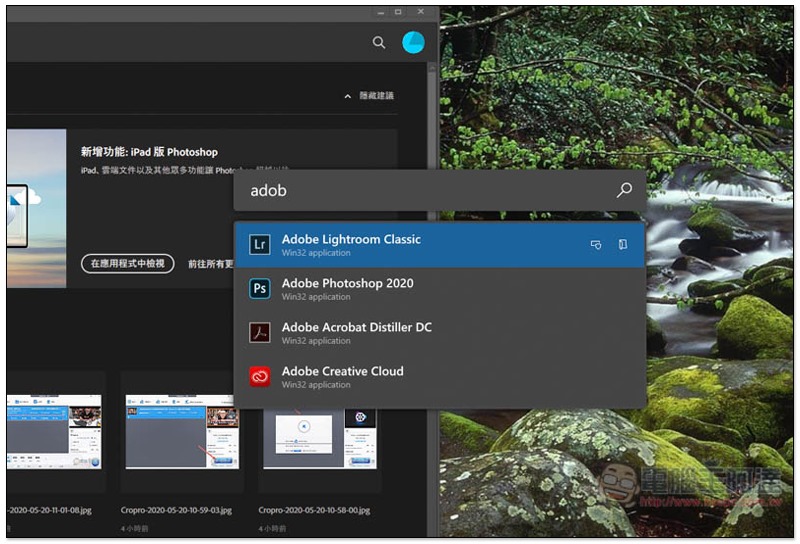
Introduction to new features of PowerToys Run
Many people may be thinking, can’t the built-in search in Windows 10 also do this? (Search bar on the right side of the start menu), but friends who have used it before should know that it is not very easy to use and sometimes freezes.
I have introduced one before Launchy, although it can achieve the same effect, but its interface is not only a bit unreliable, but some software cannot be found. I don’t know why (?)
PowerToys doesn’t have this problem. I tested that basically all the software installed in the computer can be found. The only small drawback is that “there is no way to search for files”.
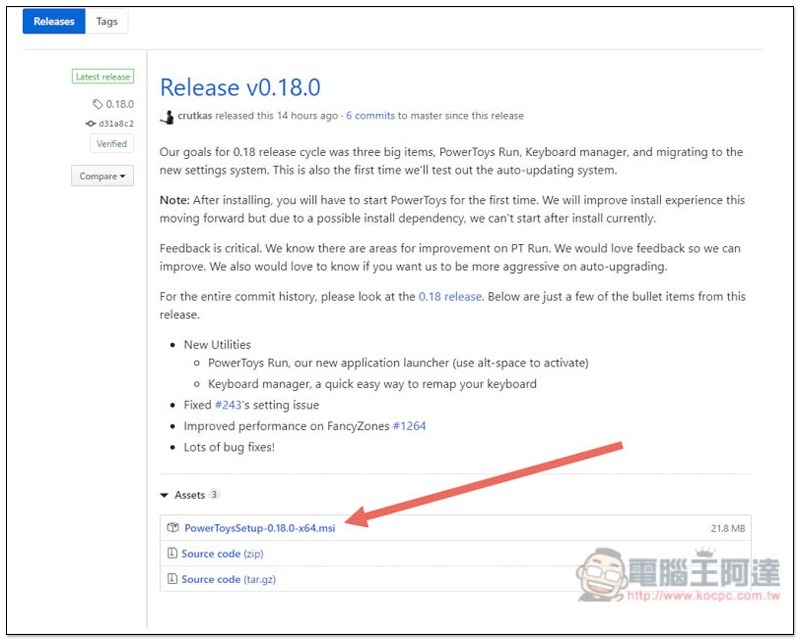
PowerToys is a set of open source software that Microsoft has GitHub Let everyone study and enhance it by themselves. For ordinary users, just download the software installation file and click on PowerToysSetup.msi below:
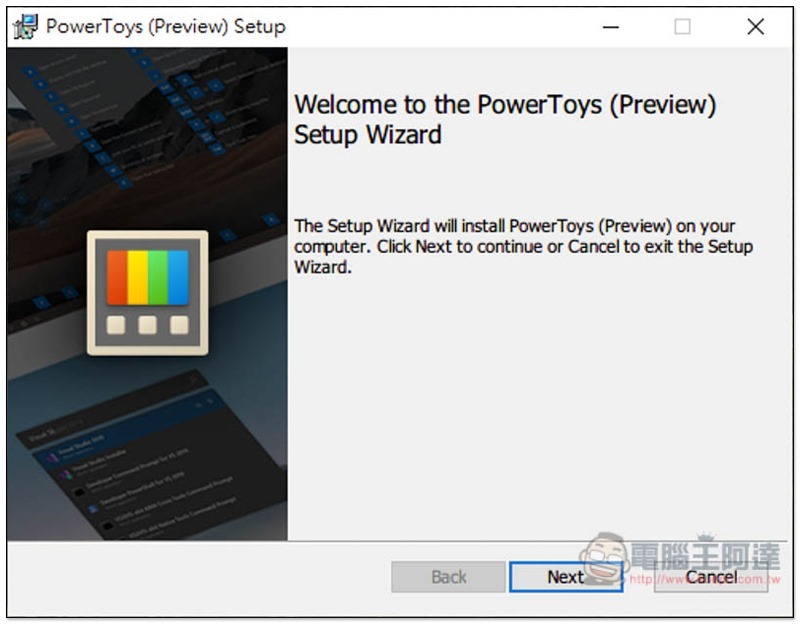
Just keep pressing Next during the installation process:
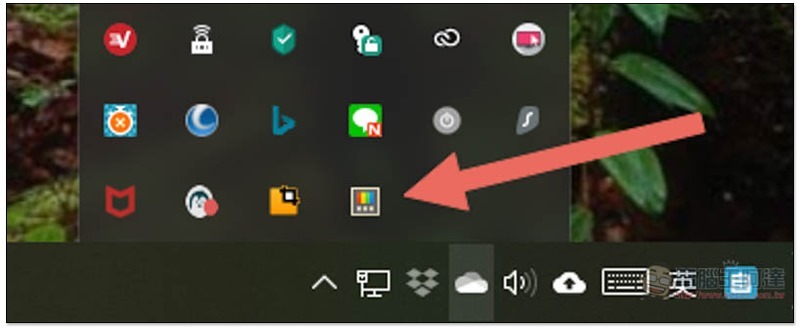
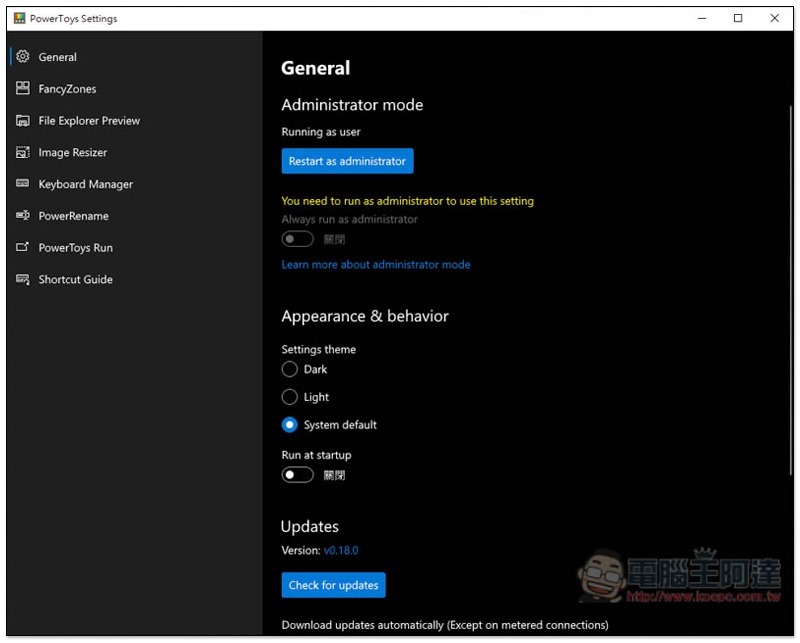
After installation and opening, it will be permanently in the menu in the lower right corner, similar to the icon of a color TV:
This set of features is very rich. In addition to the newly added Mac-like Spotlight, it also provides window management, file preview, image size change, keyboard management, etc. Readers can play with it on their own:
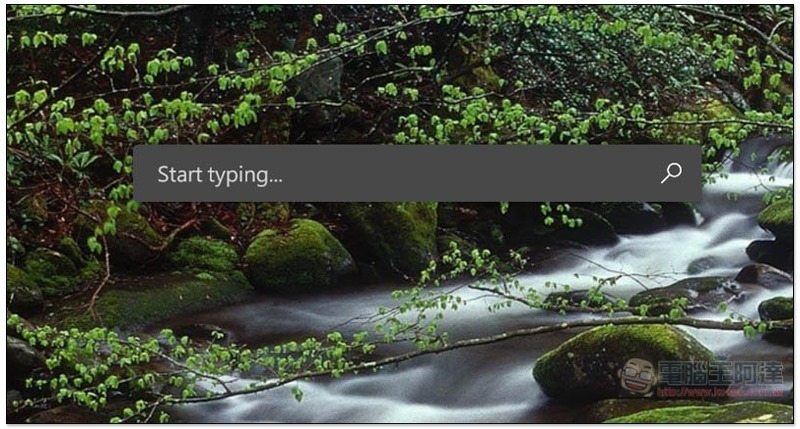
The default shortcut key to open the search bar is ALT + SPACE, which can be opened in any window:
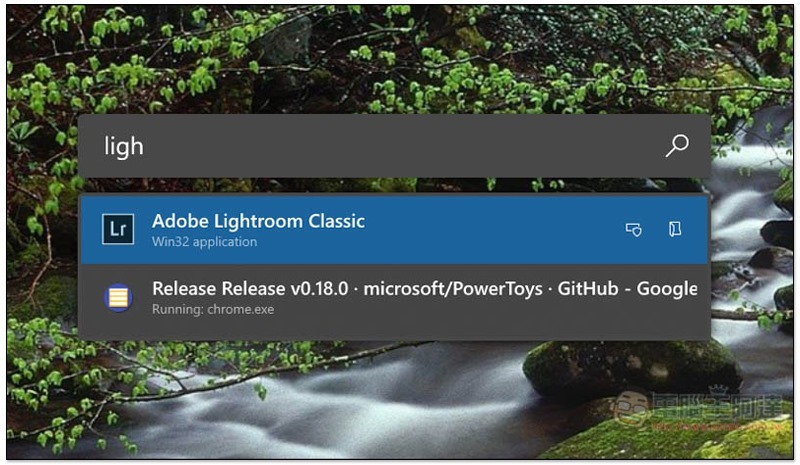
After entering the keyword, matching results will be displayed below. If the first one is the software you want to open, just press Enter to open it. Currently it only supports software and applications, not files, but I guess it will be added in the future:
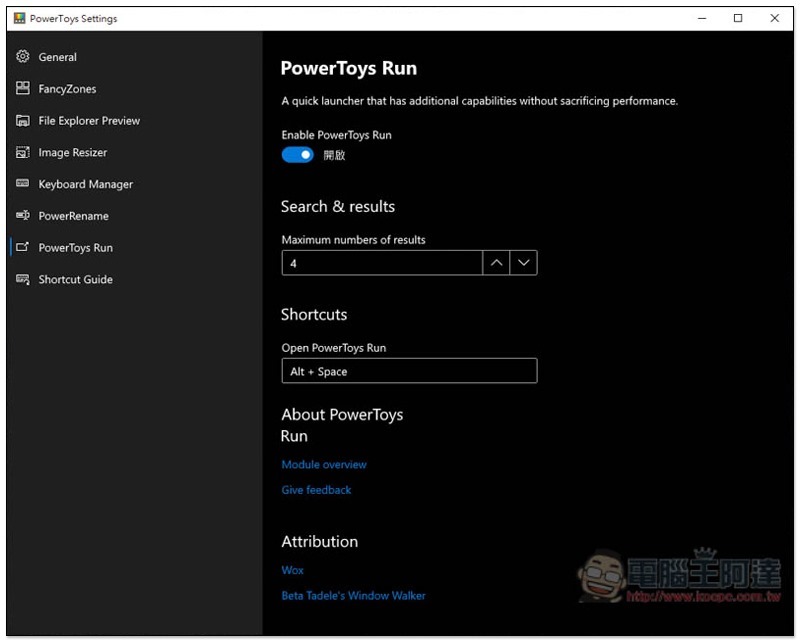
The shortcut keys can also be modified by yourself. Go to the PowerToys Run option in the settings. Below Shortcuts is:
Supplementary information
- Software name: PowerToys
- Nature: Free, open source
- Version: v0.18.0
- Supported system: Windows
- Download page:Click here to go
Source: KOCPC Chinese