


Facebook (actually Instagram) has no intention of developing an iPad app after dissing, but they actually brought the Split View multitasking function that I have been waiting for for a long, long, long, long time to the latest version of Facebook for iPadOS. From now on, you will be able to take full advantage of the larger screen of iPad, and browse Facebook content in a more productive way by splitting the display or putting a floating iPhone window on iPad. Continue reading Facebook iPad version finally adds split window multitasking function. This article teaches you how to use report content.

Facebook iPad version finally adds split window multitasking function, teach you how to use it

Every time you see the same old Facebook app, “We will update the app regularly to bring you a better experience. Please download the latest version now and start enjoying the ultimate experience of all Facebook features. Bug fixes and performance improvements. Thank you for loving using Facebook!” Then open the app after updating and find that nothing seems to have changed? Unexpectedly, in the v269.0 version updated on 5/7, the editor has been waiting for a long time to update the iPadOS multitasking window function.

see previously Instagram CEO says he has limited resources, so IG’s iPadOS application feels far away, and this has caused many people to give up on Facebook for iPadOS feature updates. As everyone knows, the company actually silently introduced the Split View split-window multitasking function. In the past, you could only use a floating window to send messages while watching Facebook. Now you can officially support the full multitasking function of iPadOS.
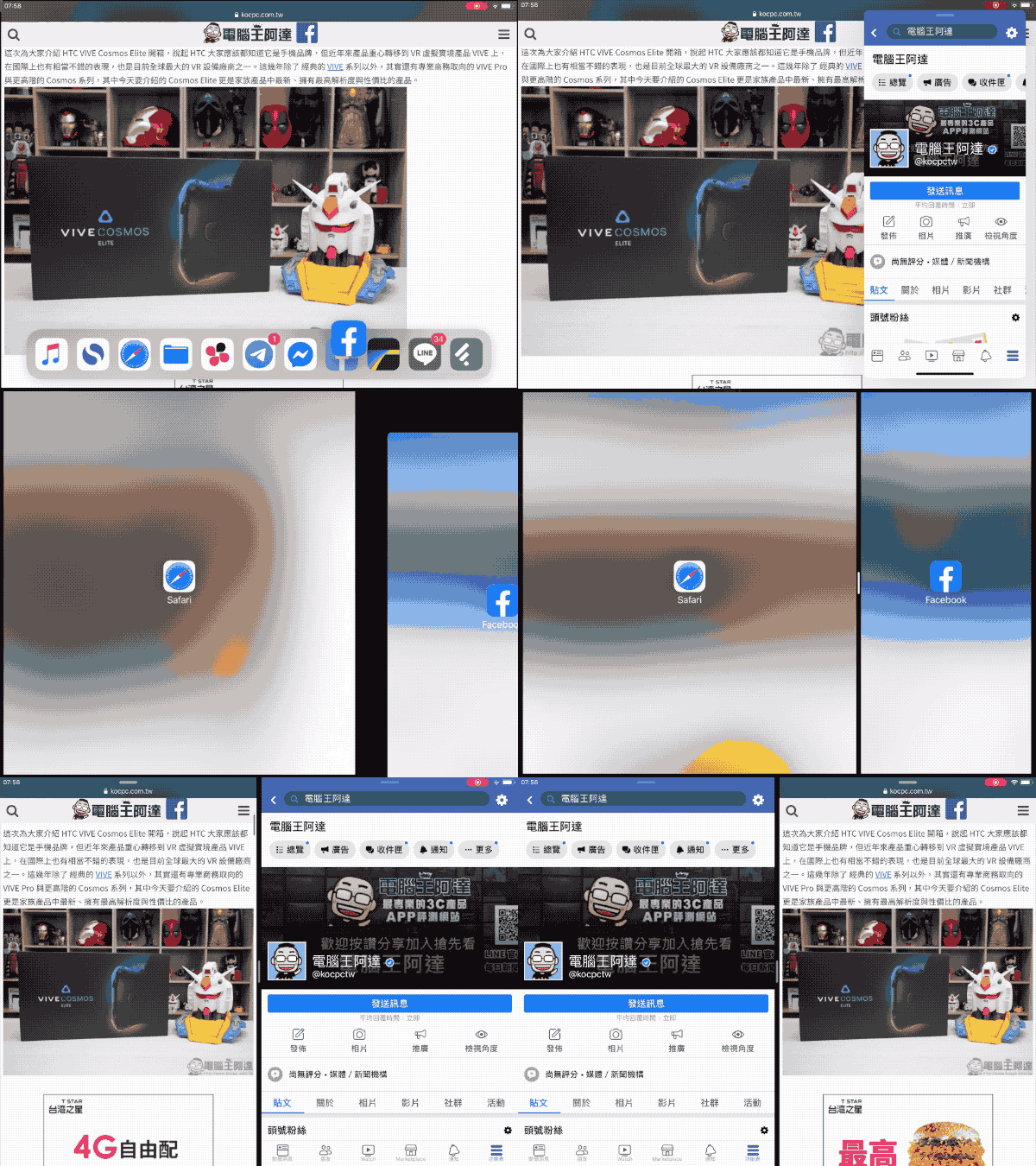
For many friends who often use iPadOS, the above operation method is not too unfamiliar. The first step to activate floating windows/split windows is to drag the Facebook app icon in the application bar at the bottom of the Dock directly onto the windows with other applications open. At this time, if it is aligned with the edge of the screen, it will become a split window; if it is placed directly on the screen, it will be displayed as a floating window.

As shown above, after entering the split window mode, you will be able to browse the functions and content of different applications in the left and right blocks of the iPad. You can also adjust the left and right proportions through the split icon in the center; at the top, you can unsplit the window or change the left and right order, etc. I have to say that this update really makes the Facebook app more useful on iPadOS! Update as soon as possible and give it a try.

Click here to download the Facebook app
Further reading:

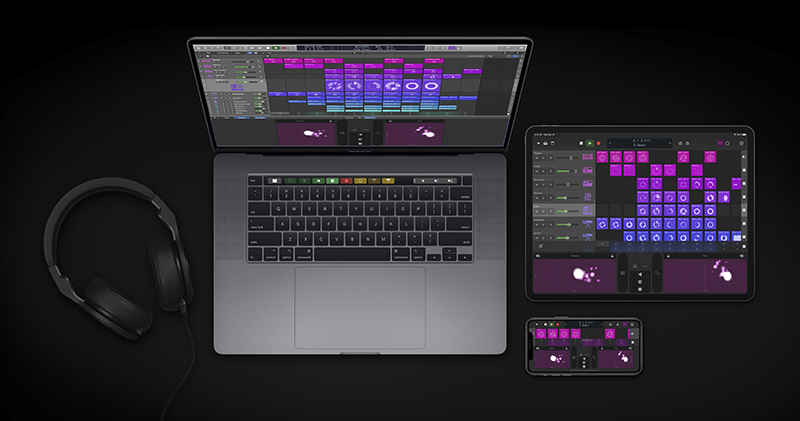
Professional music creation tool Apple Logic Pro X major update arrives
Source: KOCPC Chinese