


Fladrop is a very convenient free cross-device file transfer service. You only need to scan QRCode and use a browser to transfer files between Android and iOS, or between iOS, Android and PC, Mac, or even Mac and PC (through a dedicated website). The speed is pretty good in tests, but there is a small problem. It is worth trying for people who often need to transfer files across devices.
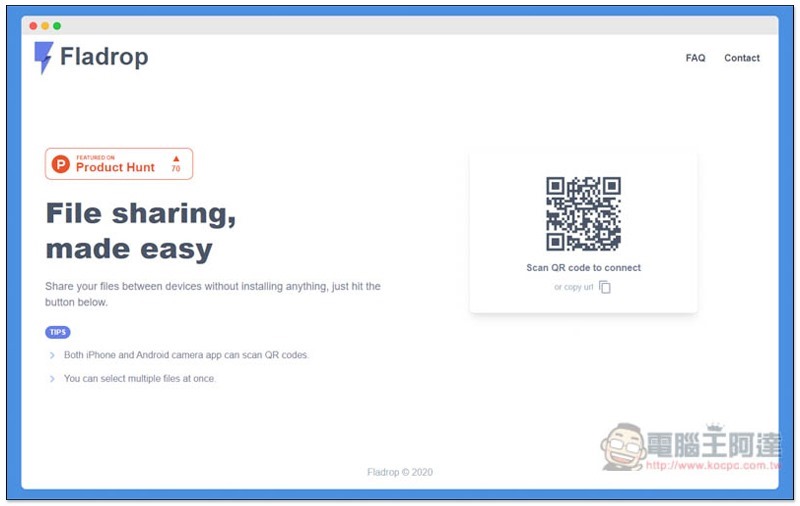
Fladrop is a free and convenient cross-device file transfer service
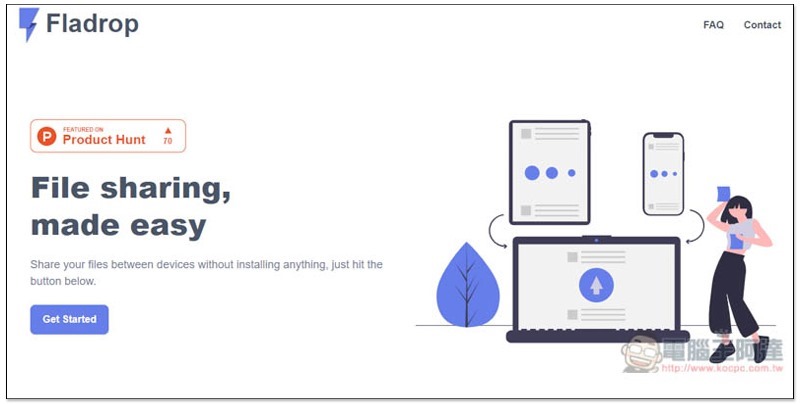
After clicking me to enter the Fladrop website, click Get Started in the lower left corner, basically all devices can transfer files to each other:
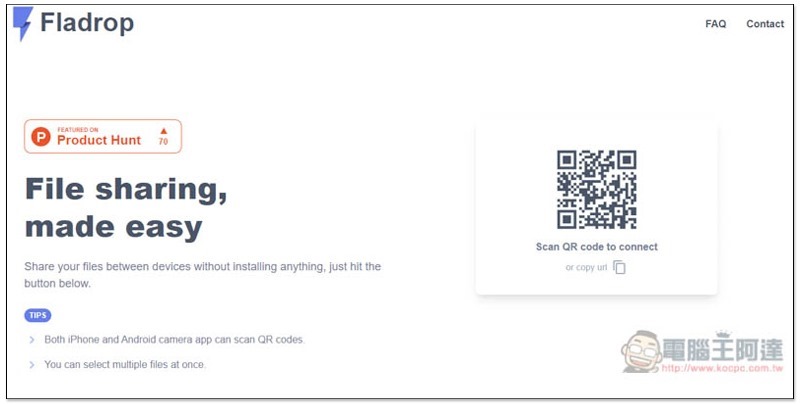
Then a dedicated QRCode will appear on the right side of the screen. Please scan it with your iPhone or Android phone. If it is between computers or Mac <-> PC, please click Copy url below the QRCode to copy the URL, share it with another computer and paste it in the browser to start the transfer:
I’m taking iPhone <-> Windows as an example. The computer’s browser will automatically enter this screen. Simply drag the files you want to share to another device, or click Drop or Select Files to select manually to transfer multiple files at once:
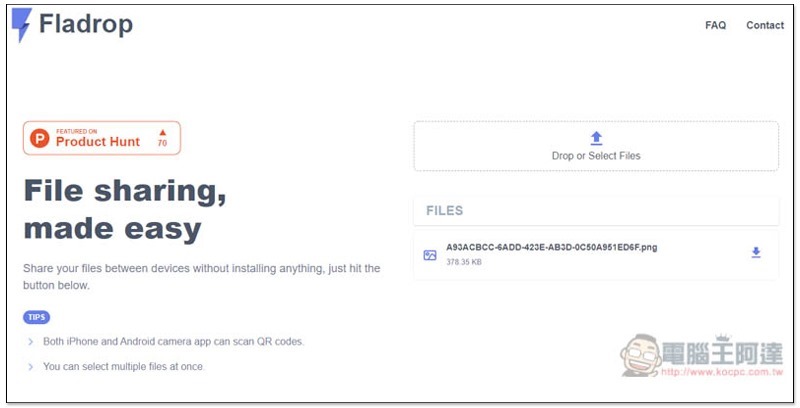
The same screen will appear on iPhone, click Drop or Select Files to select the files to transfer:
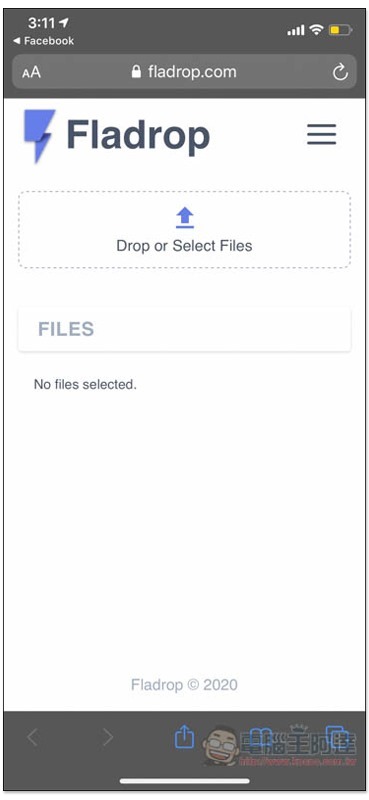
According to the website description, Fladrop does not store any files you transmit, it transmits them directly through your browser, and also performs end-to-end encryption.
However, they will collect the name and size of the transferred files for synchronization purposes. All information will be deleted within 24 hours. For those who are interested in knowingYou can click me to read。
I transferred a screenshot from my iPhone to my Windows computer. After pressing Download, for some reason, the file format automatically changed to .txt. It should be .png. I’m not sure if it’s just me or a bug:
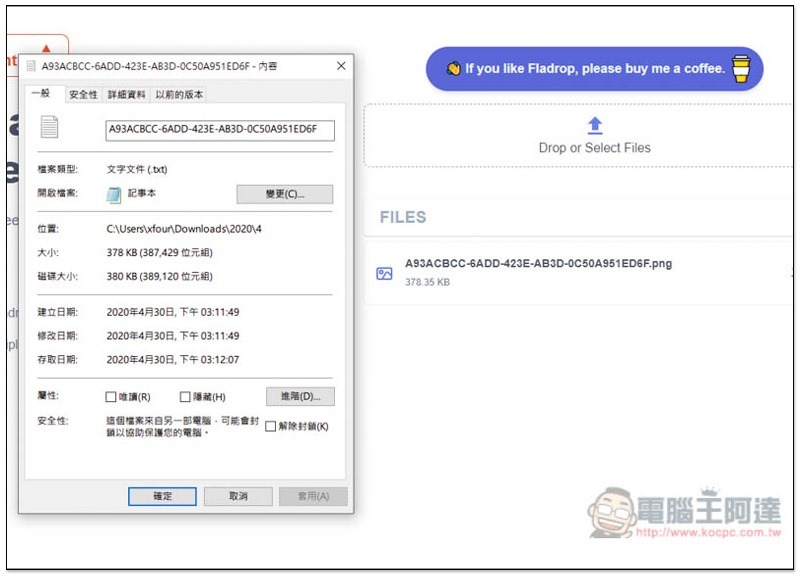
Fortunately, there is no problem if I manually change the file name extension back to .png and it can be opened normally:
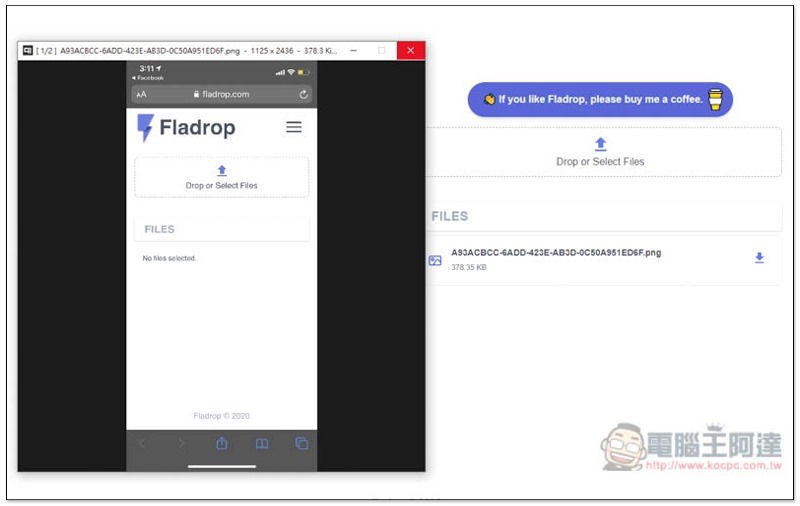
In addition to this set, we have previously introduced other good cross-device file transfer tools, such as:Snapdrop、ToffeeShare、Plover Wait, you can try it too.
Supplementary information
Fladrop URL:Click here to go
Source: KOCPC Chinese