


Although Windows has an application deactivation function, after using it for a long time, I really feel that it is not very easy to use. Not only can it not be deleted cleanly, but the most annoying thing is that it often crashes, almost every time it is opened for the first time. In addition, I have also encountered a situation where a certain application or software cannot be deleted. The Revo Uninstaller free removal software is very good. After removing the application, it will also scan its remaining login files, useless files and folders, and also provide some useful additional functions, such as: junk file cleaner, browser cleaner, Microsoft Office cleaner, etc.
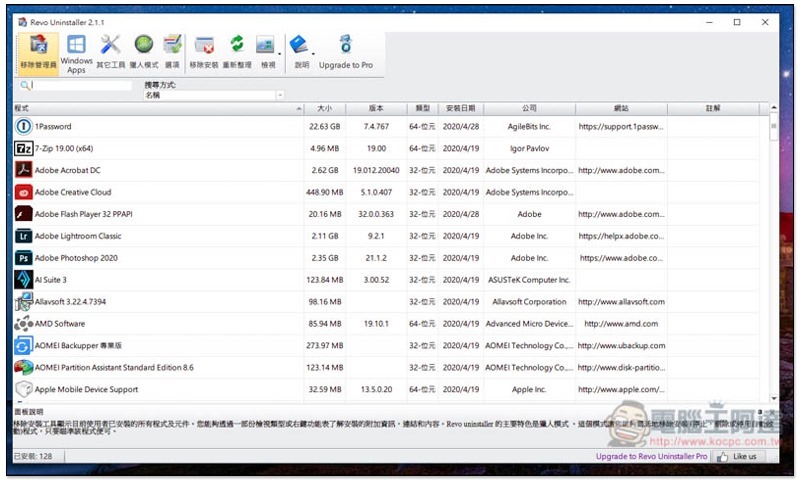
Revo Uninstaller Introduction
Revo Uninstaller has a free version and a paid version. Personally, I think the free version is enough, unless you also want to use some advanced features.Click here to download the installation file from the official website。
Supports Traditional Chinese language, just click Next during the installation process:
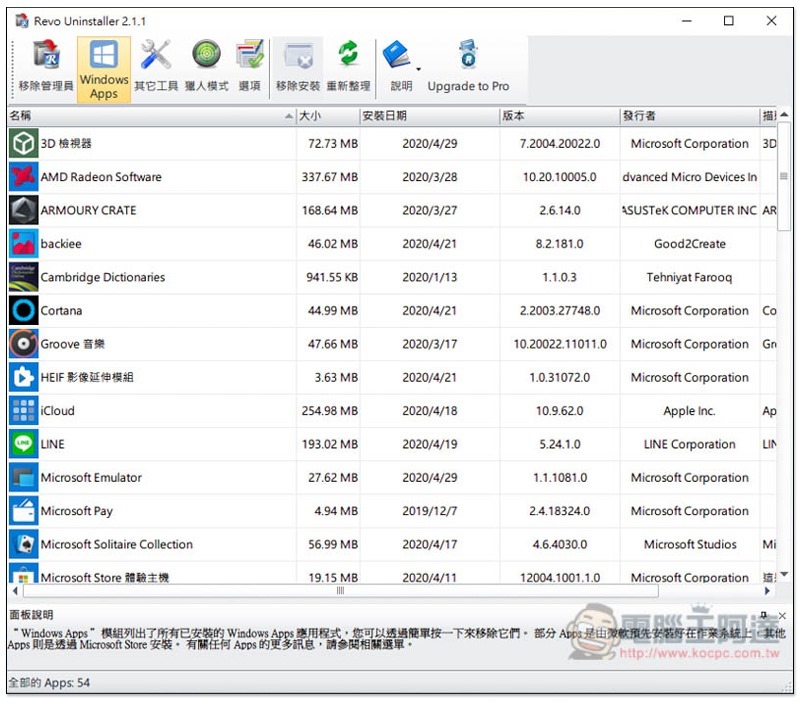
Then it will automatically scan the installed software on your computer, not only the file size, but also the software version, type, installation date, company and other information:
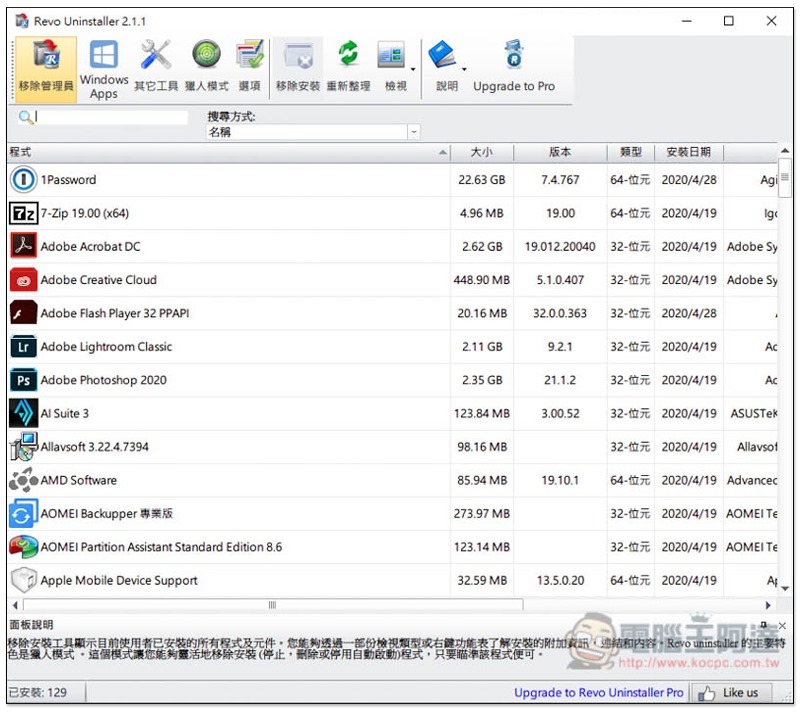
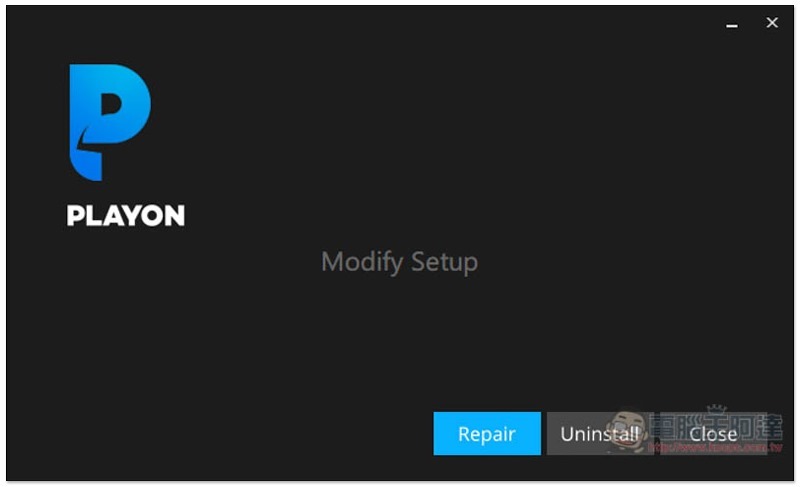
After clicking on the software you want to delete, click above to remove the installation, and the removal process of the software will be automatically enabled:
After the software is removed, it still has a step to scan residual files and provides three modes: safe, medium, and advanced. Those who are afraid of accidentally deleting and causing system errors can use safe. People who are not bad can use medium. Advanced will be more dangerous. It is recommended for professional users:
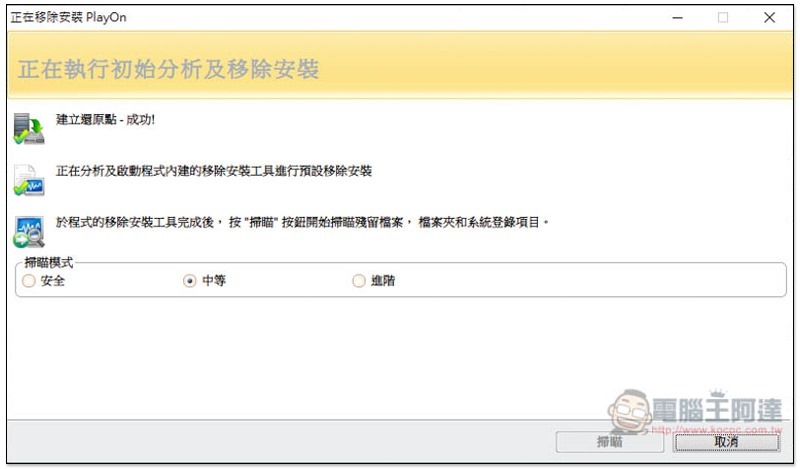
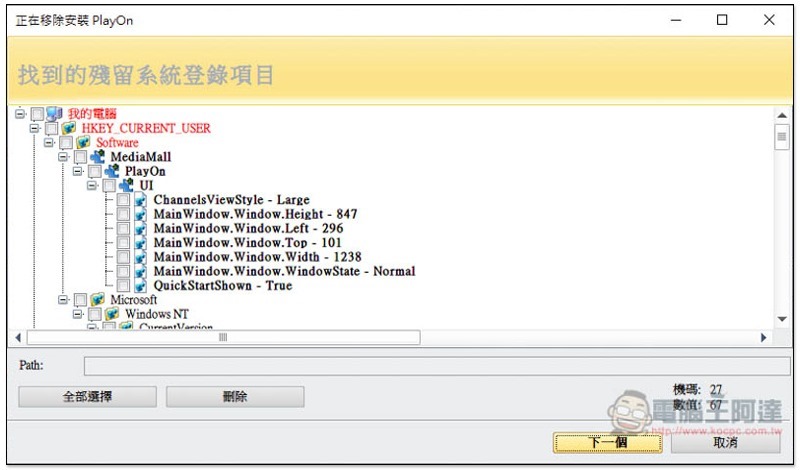
The screen will then display the found residual silicon system login items. You can browse through them first to see if there are any items that may have been misjudged. If not, you can click Select All in the lower left corner to check them all, and click one to start deleting:
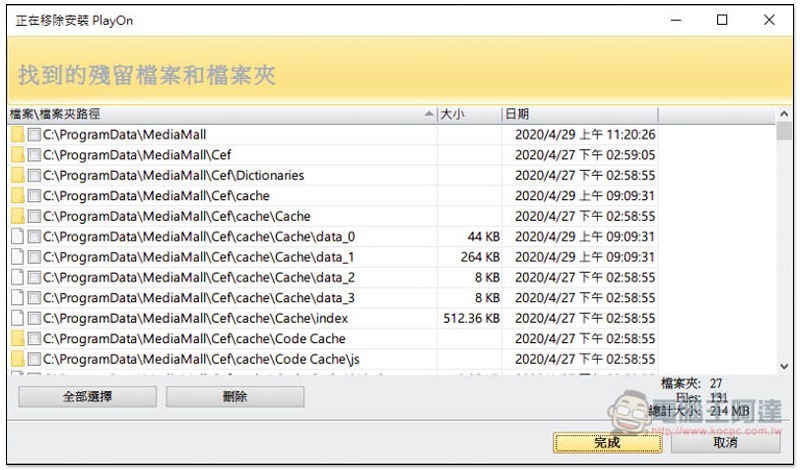
Next are the remaining files and folders. You will also be able to browse them first and then delete them if they are no problem:
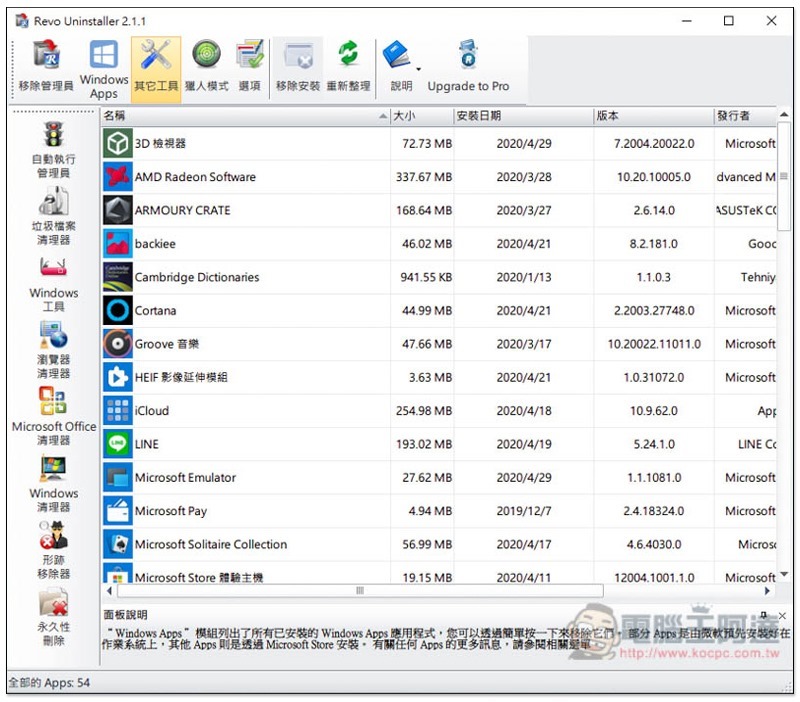
A dedicated page for Windows Apps is also provided for you to quickly check:
There are many practical functions in other tools, such as: automatic execution manager, junk file cleaner, Windows tools, browser cleaner, Microsoft Office cleaner, trace remover, permanent deletion:
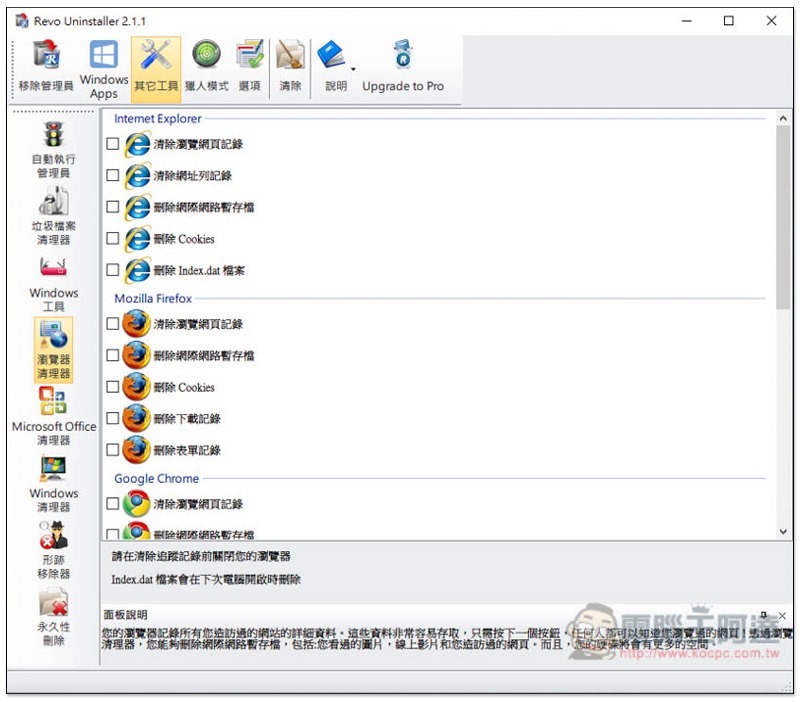
Every once in a while, it is highly recommended to clear browser records and temporary files to free up more hard drive space. This tool allows you to clear all browser records at once:
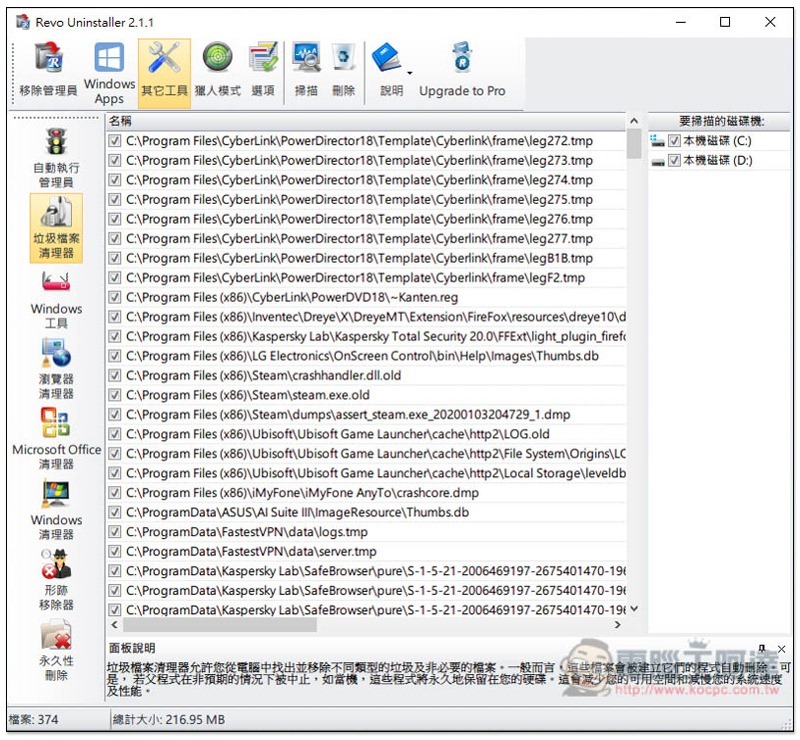
There are also junk files:
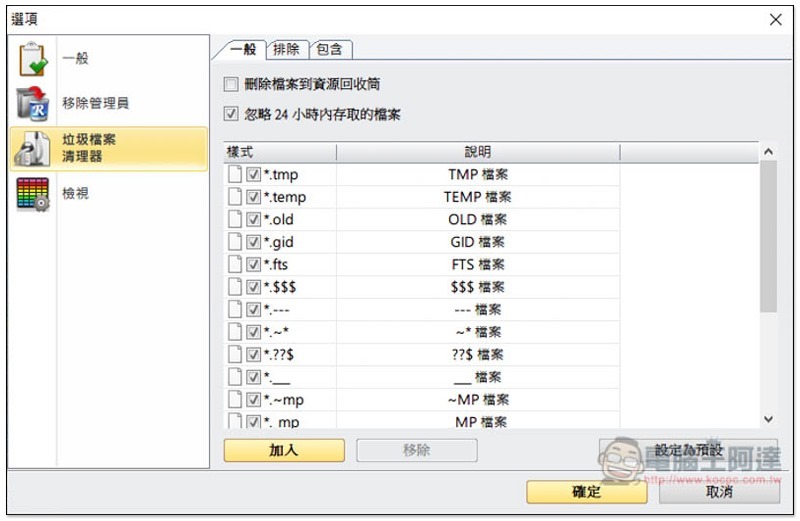
By default, all file extensions of junk files will be scanned. If you want to exclude some, you can set them in the options:
This software is very rich in functions, and readers can play with the rest by themselves.
Supplementary information
Revo Uninstaller official website:Click here to go
Source: KOCPC Chinese