


Mubert Music is a free streaming service produced by AI artificial intelligence. It has actually been launched as early as 2016, but at the beginning it only had a web version, and the overall look was a little more youthful.We have also written about the introduction before. As time has passed, it has become quite mature. It even has iOS and Android versions, and has more music and a wider range of music, such as: suitable for current remote work, relaxation, reading, sports, experimentation, hip-hop, etc. Every song is good and very suitable to my taste.

Introduction to Mubert Music, a free streaming service produced by AI
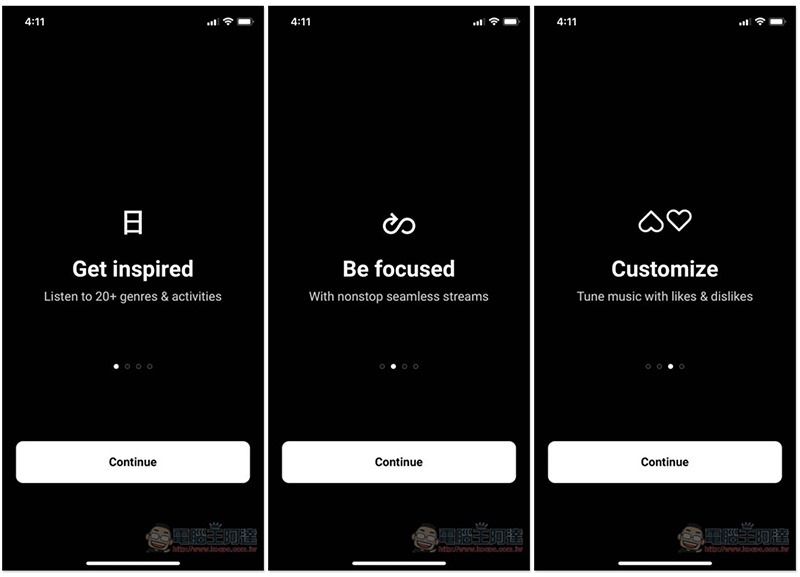
When you open Mubert for the first time, there will be a brief introduction, such as: more than 20 pieces of music, the music will not be interrupted, you can keep listening to it, and the like/dislike function is provided to allow the app to better understand your preferences and provide suitable music:
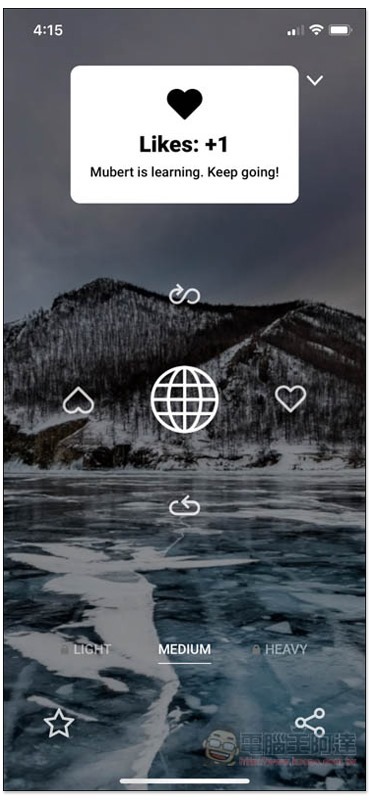
You don’t need to register an account to use it. It will start playing after entering the main page. The default is Relax music. There are five functions in the middle of the screen. The middle circle is for pausing and continuing to play, the left and right are for like or dislike, the top is for loop playback, and the bottom is for rearrangement (which means playing other music):
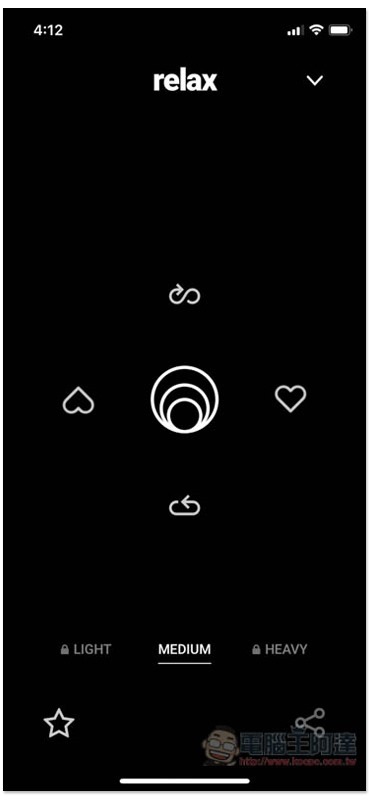
There are LIGHT, MEDIUM, and HEAVY functions at the bottom to adjust the intensity of the music rhythm, but the free version can only set MEDIUM.
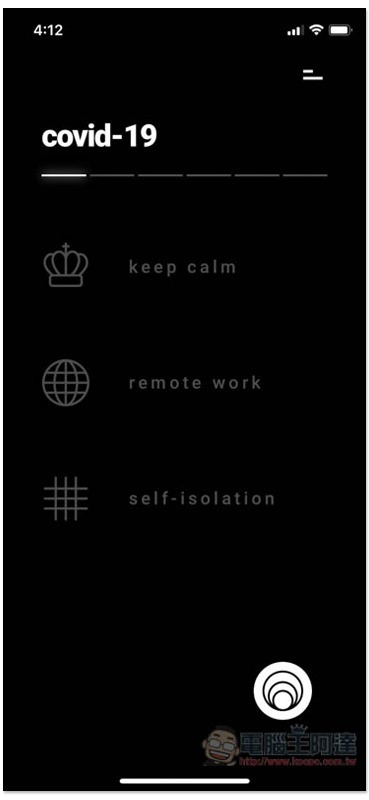
Click the list in the upper right corner to view other types of music. A special section has been created for this COVID-19 epidemic, providing three types of music: Keep calm, Remote work, and Self-isolation:
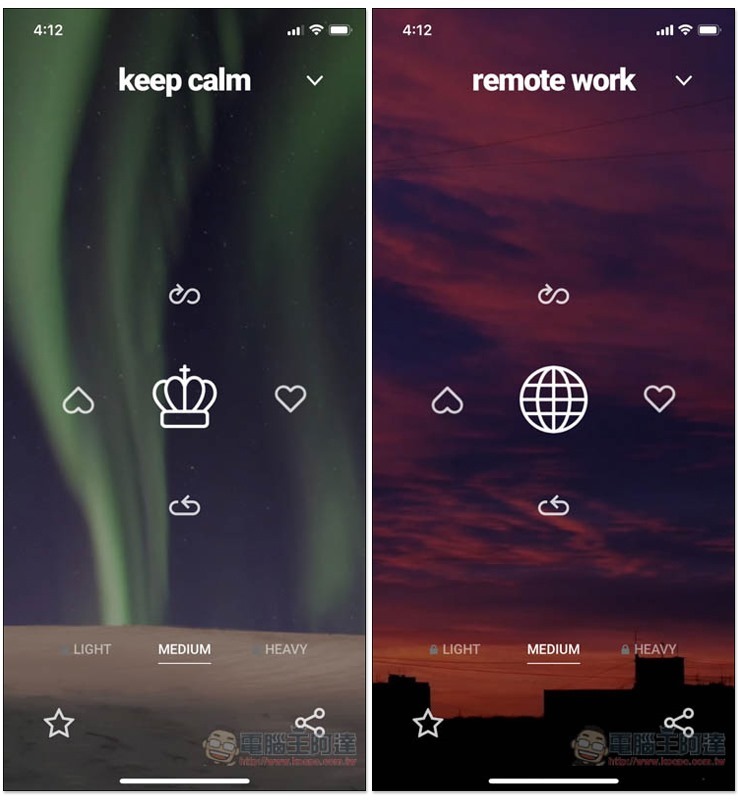
The background also changes according to the music type:
In addition, there are also styles and music types to choose from such as House, Techno, Chill, Hiphop, Relax, Study, Dream, etc. People who don’t know anything can also use Random to randomize music:
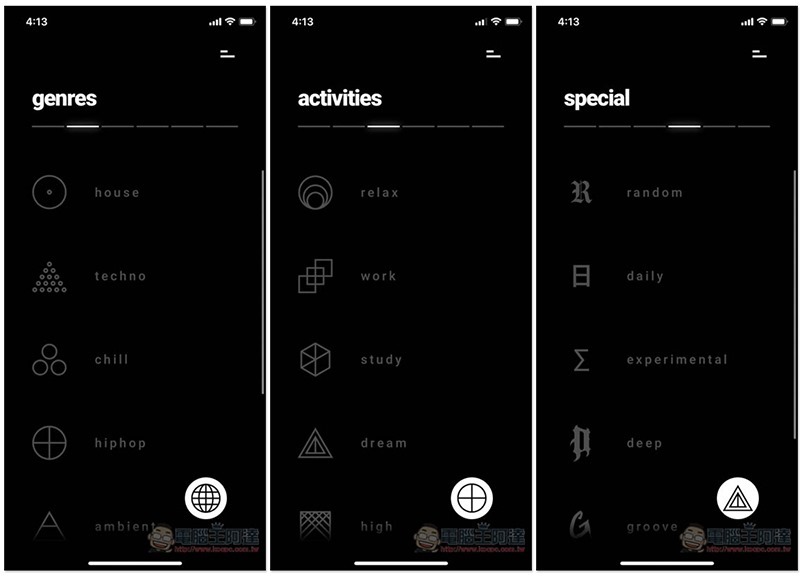
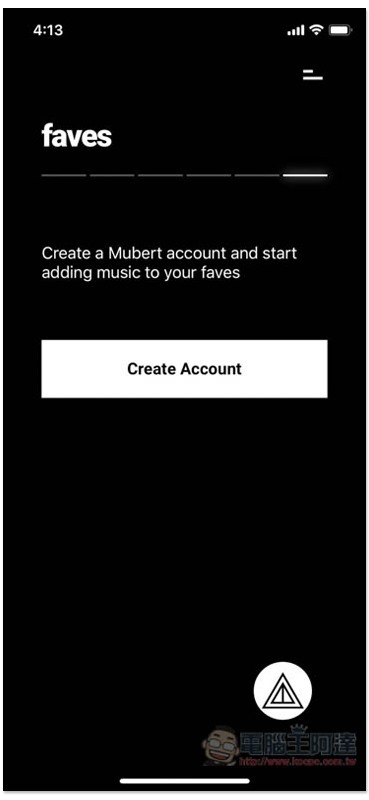
It also provides a favorite function, but it requires registration (free). I highly recommend it, because most of the music played by this app is different every time, and you can’t choose which one to play. If you happen to hear a song that you like and want to listen to it again in the future, just add it to our favorites, and you can collect it and play it on demand at any time:
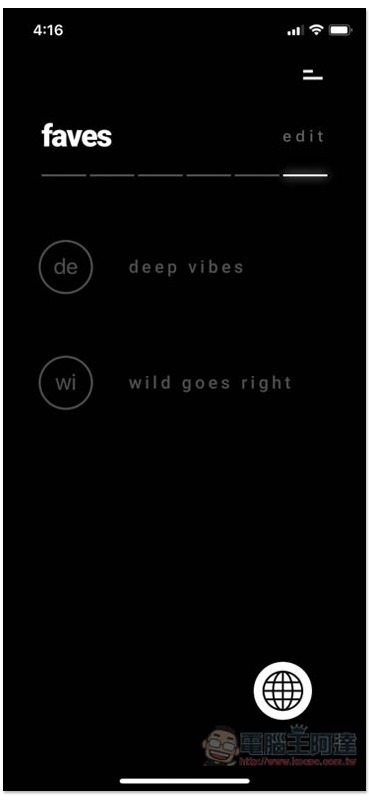
As shown below, this music is included in the faves menu:
In addition, when you hear the music you like, it is also recommended to click the heart on the right to help the app get to know you better. If you really don’t like it, you can press the upside-down heart on the left, and this music will not appear in the future:
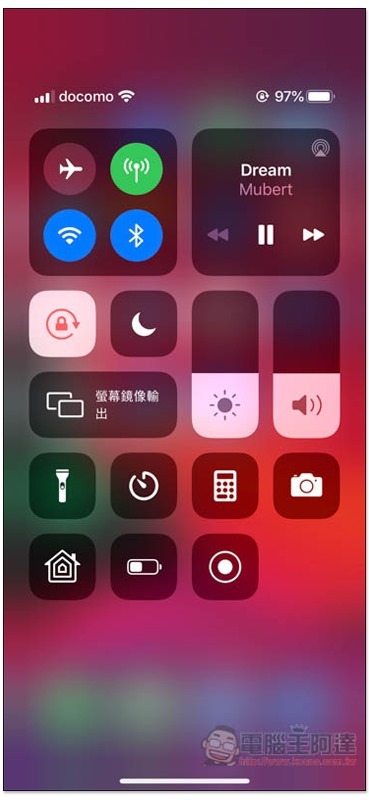
Both measured background and standby playback are available:
Mubert download link
App Store:Click here to go
Google Play:Click here to go
Source: KOCPC Chinese