


Although many software (even the built-in image viewing tools in the system) have enlargement functions, they are the most violent ones that directly enlarge the size. The effect is very poor and cannot be used at all. Therefore, if you have such needs, you must use some AI enlargement tools, such as this Smart upscaler. It is launched by the well-known icons8. After uploading the image, it will be enlarged by 2 times or 4 times through AI artificial intelligence technology. The actual measured effect is quite good, the speed is also fast, and most importantly, it is completely free without any restrictions.
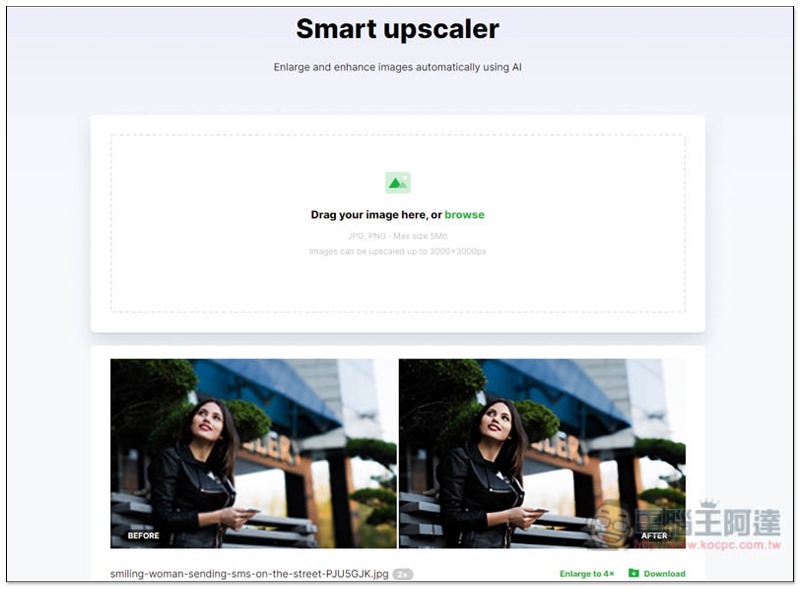
Introduction to Smart upscaler, a free AI image enlargement tool
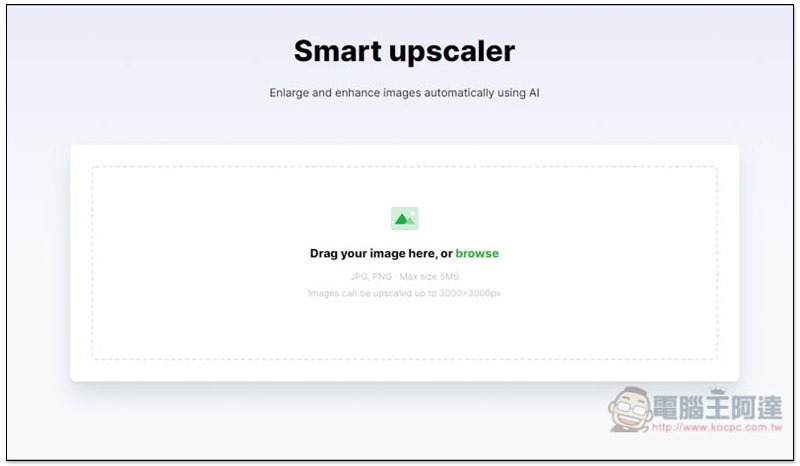
Click here to enter the Smart upscaler website, you can drag the image you want to enlarge into the window, or click on the frame to upload it manually. Supports JPG and PNG formats, with a maximum file size of 5MB:
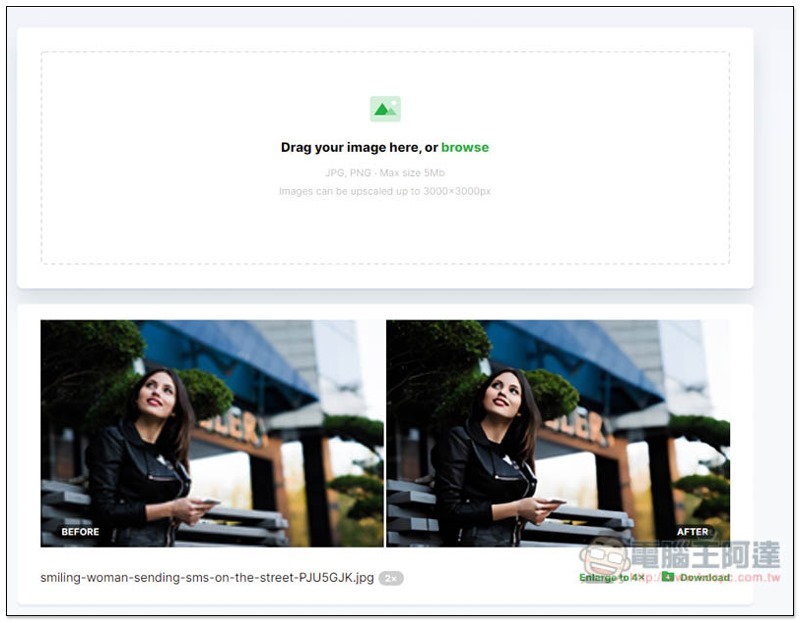
As shown in the picture below, the enlarged result will be displayed below. The default is only to enlarge twice. The resolution of the picture I uploaded is 200×133. Judging from the thumbnail, the effect is very good:
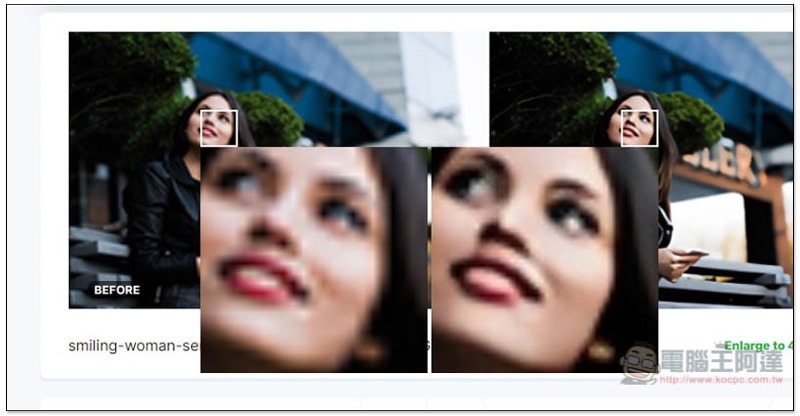
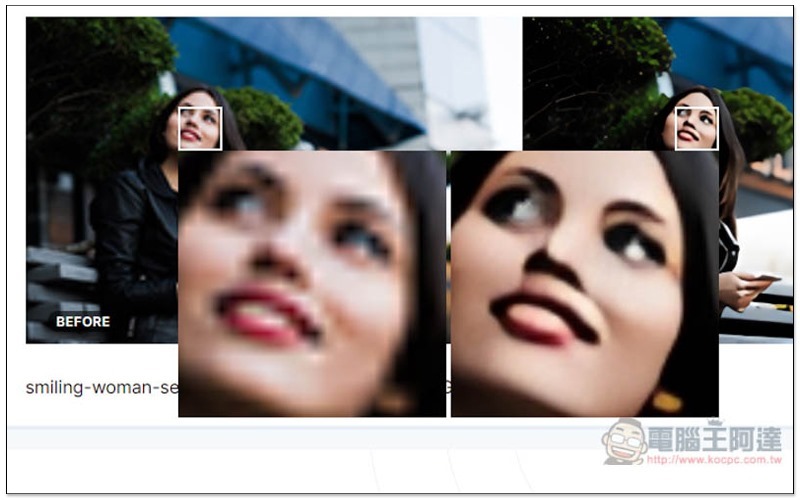
This tool also has a very considerate function. Moving the mouse over the image will activate the magnifying glass, allowing us to compare the original image and the enlarged details. Although the enlarged oil painting seems a bit heavy, at 2x, the whole picture looks acceptable:
If you are satisfied, you can click the Download button in the lower right corner. Click Enlarge to 4x to enlarge to 4x:
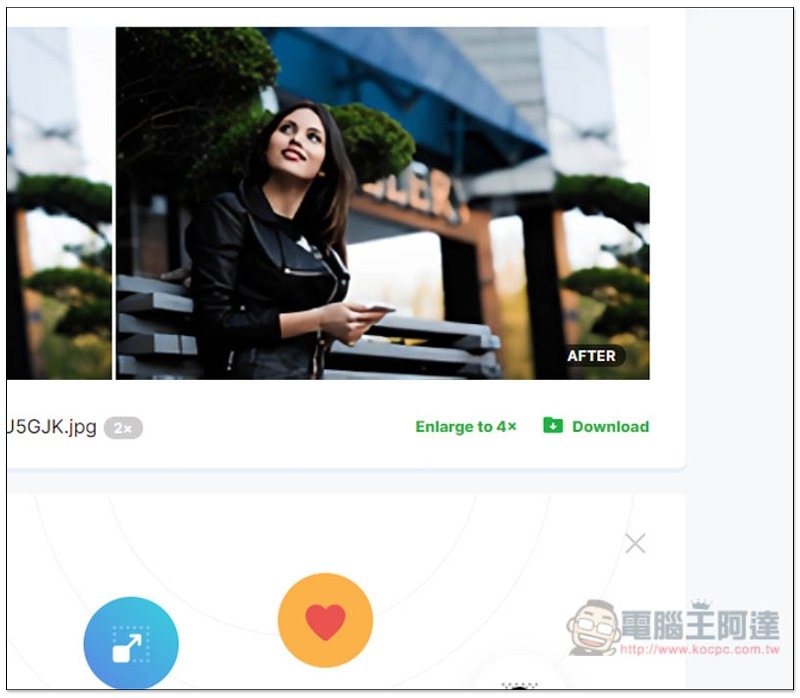
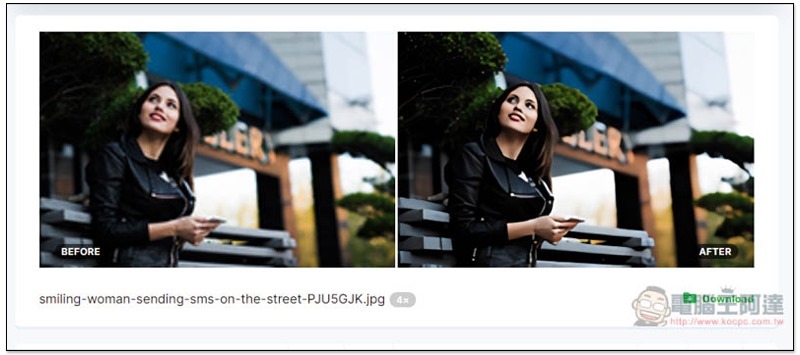
If the picture is too small, it is not recommended to enlarge it to 4 times, because even in miniature, the oil painting feel is very strong:
Zoom in to see the details are even scarier:
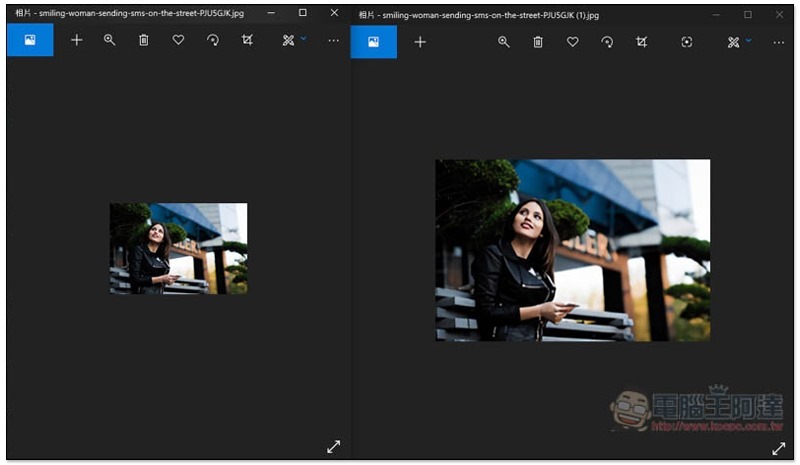
The picture below is a comparison between the original picture and the one after zooming in 2 times. I personally think it’s pretty good:
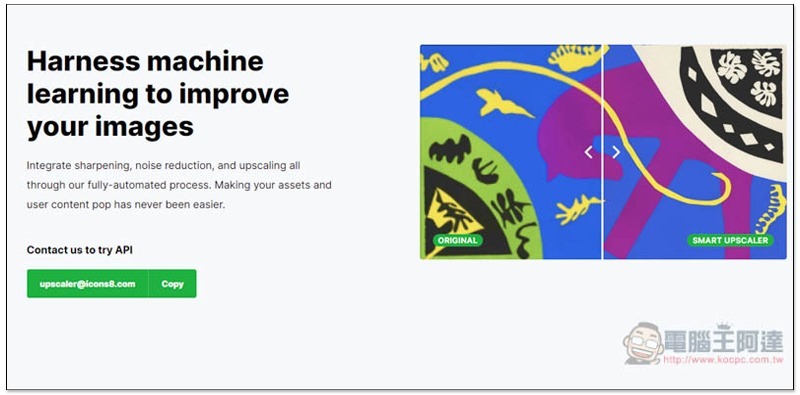
There is also an API provided, please send them an email if you need it. According to the description, this AI enlargement tool can reach a maximum resolution of 3000×3000. Of course, the premise is that the resolution of your image cannot be too small. It must be 750×750 to enlarge it to such a large size:
In addition to this one, we have also introduced other good image enlargement tools before, such as:AI pictures without enlargement、Let’s Enhance, all are free, you can try them to see which one works best.
Supplementary information
Smart upscaler website:Click here to go
https://www.kocpc.com.tw/archives/318455
Source: KOCPC Chinese