


VSO Downloader is a free video and music download software that supports nearly a thousand websites, basically anything you can think of (of course, Netflix is not an option). It also has a built-in conversion function that can directly convert downloaded files into the format you need, such as: MPEG-4 suitable for iPhone, videos into 320kbps MP3 music, etc.
This one also provides a very special HTTPS Detection function. When enabled, it will automatically detect whether there are any videos available for download in the current webpage of your browser. If there are, it will be downloaded automatically without the need to post a link, which is quite convenient in some cases.
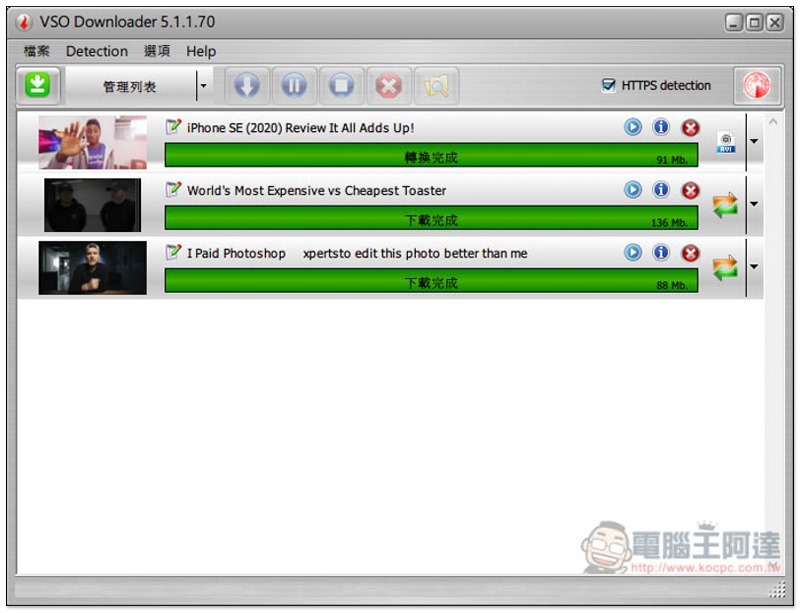
VSO Downloader video and music download software introduction
Click here to download the installation file from the official website。
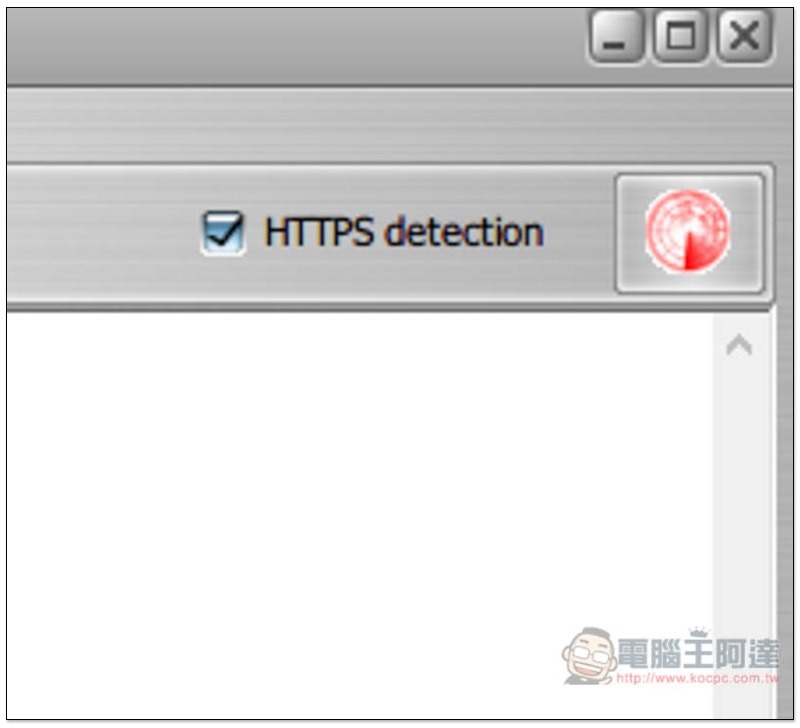
I personally feel that the interface of VSO Downloader is a bit youthful in design, and it feels like a product from several years ago. In any case, it would be nice to be able to download videos and music normally. Before starting to use it, it is recommended to temporarily turn off HTTPS detection in the upper right corner. If you do not turn it off, no matter what web page you browse, as long as it detects that there is a video available for download, it will automatically download it, and some videos that are not available will be downloaded:
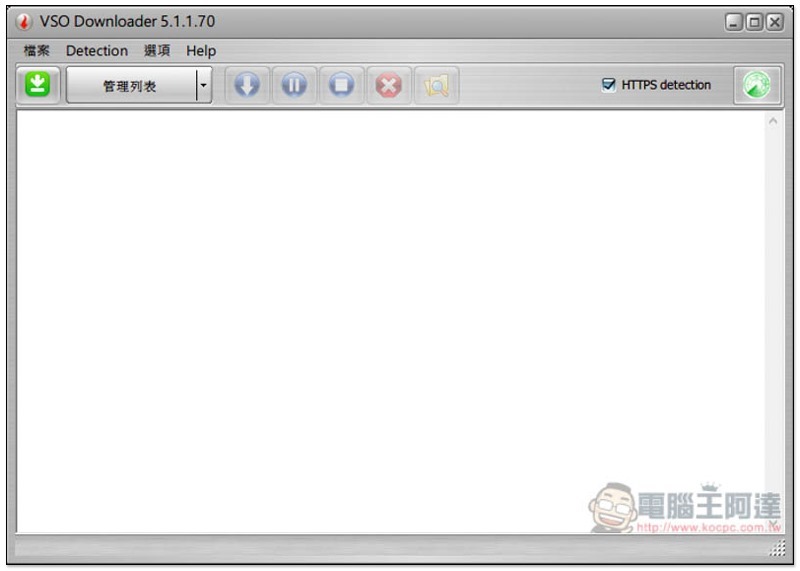
Click the icon to turn red, which means it is temporarily closed:
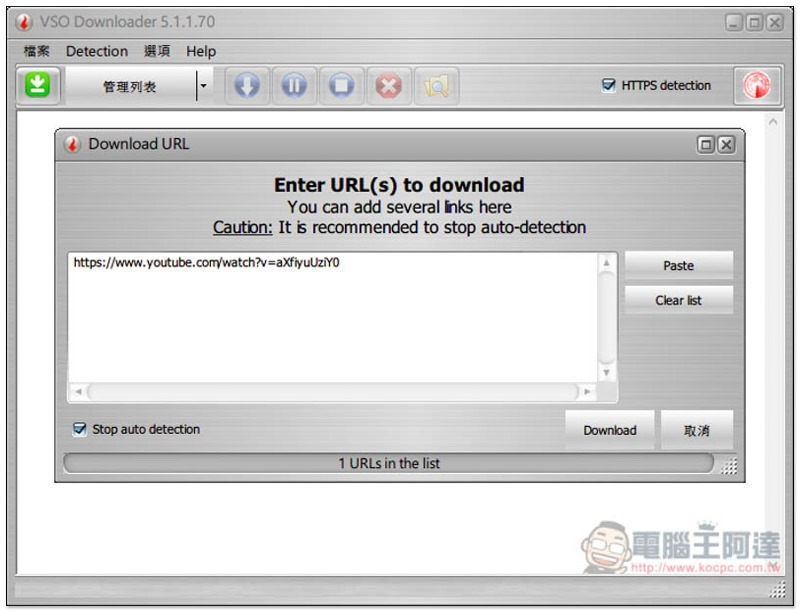
The manual download method is also very simple. After finding the URL of the video you want to download, click the green icon in the upper left corner, and the link will be automatically pasted. You can also download multiple videos at once. When you are OK, click the Download function below:
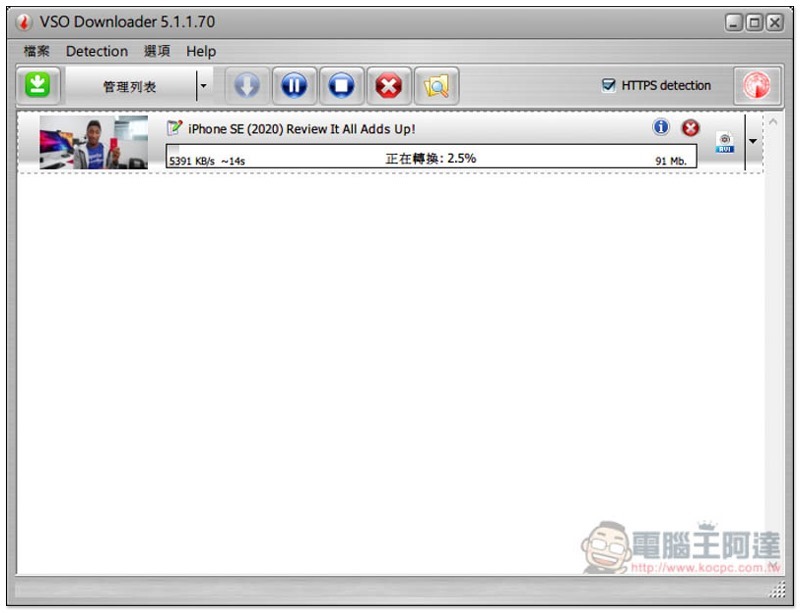
Like this, after analysis, the download will start, and the speed is quite fast:
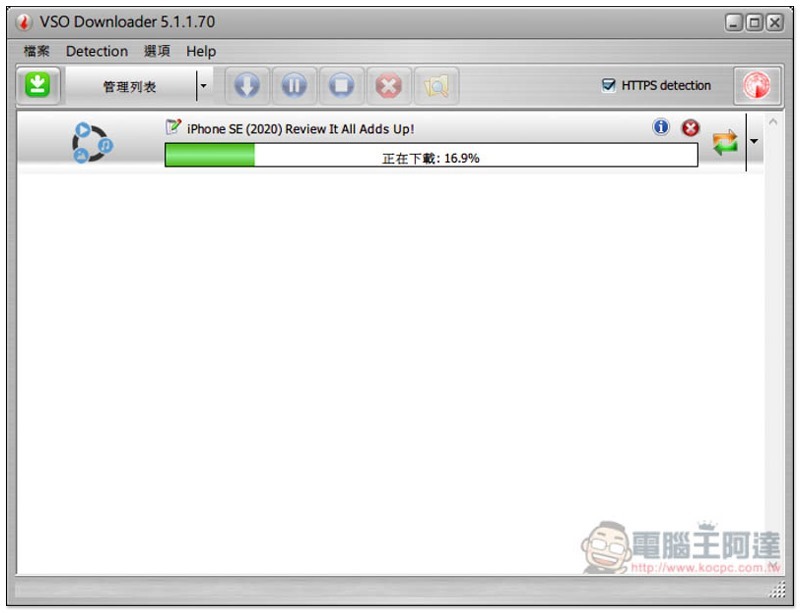
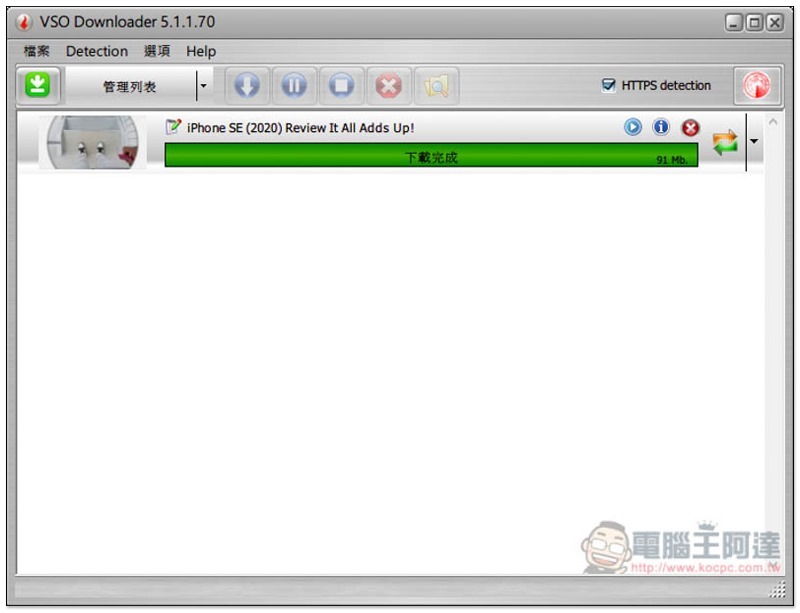
The video thumbnail will be displayed on the left side only after the download is completed:
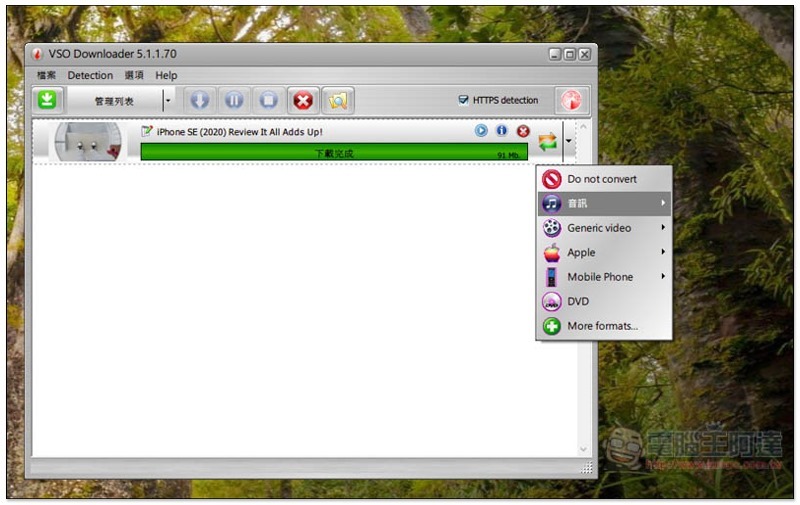
Click the triangular arrow on the right to open the conversion menu, which supports many formats, including music, other video formats, Apple-specific, smartphone-specific, or DVD:
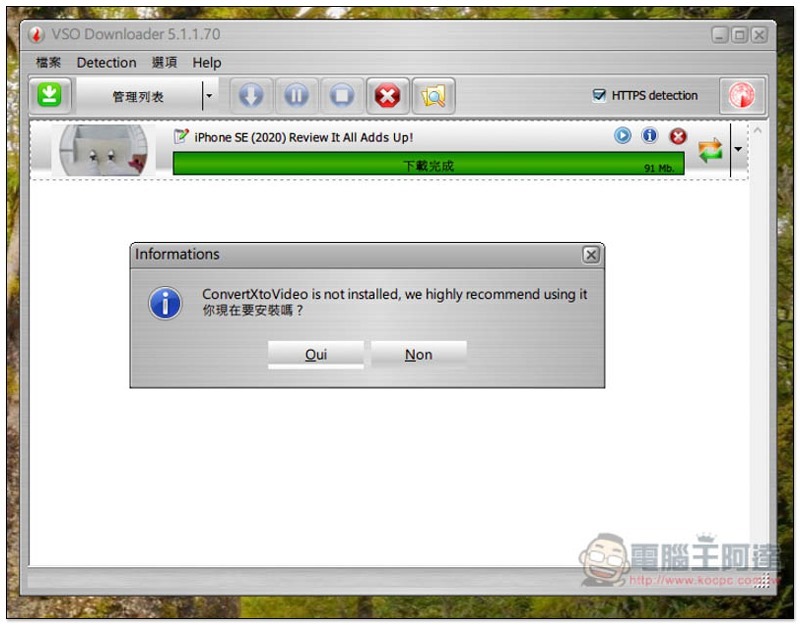
As for More formats at the bottom, you must install another set of ConvertXtoVideo software, depending on whether you really need it:
For YouTube, the default download resolution is the highest resolution, but it only supports 1080p and cannot download 4K or 2K:
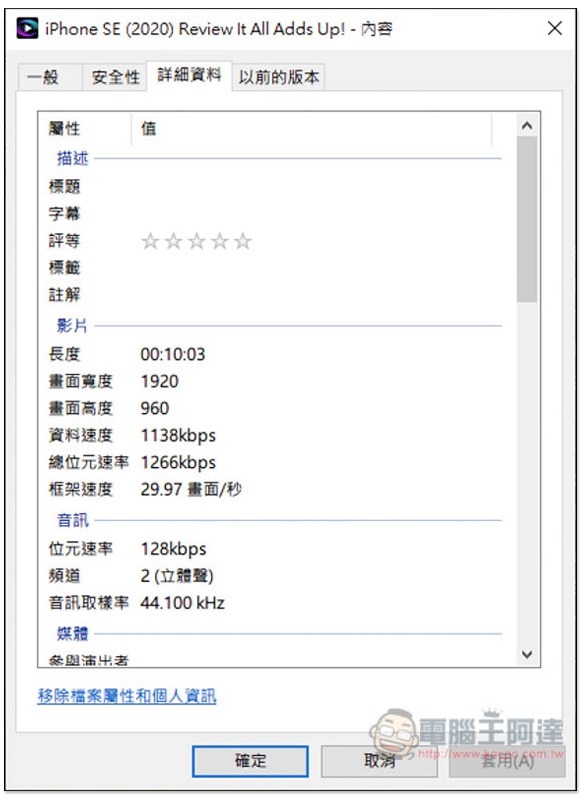
The conversion speed is pretty good, but I don’t know if it was because I was using other software during the conversion, but after the conversion was completed, the synchronization between the video and the sound occurred:
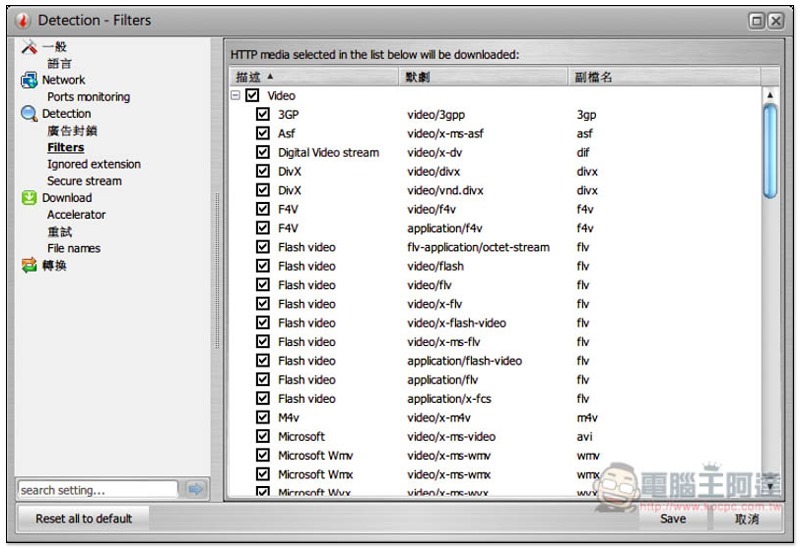
In the settings, you can choose the video formats to be detected. By default, they are all checked. If you only want to download specific video formats, you can cancel some unimportant ones, so you don’t have to worry about downloading unnecessary videos (such as advertisements):
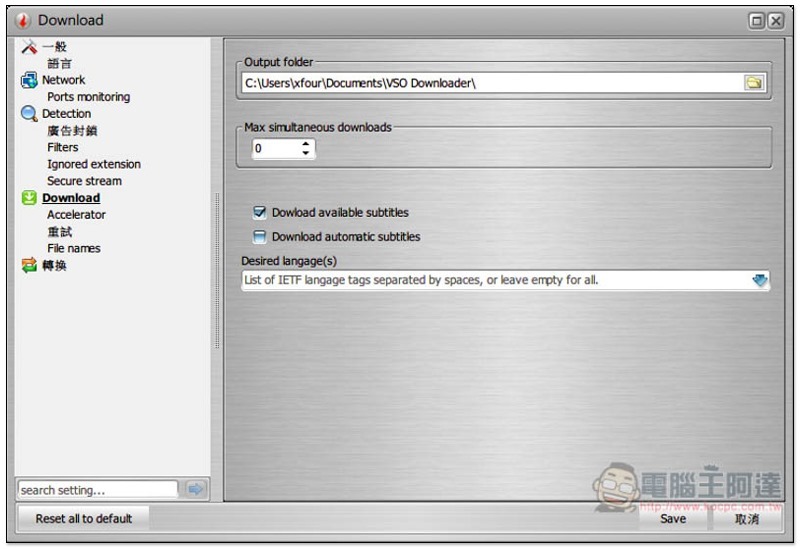
The storage location and the number of single downloads can be adjusted, and the automatic subtitle download function is also supported:
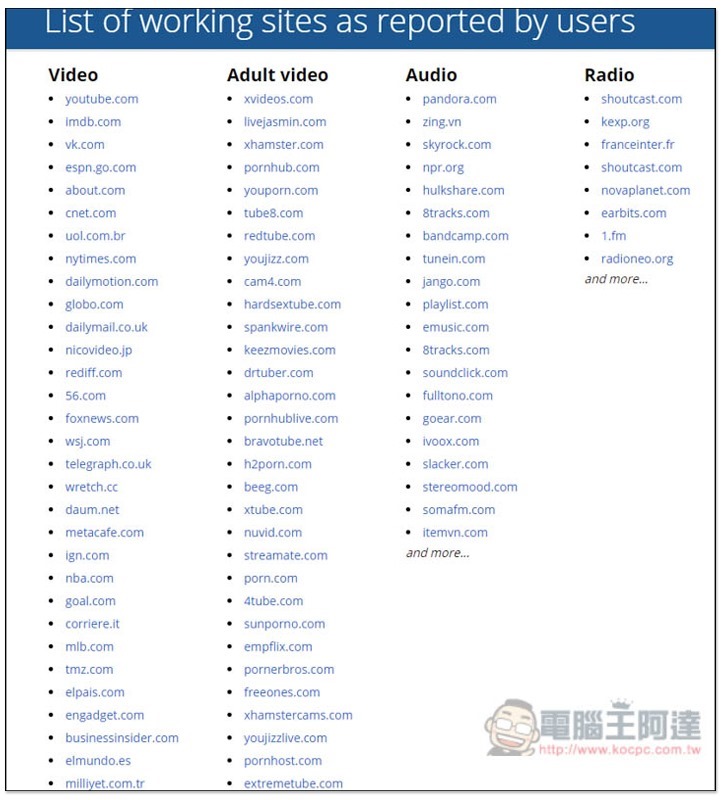
The picture below shows some of the supported websites for those who are interested in learning more.You can click here to jump to the official website:
Supplementary information
VSO Downloader official website:Click here to go
Source: KOCPC Chinese