


reaConverter Pro is a well-received image conversion and post-production editing software abroad. It supports up to 676 formats. In addition to the common JPG and PNG, it also supports RAW original files, 3D and CAD formats. It has a free version, but its functions are limited and it doesn’t convert many formats. The professional full version, which costs about NT$3,000, has recently launched a limited-free promotion on Sharewareonsale. You only need to fill in a simple E-Mail and other information to obtain it. It is a lifetime possession and it is the latest reaConverter 7 version. It is worth collecting.
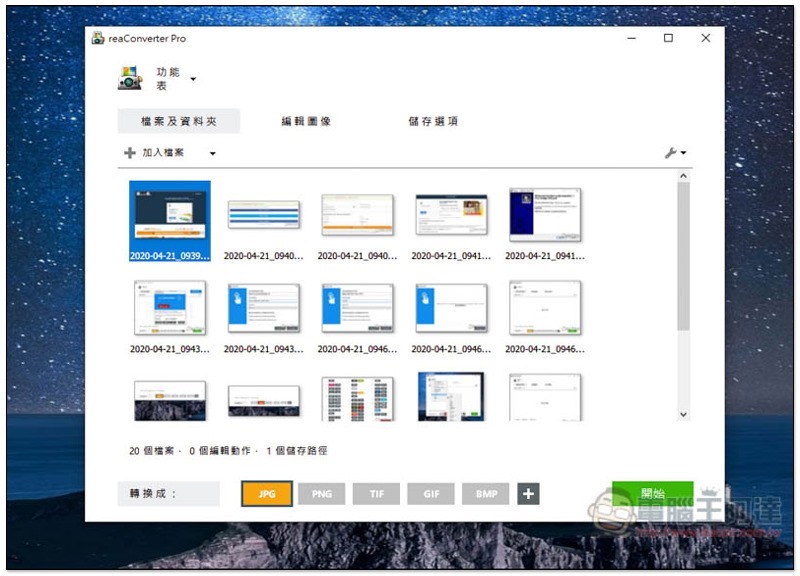
reaConverter Pro limited free activity introduction
Click here to enter the reaConverter Pro free website, click DOWNLOAD REACONVERTER PRO NOW. There are currently about 7 days left until the end of the limited exemption period:

Choose how you want to share. If you don’t want to share through social networking sites, you can click “I don’t use Facebook, Twitter or Linkedln!” below:
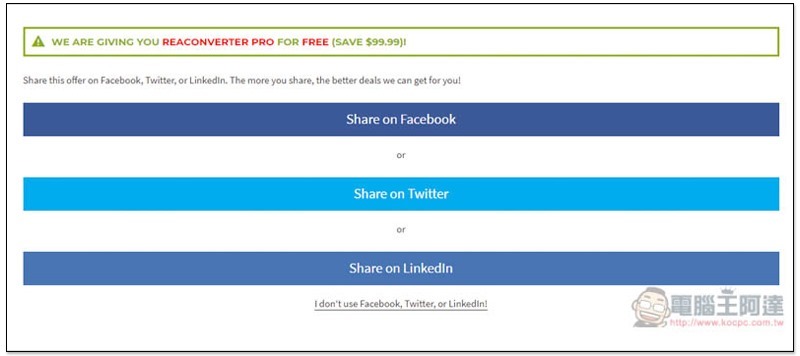
It will return to the original information filling page. Enter your email address, country, operating system, gender and rank, and then click GIVE IT TO ME NOW below:

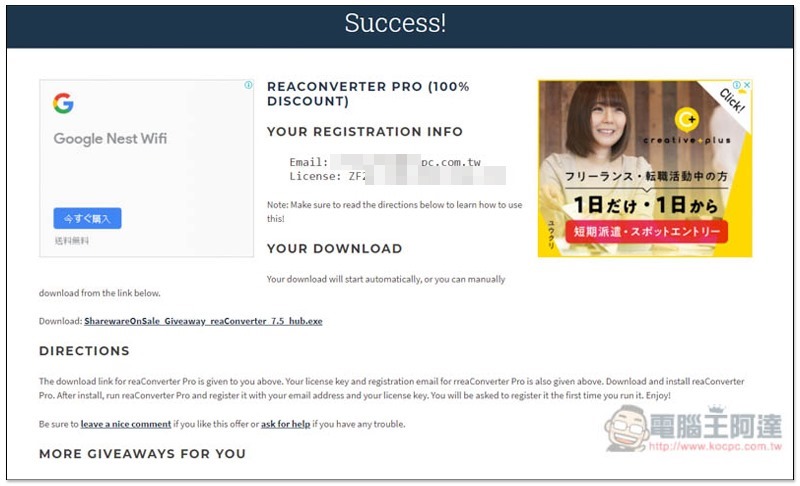
Then you will get the serial number and the installation file will be automatically downloaded. Email is not important and can be ignored:
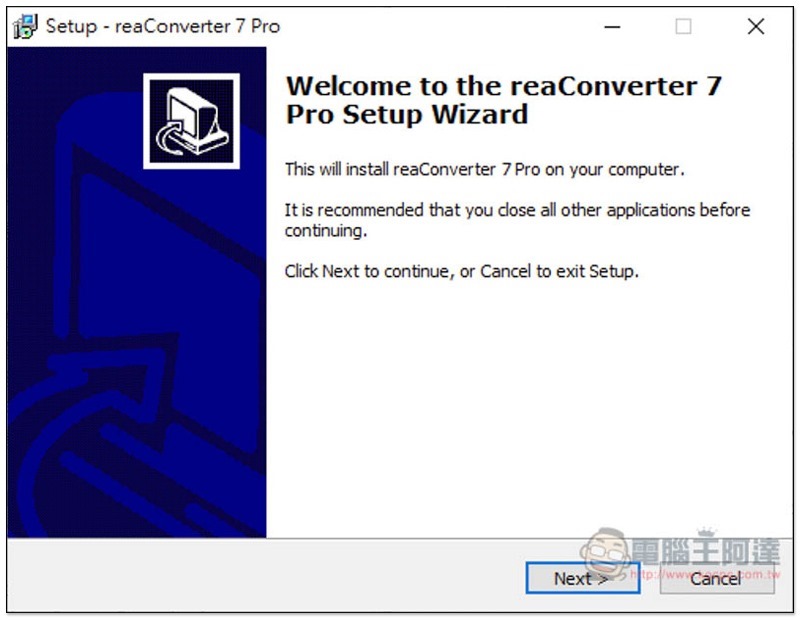
Just keep pressing Next during the installation process:
After the installation is complete, open it and click the Activate function on the screen:
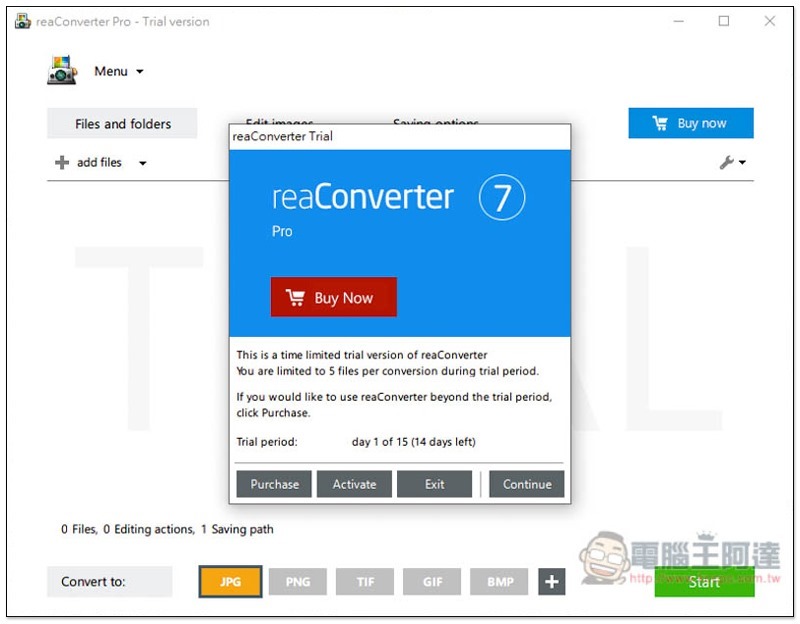
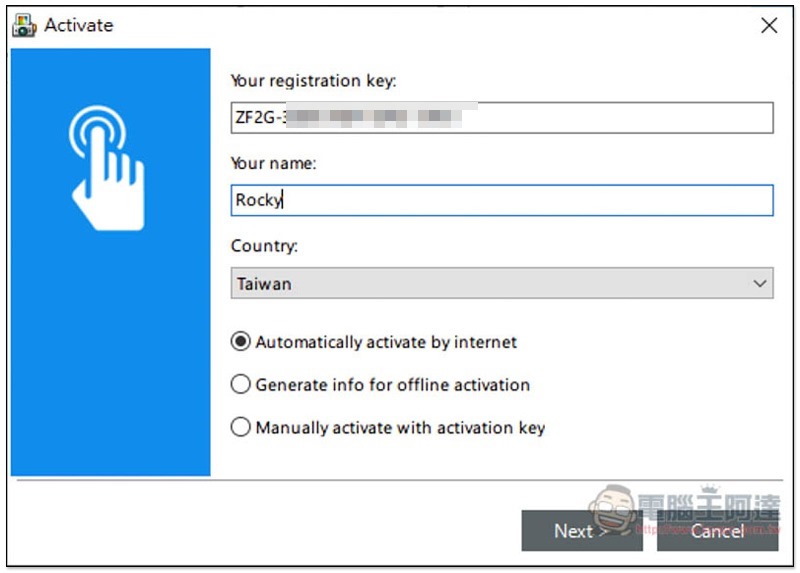
Fill in the Your registration Key field with the serial number you just obtained, fill in Your name as you like, and then press Next:
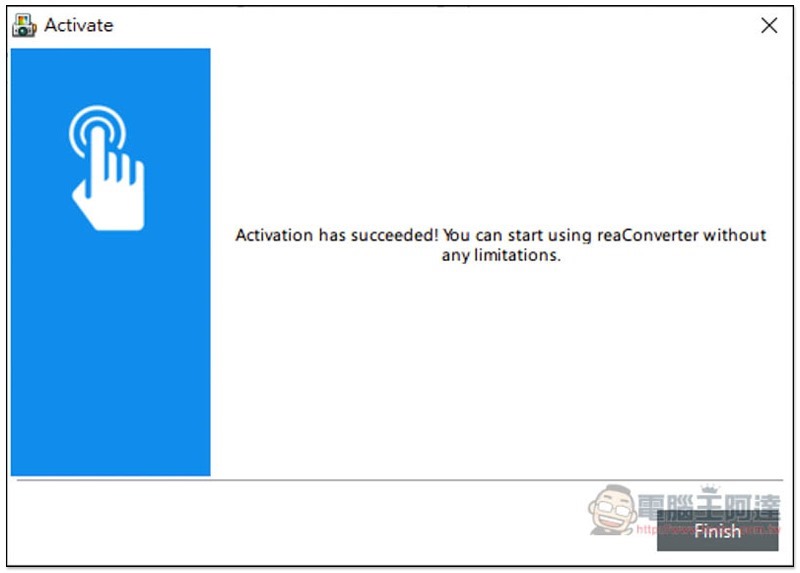
You will then see a successful activation message and you can start using it:
In addition, this set actually supports the Traditional Chinese interface. The change method is very simple. After opening the Menu menu above, you can find Traditional Chinese (Traditional Chinese) under the Language option:
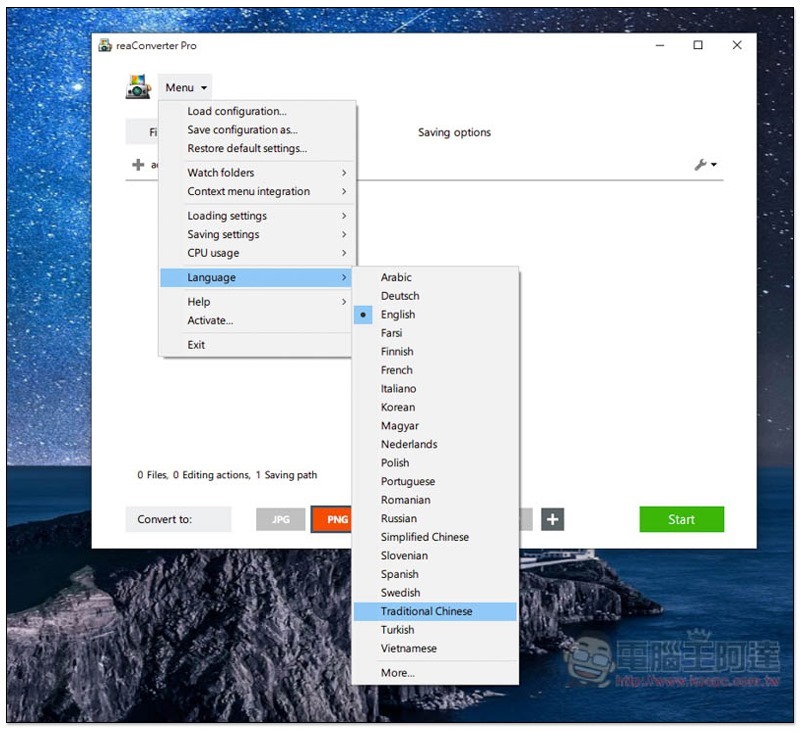
All functions will become Chinese! No more fear of not understanding:
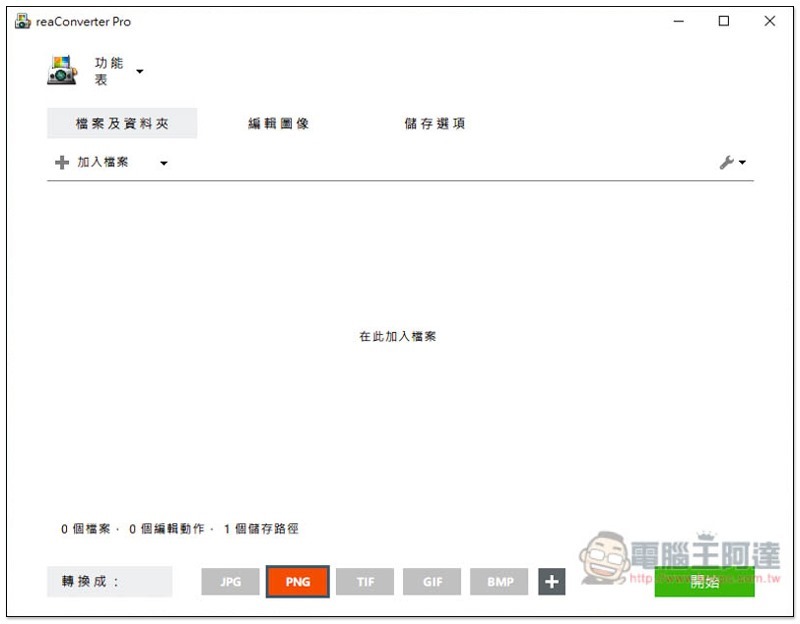
The usage of this set is very simple. Drop in the image you want to convert and drag it directly into the window, or click “Add File” above:
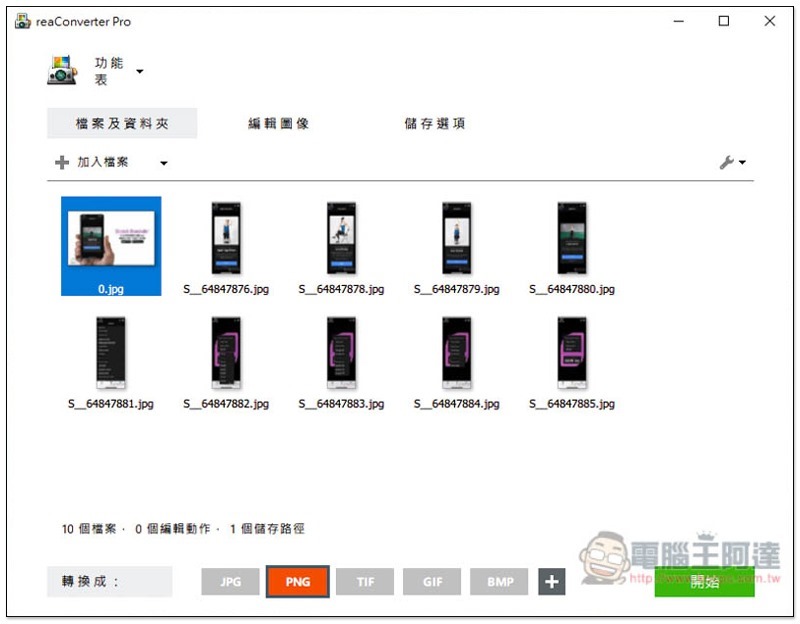
Select the format you want to convert below:
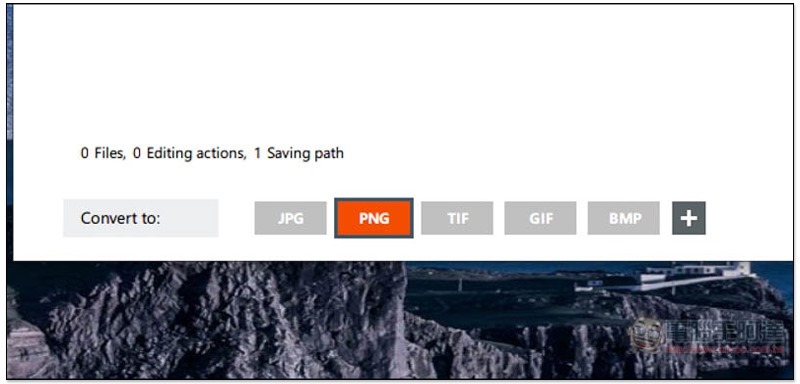
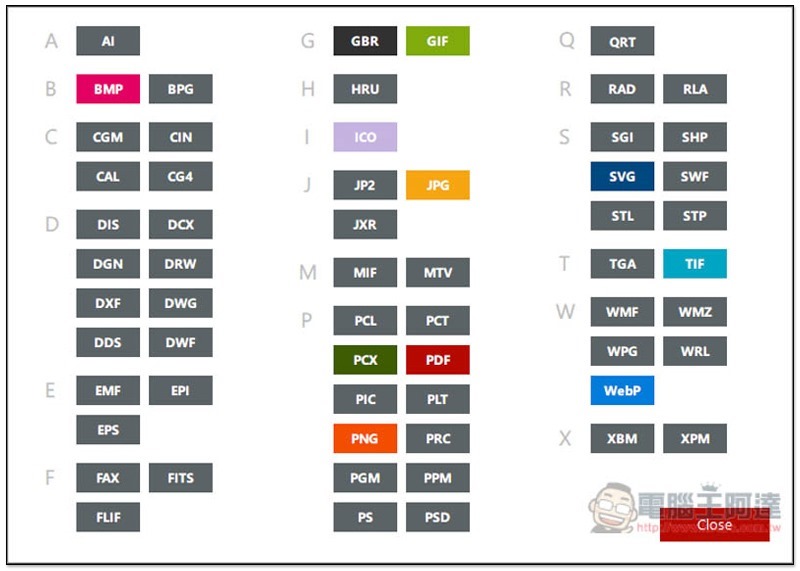
Press the + next to it to view more, and the format will be arranged according to the beginning letters, making it easier for you to find quickly:
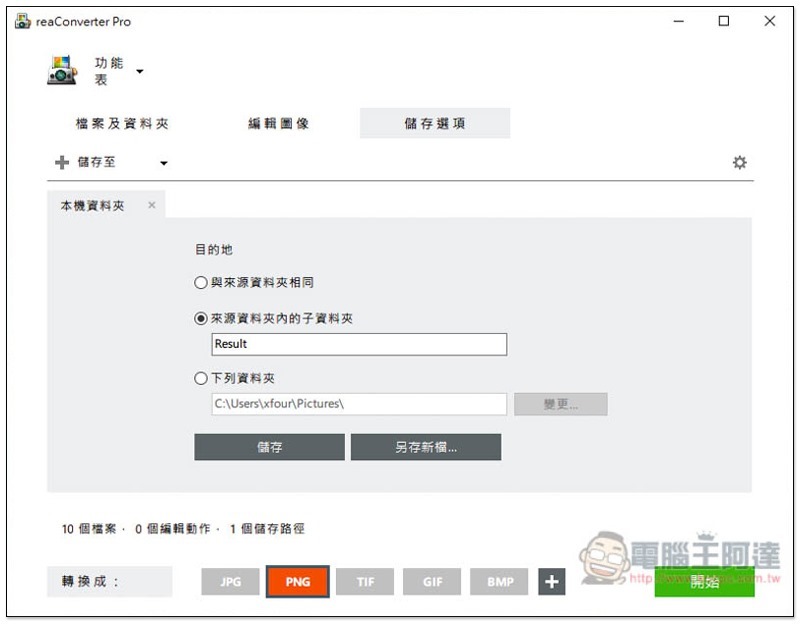
The storage option defaults to “Subfolder within source folder”, but can also be changed to the same or a specific folder:
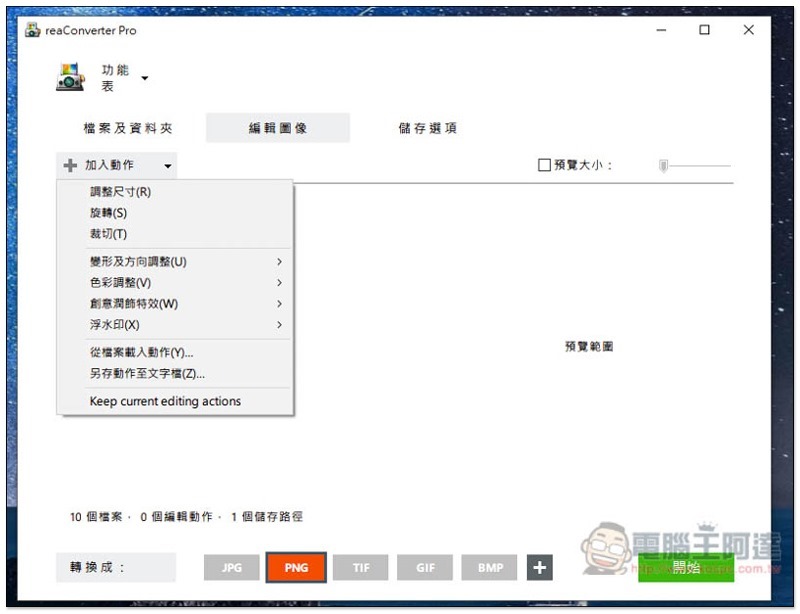
Editing images is a post-production tool. Click “Add Action” to select the post-production effects you want to add, such as: resize, color adjustment, special effects, watermarks, etc. This action will be applied to all images at once, which means batch processing:
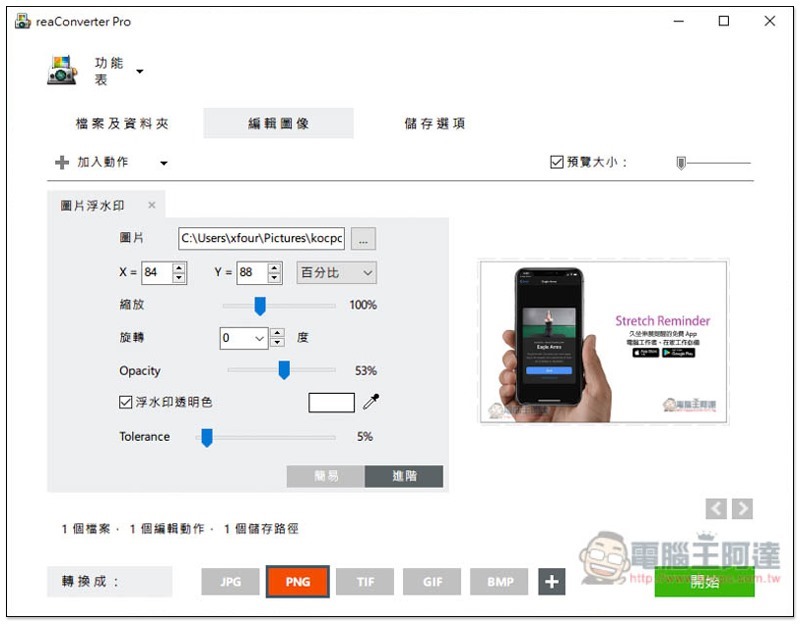
You can use your own pictures to add watermarks, and the position, zoom size, transparency, etc. can be set:
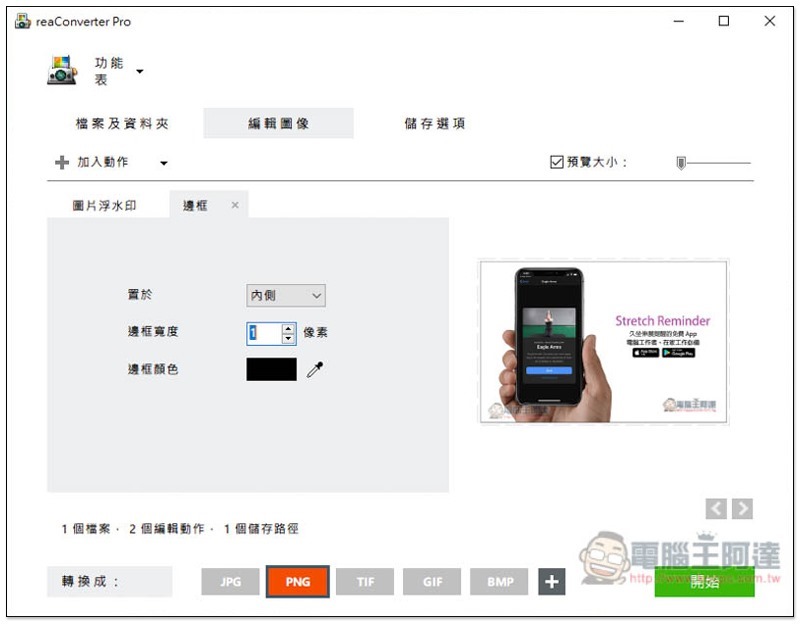
Of course, you can add multiple actions. In addition to the watermark, I also want to add a border to the picture:
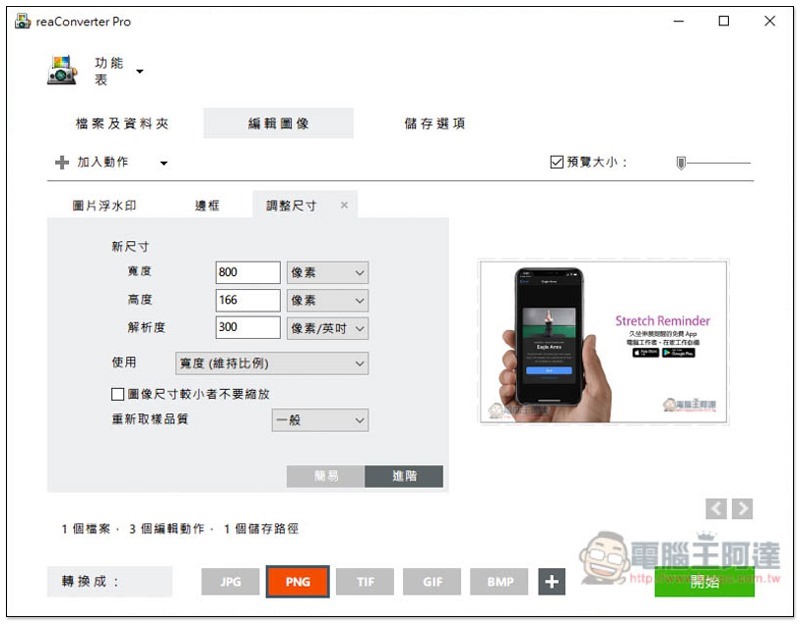
There’s also resizing, so you can have as much movement as you want. After all settings are completed, click “Start” on the lower right:
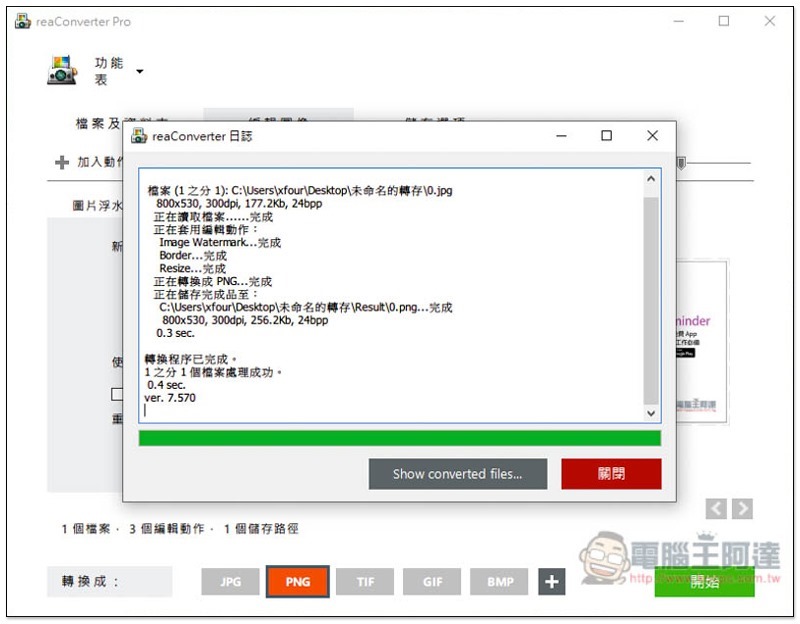
It will start converting and applying all the actions. The speed is quite fast. The number is not large and it almost takes only a few seconds to complete:
Supplementary information
reaConverter Pro limited free activity page:Click here to go
Source: KOCPC Chinese