


There are a lot of free encryption and decryption software on the market now, like the ones we have introduced hat.sh、Encrypto、EncryptOnClick、CloakerWait, Boxcryptor is very different in that it is a free software for encryption and decryption of cloud files. You may be thinking, what does this mean? To put it simply, its encryption operation does not require setting a password, but it will also become an encrypted file that no one can open. Only the computer you bind can open and use it, and there is no need to decrypt it.
In this way, the security of cloud backup files can be greatly improved, and there is no need to worry about being stolen by others or hackers. Supports most common cloud services, such as Google Drive, Dropbox, and OneDrive.
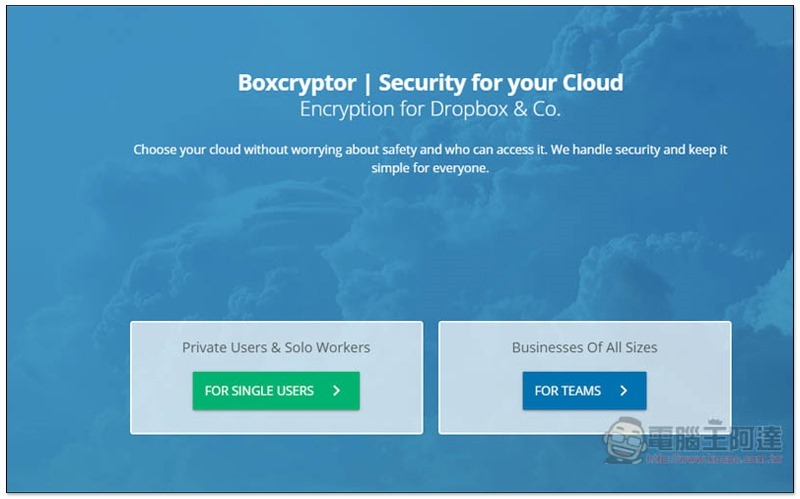
Introduction to Boxcryptor
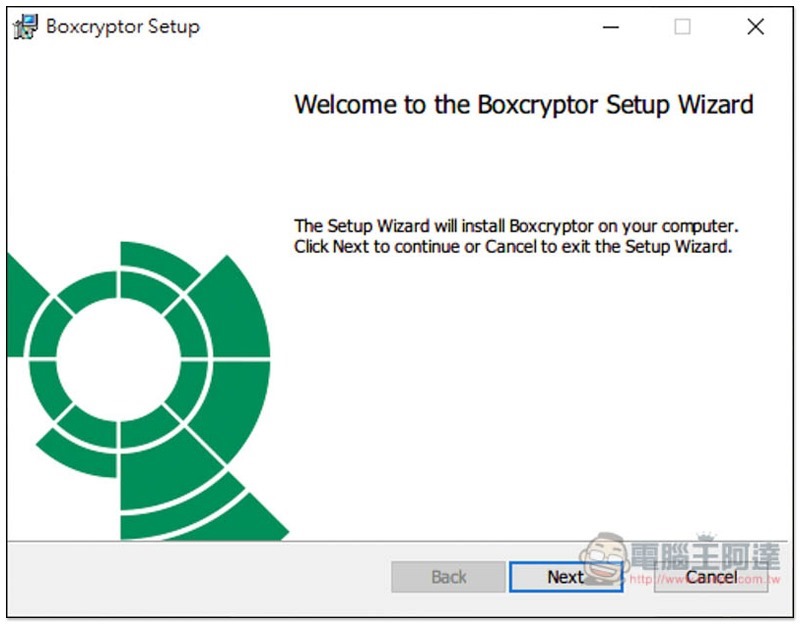
Boxcryptor supports multiple platforms, including Windows, Mac, Android, and iOS. I’ll take Windows as an example.Click here to download the installation file from the official website, the installation process is always dark and the next step is:
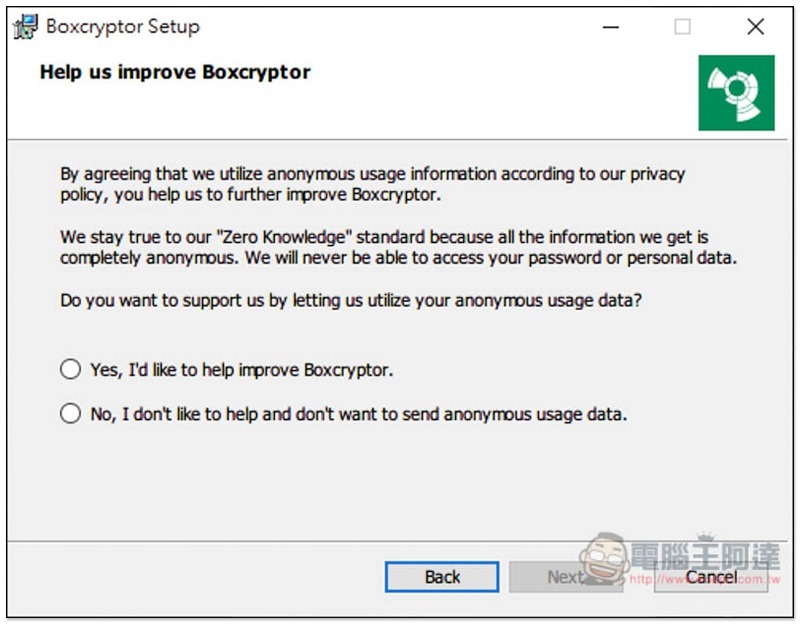
In the middle, you will be asked if you want to help improve their services. If you don’t want to, please click No:
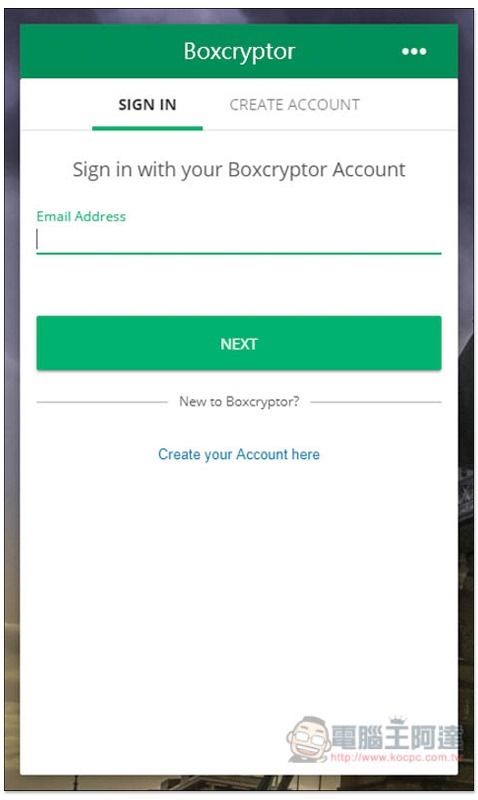
You need to log in to an account to use it. If you don’t have one, click Create Account on the right to create one for free. There are some free functional limitations, such as: you can only bind one cloud service and you can only log in to two devices at most. For personal use, I think it is enough. If you want more, you must upgrade to the paid version:
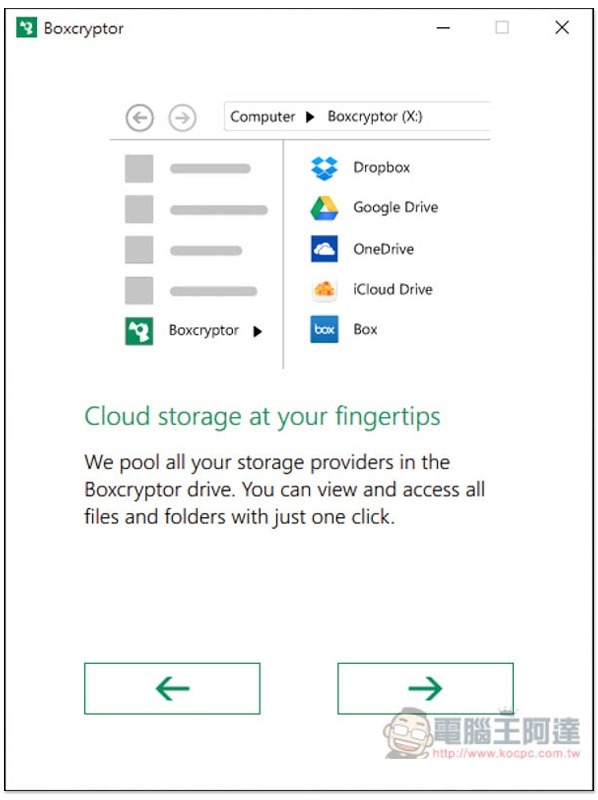
There will be simple operation instructions for first use. Those who are interested can take a look:
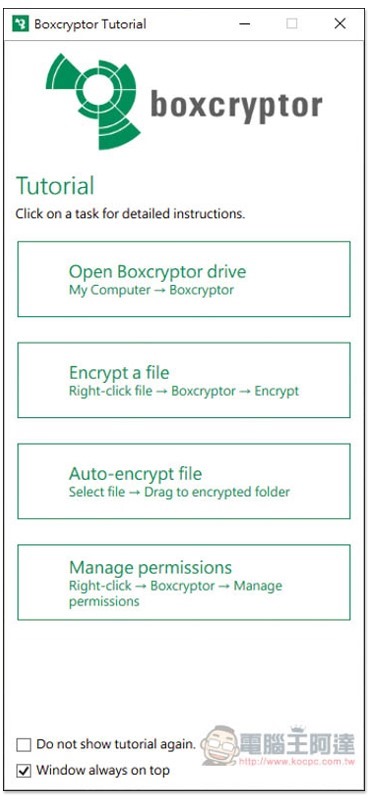
Then you can start using it. It will always run in the background without setting anything. If you have any questions about operation, we also provide instructions:
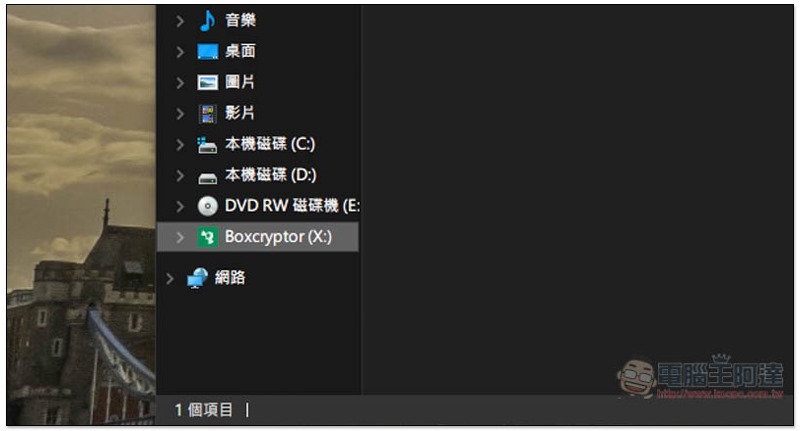
After opening the File Explorer folder, you will see an additional Boxcryptor in the hard drive column:
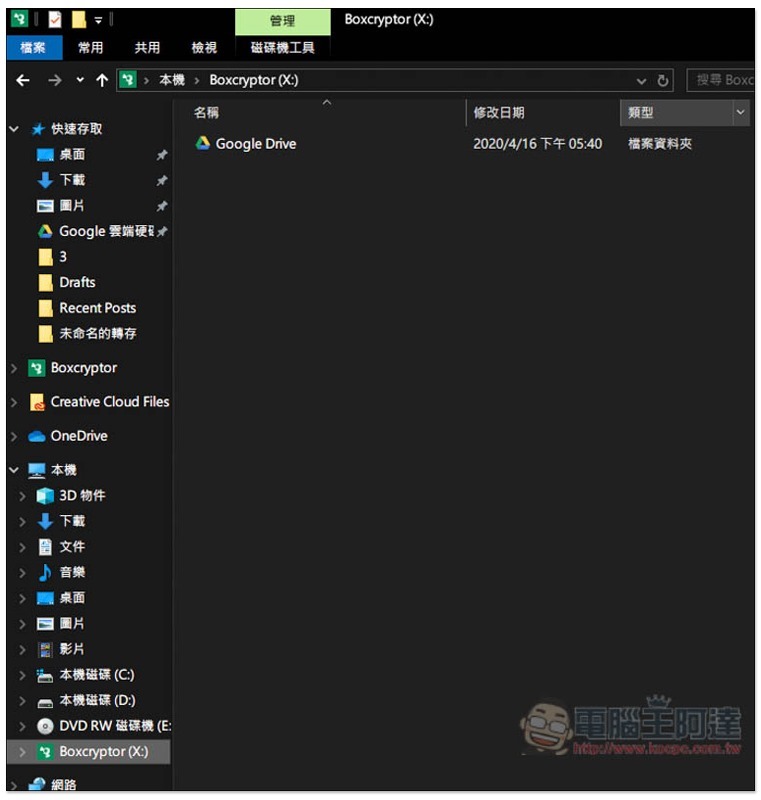
It will automatically detect the cloud services installed on your computer. If you install multiple like me, it will only automatically select one to bind (limited by the free version):
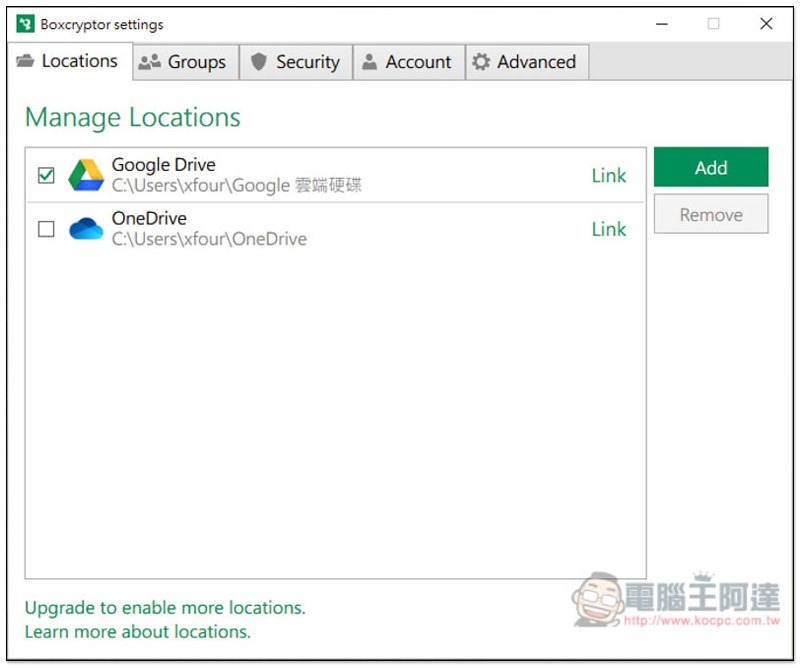
If you want to change to another one, please open the Settings Locations menu to switch or add:
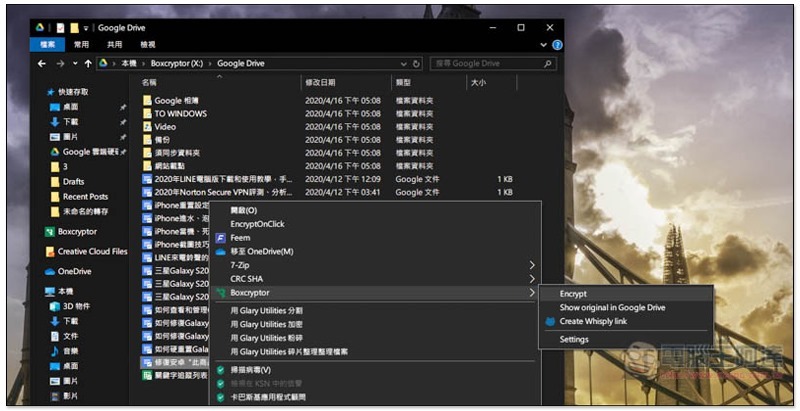
In this Boxcryptor hard drive, open the right-click menu of the file you want to encrypt, and you can see the related functions. Encrypt means encryption:
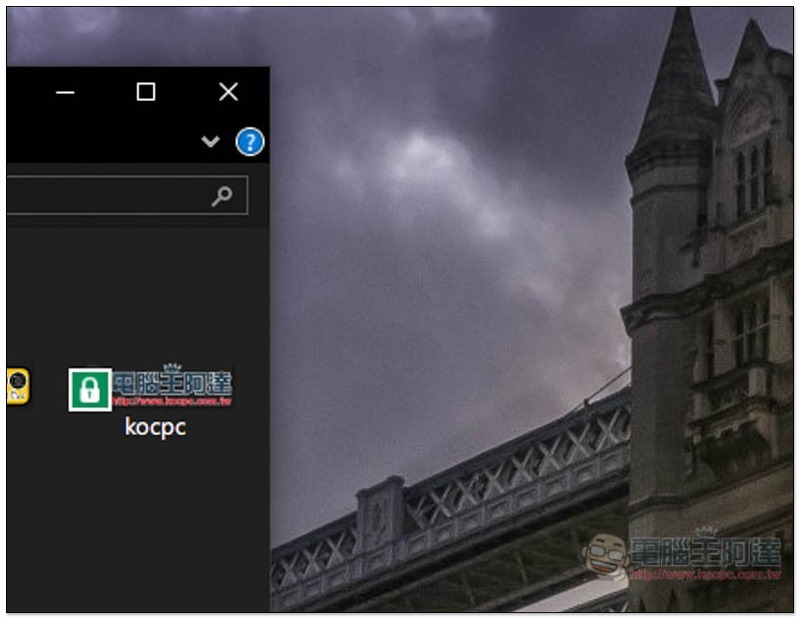
The file will then change into a lock icon:
It can be opened and used directly on the Boxcryptor hard drive without decryption:
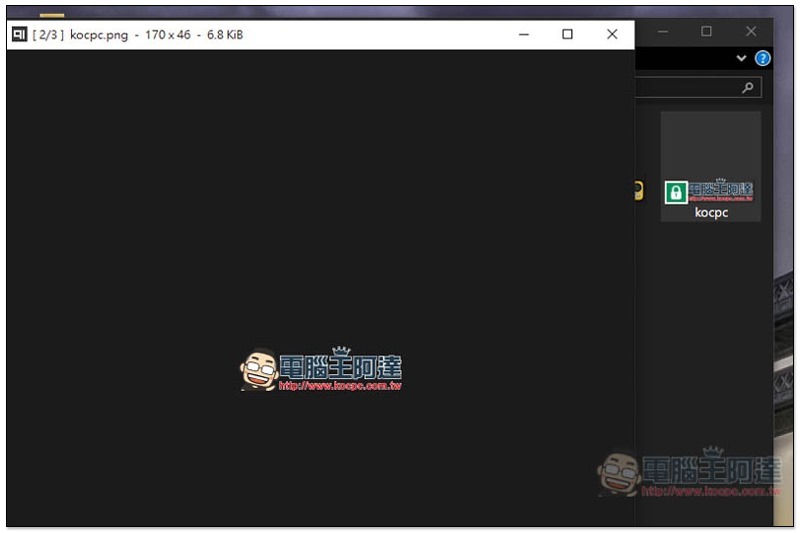
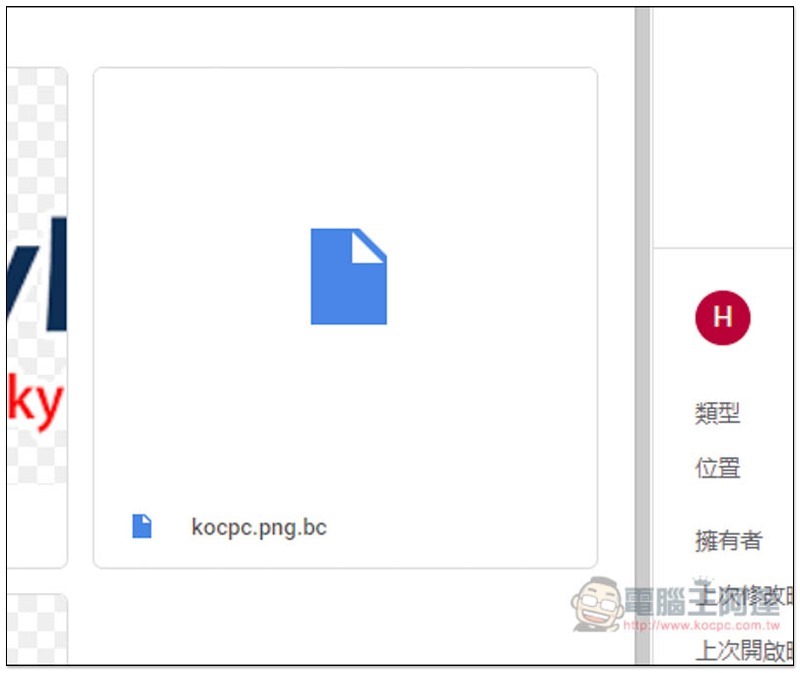
But in the original folder of the cloud service, the file will become unrecognizable and cannot be opened:
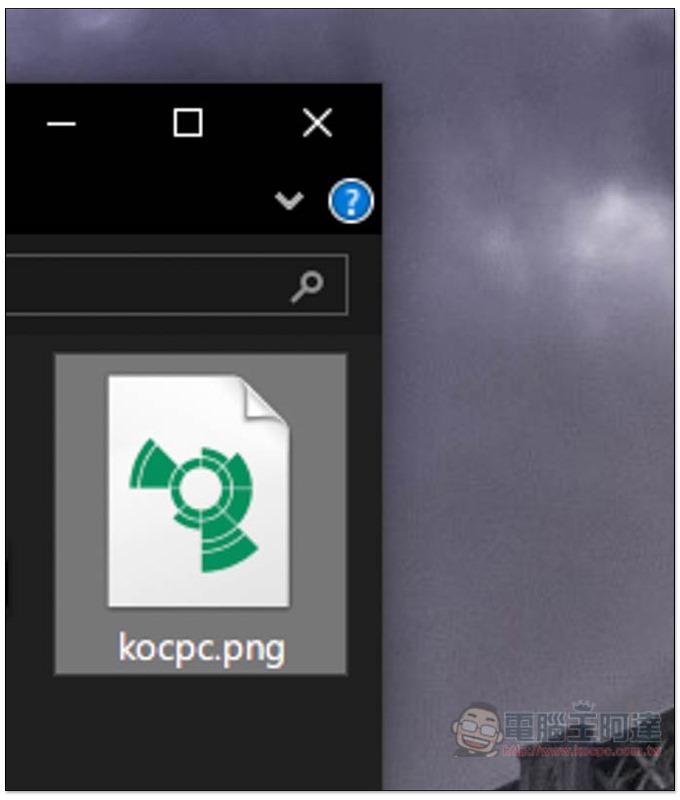
The same goes for the web version, no one can read it:
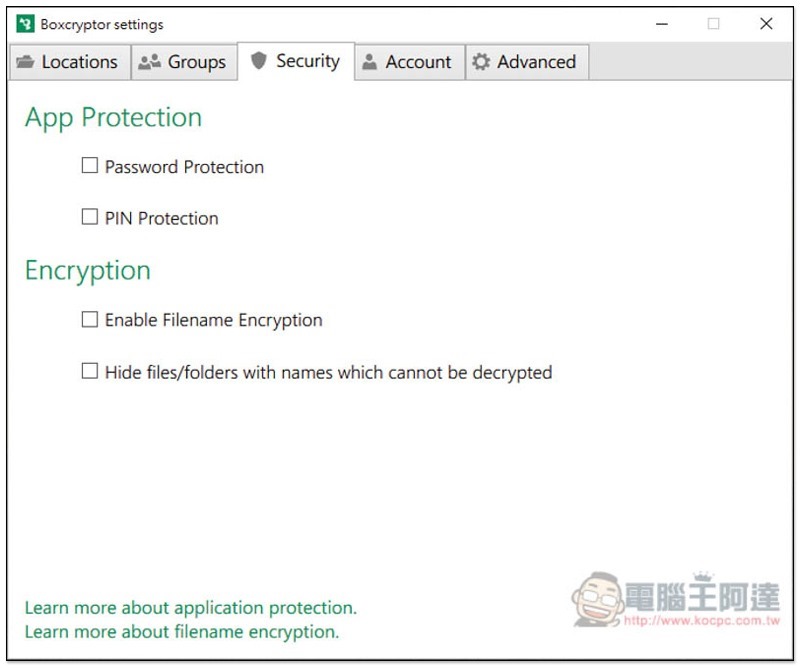
If you want to improve security, you can also add password protection, but I personally don’t recommend it. It will be troublesome if you forget:
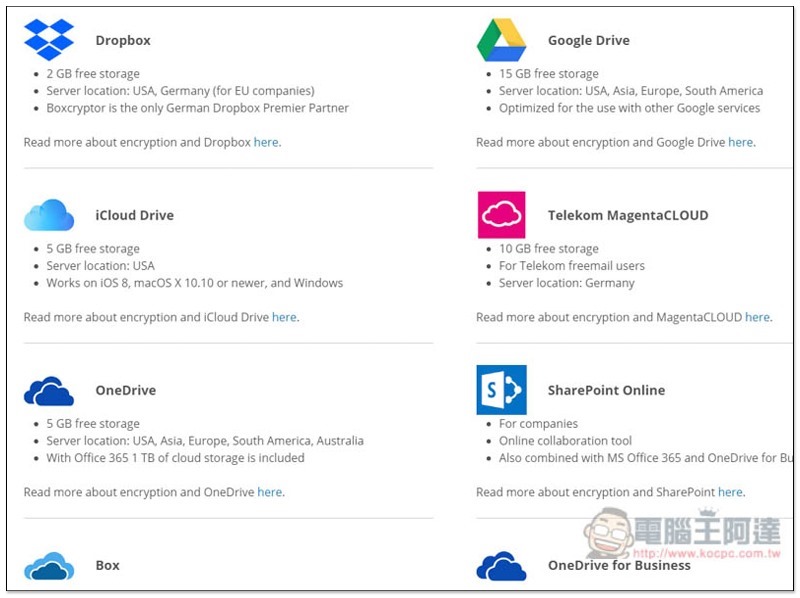
Below is a list of some cloud services it supports, you can view moreYou can click me:
Supplementary information
Boxcryptor official website link:Click here to go
Source: KOCPC Chinese