


Glary Utilities is a very powerful set of multi-functional software that provides many tools related to system parts, such as: optimization and acceleration, cleaning up hard disk space, registry repair, memory optimization, checking for software updates, driver manager, even malware removal, duplicate file finding, almost everything you can think of is included.
For those who are worried that the functions are too complex and don’t know how to use them, this set also provides easy “one-click maintenance”. You only need to click on this function to perform major system repair and cleanup functions.
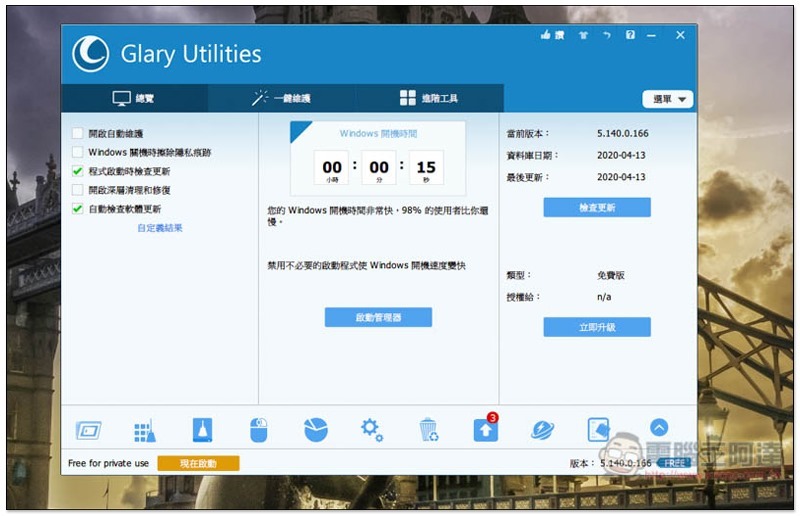
Glary Utilities software introduction
Glary Utilities official websiteAlthough it is in English, this set supports the Traditional Chinese interface. The latest version is Glary Utilities 5. Just keep pressing Next during the installation process, and you will not install other things secretly:
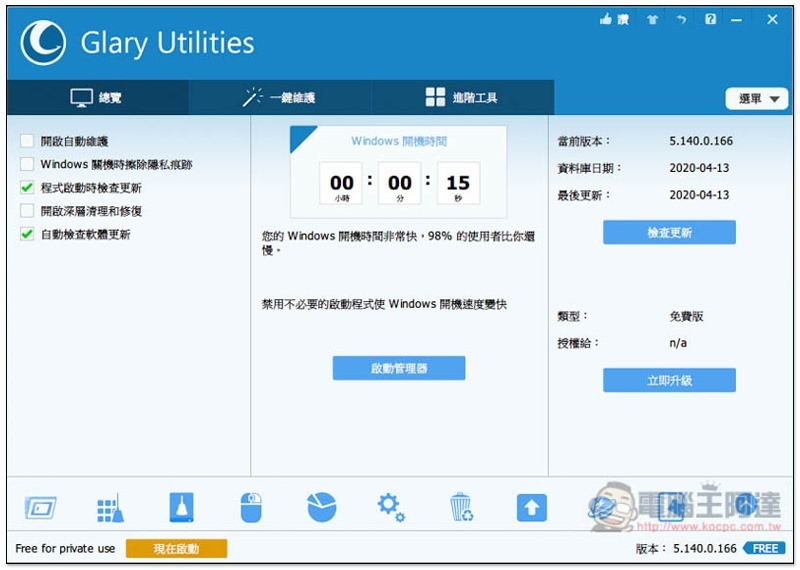
The picture below is the software interface, which will calculate your current Windows boot time. If it is too slow, you can click “Startup Manager” below to speed up:
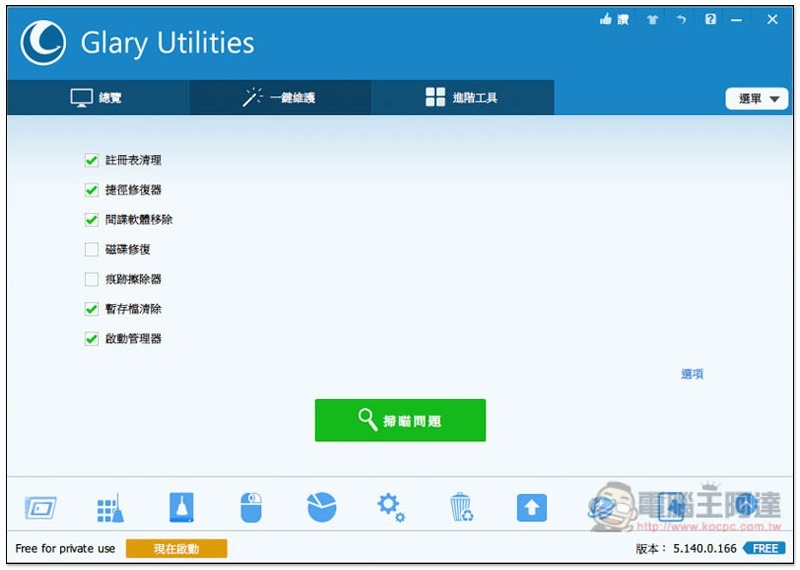
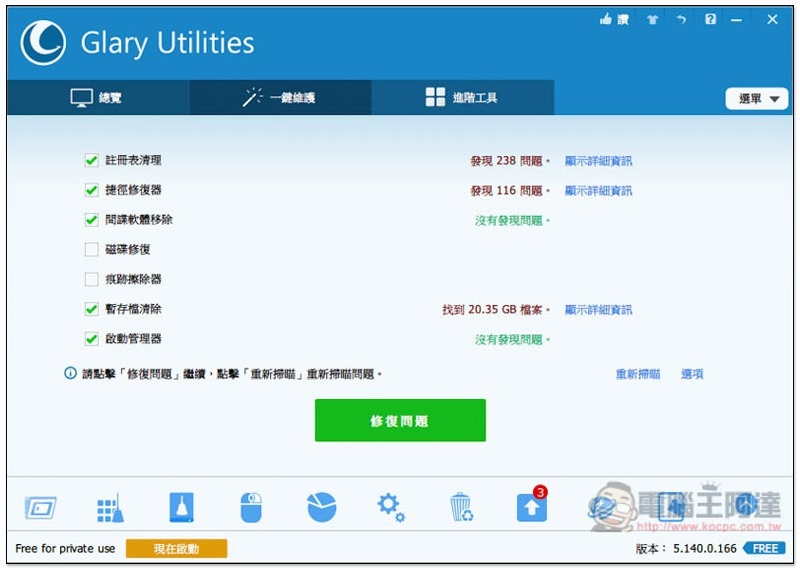
One-click maintenance function, by default will perform registry cleaning, shortcut repairer, spyware removal, temporary archive clearing and startup manager. The other two disk repairs and trace erasers are optional. Of course, you can also manually cancel the presets you don’t want to execute. Click “Scan for questions” below and the scan will start:
Before performing the repair, you will be told which problems or files (if any) were scanned. You can click Show details on the right to view:
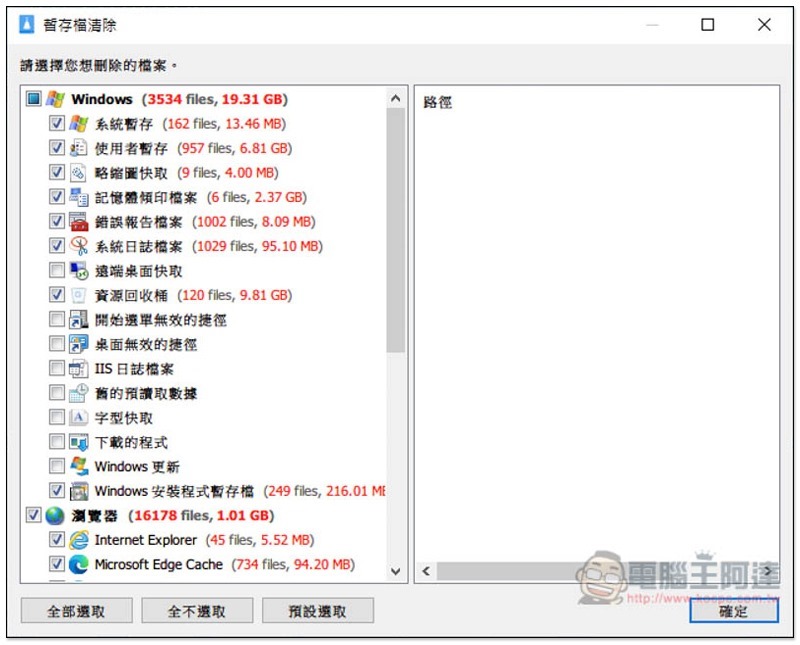
As shown below, the temporary file is cleared. If you don’t want to delete or misjudge, just cancel the check next to it:
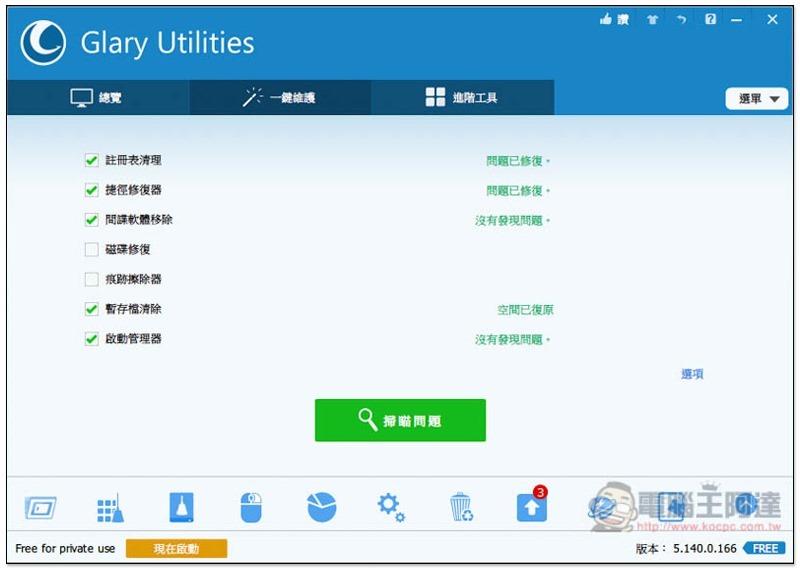
A successful repair will also tell you:
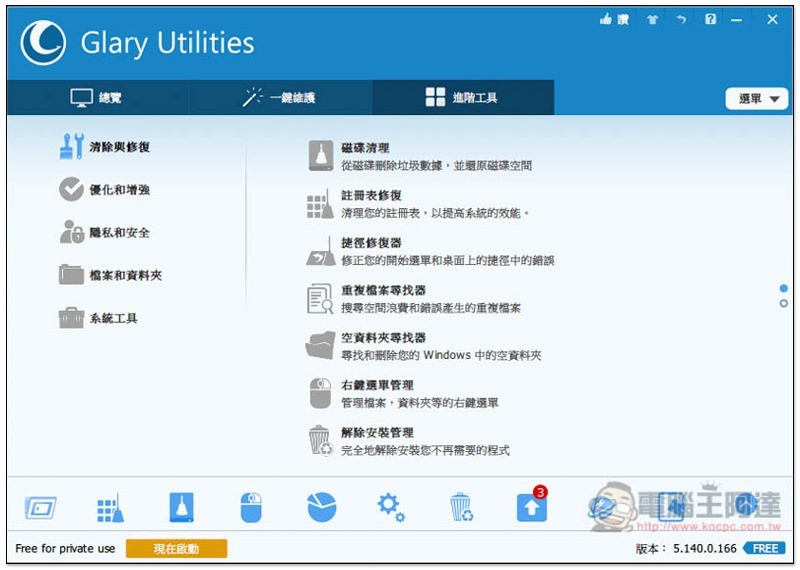
For advanced users or those who only want to perform maintenance on specific projects, they can be found in the advanced tools menu. There are five major items: “Clean and Repair”, “Optimize and Enhance”, “Privacy and Security”, “Files and Folders” and “System Tools”
Cleaning and repair include disk cleaning, registry repair, shortcut repairer, duplicate file finder, empty folder finder, right-click menu management, and uninstallation management:
Disk Cleanup can scan your computer for useless temporary files, large files, etc. to help you free up more space:
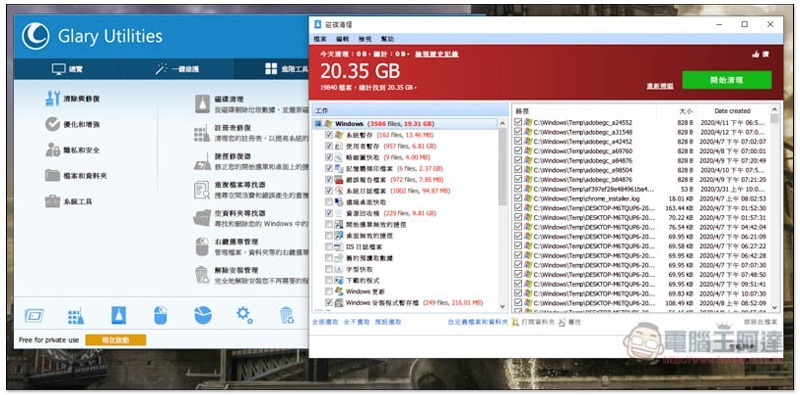
Duplicate files are also good, quickly find the same files on your computer:
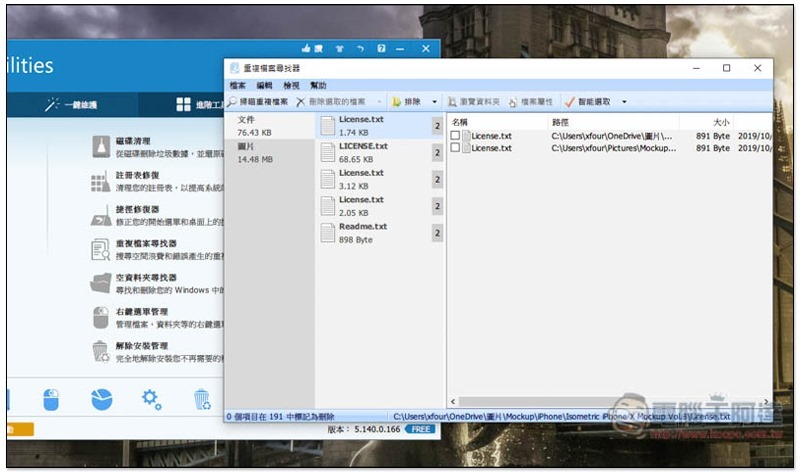
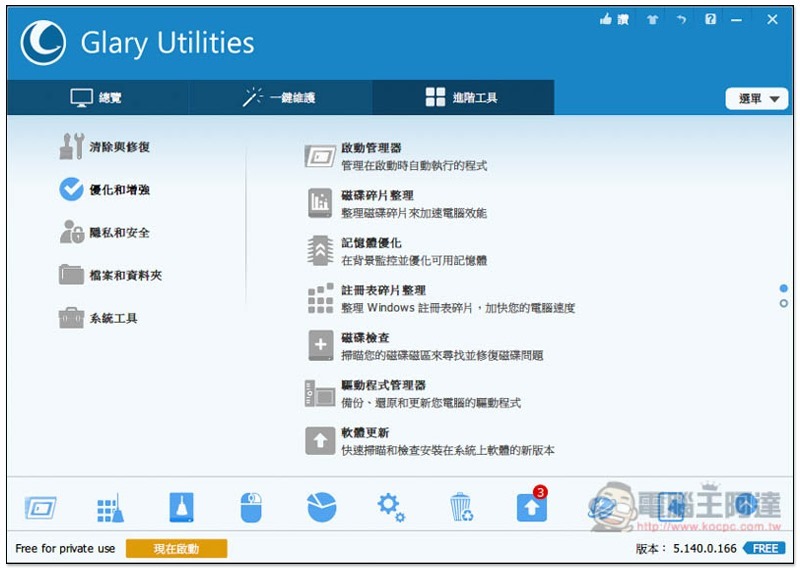
There are also many practical functions in optimization and enhancement, such as: memory optimization, disk check and software update:
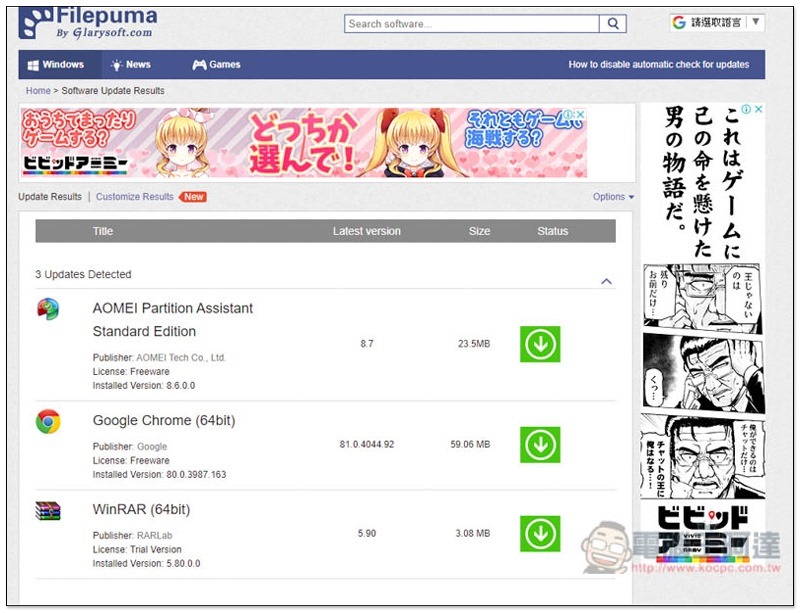
Software updates are paired with the Filepuma web page (also developed by Glarysoft), which will scan the currently installed software on your computer and tell you if there is a new version:
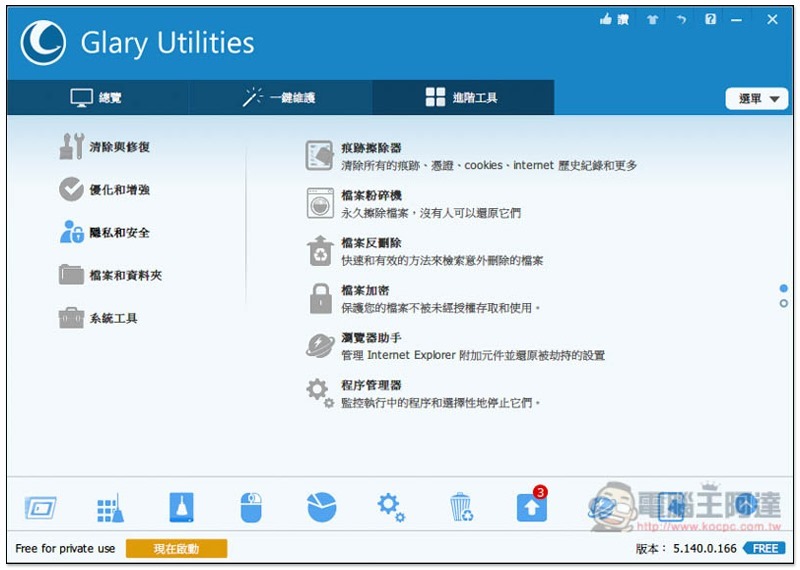
Privacy and security:
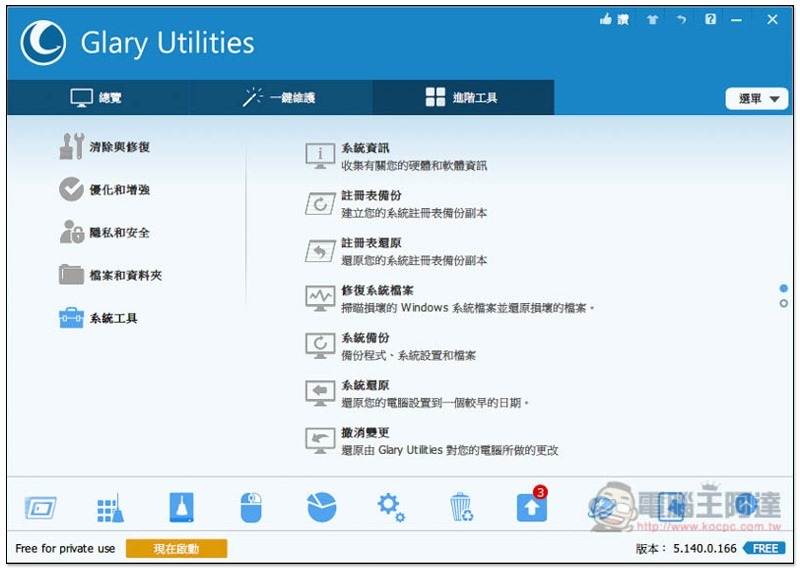
System tools:
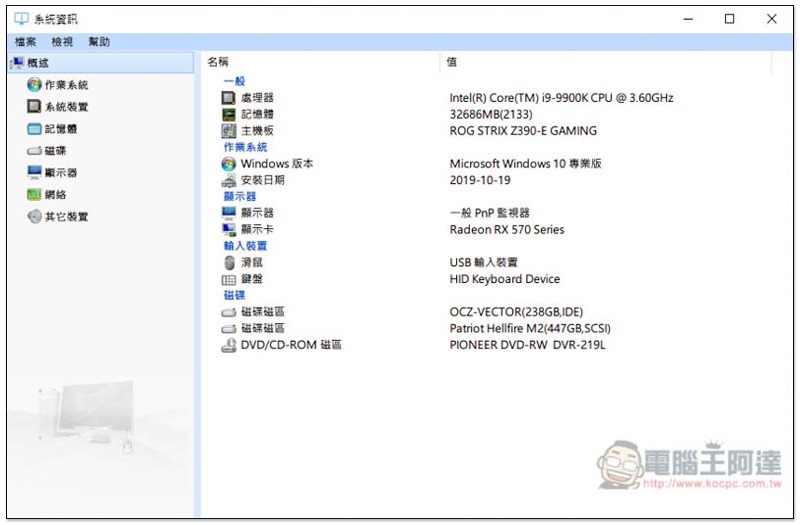
You can quickly query your computer’s hardware information:
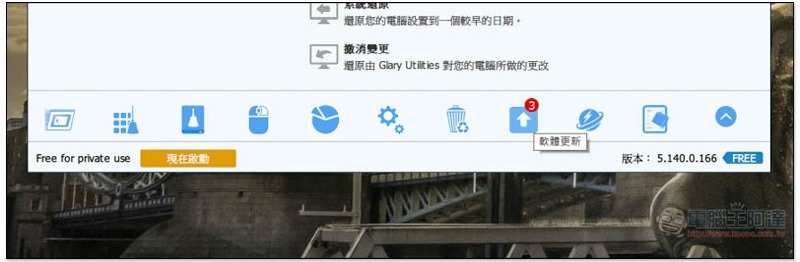
Commonly used function icons are also listed below to facilitate your quick execution. Click the arrow on the right to expand more:
Malware remover can be found here:
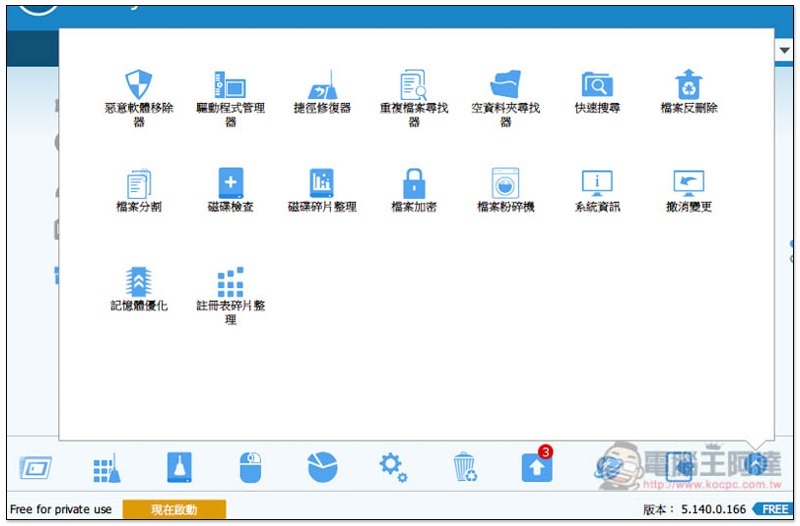
This set of functions is so rich that readers can play around with the rest.
Supplementary information
Glary Utilities official website and download page:Click here to go
https://www.kocpc.com.tw/archives/316691
Source: KOCPC Chinese