


Because of my work, I often have to introduce some Apps to everyone, and some Apps are available in two versions (iOS, Android), so when sharing the download link, you must attach both. I was thinking a while ago if there is any way to automatically identify the user’s device through a link and jump to the corresponding App Store or Google Play? Finally, I discovered that AppURL is a pretty good free URL shortening and redirecting service. While setting the main URL, you can also add a dedicated URL for iOS or Android devices.
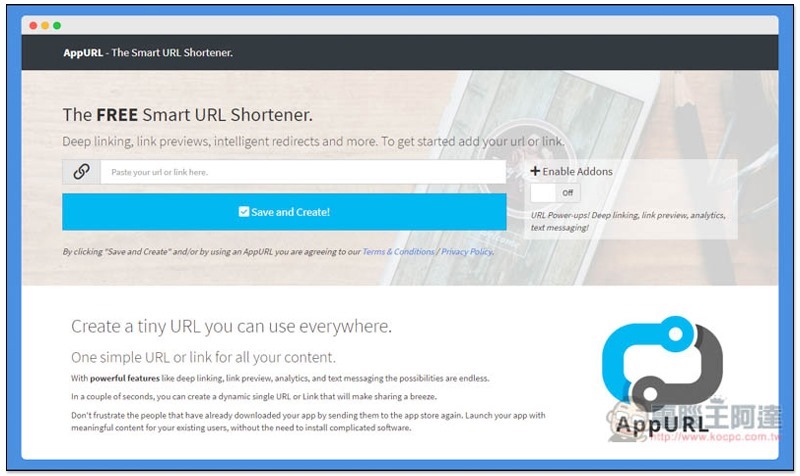
Introduction to AppURL short URL and redirection services
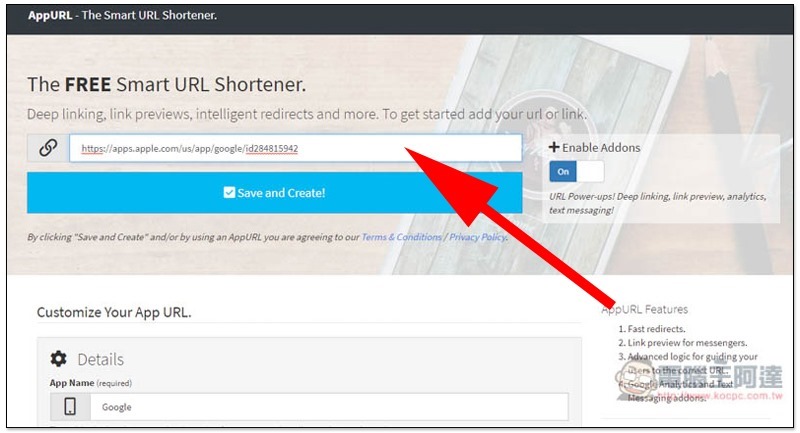
AppURL is a completely free URL shortening service.Click me to go to the homepage, paste the main URL in the upper field, that is, which web page will be opened when users of non-iOS or Android devices click. When pasting the URL, Enable Addons on the right will also be automatically turned on:
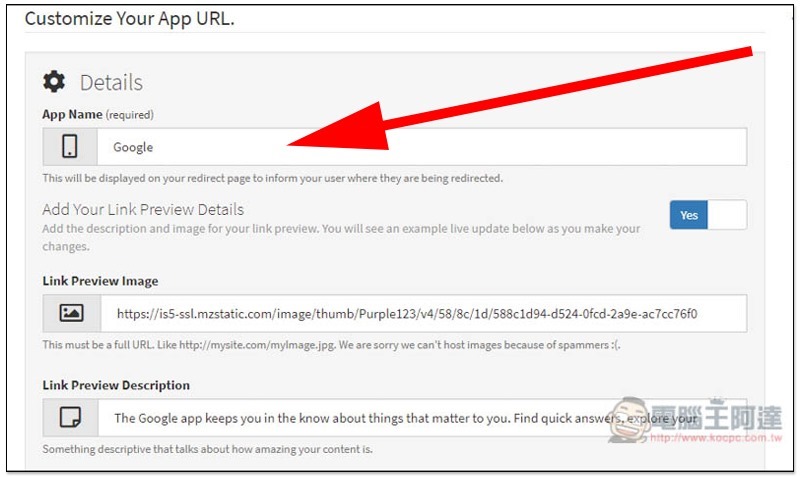
Many customized options will appear below, such as: App Name, Link Preview Image, Link Preview Desciption. The content of the link will be automatically captured first. If it is correct, there is no need to modify it. You can skip it directly:
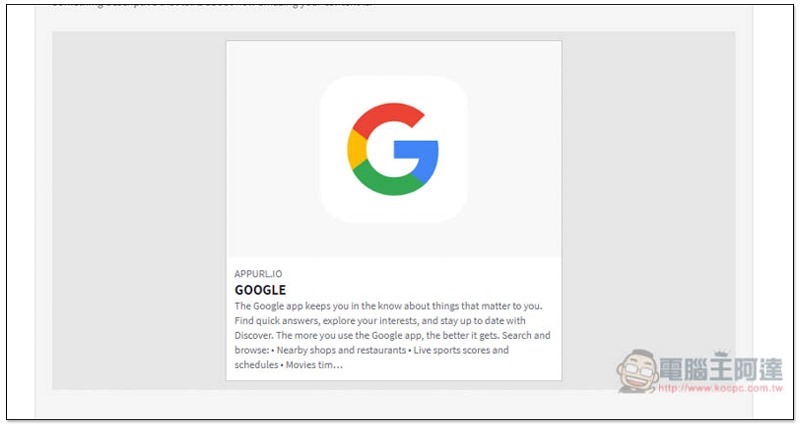
There are also preview images for your reference:
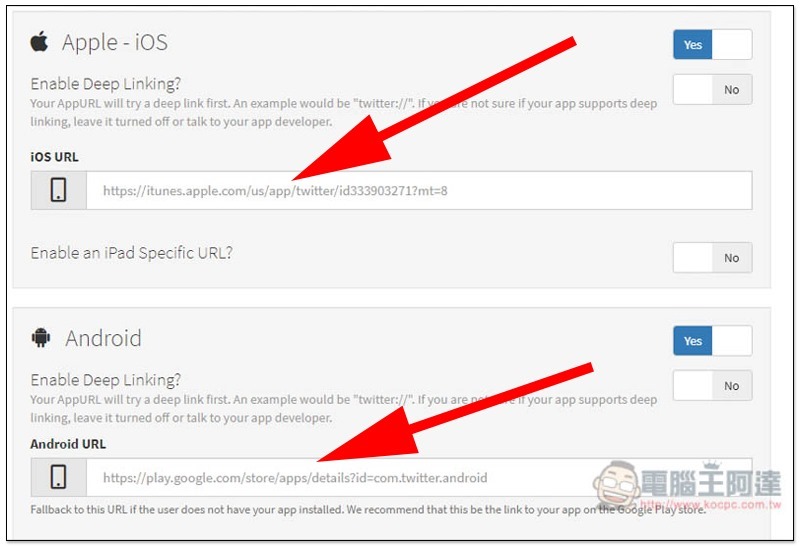
Scroll down further and you will see the setting field for iOS and Android device-specific URLs. Just paste the corresponding URL:
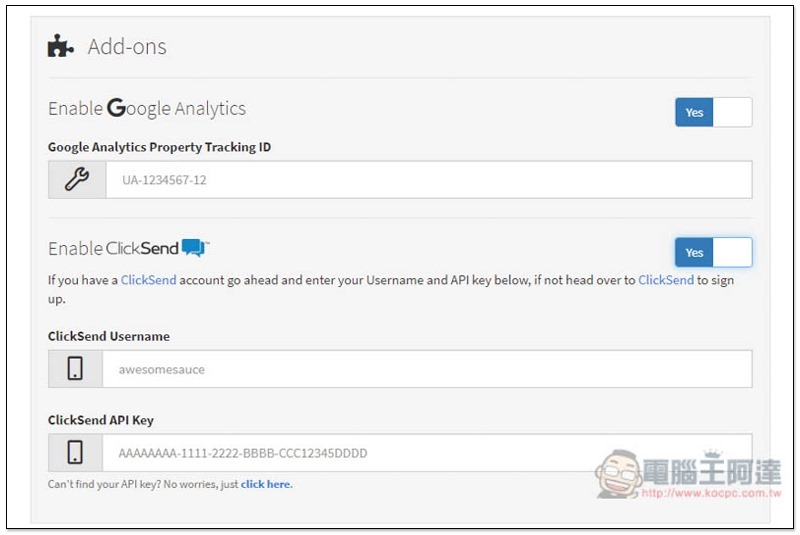
It also provides the function of connecting Google Analytics and ClickSend. Anyone who needs to connect the analysis report can fill in your account. The tool itself has no reporting capabilities:
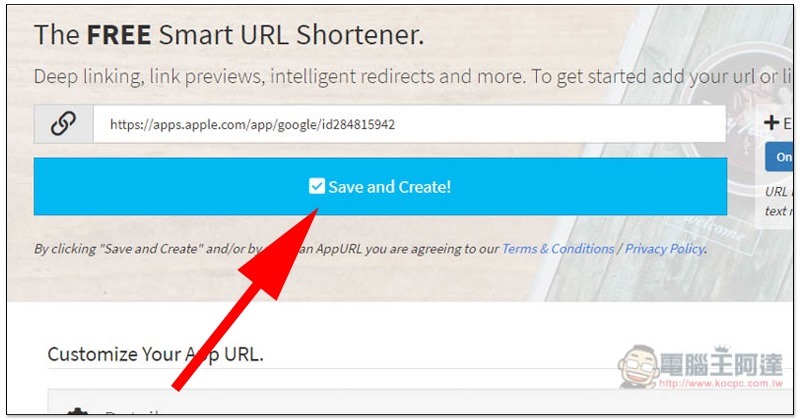
After all settings are completed, slide up the page and click Save and Create to start creating the short URL:
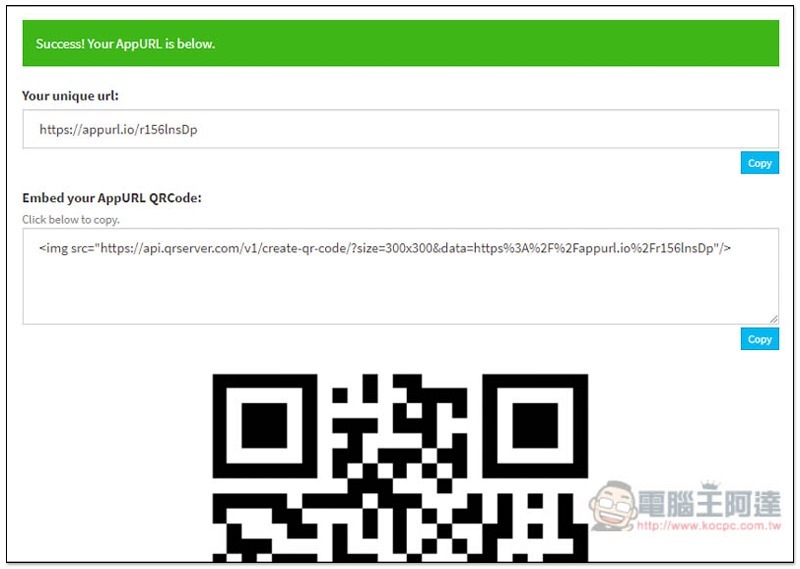
Then you will get your unique short URL (Your unique URL). If you click this URL on an iOS device in the future, it will jump to the App Store, and on an Android device it will be Google Play. The rest will be the main URL you set. There are also exclusive QRCode and embed codes below:
Supplementary information
AppURL URL:Click here to go
Source: KOCPC Chinese