


This set of Allavsoft software can be said to be very powerful. Its main function is to download high-definition videos from more than 100 websites (YouTube, Facebook, Instagram, etc.), but it also has a conversion function. It supports pictures, videos, and music. It can also directly convert downloaded video files into the format you need, such as videos that can be read by iPhone / iPad. This is very useful. It also has a screen recording function. There are both Windows and Mac versions, and I’ll give you a quick introduction below.
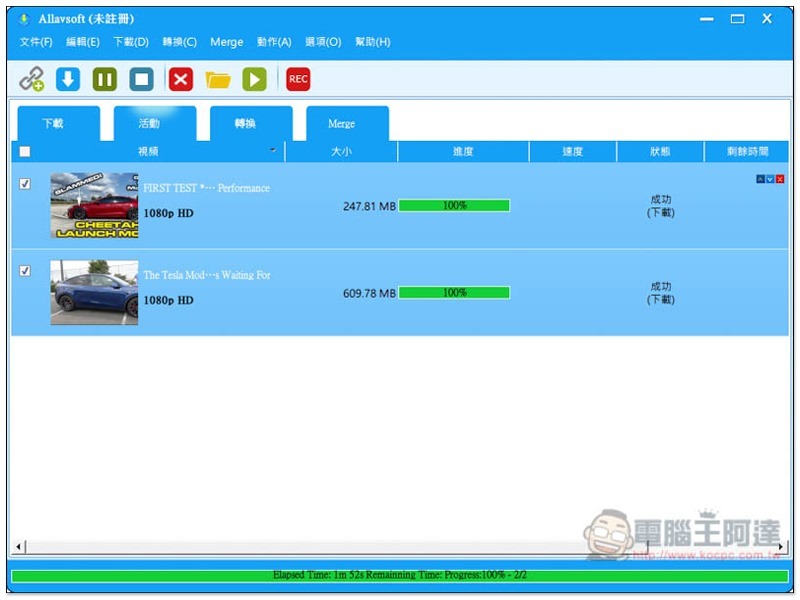
Introduction to Allavsoft
Before I start the introduction, I would like to remind you that this software is not completely free, but there are free trials.
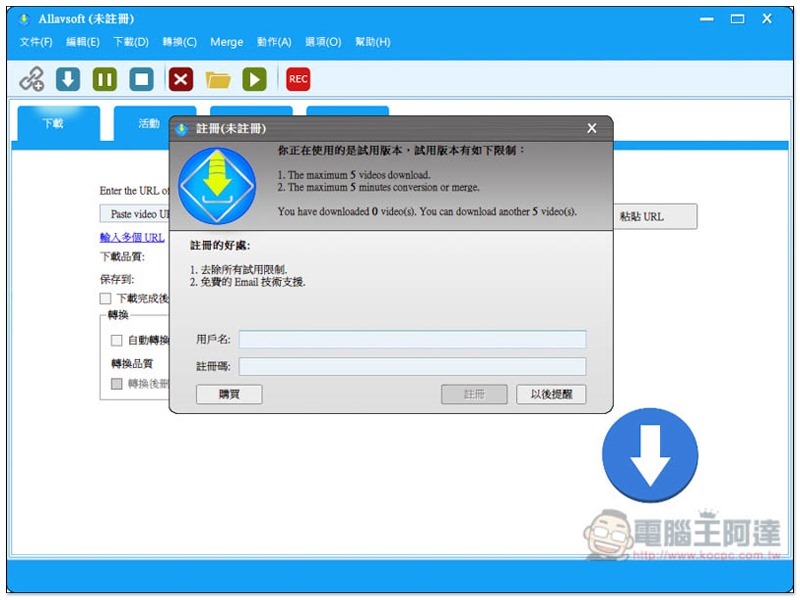
After installing the Allavsoft software and opening it, a registration message will pop up, allowing you to download 5 videos on a trial basis and convert or merge files for 5 minutes:
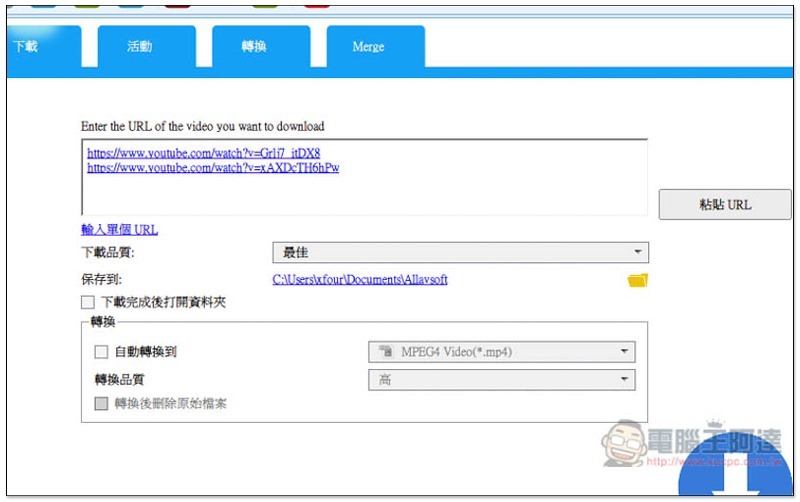
I personally feel that the interface design is a bit too modern for modern times, but the operation is quite simple. After copying the video URL (basically supported by common video websites), it will be automatically pasted in the Paste video URL Here field. Of course, you can also paste it manually:
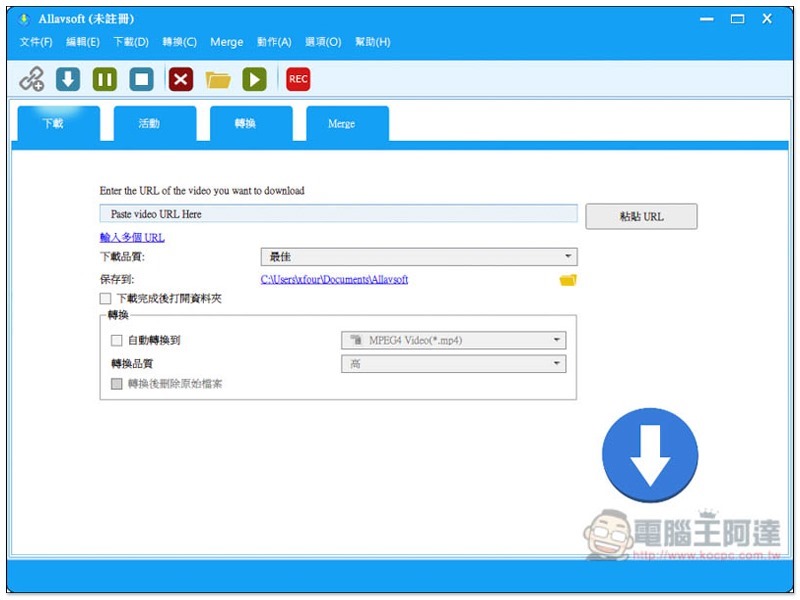
As shown in the figure below, there are some functions that can be set below:
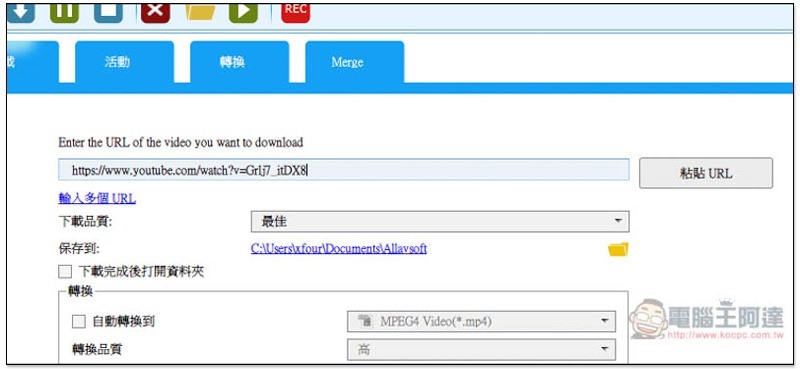
You can also paste multiple video URLs at once:
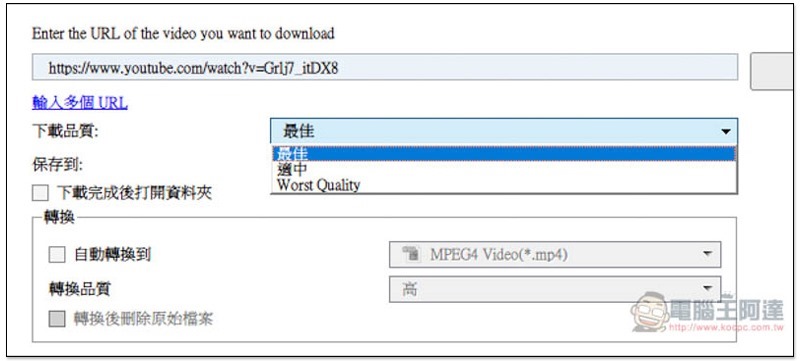
Download quality, the default is the best, and can also be adjusted to moderate or lowest quality (Worst Quality):
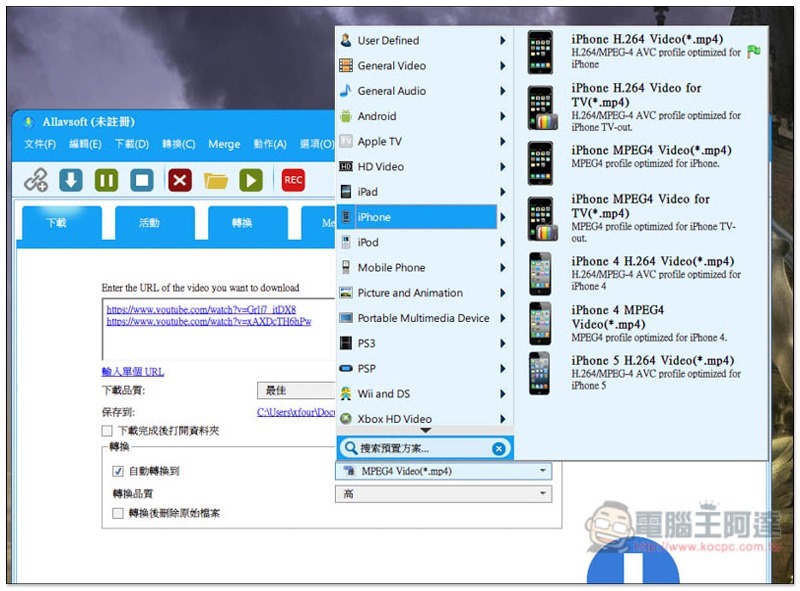
If you need to convert files, you can select the format you want to convert to by checking the automatic conversion box below. Almost all image, video or music formats are supported, including PS, PSP, Wii and XBOX:
After there is no problem, click the download icon on the lower right and the download will start. The speed is quite fast:
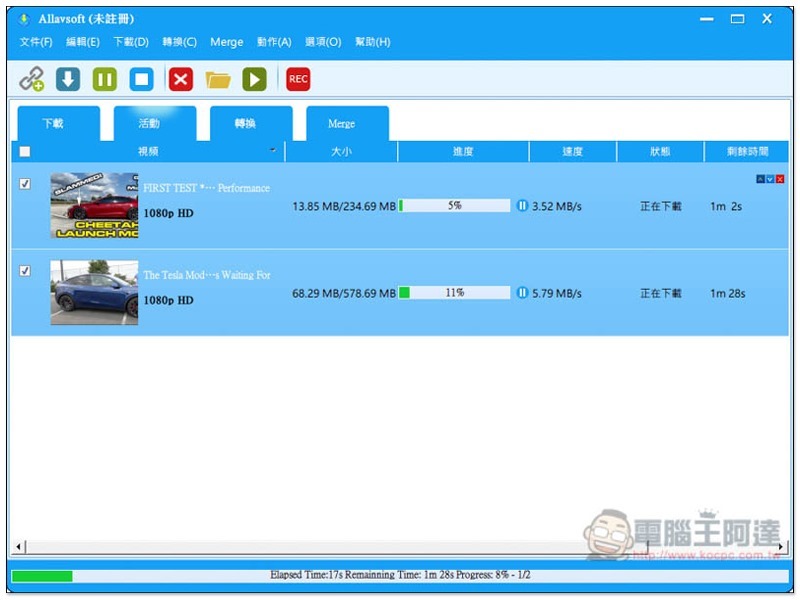
The conversion function is also independent, which means you can also use it to convert other videos on your computer:
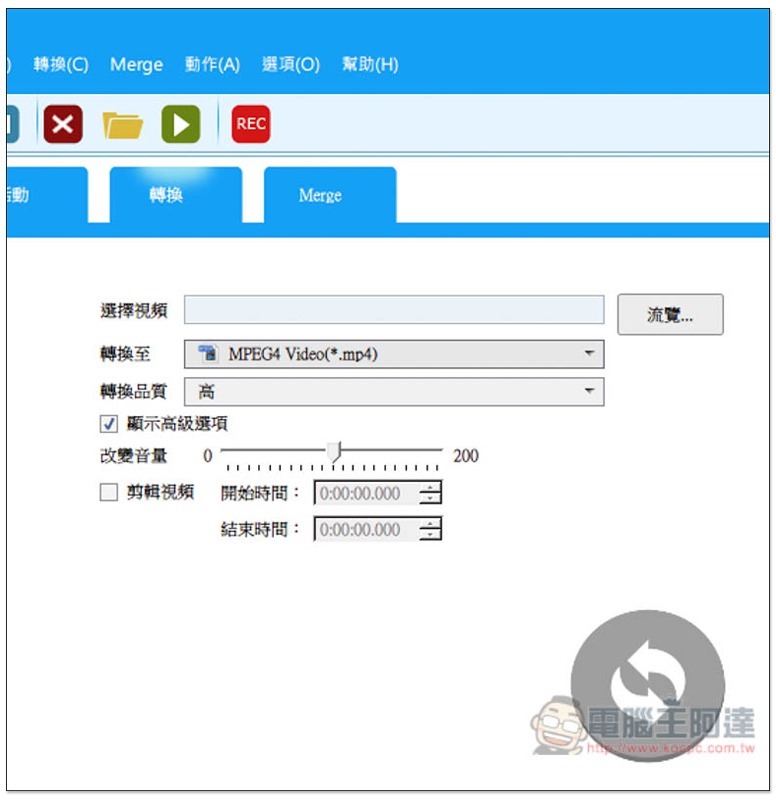
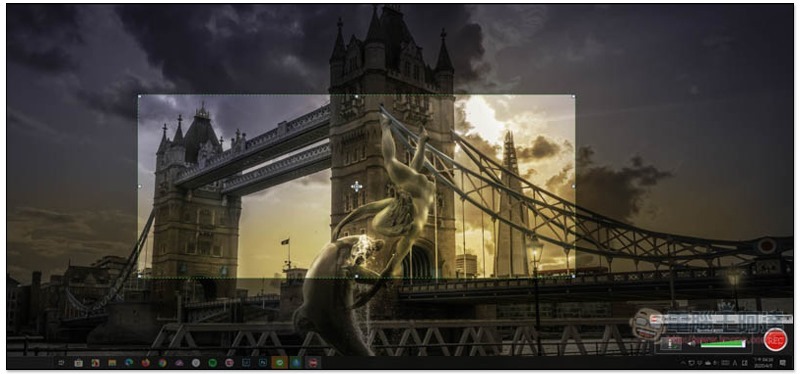
Click the REC icon at the top of the interface to enable the screen recording function:
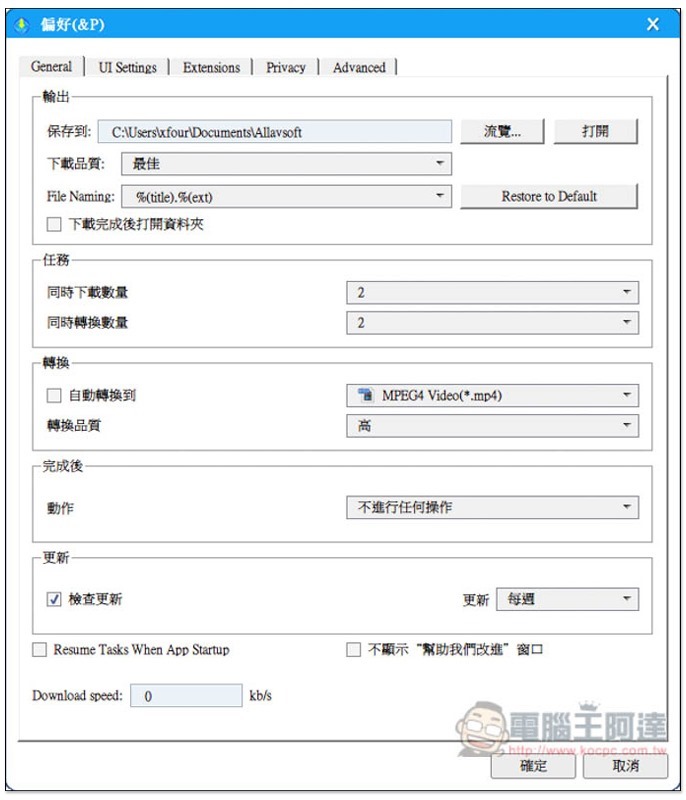
There are also many options that can be adjusted in the settings, such as download speed, default download quality, number of downloads or conversions at the same time, actions after completion, etc.:
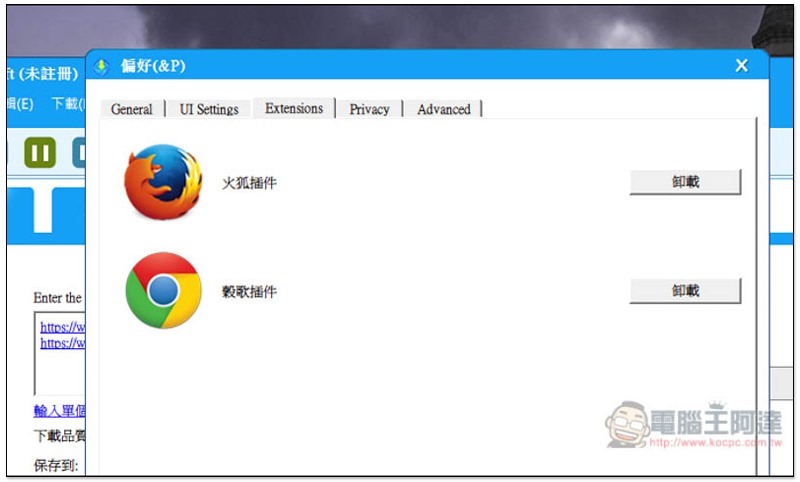
It also supports browser extensions (Chrome, FireFox), allowing you to quickly download videos.
Overall, this set is really useful, but if you think it’s a bit expensive and your main download is YouTube, then another set YouTube By Click Also available for reference.
Supplementary information
Allavsoft software official website:Click here to go
ChrisPC Free VideoTube Downloader 免費YouTube 桌面版下載工具(支援絕大多影音網站)
Source: KOCPC Chinese