


When your computer is shared with children or other people at home, there are some applications and software that you don’t want them to use, especially children. This free gadget Simple Run Blocker is very useful. It allows you to lock all programs with .exe file attachments. Even if the gadget is closed, the blocking function is still there and will not be discovered by others. It even supports locking or hiding the entire hard drive.
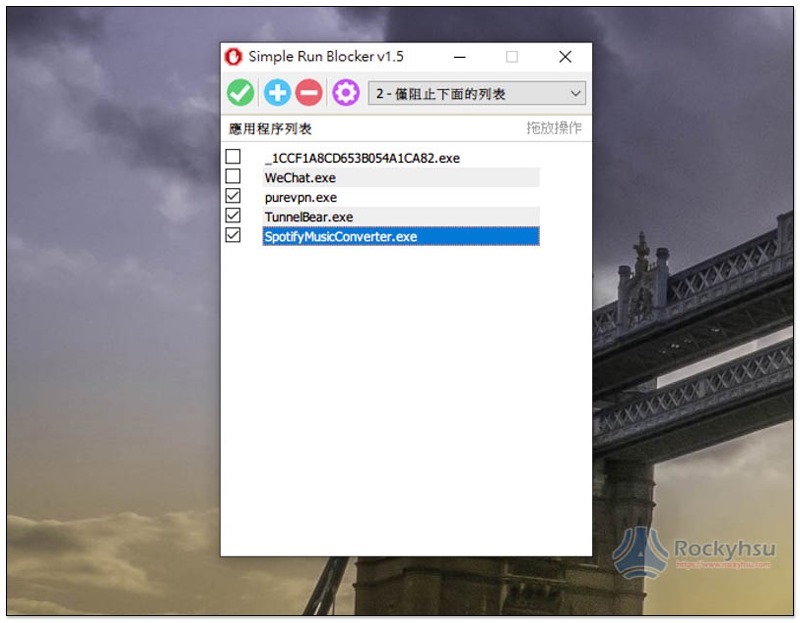
Simple Run Blocker locks apps and software you don’t want other people or children to use with one click
Click here to go to Simple Run Blocker official websiteDownload the software compressed file. After decompression, it is an installation-free file that can be opened and used directly.
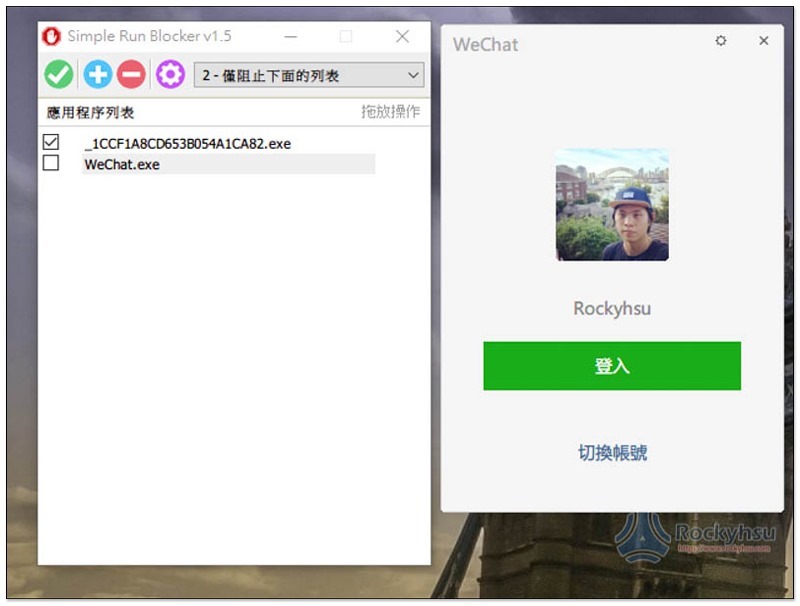
The operation interface is very simple, just drag and drop the .exe software or application you want to block and disable into the window list. This set only supports exe format, files and other files cannot be blocked. If you have this need, you can use several sets of free encryption tools we have introduced before, such as:hat.sh、Encrypto,or Wise Folder Hider encrypts hidden files and folders tool:
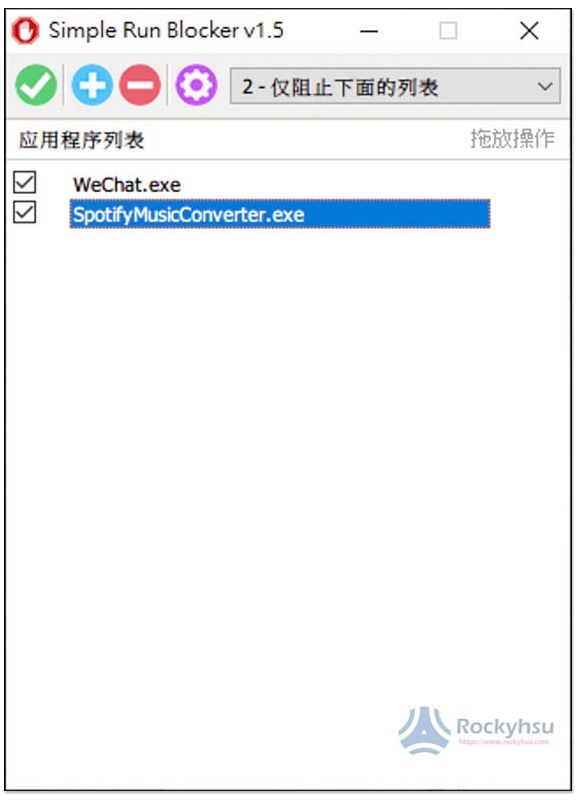
After joining, the box on the left will be automatically checked. At this time, the locking action has not been enabled. You must press the “Tick Save” function in the upper left corner to execute it:
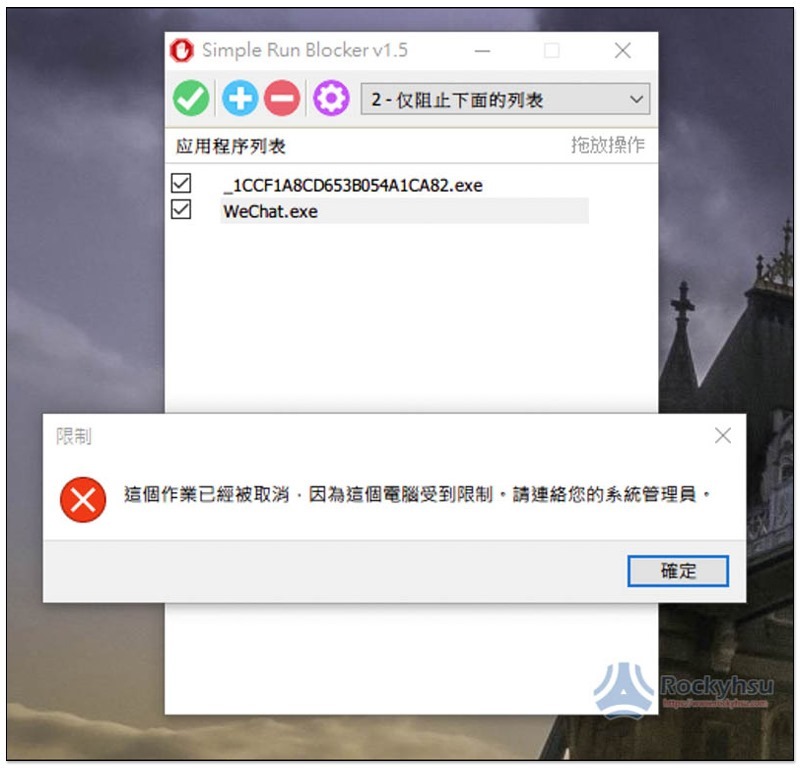
If someone tries to open a blocked application or software, the message “This job has been canceled because this computer is restricted, please contact your system administrator” will be displayed. It does not directly mention that it is blocked, which is good. Even if you turn off this set of tools, the blocking function will still exist, so you don’t have to worry too much about being discovered by others (but remember to hide it):
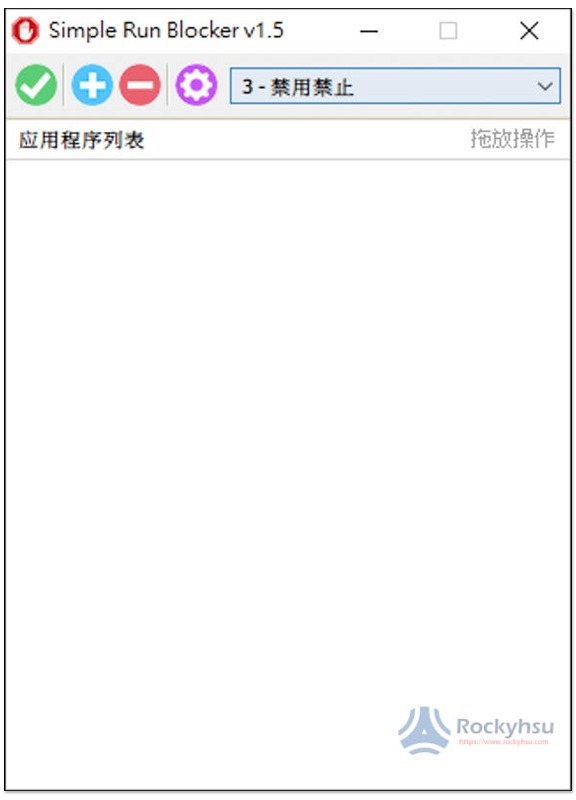
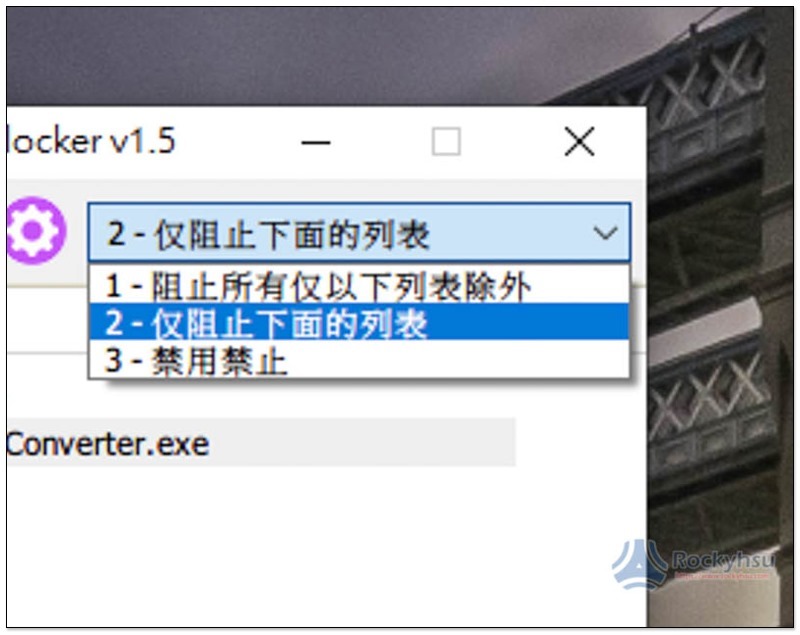
There are 3 blocking modes, the default is the second one “Block only the following list”, there are also 2 modes “Block all permissions except the following list” and “Disable Ban”:
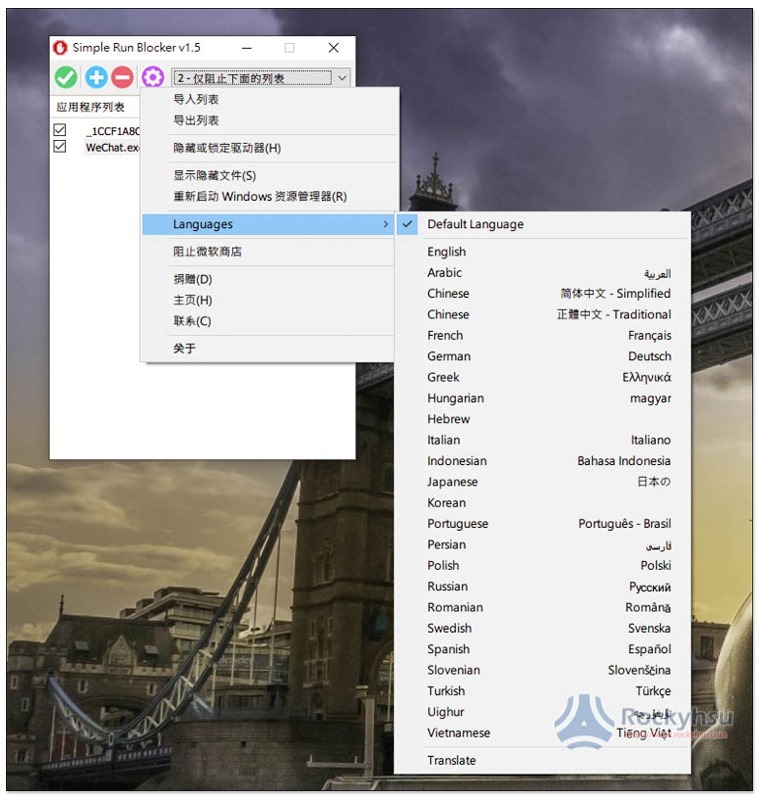
This set actually also supports Traditional Chinese (Traditional Chinese). If you don’t like Simplified Chinese, you can switch it in Languages in the settings:
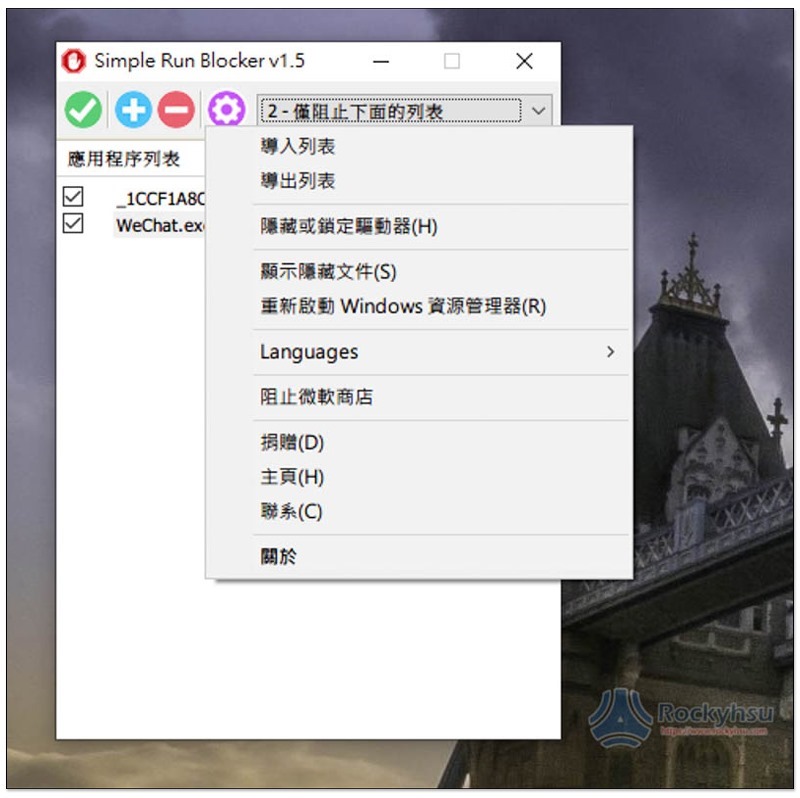
There are also two very good functions in the settings: “Hide or lock drive” and “Block Microsoft Store”:
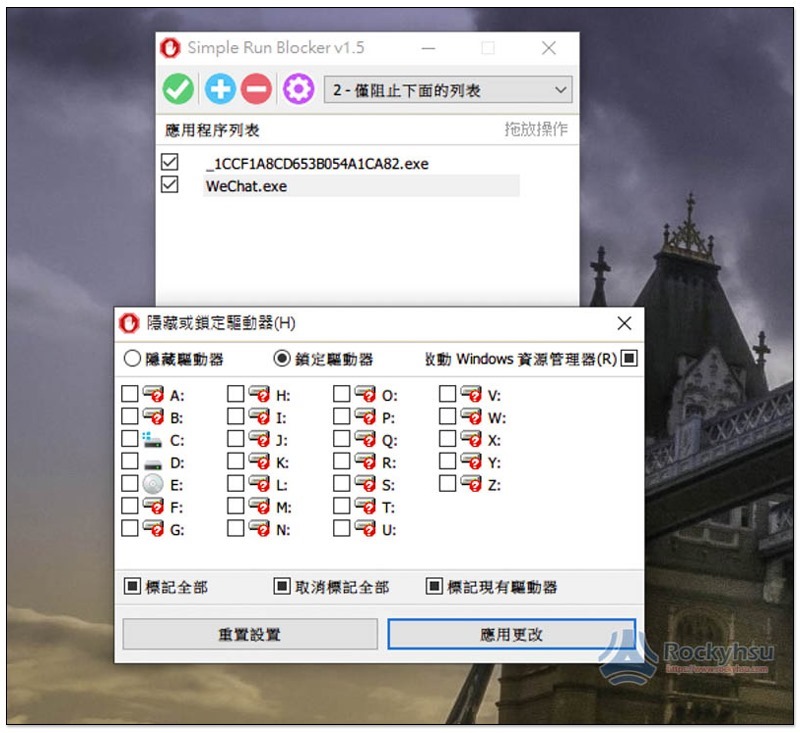
If you have a hard drive that you don’t want others to open, you can lock it using the Hide or Lock Drive feature:
There is no problem in unblocking the actual test:
However, I have encountered a situation with this set. Sometimes the blocking will fail. I am not sure if it is a bug. If this happens to you, it is recommended to restart the tool or try to use other blocking modes first, and then switch back to the mode you originally wanted.
Supplementary information
Simple Run Blocker official website:Click here to go
Source: KOCPC Chinese