


Since LINE SPOT was launched in Taiwan in late October last year, many merchants have joined it. In addition to finding service stores around the user’s location, the LINE SPOT function has also been shared by us beforeUse LINE SPOT to quickly check the nearest health insurance authorized pharmacy’s tips for purchasing masks.. From now on, LINE SPOT has also added the online ordering function. As long as it is a restaurant that supports “online ordering”, you can order online and take away directly through LINE through the LINE SPOT function!
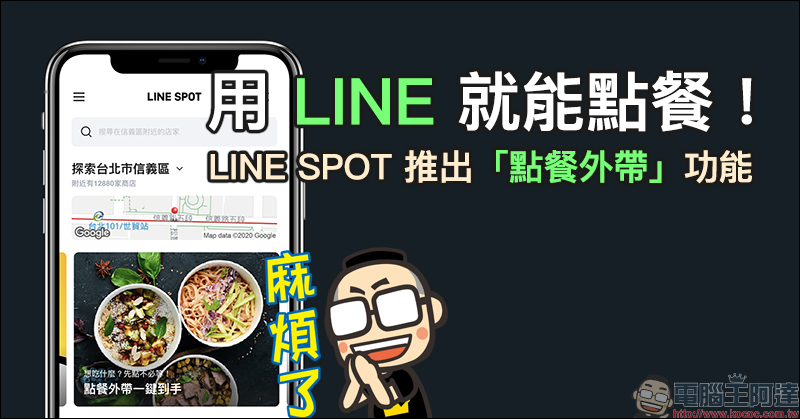
Use LINE to order food! LINE SPOT launches “ordering and taking away” function (instructions on how to use it)
In addition to assisting restaurant stores in connecting LINE platform, and in response to the “social distance” policy promoted by the Central Epidemic Command Center, LINE announced that sincenow(7)LINE SPOT store inquiry service from todayAdded “order and take away” function. All LINE users in Taiwan can choose a restaurant that supports this service on the LINE SPOT page, order and pay directly online, and then make a reservation to go to the restaurant to pick up the meal directly.
LINE SPOTThe first wave of “order and take away” online stores is near 500 home, including Wacheng,1010Well-known chain restaurant brands such as Xiang, Daxin, and Hai Sushi, as well as breakfast shops, hand-held drinks,
In order to encourage users to experience the convenient function of “ordering and taking away”, from now onJust through LINE SPOT Complete the “takeout” order at the event designated restaurant before 1,000name available LINE POINTS 15 Point rewards (limited quantity, while supplies last).gift LINE POINTS 15Click on the designated restaurant list to see it immediately:Click here to go (it is recommended to open it on your mobile phone)
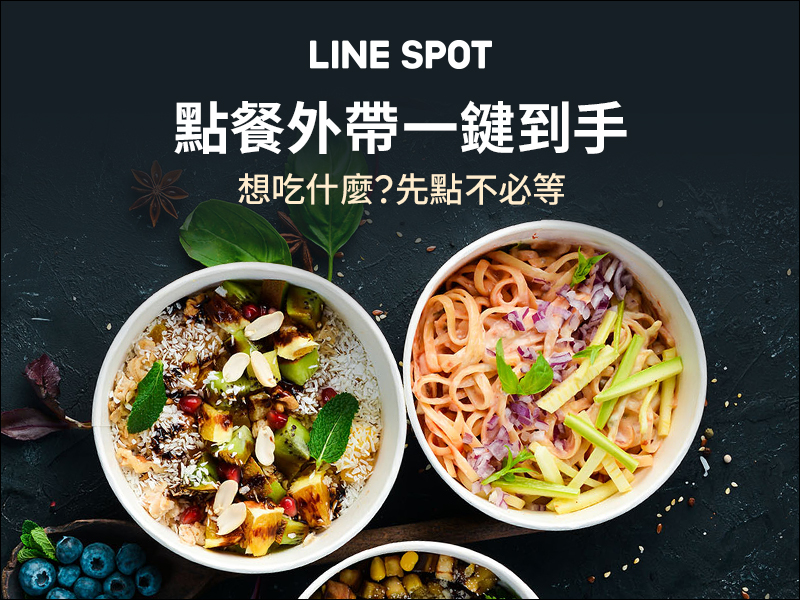
▲Picture source:LINE Taiwan
Where is the LINE SPOT function?
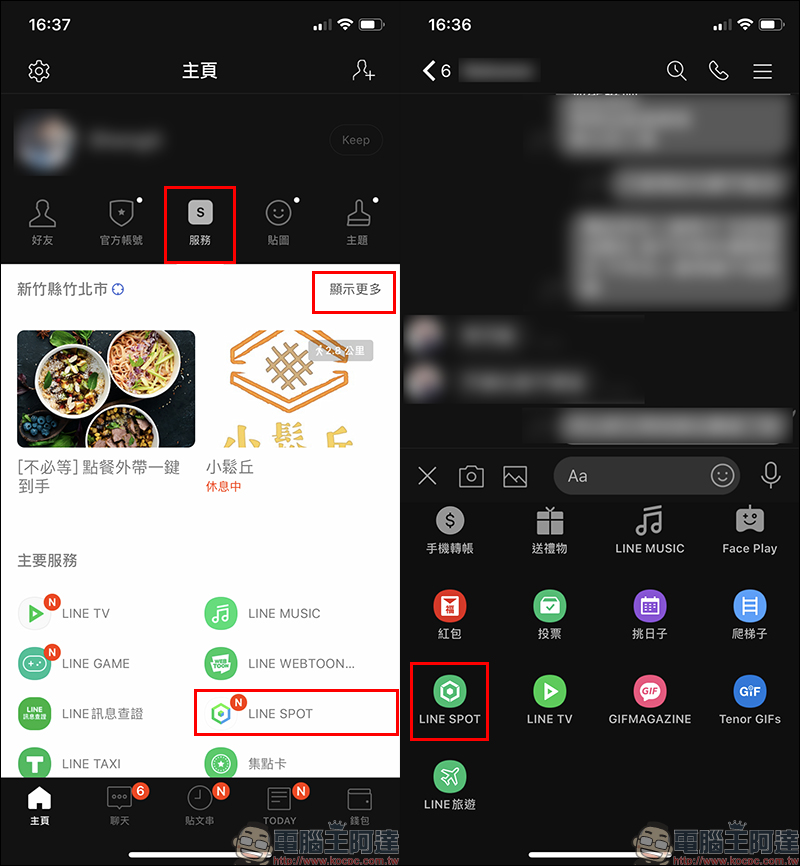
Currently, LINE SPOT is located in two locations in LINE. One is the “Services” tab of the “Homepage” of the LINE App. You can click “Show More” or the LINE SPOT button below to go there. Another way is to open the function list below from any LINE chat room to find the LINE SPOT path.
How to use LINE SPOT to “order takeout”?
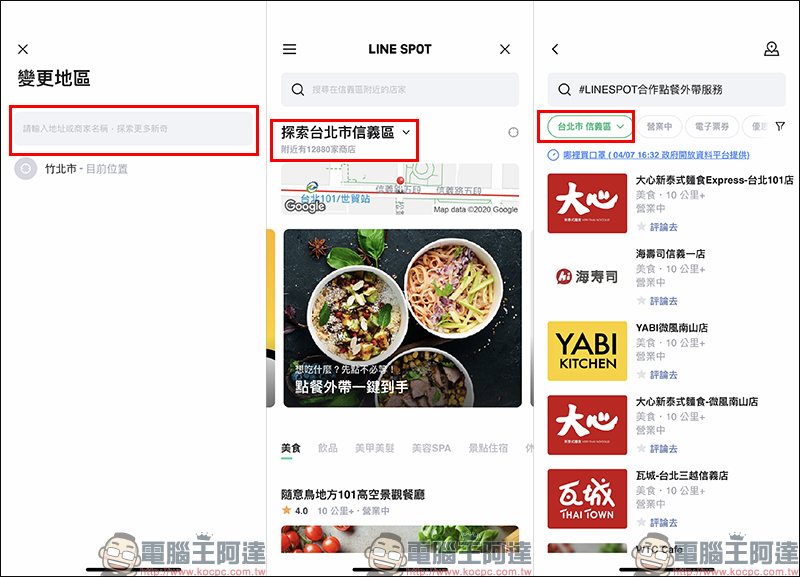
Turn on LINE SPOT After the store query service homepage, in order to facilitate the search for nearby stores, it is recommended to click “Agree” for the LINE SPOT service to use location information. Then you can display nearby restaurants and other businesses based on your current location. Users only need to click on the take-out ordering icon on the homepage, or fill in “#LINESPOT cooperative ordering and take-out service” in the input field above, and all nearby stores that have joined the LINE SPOT ordering and take-out service cooperation will be displayed.
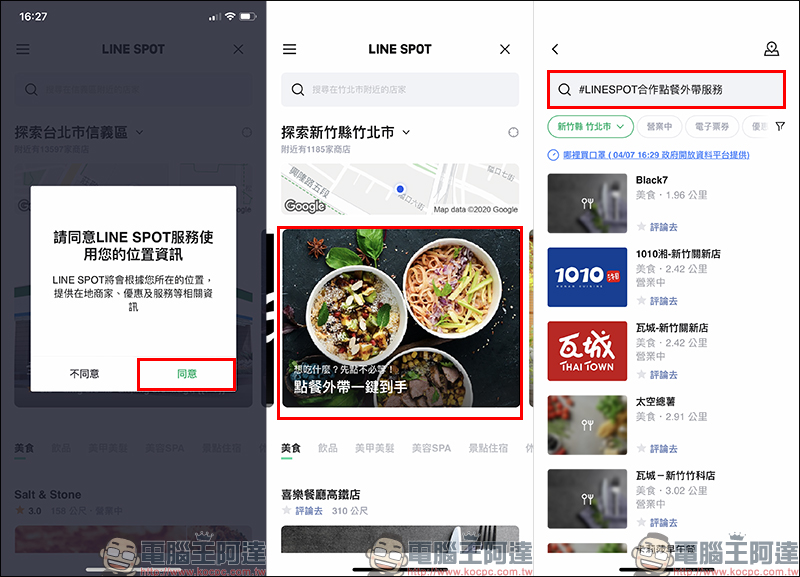
If your current location is some distance from your home and you want to check for restaurants that provide food delivery services near your home, you only need to manually “Change Region” and enter the location you are looking for on the change region page. Local businesses that offer food delivery services in cooperation with LINE SPOT will immediately be displayed!
(*Tips: After switching locations, you only need to follow the same steps to find the store where you order takeaway food.)
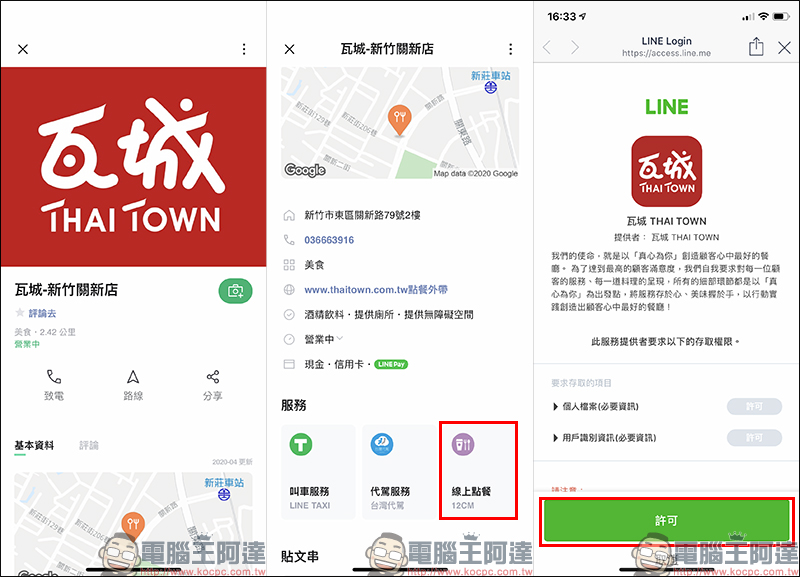
The author randomly selects a restaurant (Wacheng) that provides takeaway food. Clicking to enter the restaurant page will display all the important information of the restaurant, such as the store name, contact number, address, supported payment methods and other information. In addition, LINE SPOT will also list the considerate services provided by other stores. For example, in addition to the “online ordering” added this time, this restaurant also provides LINE TAXI ride-hailing and driving services provided by Taiwanese drivers. If you have the opportunity to dine at this restaurant in the future, you don’t have to worry about transportation problems!
As long as it is a store that supports “ordering and taking away”, the “online ordering” function button will be displayed on the store page. After clicking it, you will go to the online ordering system of the restaurant. At this time, click “Permit” to use it.
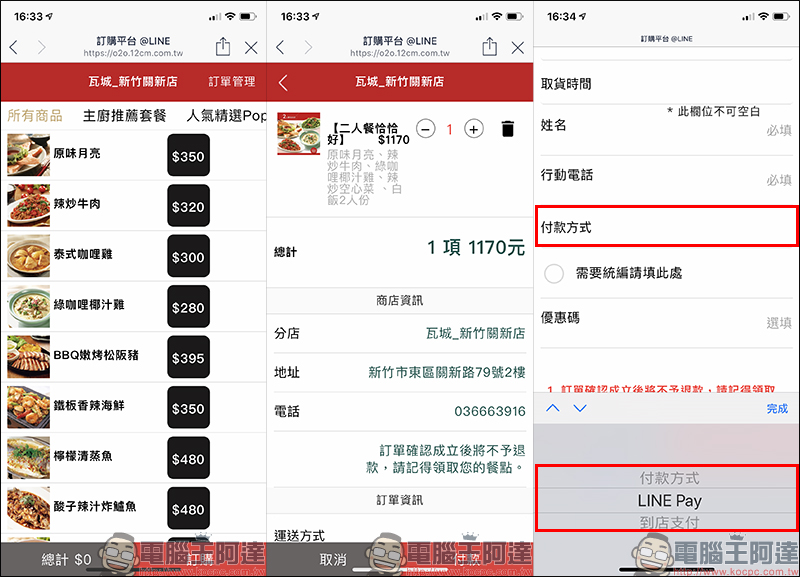
Since the online ordering system pages used by each restaurant are slightly different, the page design and functions of ordering meals may also be slightly different. Taking Wa City as an example, there are two payment methods: “pay in store” and “LINE Pay” online payment.
If you don’t want to spend time checking out and changing money when you arrive at the restaurant, it is recommended that you pay directly with LINE Pay when ordering online. This not only saves time, but also reduces the risk of contact infection.
LINE SPOT“Order and take away” complete store store view now:
Click here to go (it is recommended to open it on your mobile phone)
Further reading:
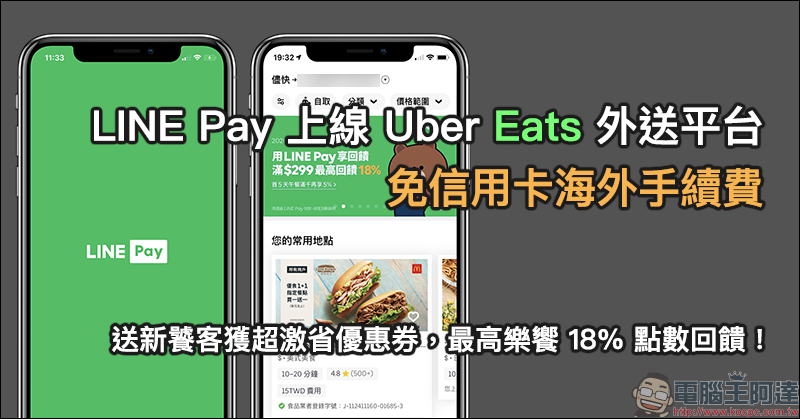
Celebrate the launch of LINE Pay on the Uber Eats food delivery platform. Overseas credit card processing fees are waived, and new foodies can receive super savings coupons, with up to 18% of Eats points rewards!
Source: KOCPC Chinese