


If we are in the same office or just next to each other and want to transfer files to each other, if both parties are Mac or iOS users, we can do it through Airdrop. Then, can computers and mobile phones with different systems transfer files to each other quickly? Come! The author has found the most convenient solution for you. This “Snapdrop” requires no installation. As long as you all use the Chrome browser, please feel free to use it.

No Airdrop? Snapdrop enables cross-device file transfer in the same network environment
Even if various manufacturers have launched their own network fast transfer functions, most of them are limited to products of the same brand, and they cannot be too old. This is obviously a bit troublesome for devices of different brands, or for cross-device transfers. You must use social software or cloud hard drives to transfer, which is inconvenient in places with poor network connections or when real-time performance is required. Snapdrop is a PWA-based web tool that is very easy to use and is best suited for cross-brand and even cross-system device transfers.
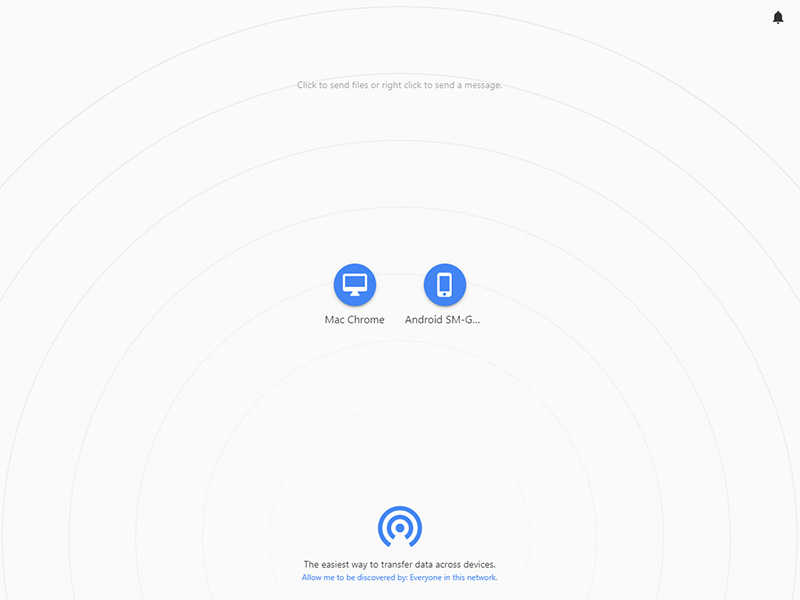
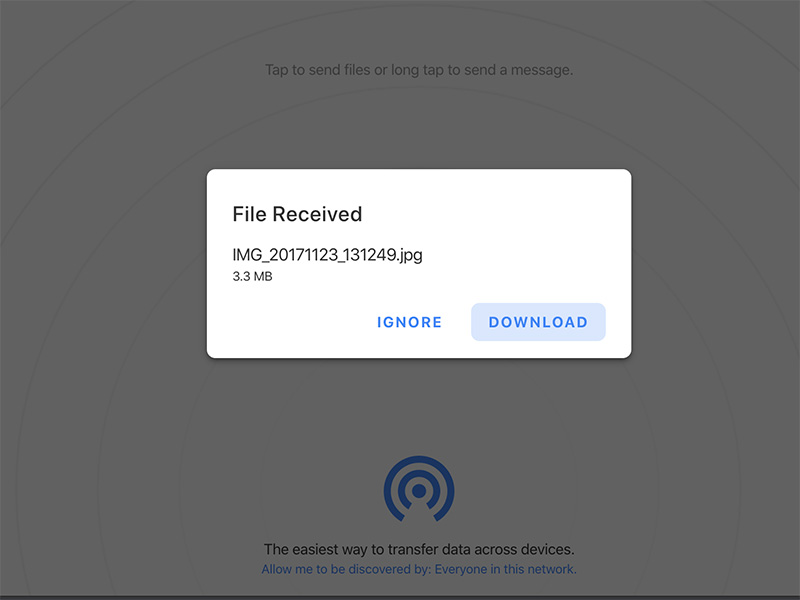
It’s very simple to use. You don’t need to install any additional applications. As long as each device you want to transfer to each other in the same network environment uses the Chrome browser and opens Snapdrop, a PWA progressive web application, you can see each other’s devices. Just click on the other party’s image to select the file to be transferred. The author’s actual test speed is very fast. Devices that can transmit to each other are not limited to laptops and desktops. Even mobile phones can transmit to each other as long as they are covered by the same network environment.
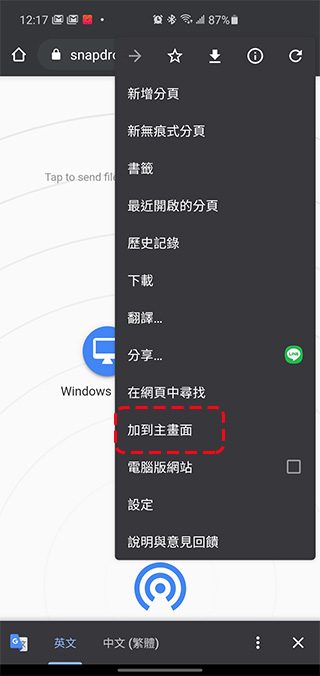
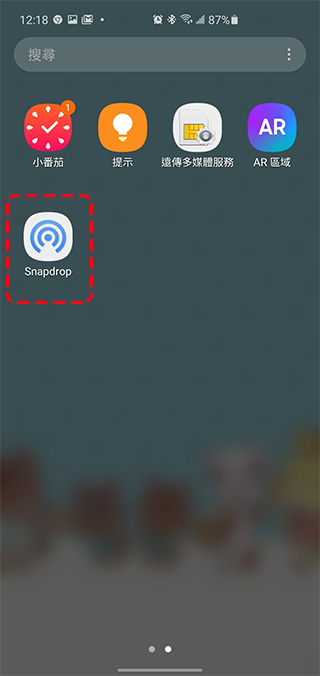
Mobile phone users can also add it to the home screen from the menu in the upper right corner, presented as a small icon shortcut, so that you can quickly open it the next time you want to use it:
This is currently a good solution for transferring files between devices. If you often have this need, you might as well give it a try. The author is a very standard user with no brand loyalty, so I often have to adopt roundabout tactics when transferring between different brands and operating systems. Therefore, having a direct and simple method really meets my needs and I recommend it to everyone.
Source: KOCPC Chinese