


In January of this year, we reported that the audio manufacturer Dolby has been quietly testing a new mobile application code-named “234”, which allows users to record a variety of high-quality audio and simplify editing and post-production functions. Recently, this new application has been launched under the name “Dolby On: Record Audio & Music”. Although it is an early access version, it seems to have quite good functions.
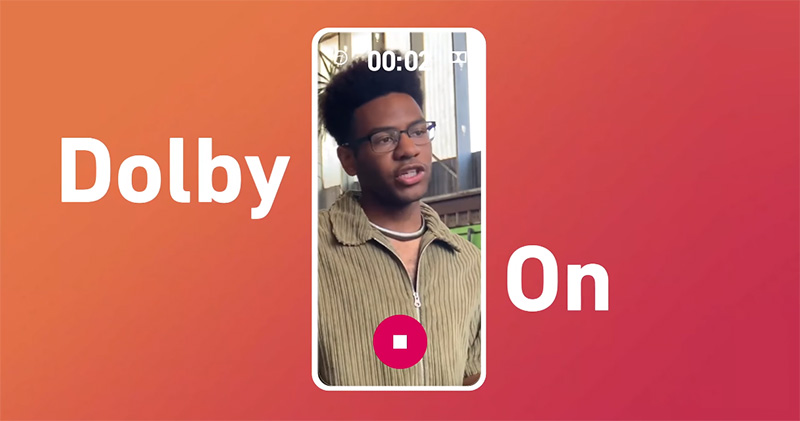
Dolby Laboratories’ “Dolby On” free recording app is now available for early access, with built-in intuitive editing functions
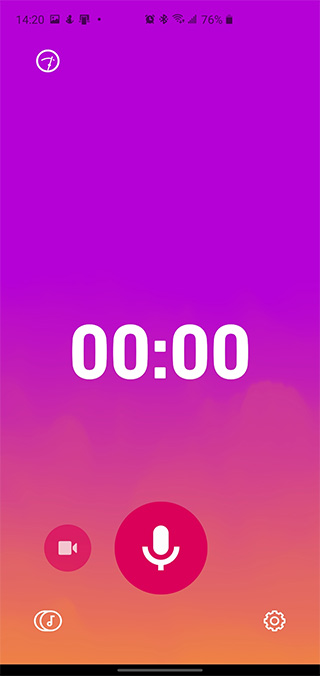
The “Dolby On: Record Audio & Music” application launched by Dolby Laboratories is available on both Android and iOS platforms. It can be used for both recording and video recording. Especially if you do not have professional recording equipment or need to record high-quality audio temporarily, it can turn your mobile phone into a powerful recording tool. Achieve clearer and better recording results than standard recording applications.

Android download:Click here
iOS download:Click here
When you record audio, this application can perform background noise elimination, editing, music volume adjustment, bass and treble adjustment, etc. directly within the application. In addition, you can use the built-in dynamic equalizer to provide more tone and space for the recorded audio, and record live performances at the most ideal volume level. The recorded audio can be exported and shared to Dolby’s own audio social platform, or directly uploaded to SoundCloud using built-in shortcuts. Of course, you can also export and share it to major social platforms.
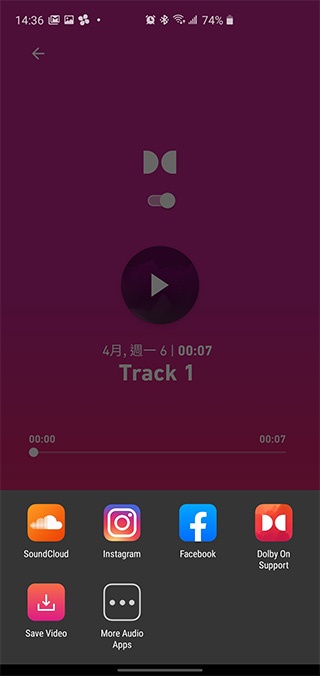
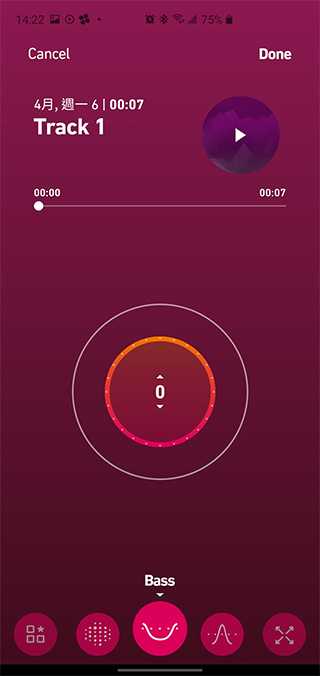
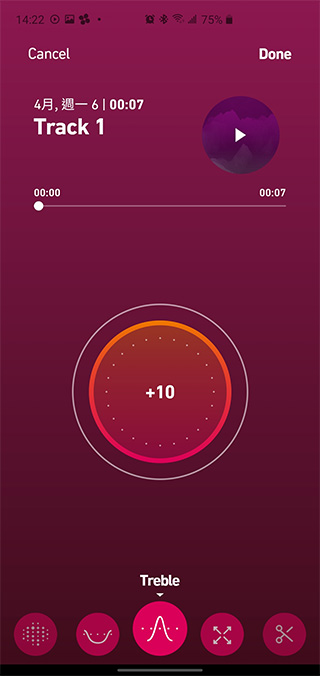
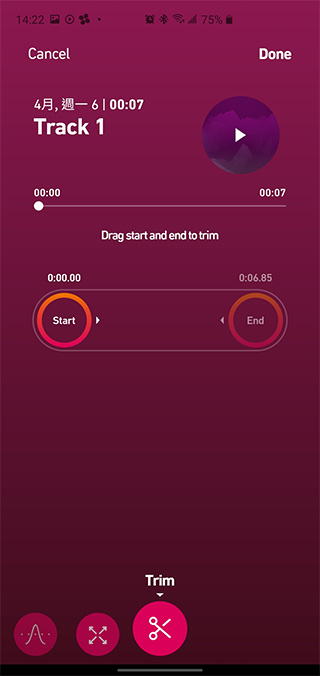
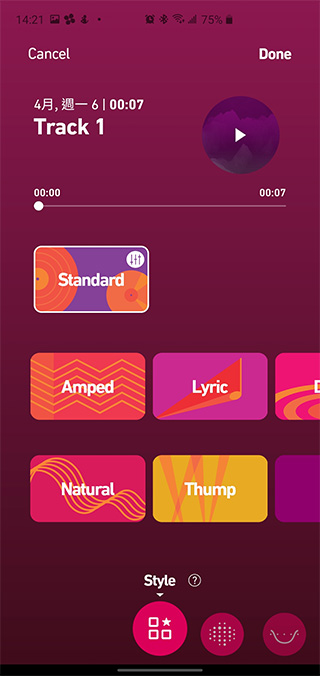
After recording the audio, the built-in Dynamic EQ sound effect adjustment tool is very intuitive. You only need to switch items and pull the range in the circle. Items including noise filtering, treble, bass, etc. can be freely set. If you are not good at adjusting details, you can choose the built-in sound effect module to apply. There are six built-in sound effect modules. After selecting, the built-in equalizer will be automatically applied to adjust the high, mid and bass of your audio. The built-in splicing function allows you to adjust the required length directly from the app after recording, which is very convenient.
However, I would like to remind everyone that this app is still in the early access stage and may be unstable in some cases. However, the opinions of existing users are quite positive. If you often need to record, don’t want to bring an extra voice recorder or want better recording results, you might as well give it a try.
Source: KOCPC Chinese