


I don’t know how long it’s been since you changed your photo on your social platform account? If you feel too shy to use real photos as your profile pictures on Facebook, LINE and other platforms, today I will share with you a website “AI Artist” that can convert face photos into Western art-style portraits. It only needs to upload photos through a simple process, and it can automatically generate artistic portraits in a variety of art styles!
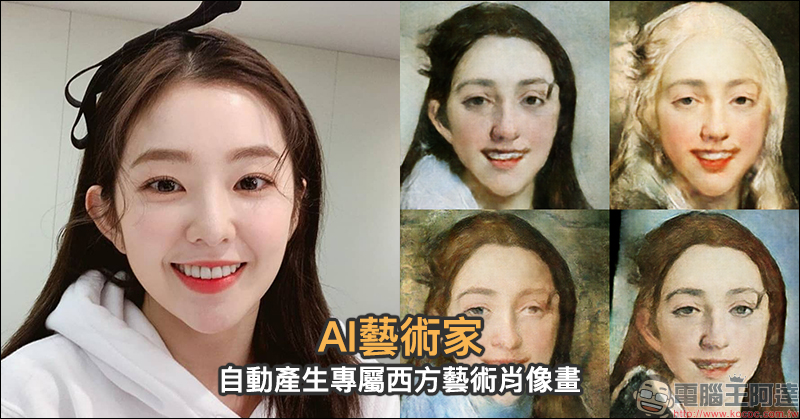
AI artist automatically generates exclusive Western art portraits, so you can change your social photo post to one filled with artistic flair!
This “AI Painter (AI Artist)” website produced by Japan’s “sato_neet – AI Painter” allows people to only upload a photo that they want to convert into an artistic portrait, and it will automatically generate artistic portraits one after another without having to manually adjust any settings. It is just a simple step of uploading a photo.
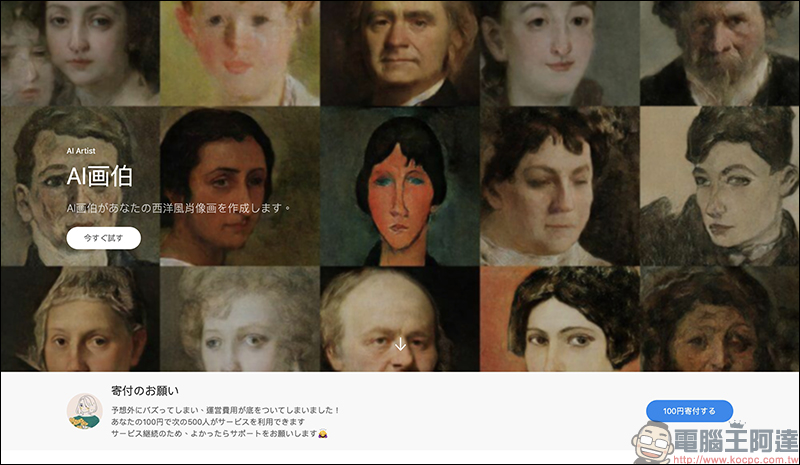
AI Artist:Click here to go
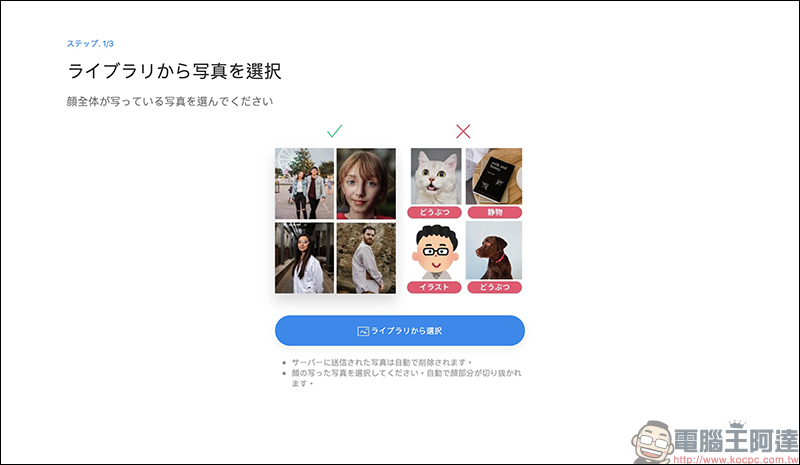
First, select a photo that can show the entire face and upload it. The system will detect the key points of the face and crop it. It is not recommended to use images that are not real faces such as animals and cartoons. Photos uploaded to the server will be automatically deleted.
After uploading, you need to wait for about 10 seconds for calculation time:
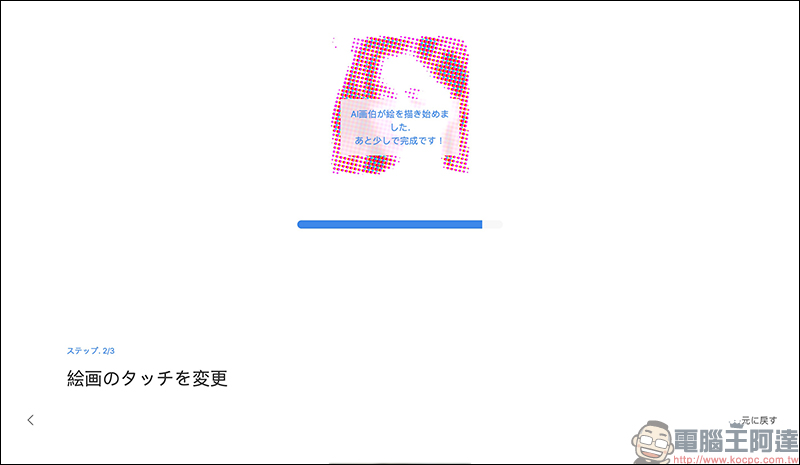
Then an artistic style portrait will be automatically generated! The author here shares a little tip for selecting photos, which is to try as much as possible when selecting photos.avoid usingThere are photos with glasses or hair covering the face (especially the eyes) to avoid errors when making portraits. Because sometimes using a portrait with the eyes covered will make the portrait look dirty after the completion of the work.
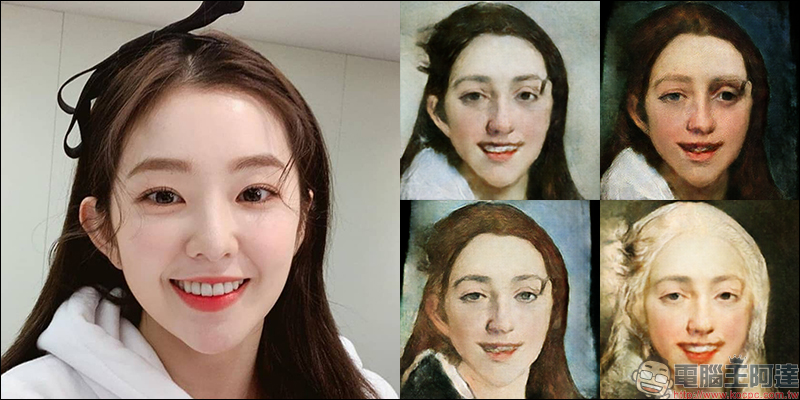
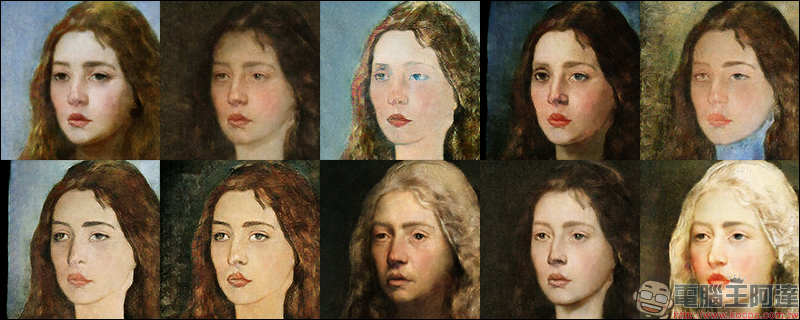
There are 10 artistic styles to choose from in the portraits generated by the AI artist. Users only need to click on different styles and then wait a few seconds to calculate again to view them. Although sometimes you encounter a situation where it cannot be generated, you only need to switch to different effects a few more times, or wait for a while and then upload it again!
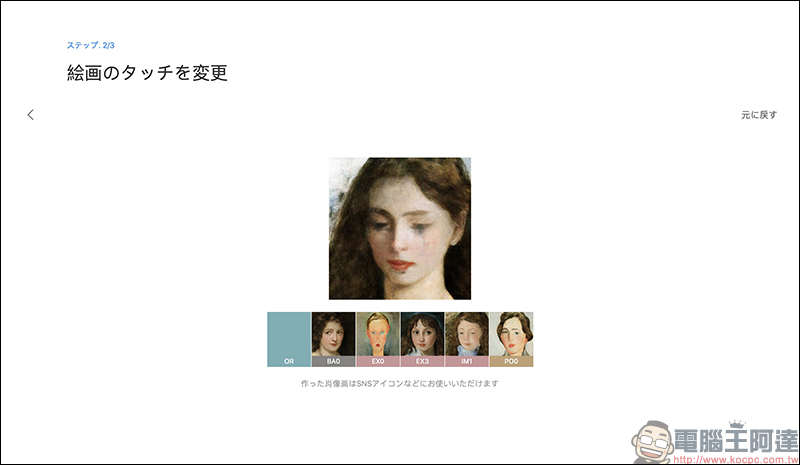
In addition, you can also right-click on the computer or long-press on the mobile phone to save the image to the device. Here I will share the final rendering effects of 10 different artistic styles! Different artistic styles present completely different styles of painting, which of course sometimes produce results that look a bit funny. Therefore, in addition to choosing the right style, it is more important to choose a suitable portrait photo before production, because a good portrait photo is more likely to produce an ideal artistic portrait.
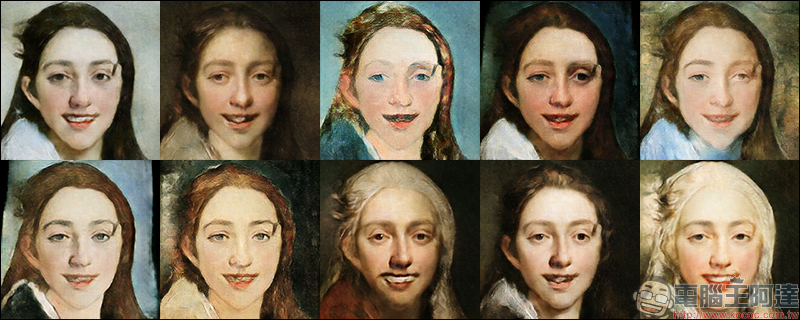
Another set of photos produced the results:
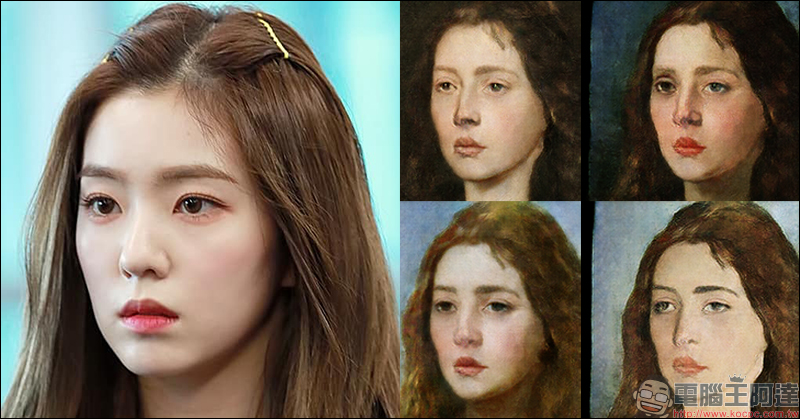
AI Artist:Click here to go
Source:sato_neet – AI painter
Further reading:
“Child-like filters” are popular on social platforms. How to do it? Easily rejuvenate yourself with Snapchat!
Source: KOCPC Chinese