


Recently I discovered this very good task tracking and management tool Slash, which is similar to the one we have introduced in the past. Horo、 Pomo Timer、Timepal It is very different. It can be said that it is designed for “focusing on completing one thing at a time”. When performing each task, it will have a floating timing toolbar displayed on the top of all windows to remind us at any time what we should complete now instead of being lazy or doing other things. Both Windows and Mac versions are available.
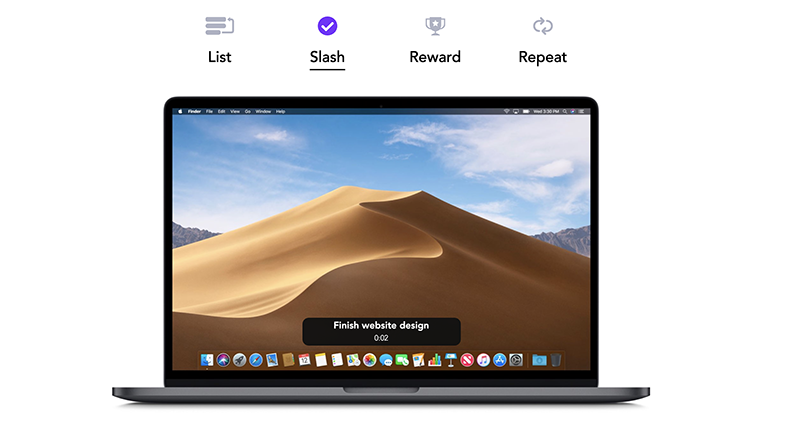
Introduction to Slash task tracking and management free tool
The first 50 tasks of this set of Slash are free. If you exceed it, you must pay. I personally think 50 tasks are enough. Below I will use the Mac version as an example.
After downloading the installation file from the official website, drag Slash to the right Applications:
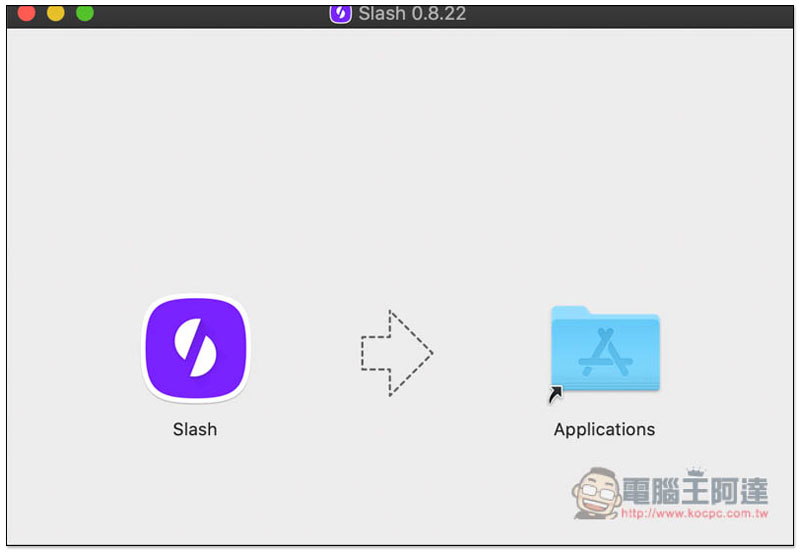
If there is a warning that it cannot be verified when opening, please go to System Preferences -> Security & Privacy. You should see this tool in the list of apps that are allowed to be downloaded from the following sources. Click on the right side to force open it. You may need to click on the lock in the lower left corner to unlock it first. Then this screen will pop up, click to open:

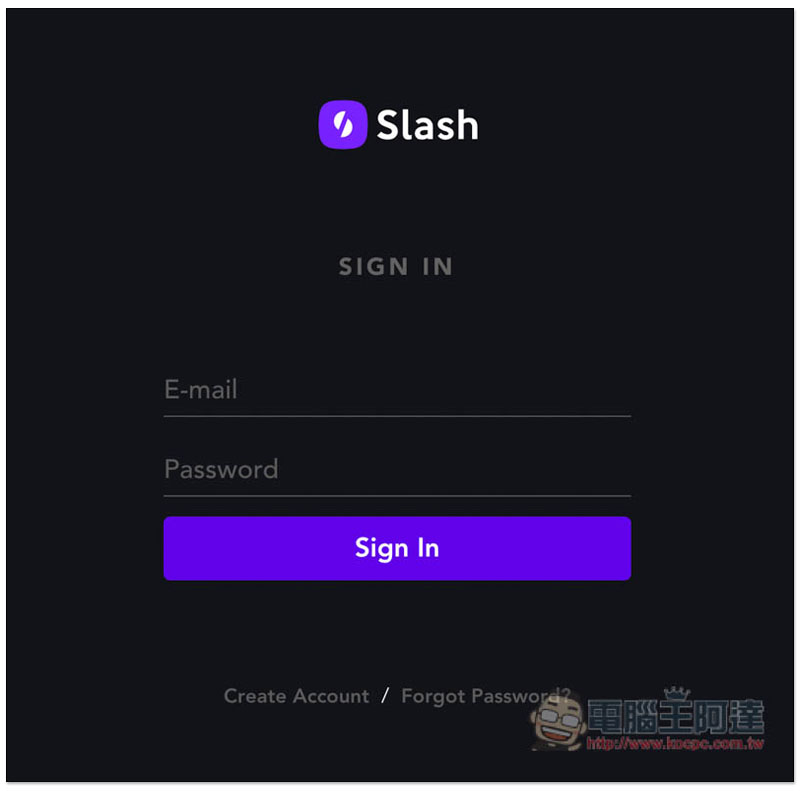
You must register an account before use, free registration:
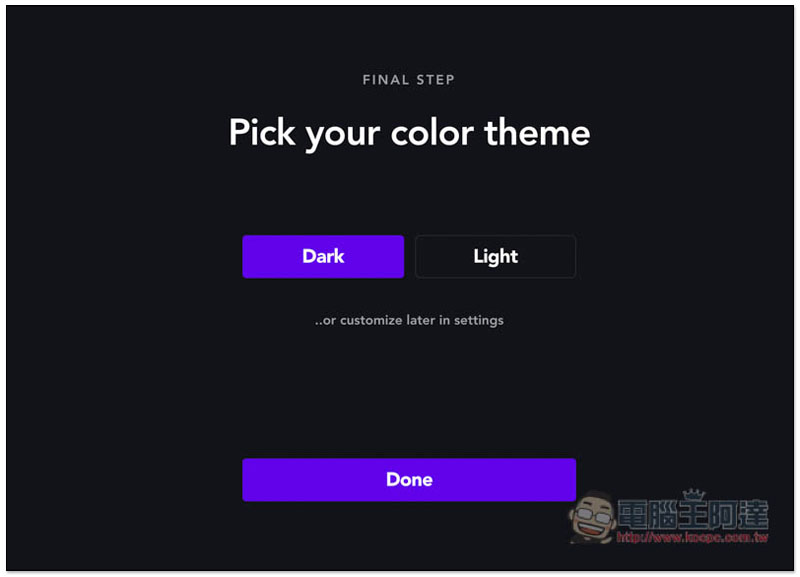
Supports both dark and light themes. I use dark:
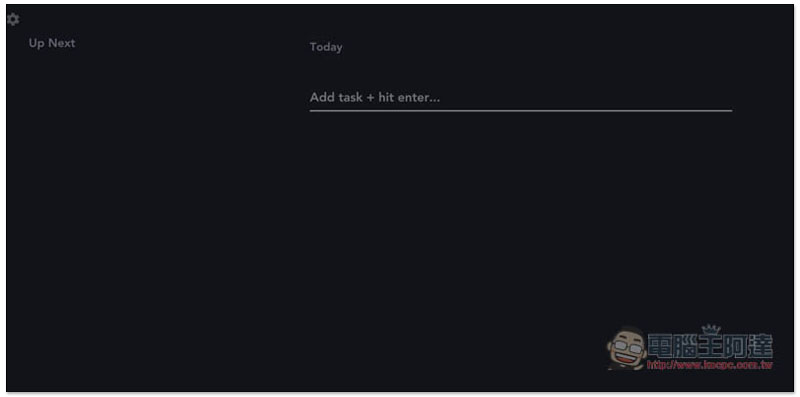
Then you can start creating tasks. In the field below Today on the right, enter the task you plan to carry out:
Like I typed “Write an introduction to Slash” and press Enter or click Save Task: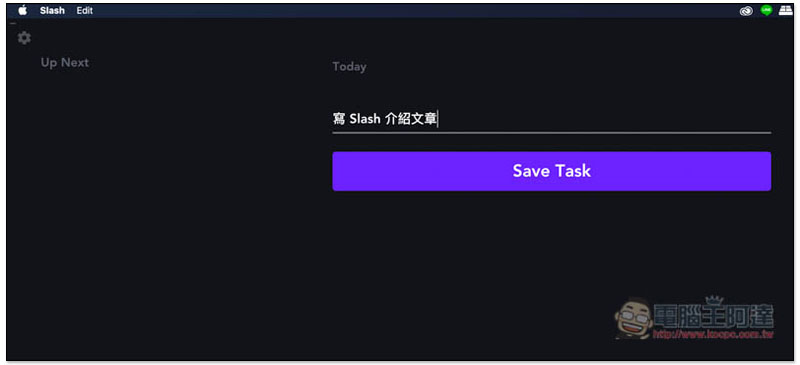
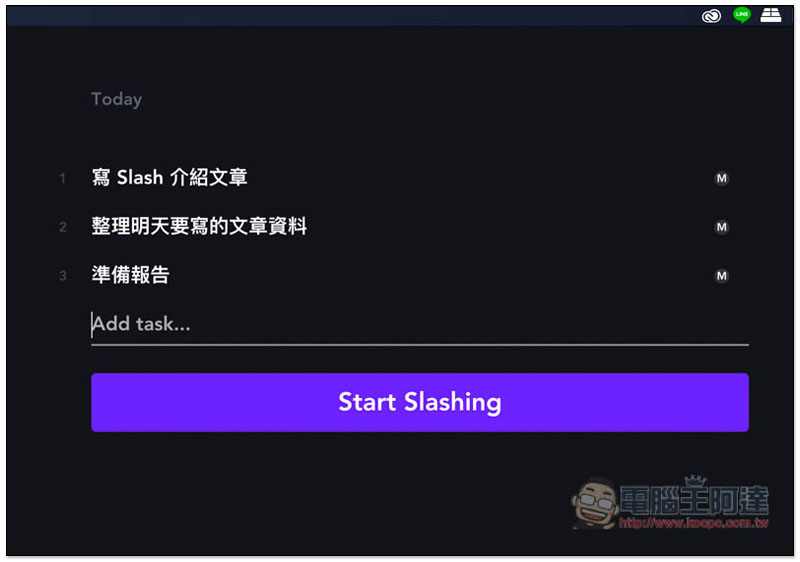
You can ignore the sequence part for now, and then you can long press and drag to change the position:
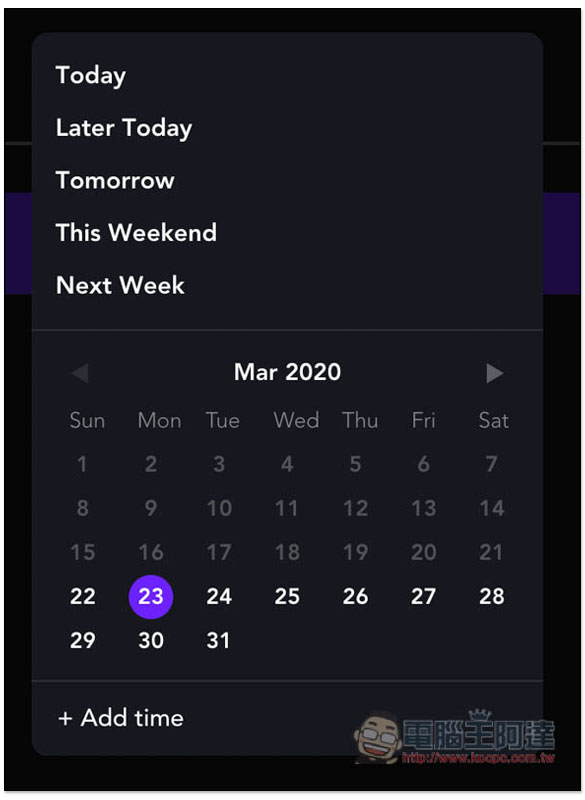
If you want to plan a future task, move your mouse to the right of the task, and a function menu will appear. The one in the middle is the date:
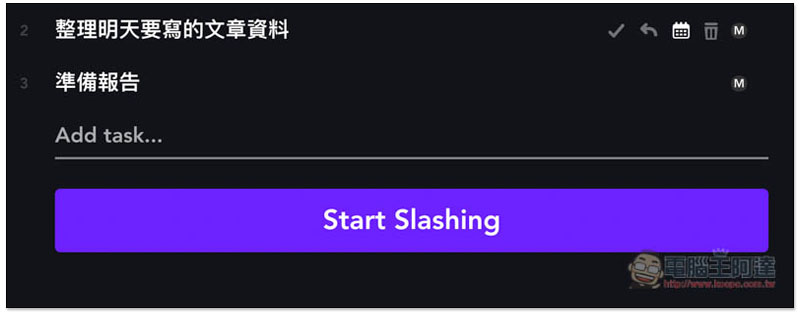
Once opened you can change the date:
You can also save tasks on the left side. This side mainly stores tasks that you plan to carry out but don’t know when they will start. You can also store tasks for tomorrow and the day after tomorrow here, and then drag them to Today on the right when the time is up: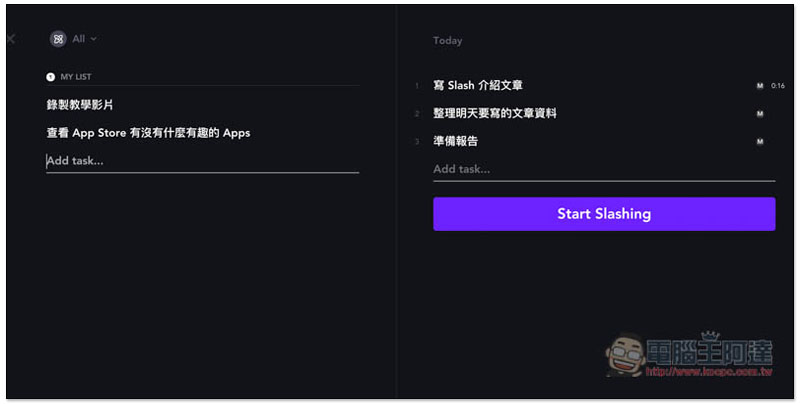
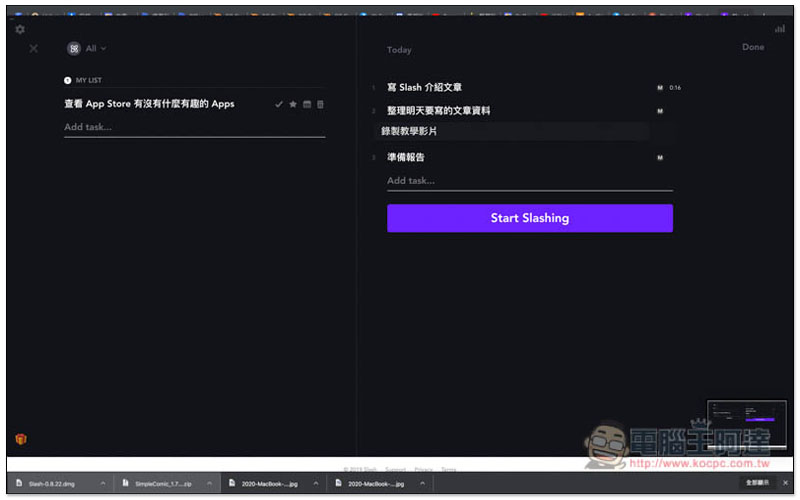
As shown below, I dragged the recorded teaching video to the right:
After clicking Start Slashing, the timer will be enabled and the task will start from the first one in the list. A small floating toolbar will also appear on the top of the screen, which will display the name of the task and how much time has passed to remind us at any time:
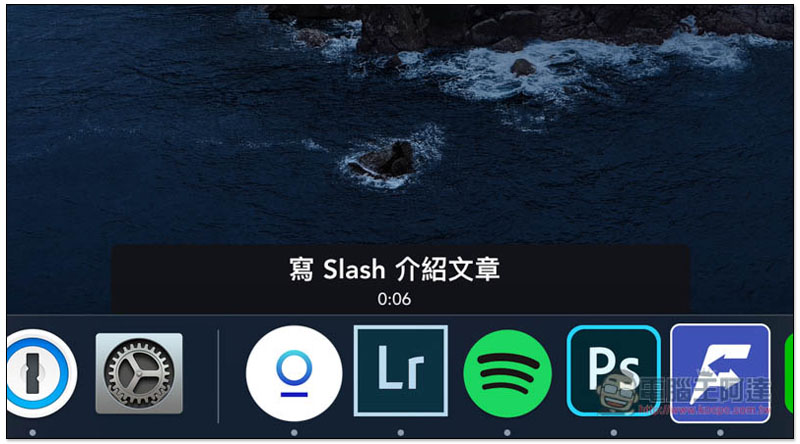
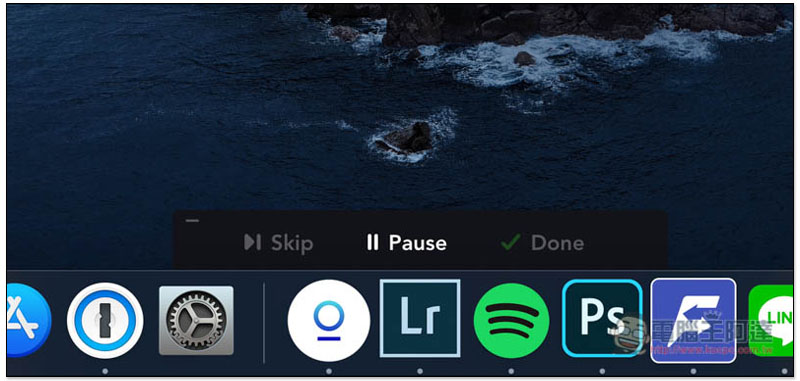
Move the mouse over the toolbar, and the three functions Skip, Pause and Done will be displayed. If you want to do other things in the middle, you can click Pause first to avoid the time counting:
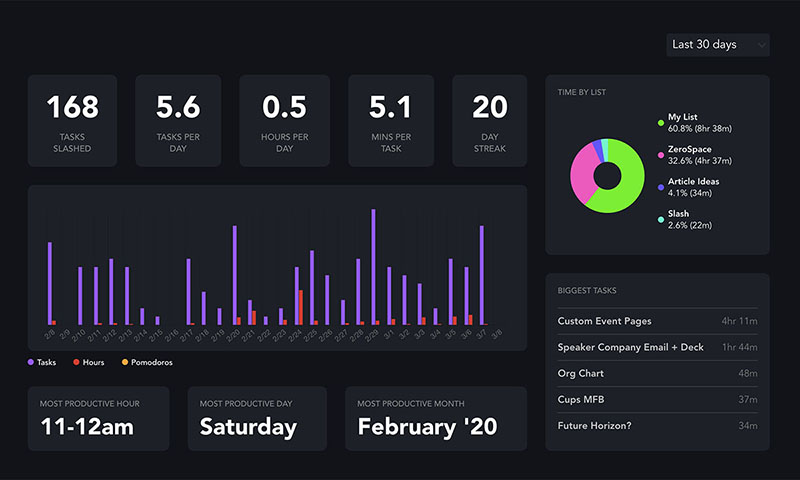
It also provides statistical reporting functions, which will calculate how many tasks you have completed, time, etc.:
This set also supports mobile versions of iOS and Android, allowing us to manage and add tasks at any time. Anyone who is interested can download and try it.
Slash download link
- Official website:Click here to go
- iOS:Click here to go
- Android:Click here to go
Source: KOCPC Chinese