


In the past, if you wanted to record the screen, you had to install additional software. Now, there are more and more useful free screen recording tools on the Internet, which can be achieved through the browser, which is very convenient. The ONLINE SCREEN RECORDER recommended in this article is one of them. Chrome, Firefox, and Opera all support it. After opening this web tool, you can enable screen recording, and you can also choose to record the entire screen, an application, or a browser tab.
It also supports simultaneous recording of microphone and browser sounds, which I will quickly introduce to you below.
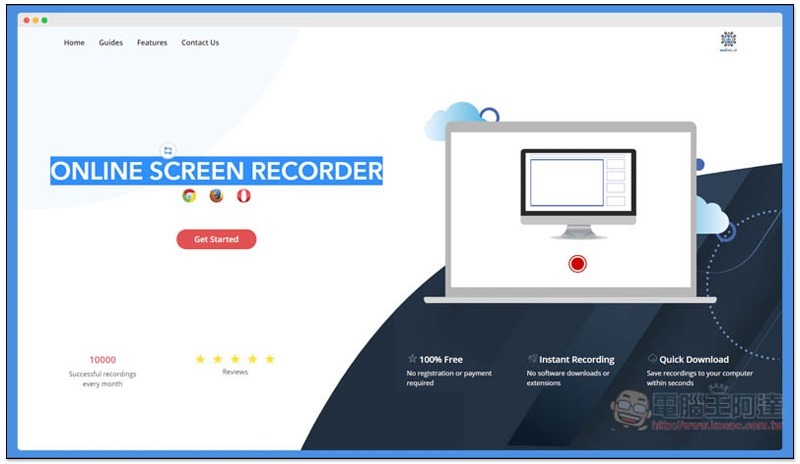
Introduction to ONLINE SCREEN RECORDER Free Browser Screen Recording Tool
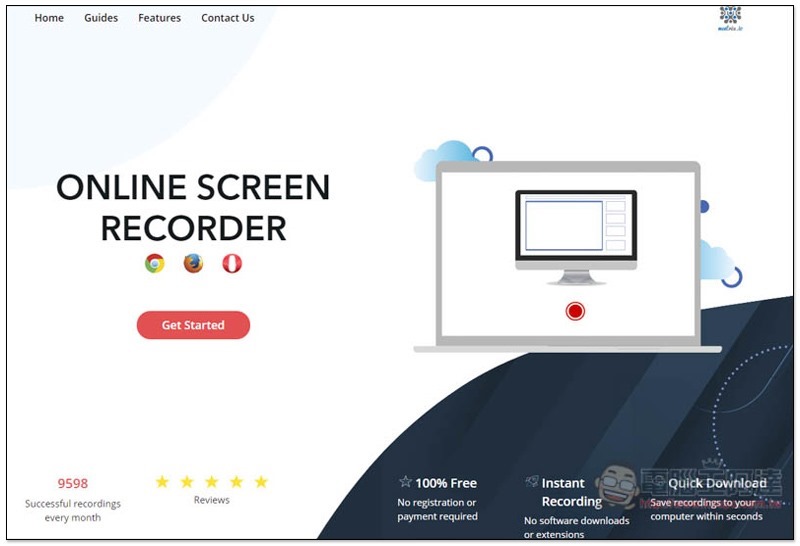
Click here to enter the ONLINE SCREEN RECORDER web page, press Get Started to start, I take Chrome as an example:
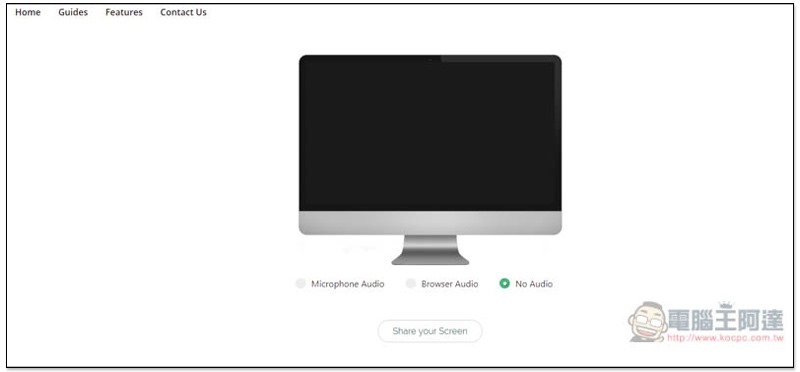
Choose whether you want to record audio. Microphone Audio and Browser Audio are supported. The default is No Audio. Click Share your Screen below:
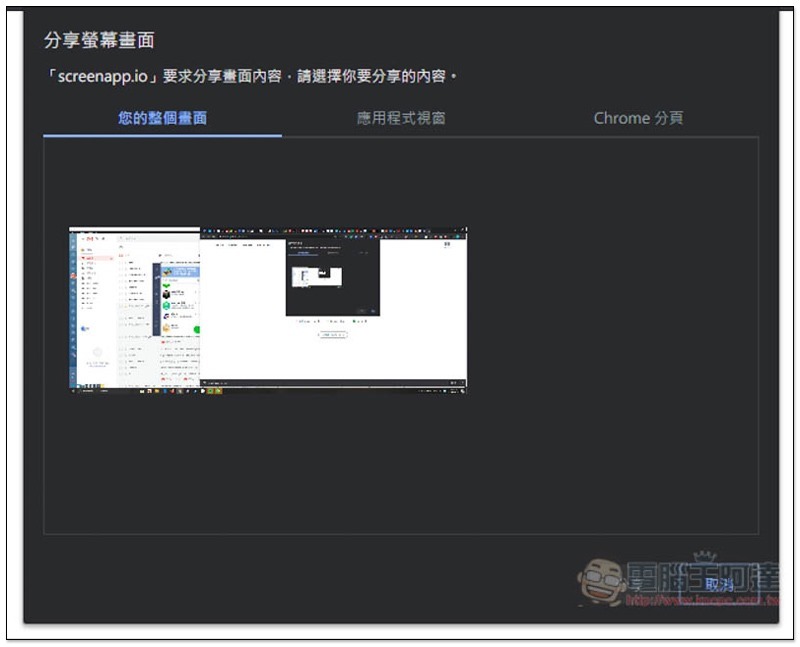
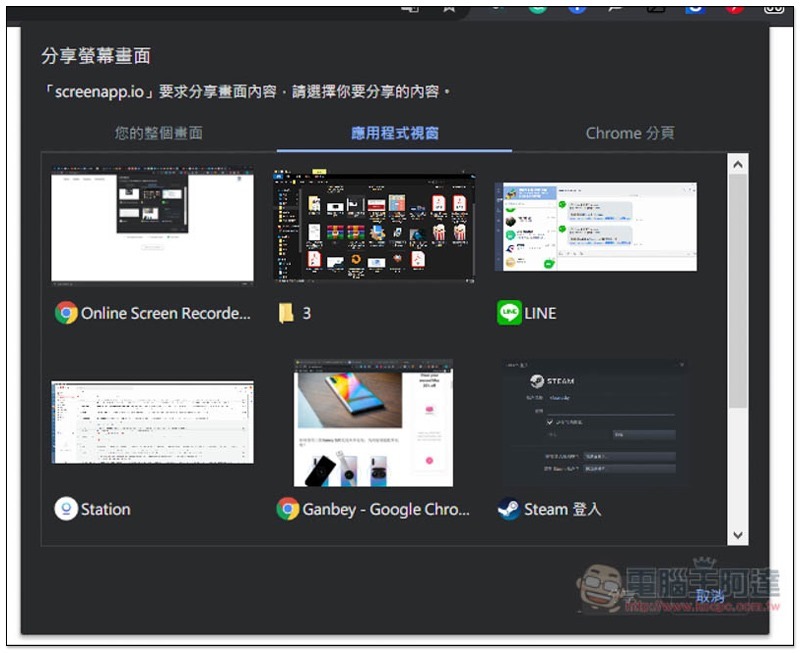
There are three sharing methods, the entire computer screen, application window, and Chrome tab:
Open applications will be listed above, and even folders support:
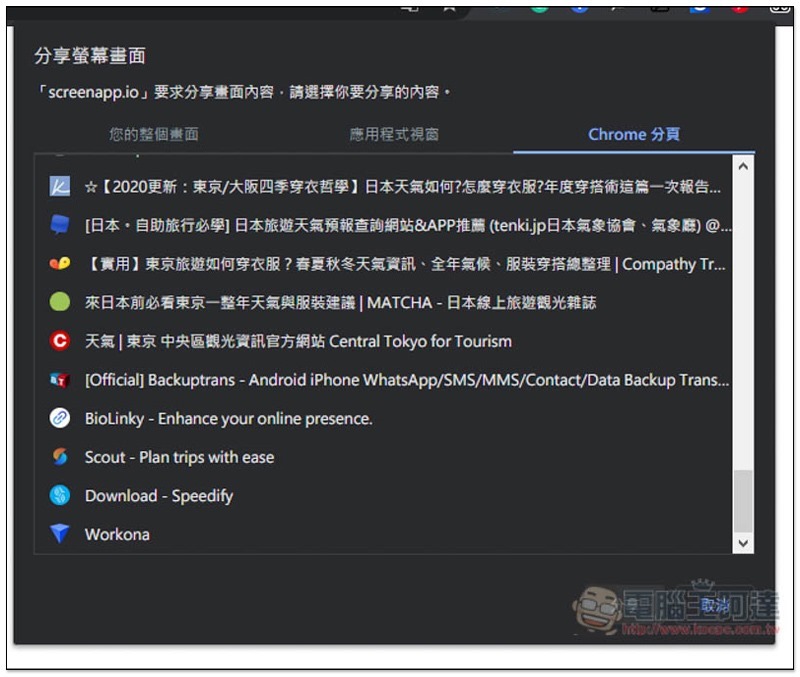
The same goes for browser paging. If you just want to record the operation of a certain web page, this function is very easy to use. You don’t have to worry about other things being recorded:
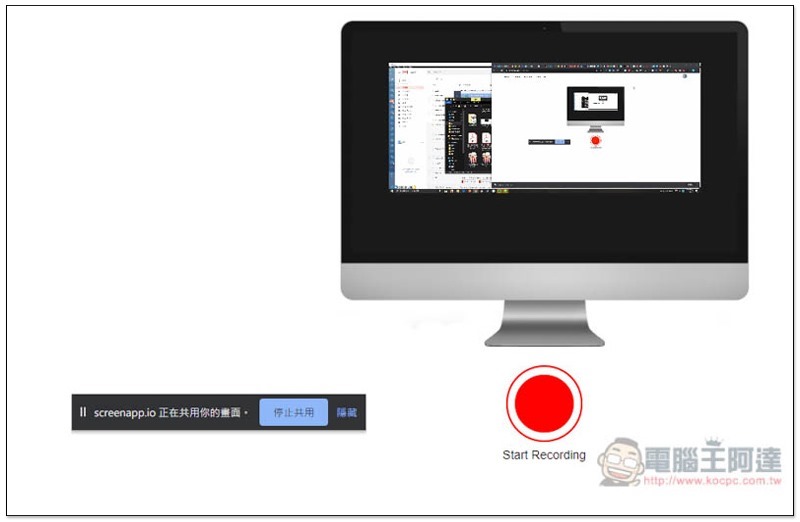
After making the decision, recording will not start yet. Screenapp.io will appear below and is sharing your screen control interface, and the Mac on the webpage will also display your screen. Click Start Recording to start:
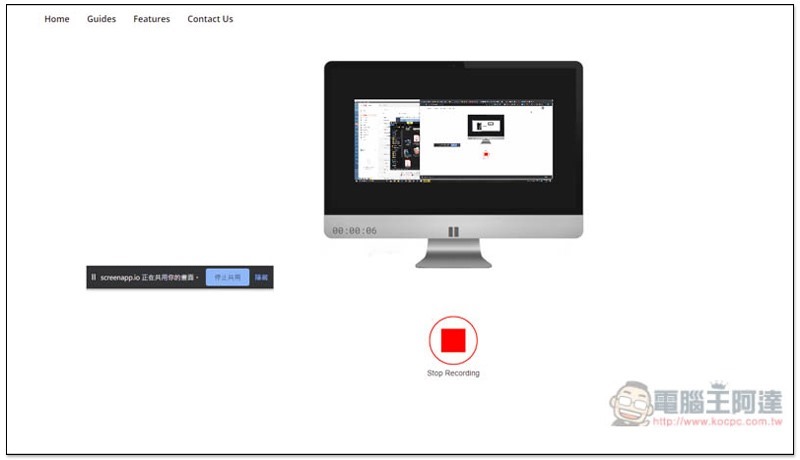
As shown below, after the recording is completed, press Stop Recording to stop:
Click the download icon on the left to download the file to your computer:
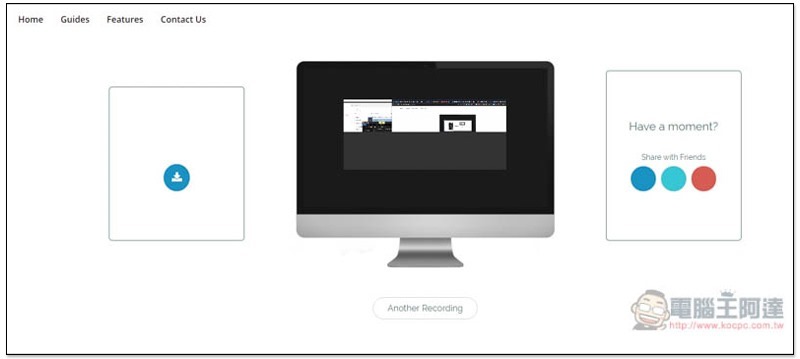
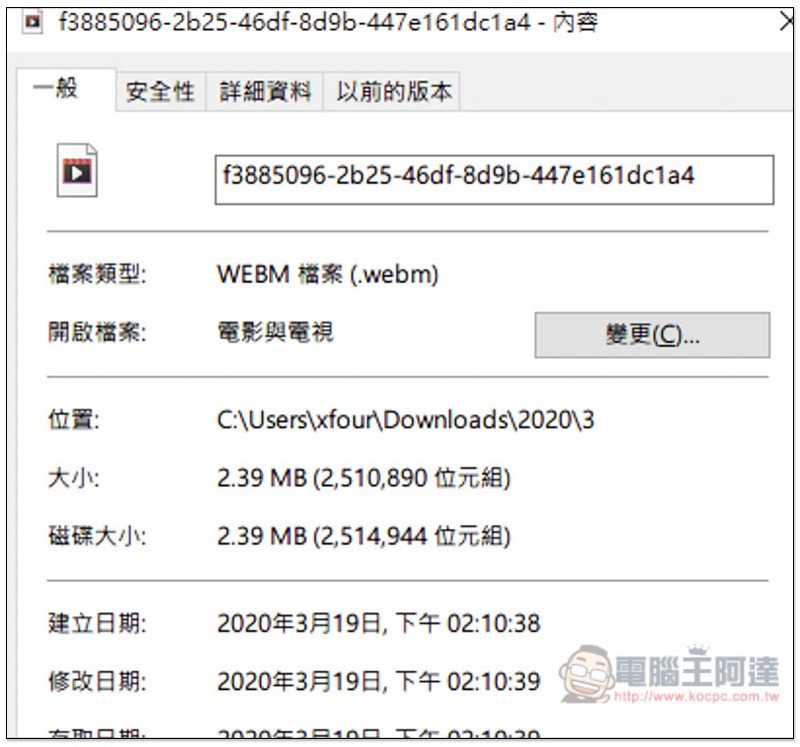
Video format is Webm:
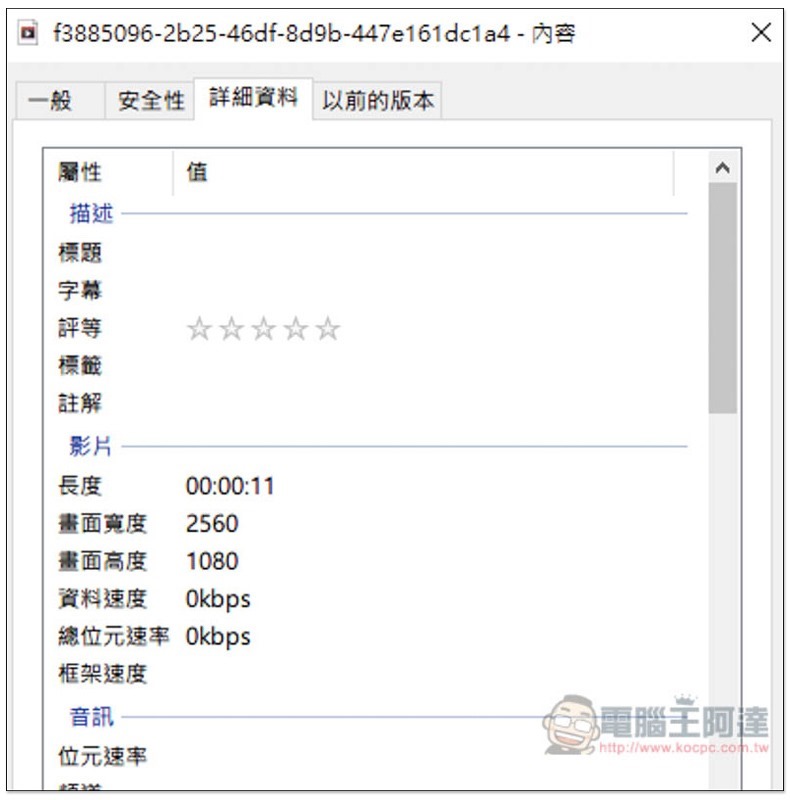
The image quality depends on the resolution setting of your computer, like mine is 2560×1080:
It’s a pity that this set does not support the pause function, which means that each recording must be recorded in one go, and there is no way to interrupt it, or to combine the clips through other editing software.
Supplementary information
ONLINE SCREEN RECORDER website:Click here to go
Source: KOCPC Chinese