


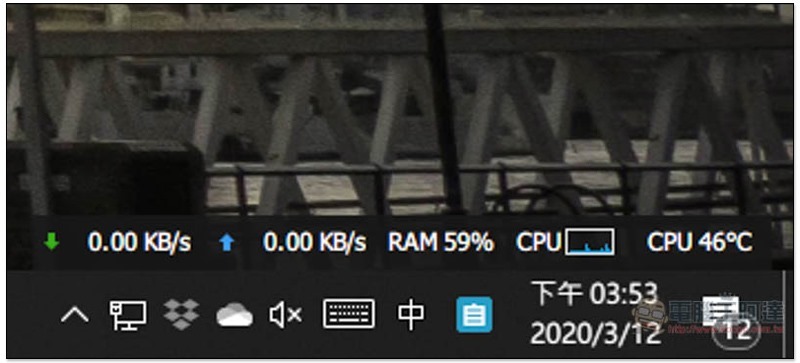
Although Windows 10 itself hasBuilt-in system resource monitor, but its functions are limited and it can grasp slightly less information. This Wise System Monitor is quite good. In addition to real-time system resources, it also provides computer hardware information query, and it is as detailed as the core temperature of the processor, memory speed and serial number, and hard disk firmware version and serial number. In addition, after it is turned on, information such as real-time upload and download speed, RAM usage, and CPU temperature will also be displayed in the lower right corner of the computer screen, completely free of charge.
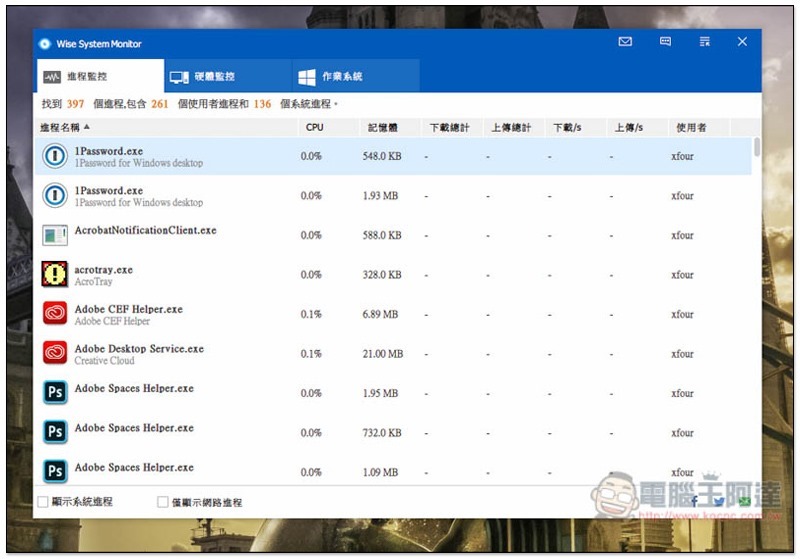
Introduction to Wise System Monitor free tool
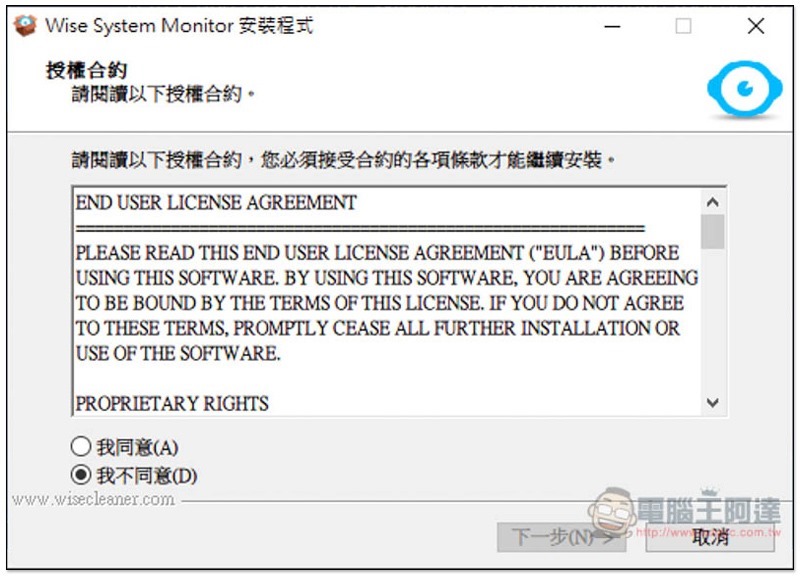
Click here to enter the Wise System Monitor official website, download the installation file. Just keep pressing Next during the installation process:
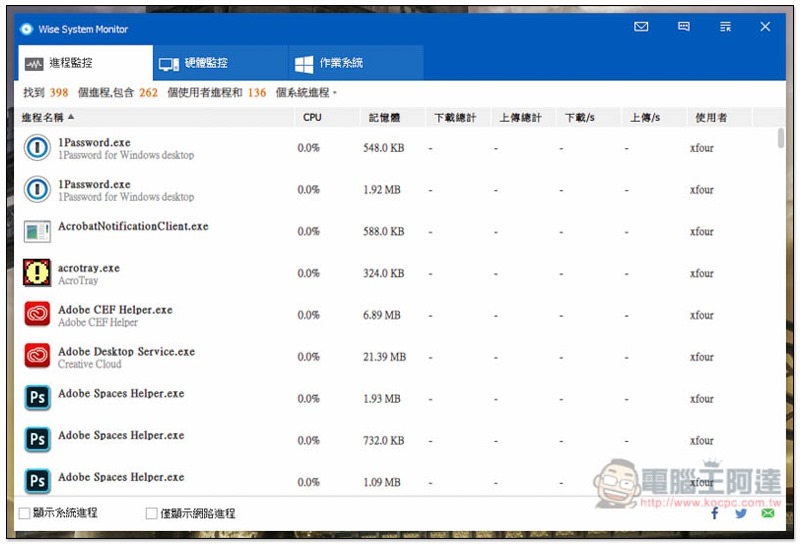
The operating interface is designed to be very easy to use. There are three menus, “Process Monitoring”, “Hardware Monitoring” and “Operating System”. In process monitoring, you can view all currently opened applications (including background execution), how much CPU they occupy, physical usage, total uploads, and download/upload speeds:
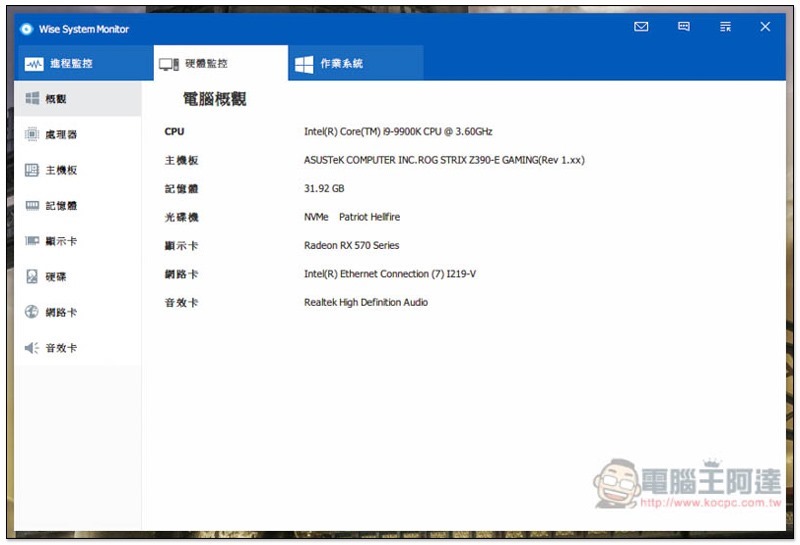
In the hardware monitoring, you can query all the hardware information in the computer, such as: processor, motherboard, memory, graphics card, hard disk, network card, sound card. When you are ready to reinstall or want to buy new hardware, this information is very useful. You can know it without taking apart the host:
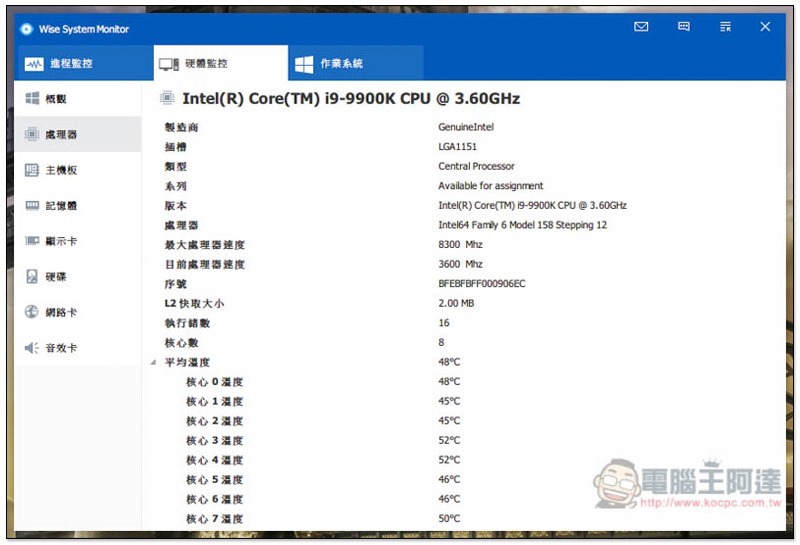
The information on each piece of hardware is very detailed. For CPU processors, you can also know the current processor speed and the temperature of each core:
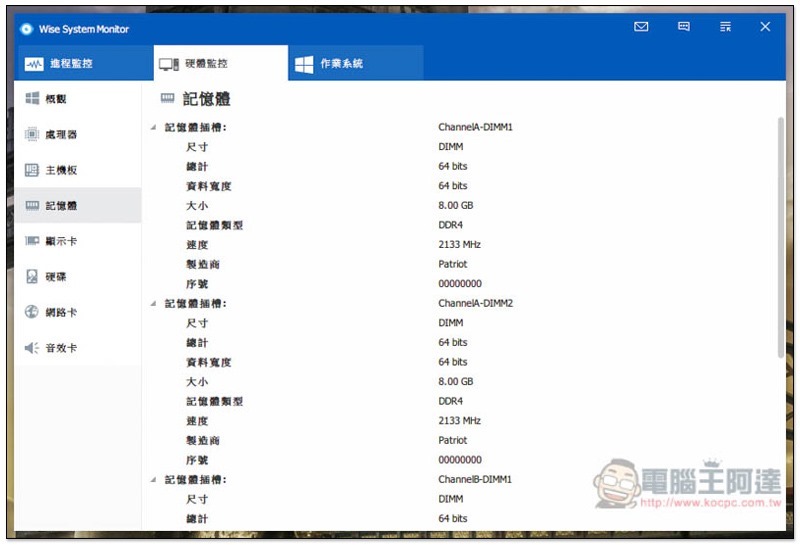
The same goes for memory. The memory information of each slot will tell you which brand, speed, and memory type:
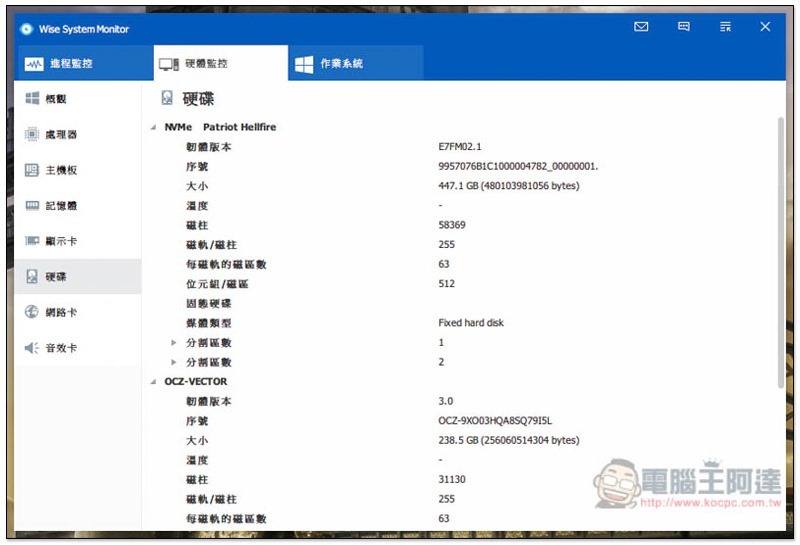
The hard disk part is not just the general 3.5-inch or SSD, there are also other formats such as NVMe:
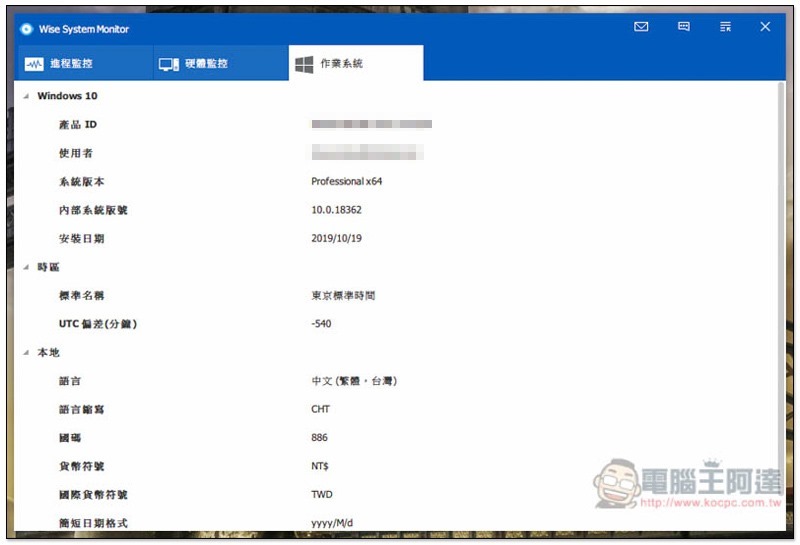
In the operating system, the Windows 10 registered serial number (product ID), logged-in user, system version, etc. will be displayed:
There is also a small auxiliary tool in the lower right corner of the desktop, which will display the current upload and download, RAM usage, CPU usage graph and real-time temperature information. I quite like this, as it can keep track of the computer status at any time:
Supplementary information
Wise System Monitor official website:Click here to go
Source: KOCPC Chinese