


For computer workers, they will definitely hope that the speed at which they can operate software will get better and better, thereby increasing productivity. A big key to speeding up software operations is to be “familiar with the shortcut keys.” You may already know a few commonly used ones, but it will be more helpful if you know more about them. The CheatKeys introduced in this article is a very good auxiliary tool. Long press the ctrl key in various software (such as Word, Photoshop) to wake up the shortcut key list, which means you can quickly find how to press the shortcut key for “that function” you want to use.
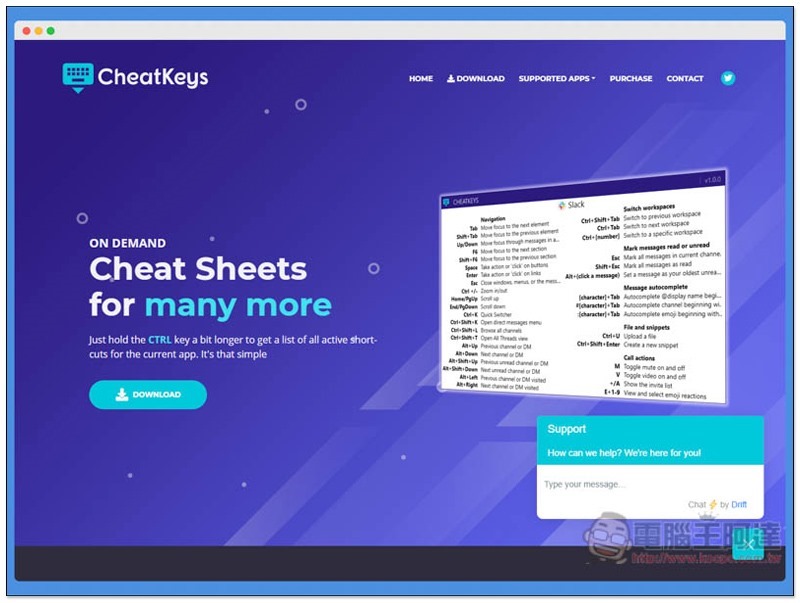
CheatKeys Press and hold the CTRL key to view the software’s shortcut key list
Click here to enter the CheatKeys official website, press Download to download the installation file:
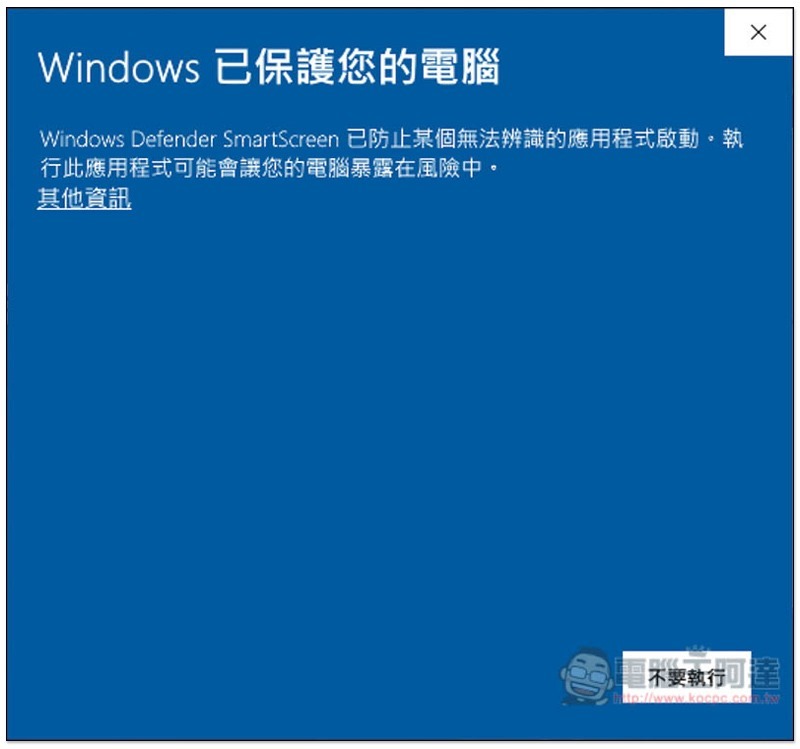
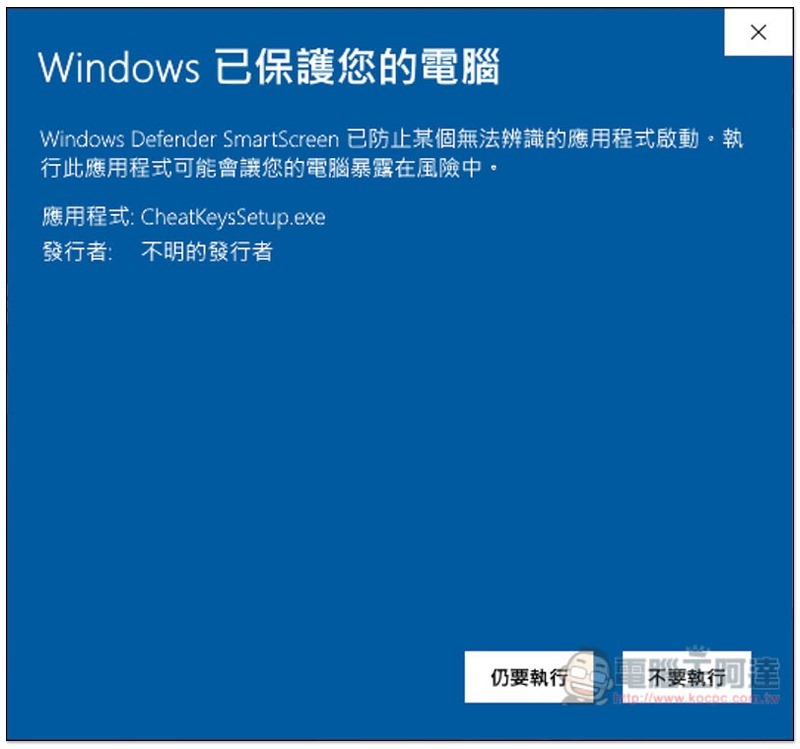
This screen may pop up during installation. If the same happens to you, click on the other information on the left:
You can find the functions you still want to execute:
Just keep pressing Next during the installation process:
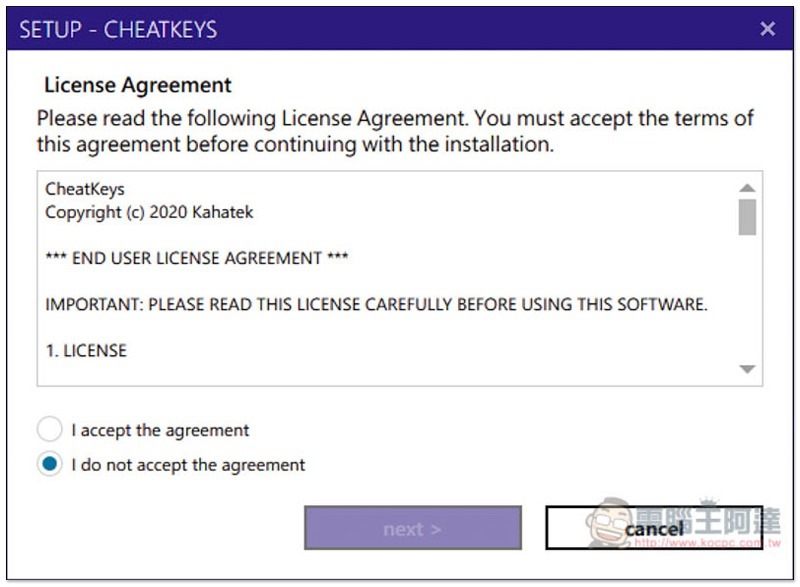
This set of tools is not free, but it provides a 14-day trial period. If you don’t want to spend money to purchase it after the trial period, I personally think that you can also take a screenshot of this set of shortcut key lists. You can still query it in the future, but you have to open the image manually. Click continue evaluation to continue the trial:
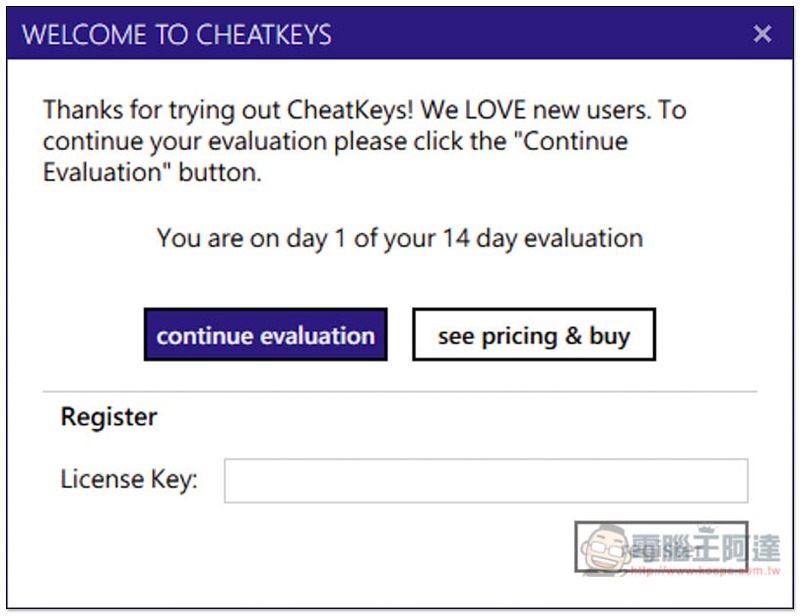
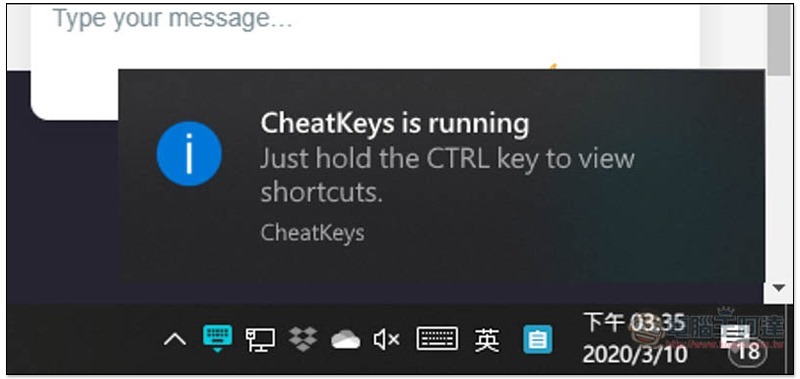
Then you will receive this notification, that is, in each software, long press CTRL to call up the shortcut key list:
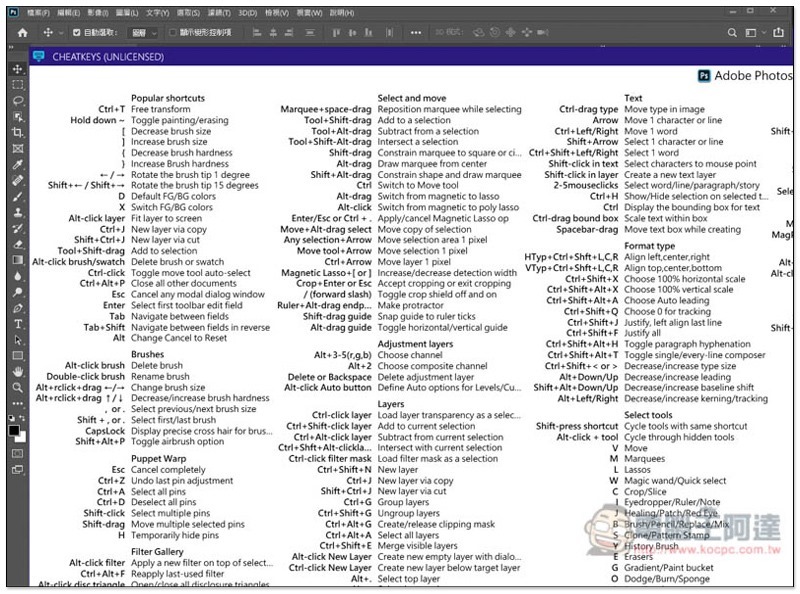
As shown below, when I use Adobe Photoshop, if I hold down the CTRL key, this shortcut key list will pop up. You can find almost all functions, but currently there are only English explanations:
Google Chrome also supports:
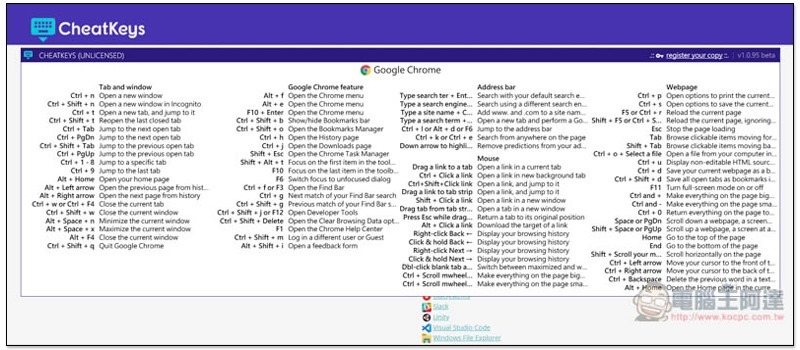
This set of commonly used productivity tools currently on the market supports this set. The following is the information provided by the official website:
- Adobe Acrobat Reader
- Adobe Photoshop
- Blender
- Discord
- Evernote
- Google Chrome
- Kofax Power PDF
- Microsoft Edge
- Microsoft Excel
- Microsoft Outlook
- Microsoft PowerPoint
- Microsoft Teams
- Microsoft Visual Studio
- Microsoft Word
- Notepad++
- Notion
- OutSystems
- Slack
- Unity
- Visual Studio Code
- Windows File Explorer
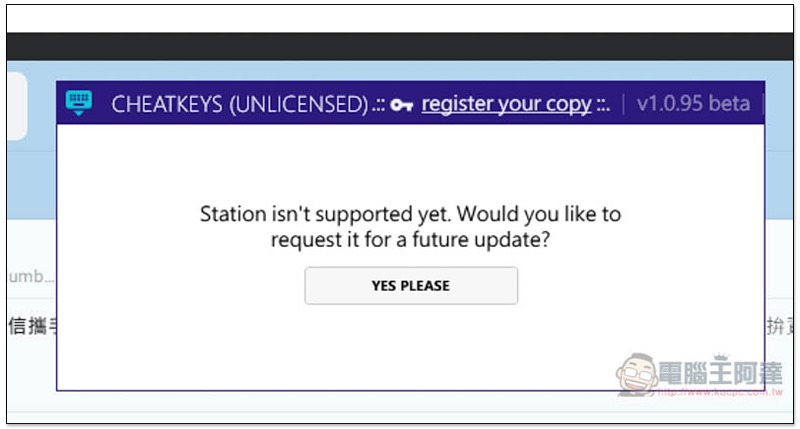
Unsupported software will pop up this screen. You can send a request to the development team:
Supplementary information
CheatKeys official website: Click here to go
Source: KOCPC Chinese