


PTT has a lot of new information almost all the time, especially the popular boards, so many people should be like me and swipe on it every day. If you are looking for a useful PTT App, or do not have an account but want to use PTT, BePTT is a good choice.
For those who have an account, this app provides quite rich and complete functions. You can basically find everything you need. For those who don’t have an account, it also supports guest mode. You don’t need to enter anything, just click to enter the PTT dashboard. Currently only available on Android.
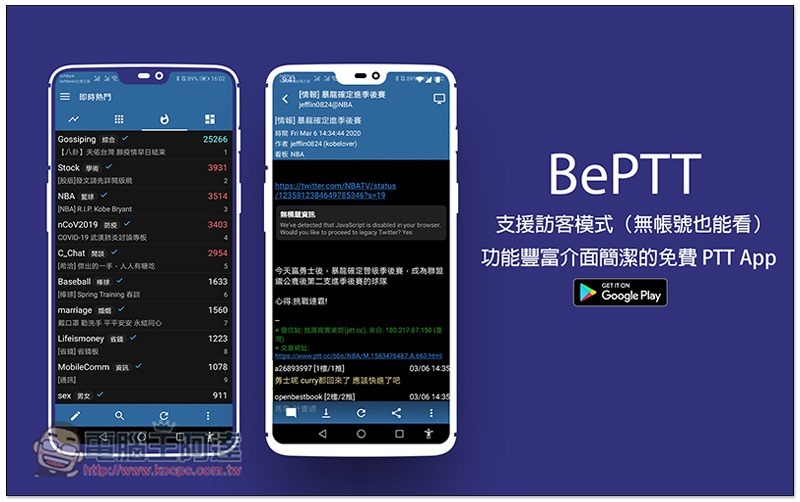
Introduction to BePTT
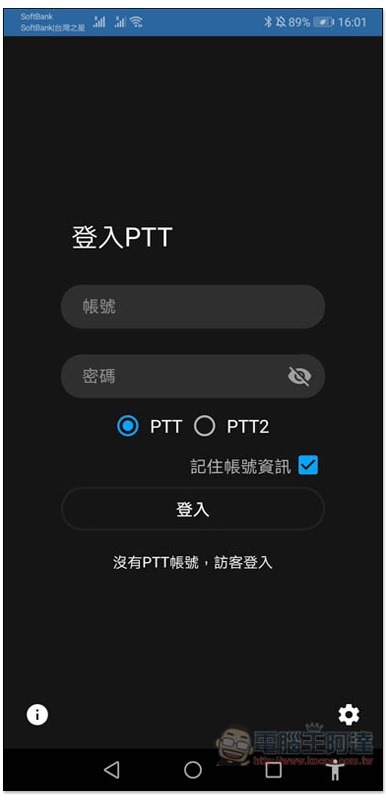
BePTT supports PTT and PTT2 connections. Those who have an account can enter their password. Those who do not have an account can click “No PTT account, guest login” below to enter:
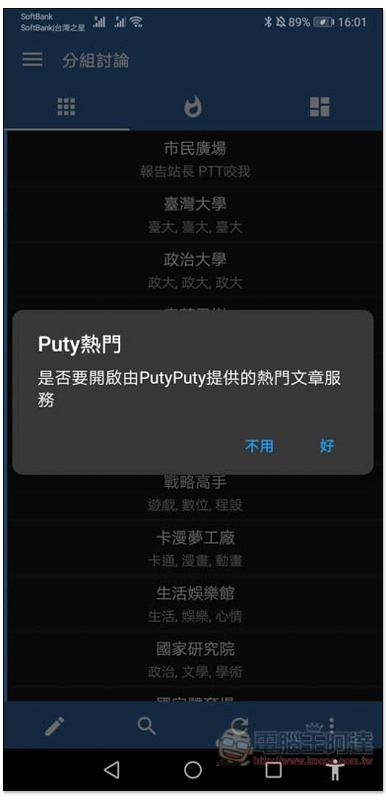
Supports Puty’s popular functions, those in need can open them:
There are four menus in total. The first menu will list the most popular articles in all PTT boards currently:
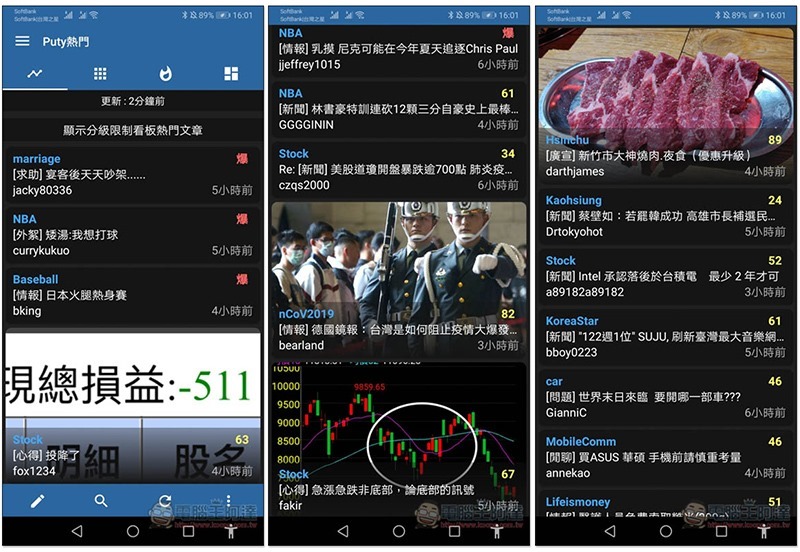
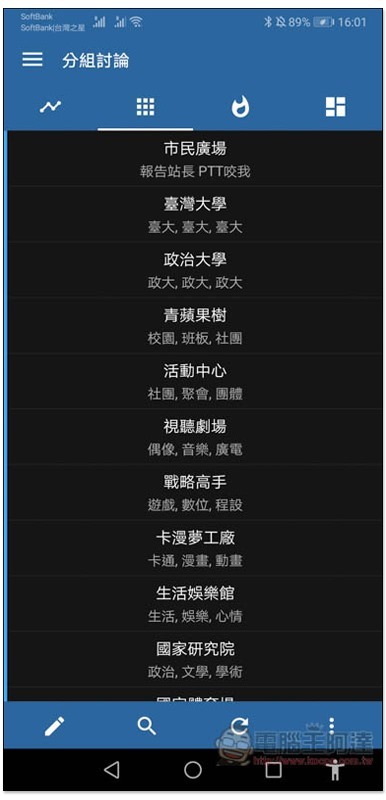
The second menu is the categories of each bulletin board:
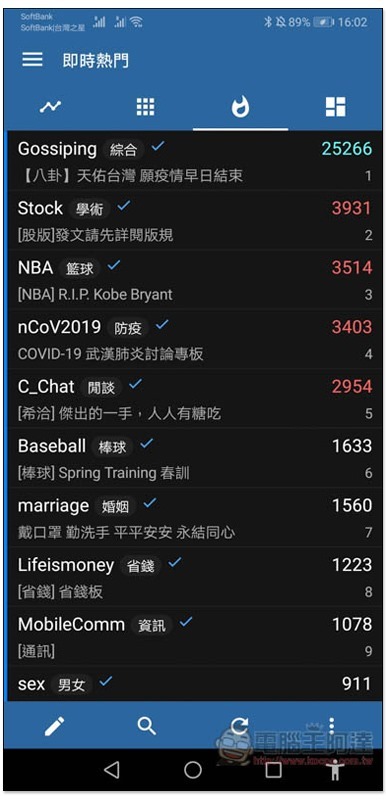
The third menu is the real-time popular board, which is basically the same every day:
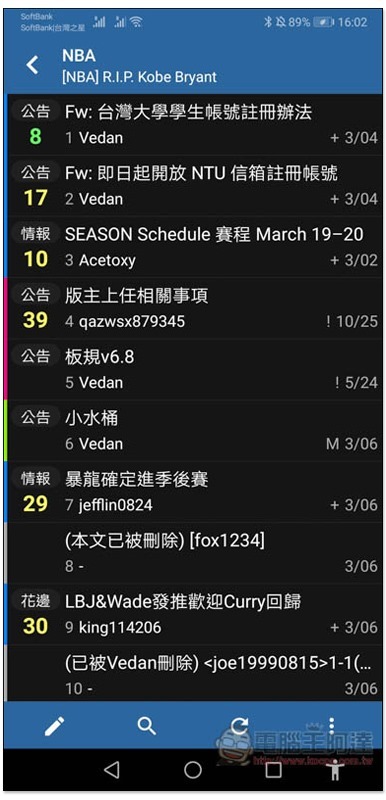
After entering the bulletin board, you can browse the latest and top articles, and the publication date will be marked in the lower right corner of each day:
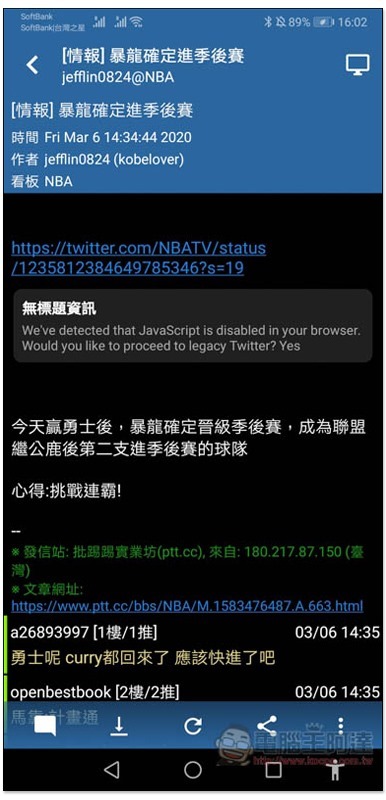
The interface is similar to most PTT Apps, but it also provides a very special computer version function. Click the PC icon in the upper right corner to switch to the computer version:
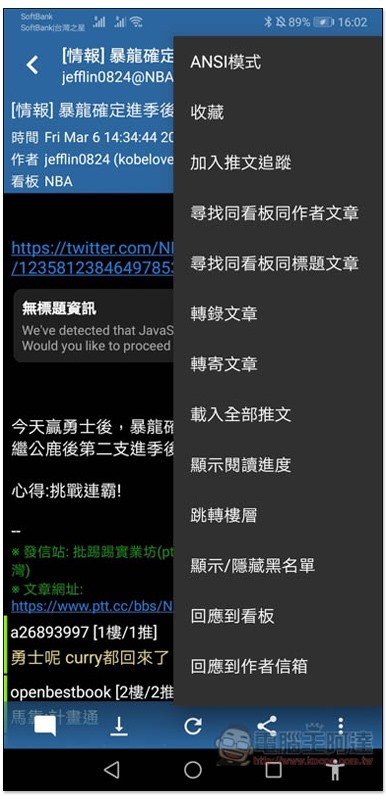
The functions are all located in the menu in the lower right corner, but most of them require a PTT account to use, such as: transcribing articles, forwarding articles, responding to bulletin boards, etc. Only a few are available in guest mode, such as: favorites, searching for articles with the same author on the same bulletin board:
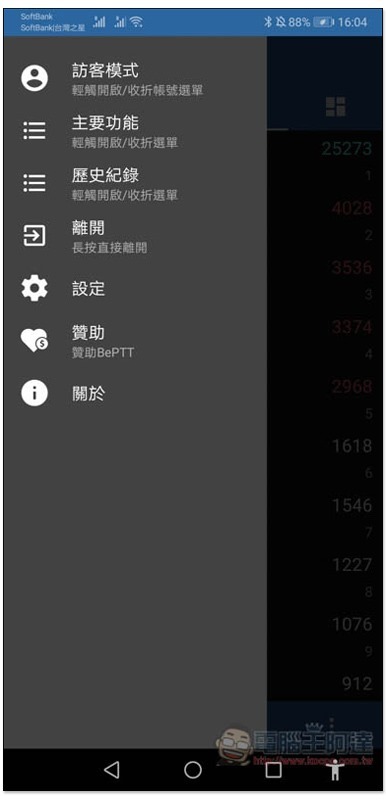
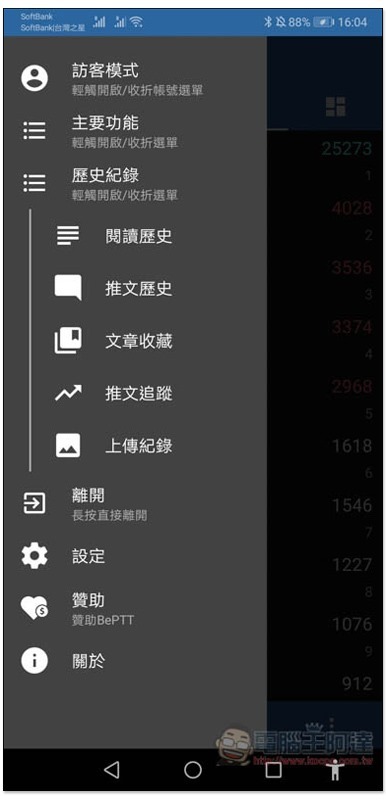
There is also a main function menu on the left. The articles you have browsed in the past will be recorded in the history. I think this is quite convenient, especially the guest mode is also supported. The collected articles will be placed in the main function:
The “Article Collection” function can be found:
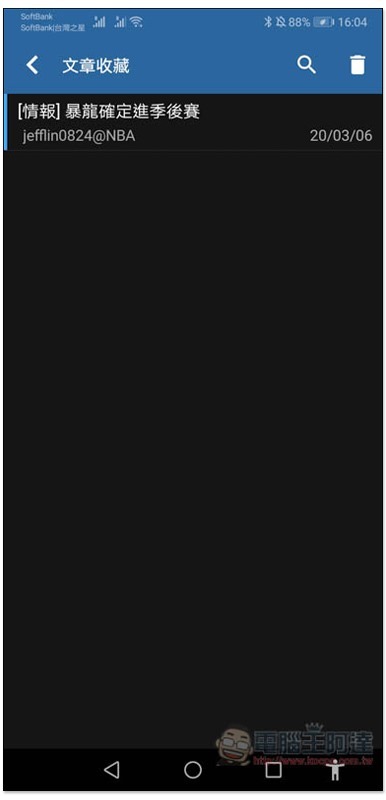
You can view all collected articles:
There are also many functions that can be adjusted in the settings, such as: theme color, background theme, transition animation speed, sliding gesture settings, blacklist, whitelist, etc.:
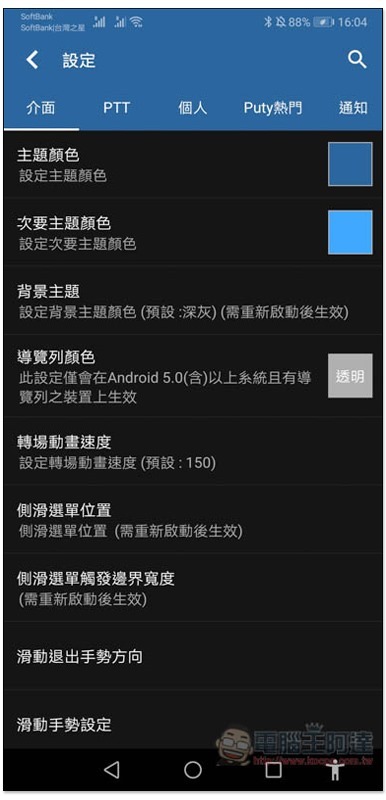
There are so many functions in this function, and the rest is left to the readers to play with and see on their own.
Supplementary information
BePTT download link:Click here to go
Source: KOCPC Chinese