


When making presentations, layout design and art have always been a headache for many people. In fact, you don’t have to worry so much. There are now many free presentation layouts on the Internet for everyone to download and use for free. You only need to change the words to complete a high-quality presentation file. It is easy and simple. The Selfone I recommend in this article is one of them. It is available in PowerPoint, Keynote and Google presentations. It is no problem for personal or commercial purposes.
If you want to find more, you can also refer to the ones we have recommended before Slidesgo、ALLPTT、 pngtree etc.
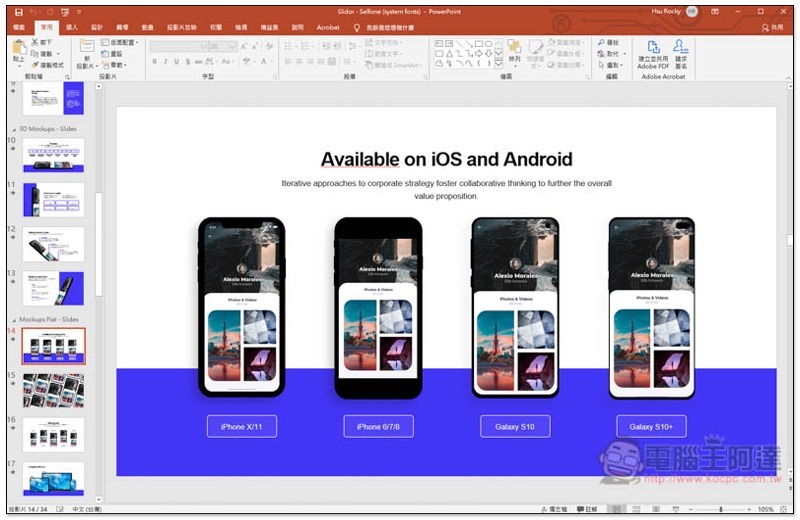
Introduction to Selfone
It’s easy to get Selfone’s free presentation file.Click here to enter the official website, enter your email address in Your email address, and then click Download on the right to download. Remember to enter your current email address, the download link will be sent to this mailbox:
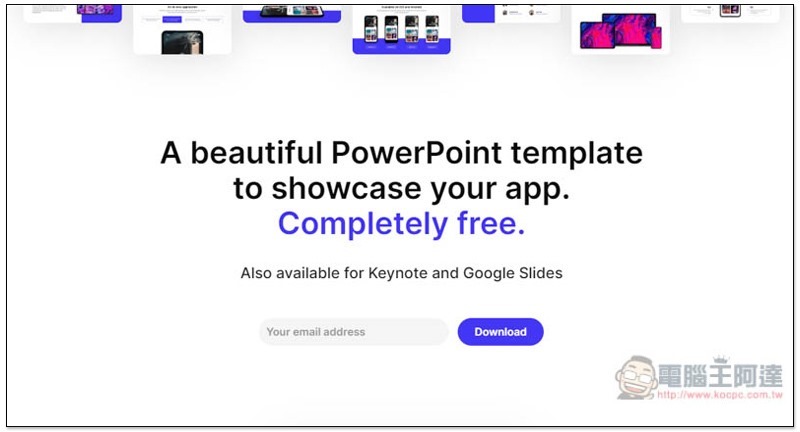
All free presentation formats provided will be displayed at the bottom of the page. You can take a look at it first and download it if you think it is good:
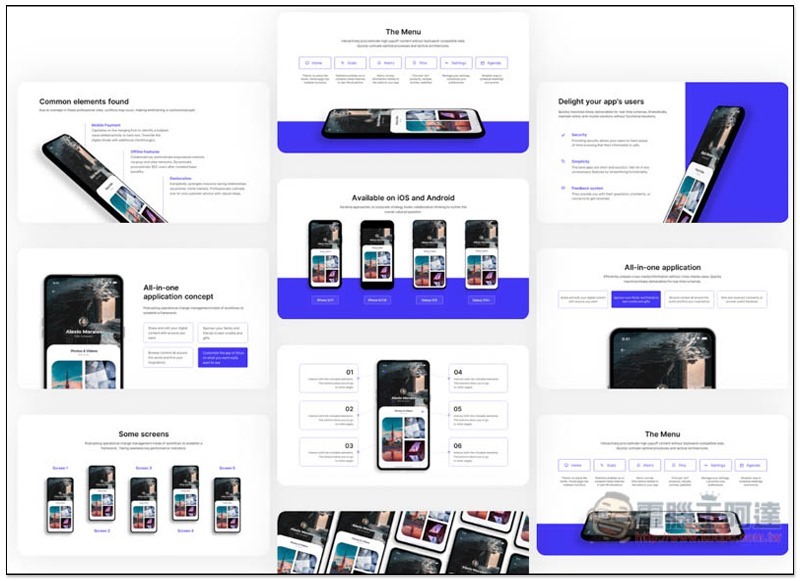
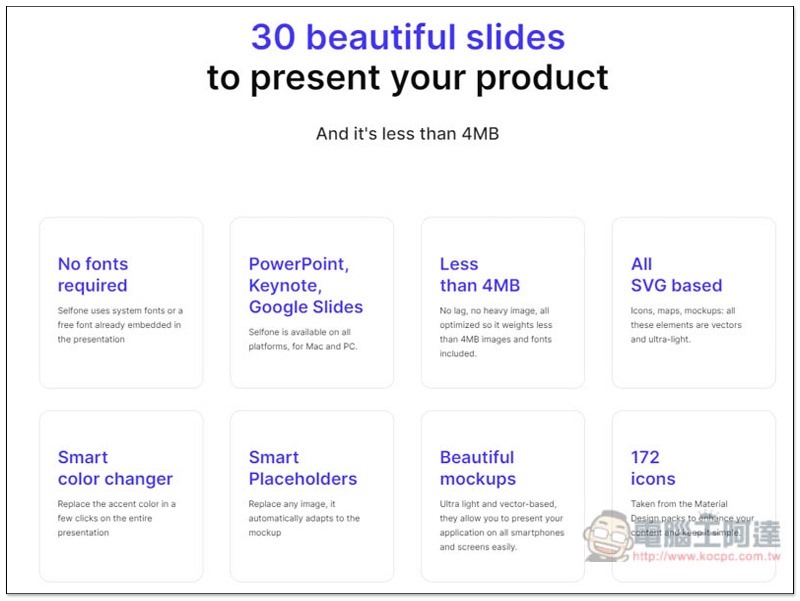
There are a total of 30 presentation layouts in the file, the file is less than 4MB, and they are available in PowerPoint, Keynote and Google presentations. In addition, 172 free small icons are provided:
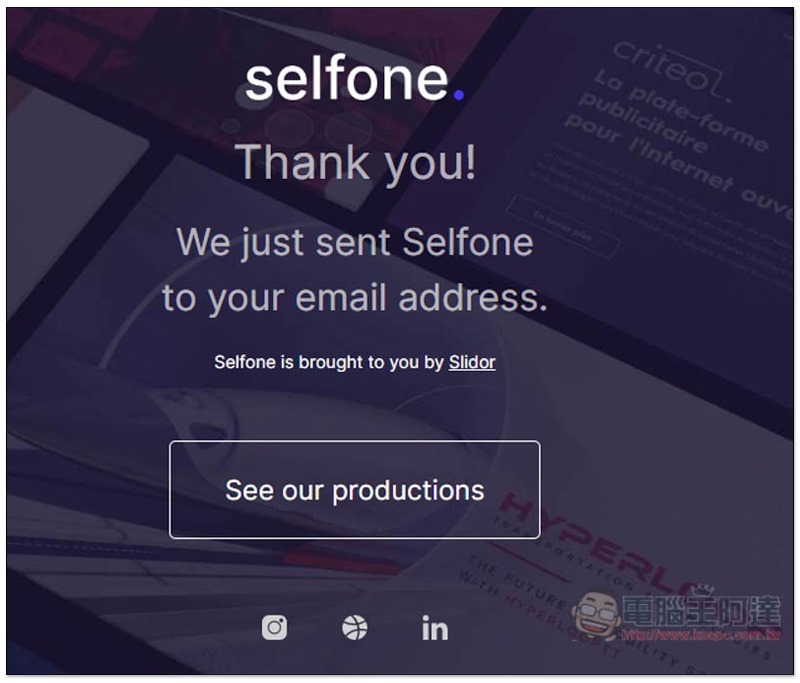
After pressing download, you will jump to this screen, then you can close the website:
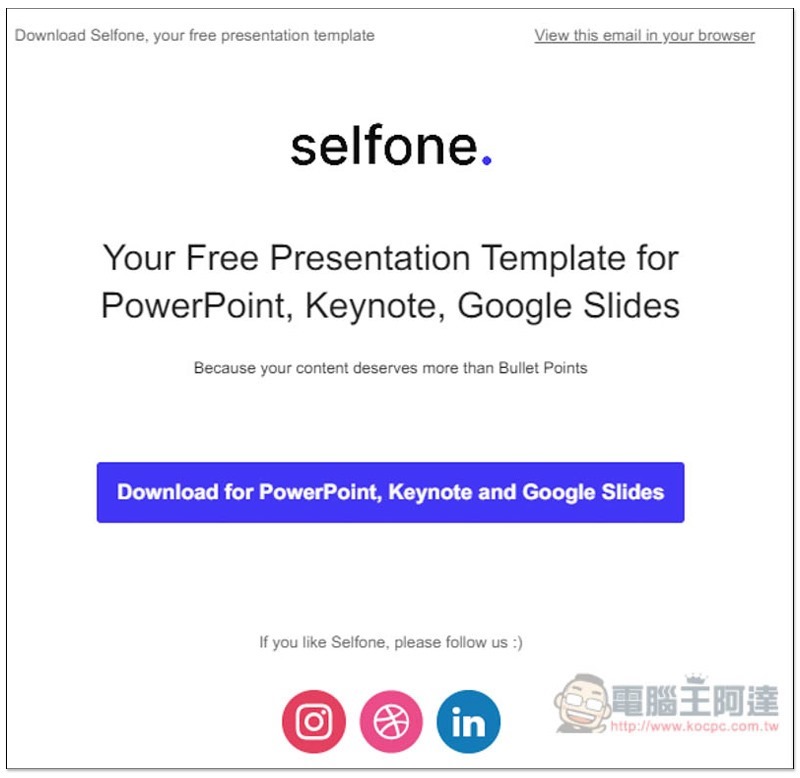
Open your mailbox and you will receive this email. Click Download for PowerPoint, Keynote and Google Slides in the letter to download. If you haven’t seen this email yet, wait for 3 to 5 minutes and it should appear. If it still doesn’t, try re-entering it, or check your spam box:
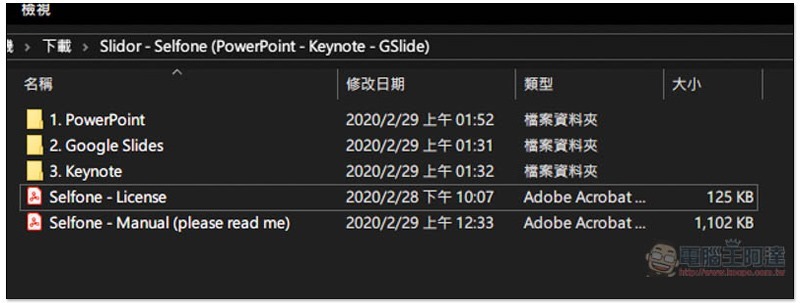
After downloading and unzipping, there will be five files, PowerPoint, Google Slides, Keynote, License and Manual. It is recommended to take a look at the License and Manual files before starting to use them:
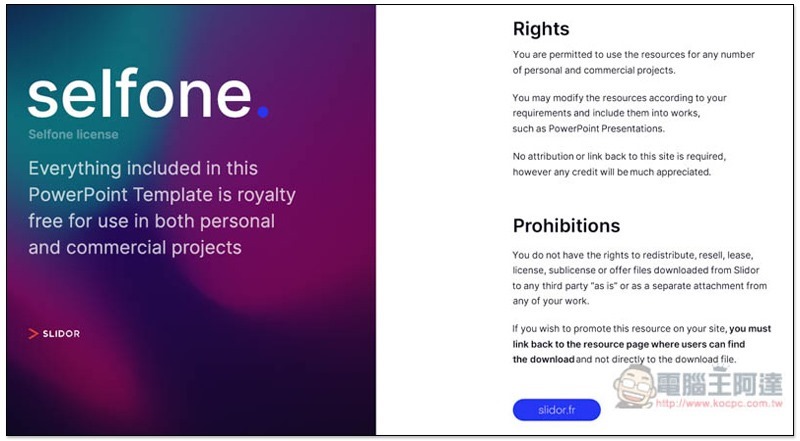
The picture below is the authorization description of this free presentation. It is fine for personal and commercial use. You can use and modify anything in the presentation. However, you cannot sell it or provide it to others for download:
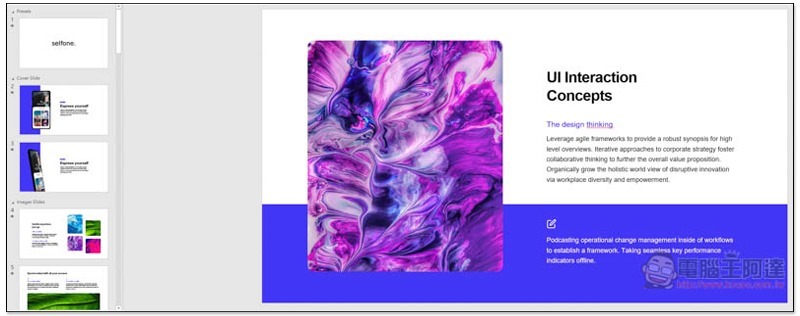
The picture below is a PowerPoint file with about 34 pages. Everything such as fonts, colors, pictures, etc. can be modified freely. Then select the presentation format you want and delete the ones you don’t need:
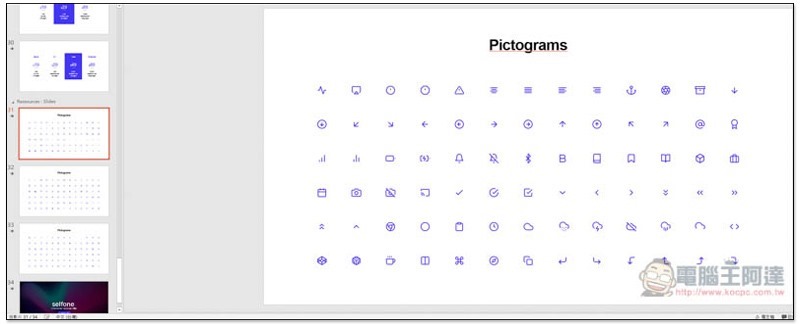
There are free icons available for use on the last three pages (copy and paste):
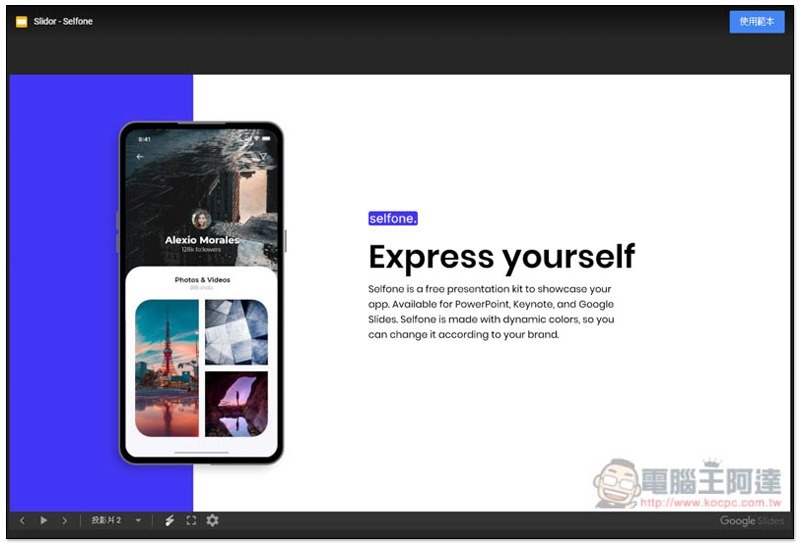
Google Presentations and Keynote have the same layout, but the file formats are different:
Supplementary information
Selfone free newsletter website:Click here to go
Source: KOCPC Chinese