


When we want to get all kinds of latest information, we always open the Google search engine to look up information. However, due to regional restrictions, Google always provides users with the option to search different web page languages. However, users in Taiwan currently can only choose to search all Traditional/Simplified Chinese web pages. If you want to view information from places such as the United States and Japan, you need to use the local language as keywords to search for relevant web pages faster.
Today I will introduce a Chrome plug-in tool that can help you quickly switch between different Google search results according to the language you need.
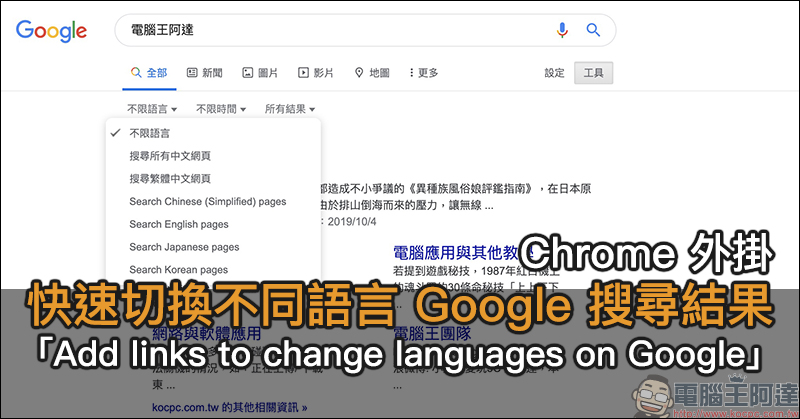
Chrome plug-in “Add links to change languages on Google” to quickly switch Google search results in different languages
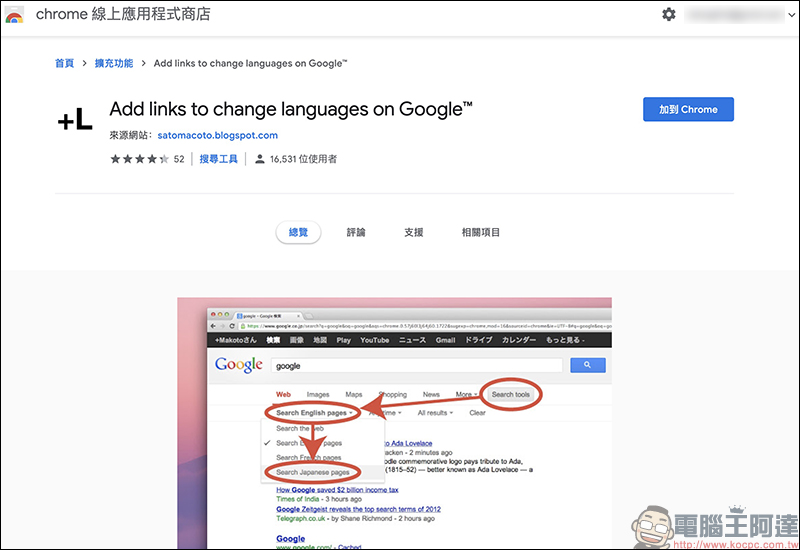
If you are accustomed to using Google Chrome browser and often have Google search needs, you may wish to install the “Add links to change languages on Google” Chrome extension plug-in introduced today. Once installed, you can search on Google. In addition to specifying Chinese web pages, you can also switch between 46 language options including Japanese, English, Korean, German, French, Italian, etc. with one click according to your needs.
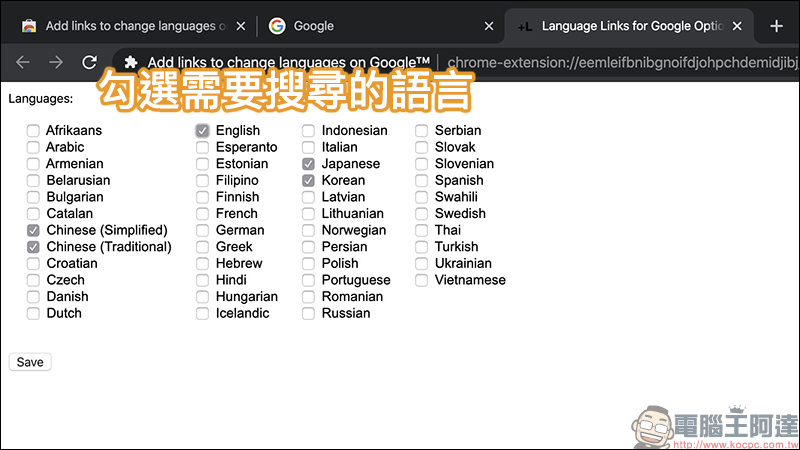
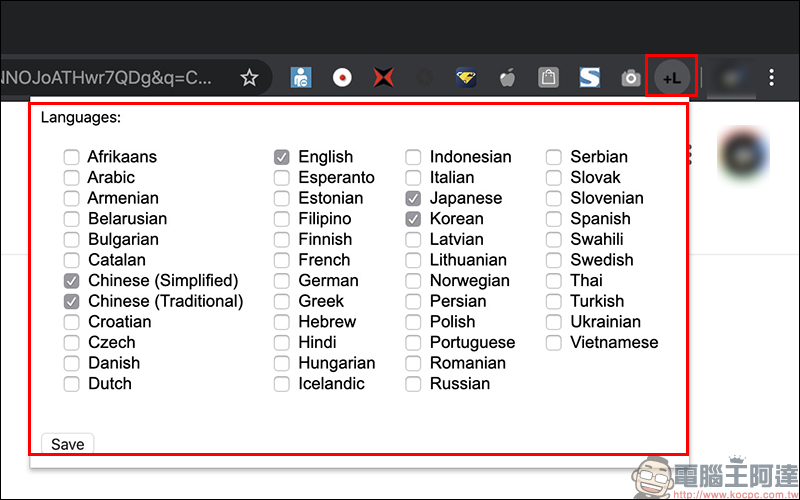
After the first installation is completed, users need to set the search language they need first, just check it. At this stage, it is recommended that in addition to foreign languages, you should remember to check, and don’t forget to check both Traditional Chinese and Simplified Chinese!
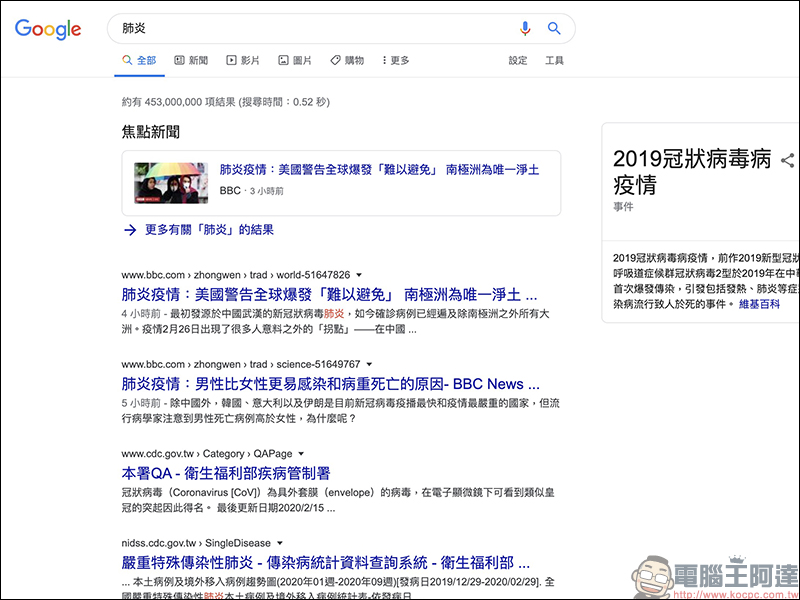
Taking the Google search keyword “pneumonia” as an example, the default results will also be in Chinese:
However, after installing this plug-in, you can see that in addition to Chinese search web pages, you can also select specified language search results:
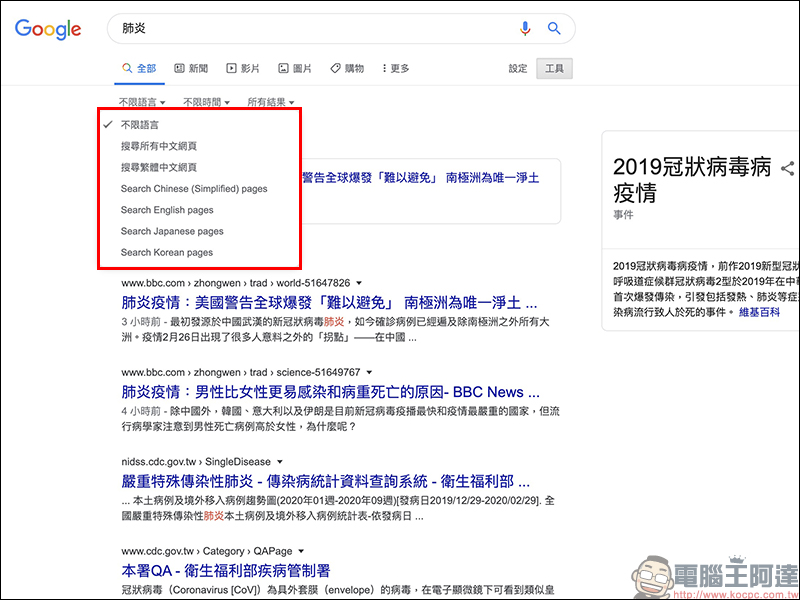
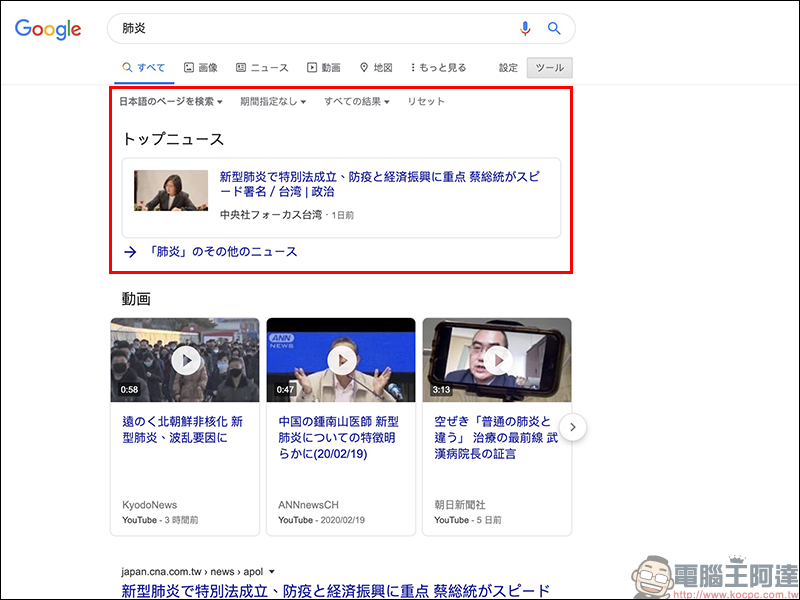
If you select Japanese, the search results will be mainly in Japanese, including Japanese news and other Japanese web content:
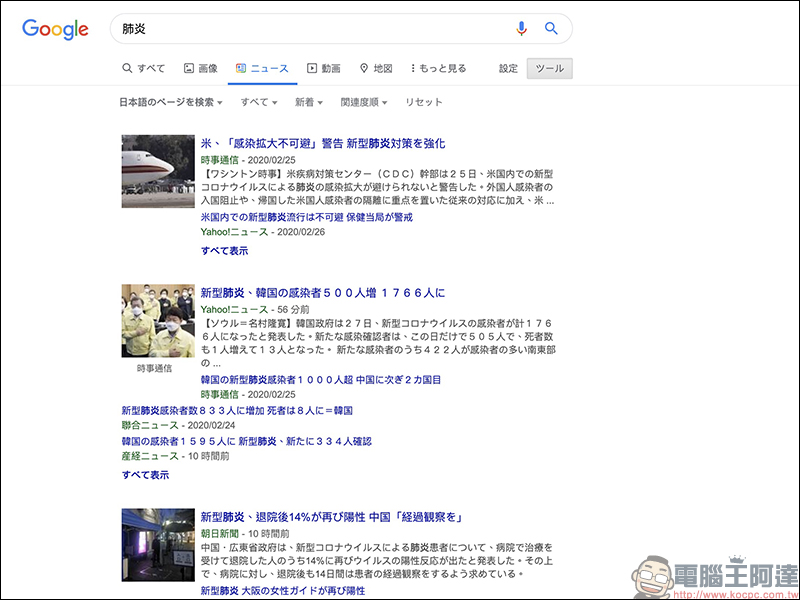
If you want to get news reports in Japanese, you can also use Google’s “News” category to search for news and current affairs that match the keywords:
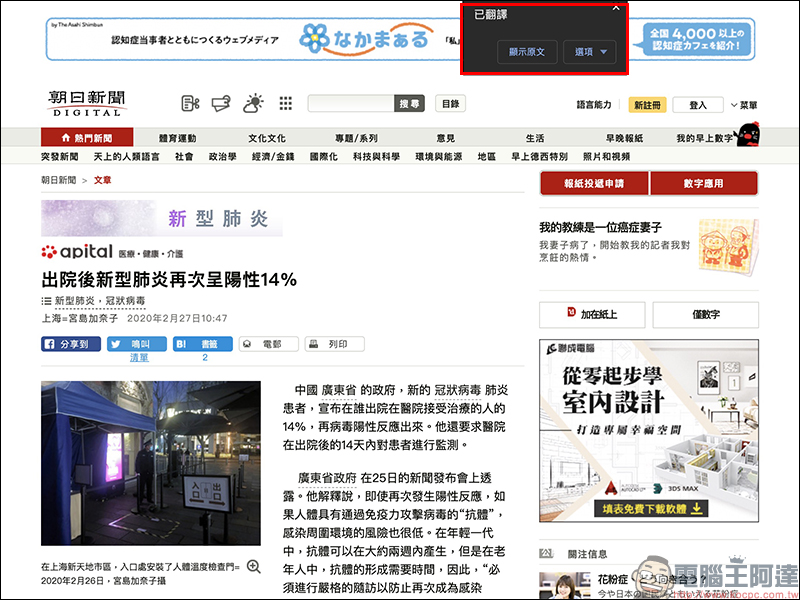
Of course, if you click directly on the Japanese webpage, the article will still be displayed in Japanese by default:
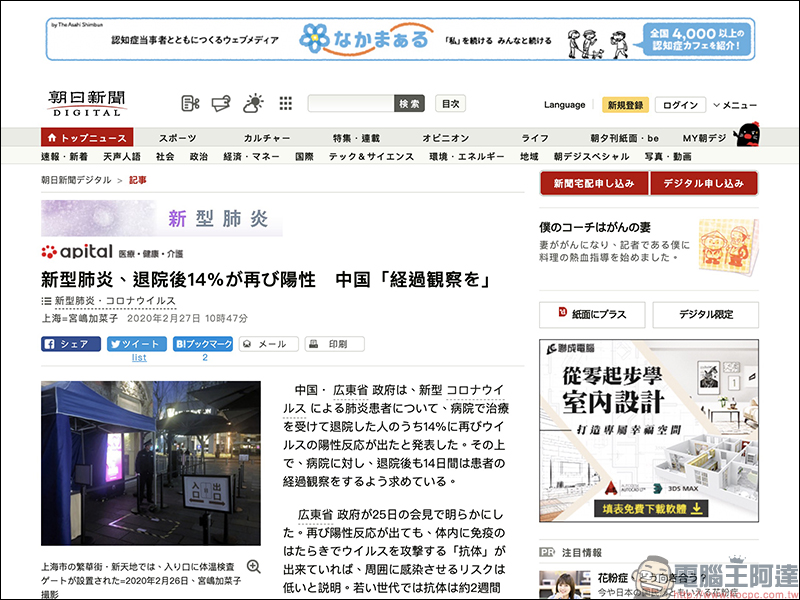
However, as long as you use Google’s convenient webpage translation function, you can directly switch to Chinese!
If you want to adjust or add more language options to the Google search during use, you can also click the “+L” button on the toolbar of the Chrome browser to make modifications:
Add links to change languages on Google (chrome web store):
Click here to download
Further reading:
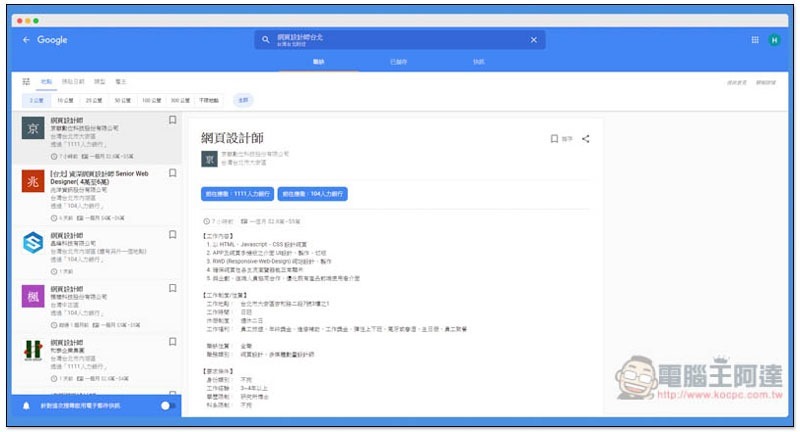
Google job search lists all relevant job vacancies in domestic and foreign labor banks at once, and quickly finds the job you like.
Source: KOCPC Chinese