


In addition to mobile phones and other products, OPPO’s mobile operating system OPPO ColorOS 7, which is deeply customized and optimized based on the Android system in terms of software, also uses the brand’s new OPPO Sans font. Now the OPPO Sans font is also open to the public for free download on the OPPO official website. This font is also open to commercial use by individuals or companies. OPPO Sans font currently has five font weight options: bold, extra black, medium black, standard and thin.
OPPO Sans can be downloaded for free as a commercial font: 5 font weights including bold, extra bold, medium bold, standard and thin are available.
Recently, Chinese technology commentator Zhong Wenze reviewed the “Best Mobile Operating System of the Year” in 2019 and particularly praised OPPO ColorOS 7 for its design advancements. In addition to redesigning the UI and adding new fonts, interactions, and animation interfaces, the size and proportion of each icon can be customized and adjusted, and it even added a dark mode for all three-party applications.
(Further reading:Zhong Wenze takes stock of the most valuable smartphones and accessories to buy in 2019, while recalling the embarrassing moments at the press conference)
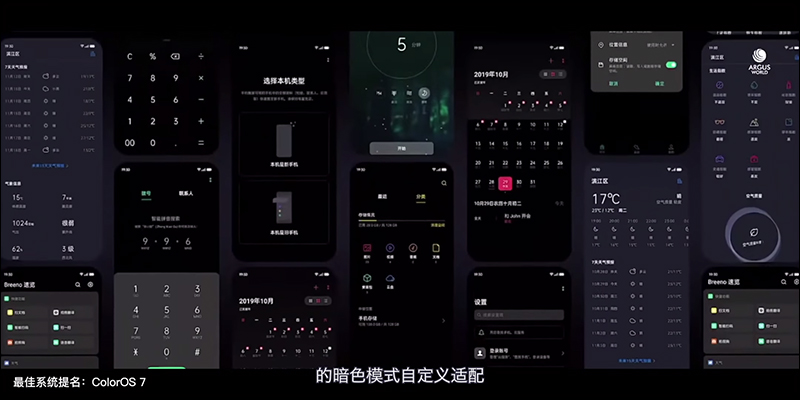
▲Picture source:Zhong Wenze (YouTube)
Last year, OPPO unveiled a new brand font “OPPO Sans” used in the latest ColorOS 7 system at a press conference. This font is a Chinese and English font jointly designed by China’s Hanyi Font and the United States’ Pentagram. In addition to supporting Simplified Chinese and Traditional Chinese, the Chinese font has a total of 226,003 characters. The OPPO Sans font is also open to the public for free download and use, and is also open for commercial use. It is quite suitable for commercial purposes such as graphic design, presentations, and film production.
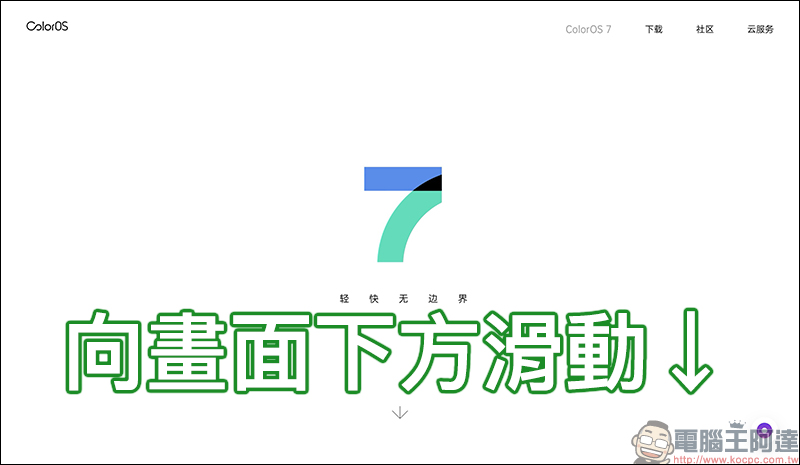
To download the OPPO Sans font, first go to the OPPO ColorOS introduction page (Click here to go), open the page and slide down:
Click “Learn More About Design Concept” on this screen to go to the next page:
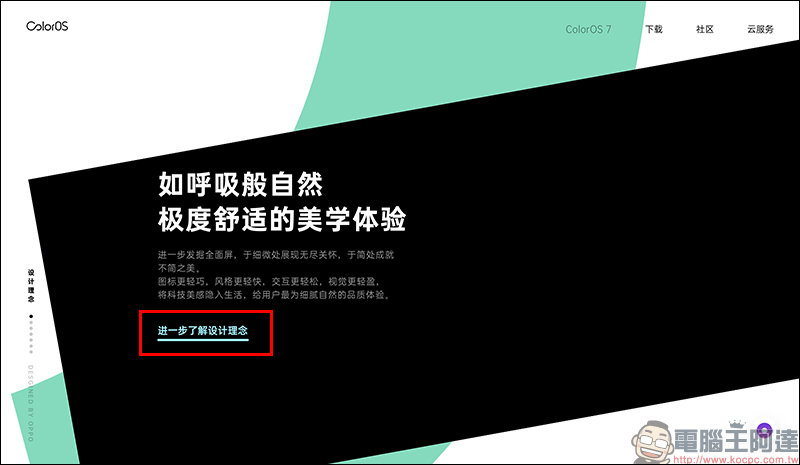
On the design concept introduction page, slide to the right side of the screen:
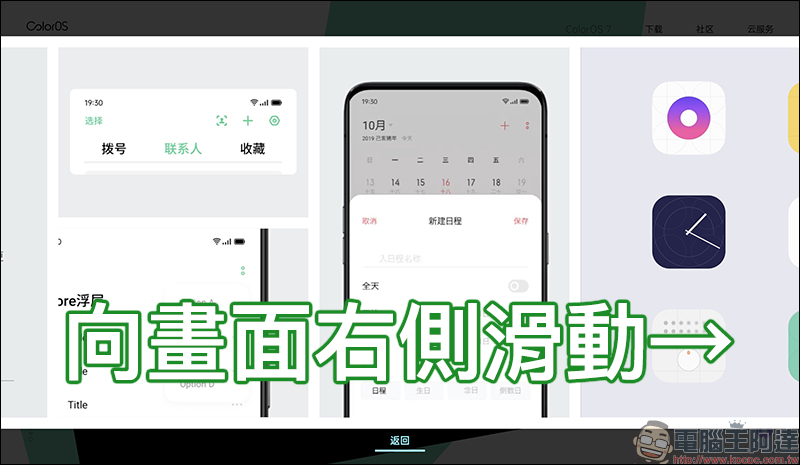
When the OPPO Sans brand font introduction page appears, slide to the right side of the screen again:
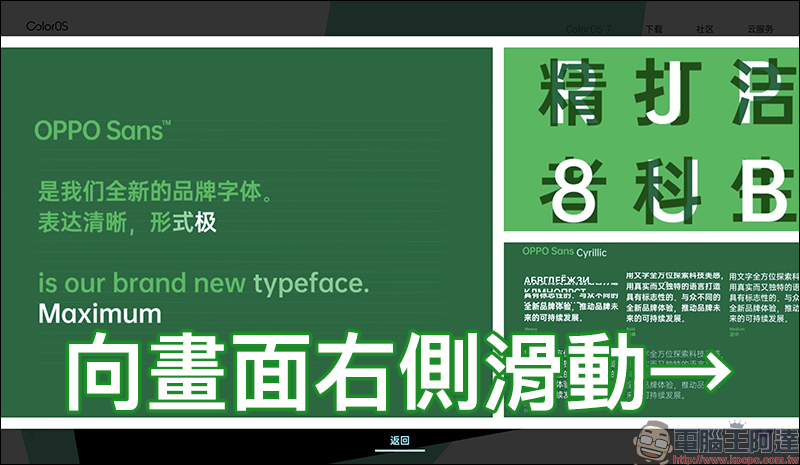
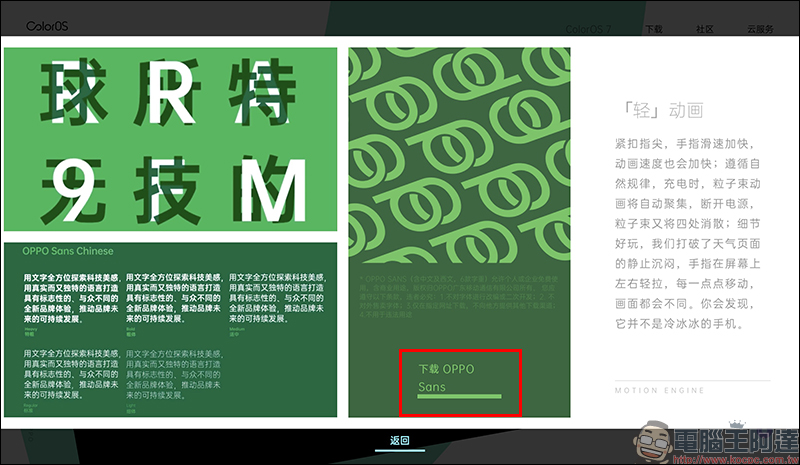
The screen will then display the “Download OPPO Sans” link. Click the link to download it for free (Or click me to download directly):
The downloaded OPPO Sans font has five different font weights, namely “Bold (bold)”, “Heavy (extra bold)”, “Light (thin)”, “Medium (medium bold)”, “Regular (standard)”, and then you can install and use it on a computer with Windows or macOS operating systems!
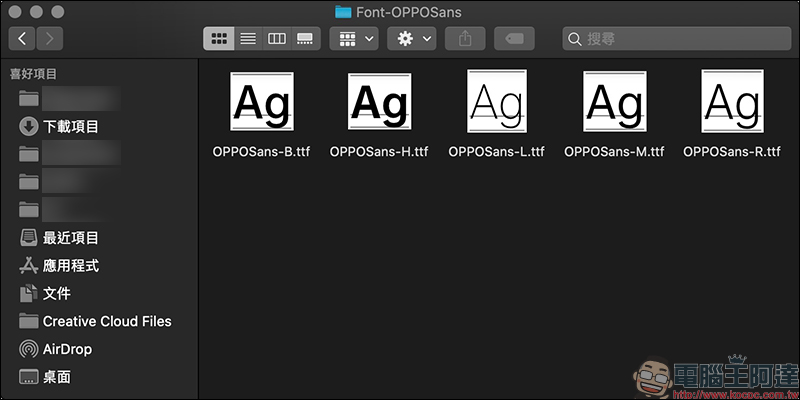
Taking the macOS system as an example, open one of the fonts and click “Install Font”. If you are using a Windows system, right-click on the font and choose to install the font.
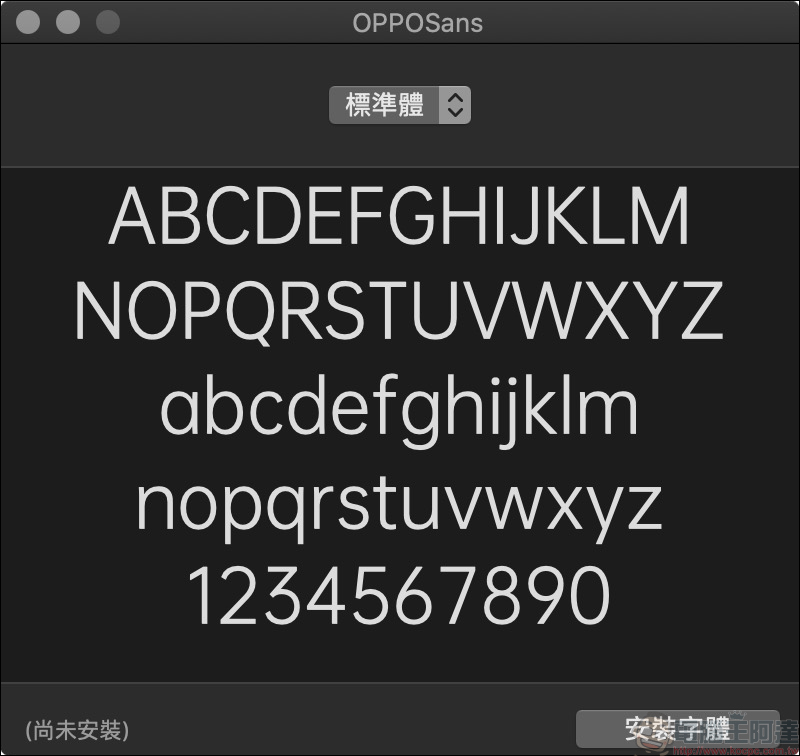
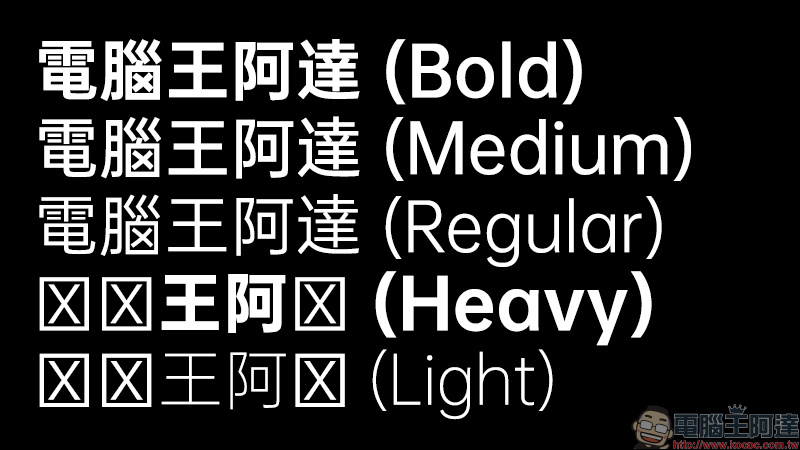
According to the actual test, the five different font weights of the OPPO Sans font are actually quite easy to use. However, when using it for Traditional Chinese, sometimes you will encounter missing characters. Especially in “Heavy” and “Light”, the problem of missing characters in Traditional Chinese is more serious. However, there are still many alternative fonts to choose from for bold characters. If missing characters occur, it is recommended to replace them with other similar fonts.
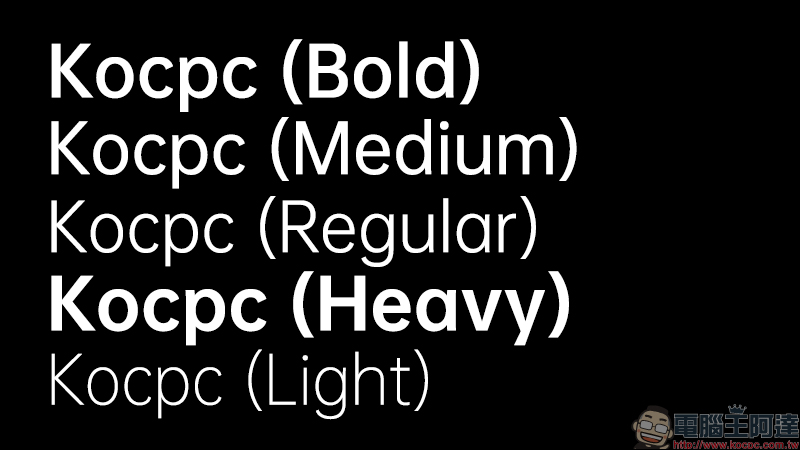
In addition, the display effect in the pure English part is generally no problem:
Although Oppo Sans can be used commercially, you must still pay attention to the usage regulations
In terms of scope of use, although Oppo mentioned on its official website that “it is allowed for free use by individuals or enterprises, including commercial purposes, the copyright belongs to OPPO Guangdong Mobile Communications Co., Ltd.”, but special attention should be paid to the following points:
- No adaptation or secondary development of fonts
- Fonts are not sold externally
- Only download at the designated website and do not provide other download channels to others.
- Not used for illegal purposes
OPPOSans font download location
OPPO ColorOS 7 official website (click here to go)|OPPO Sans font download (click here to go)
Further reading:
Taipei Hanti Traditional Chinese free font, the public beta version is officially open for download (click in the text)
Source: KOCPC Chinese