


Both the App Store and Google Play now have many time-planning apps, such as:Hourly – time and task manager、Hours Time Tracking Wait, each one has different features, but if your work or habits are basically measured in hours, then this Hour Blocks free app may be more suitable for you.
The default hour blocks are based on hours (60 minutes), that is, 3pm, 4pm, 5pm, etc., allowing you to directly set what to do without specifying a time, making time planning easier. It also has built-in To-Do list and calendar synchronization functions, both on iOS and Android.
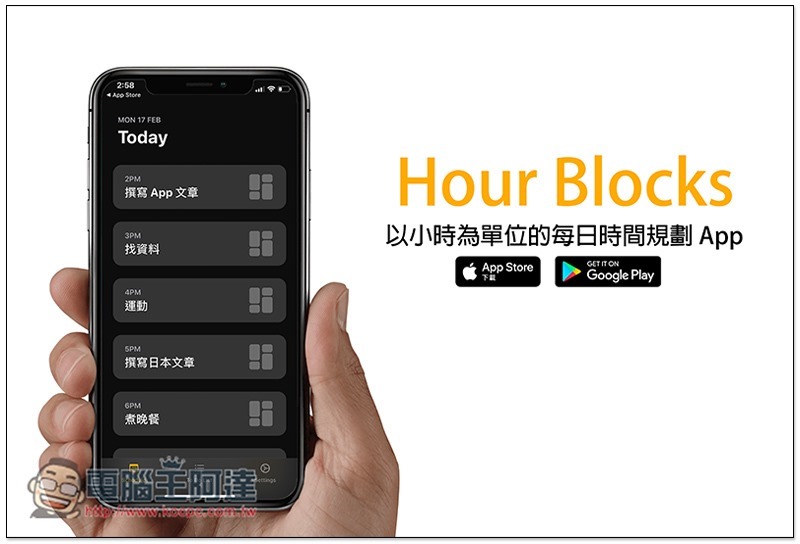
Introduction to Hour Blocks
There are two versions of Hour Blocks. I’m taking the iOS version as an example. The interface is basically the same.
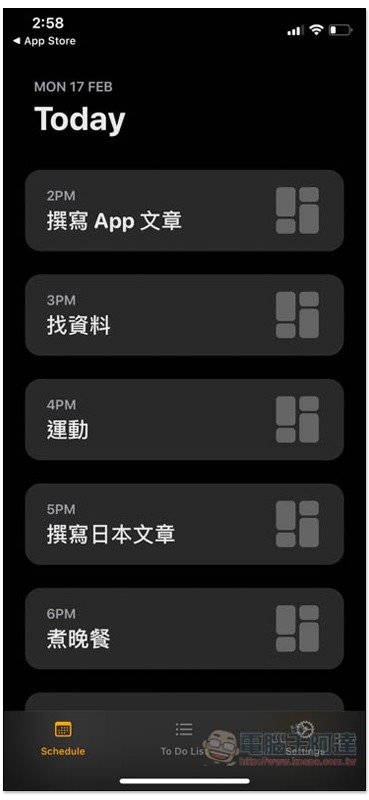
Supports dark mode. If your iOS default is dark, it will turn on the dark theme. The main screen will list the remaining time for today. When I took this picture, it was 2:57, so it starts at 2PM and goes until 11PM:
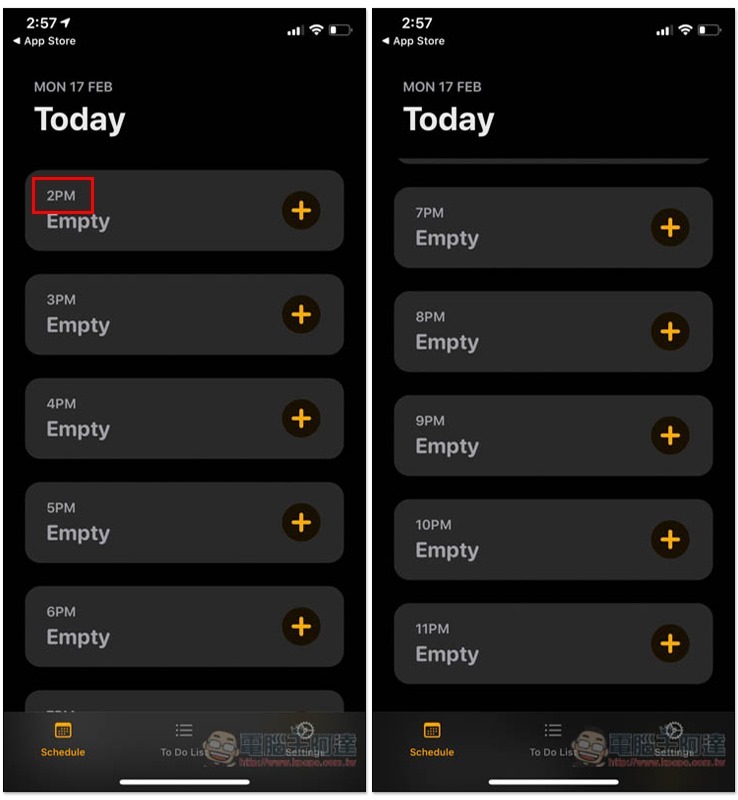
Press the + next to it to add a new task. And the content only needs to enter the “name”, that is, what will you do (work) within this hour? No other unnecessary options, very simple:
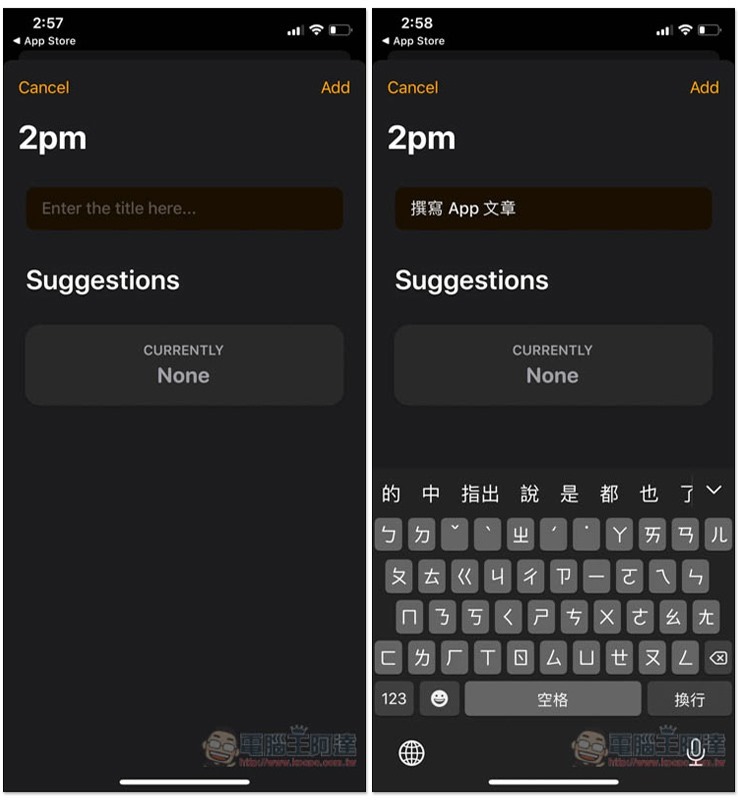
This hour’s work is set up:
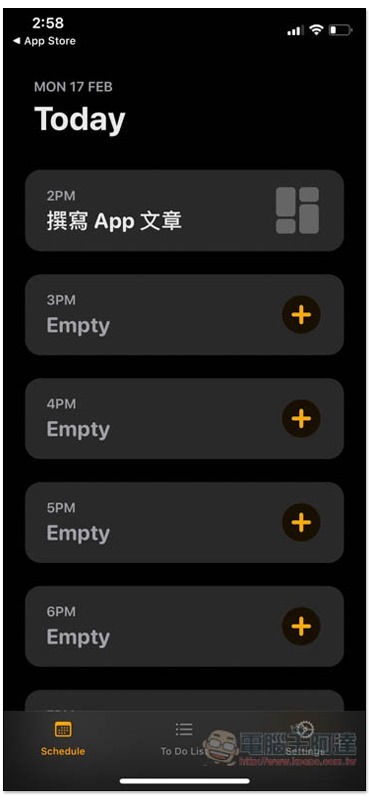
Then fill in all the planned work one by one. I have to say that without time settings and “other redundant options”, planning work has become really easy. Just enter the name. You don’t have to spend too much time or think about the pros and cons. You can complete the time planning in a few minutes a day:
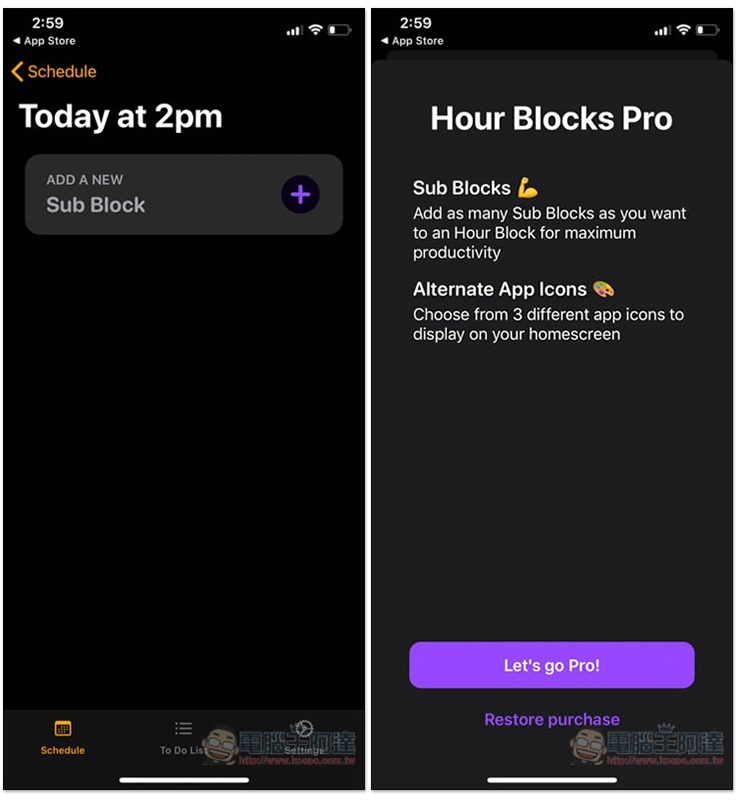
In addition, this product actually supports subdividing the work of this hour, but this function is only available to paying members, and I personally don’t think it is necessary. But if you really like this app and have used it for a while and think it can be subdivided better, you can consider it. The price is not expensive:
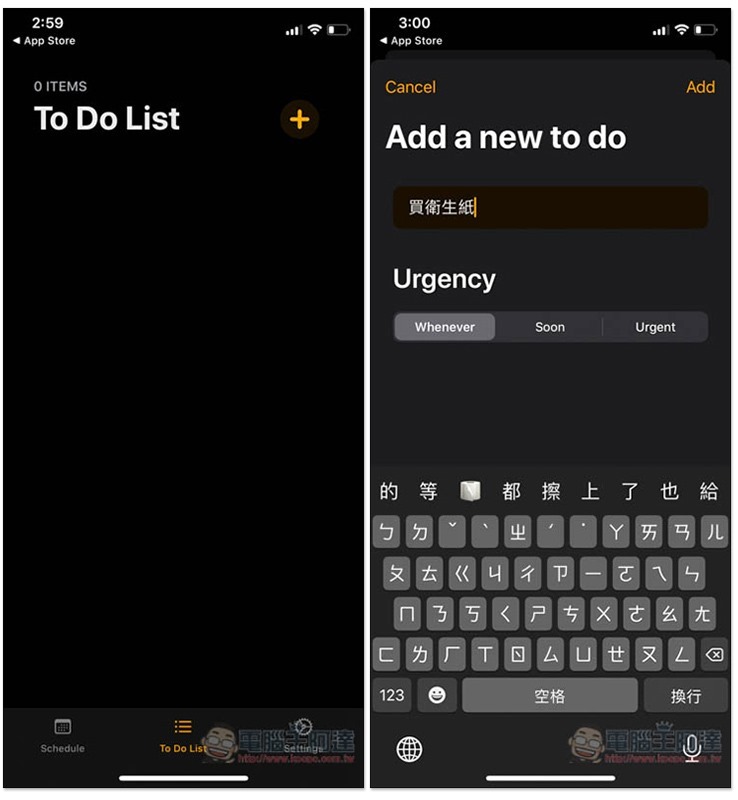
It also provides a To Do List function. You only need to set two options, “Name” and “Urgency”: Whenever, Soon, and Urgent:
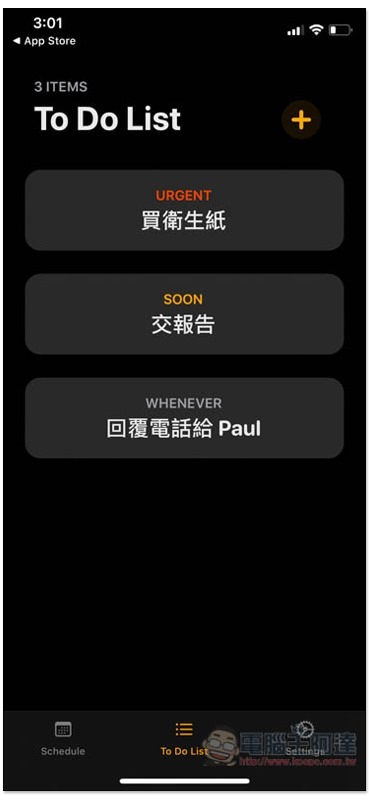
The set to-do items will be arranged according to urgency, with the more urgent ones being placed at the top:
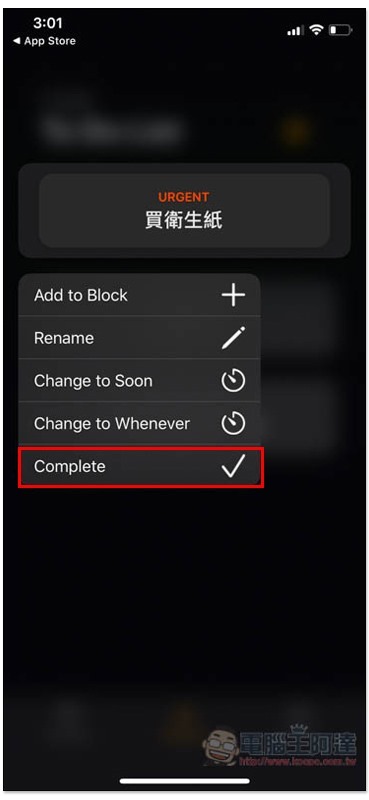
If completed, long press the item to find the Complete option:
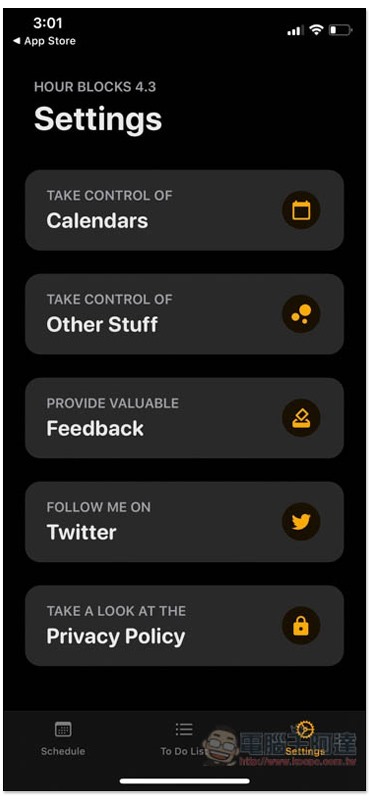
In the settings function, you can set which calendars you want to synchronize:
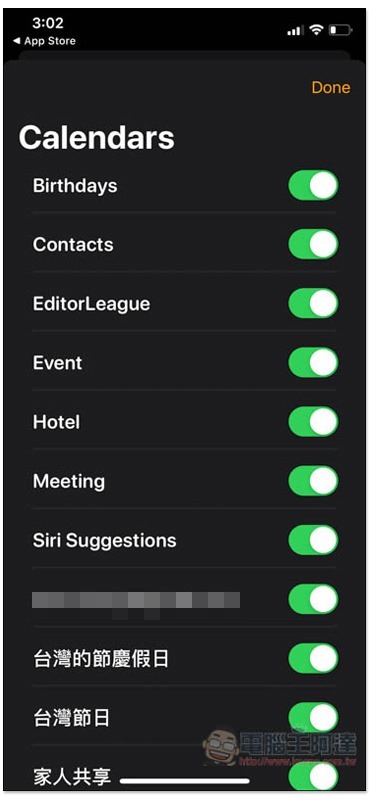
By default, turn everything on, and turn off the ones you don’t want:
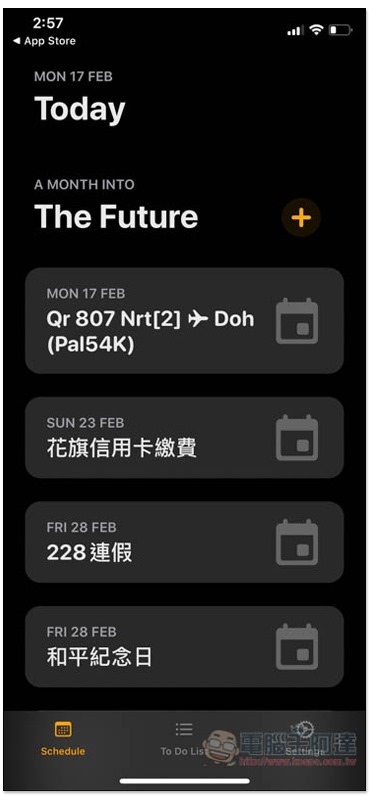
Calendar items will be displayed at the bottom of the homepage:
Hour Blocks download link
App Store:Click here to go
Google Play:Click here to go
Source: KOCPC Chinese