


Most English learning apps on the market have a single theme, that is, pure words, pure reading, or pure listening. The great thing about this free app of Prune is that it combines the three themes mentioned above, and the learning content provided is still about current affairs, such as: the latest foreign science and technology news, the latest foreign business news, and the latest life news, so that we can get the latest information and learn English at the same time. Friends who want to improve their English skills highly recommend trying it. I will also quickly introduce it to you below. Both iOS and Android versions are available.
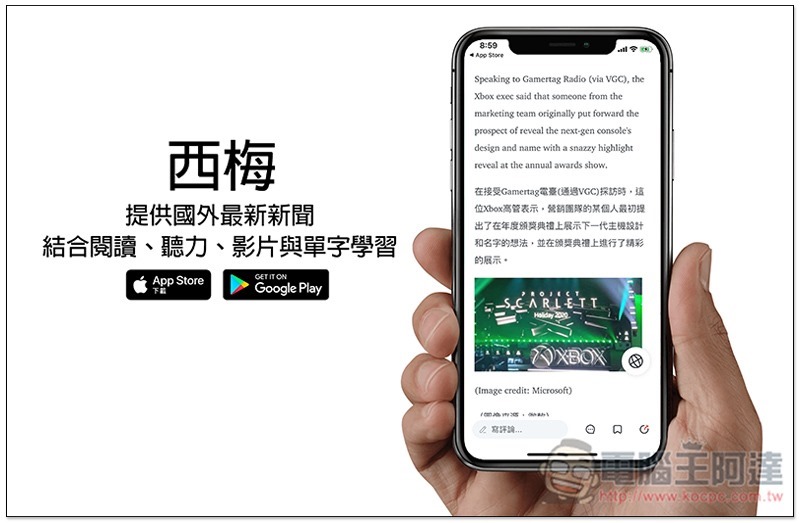
Ximei English Learning Free App Introduction
Ximei is an English learning app that combines AI wisdom and automatic translation machine functions. Simply put, it uses AI to realize the automatic translation function to provide the latest information translation efficiency, because manual translation is not necessarily that fast.
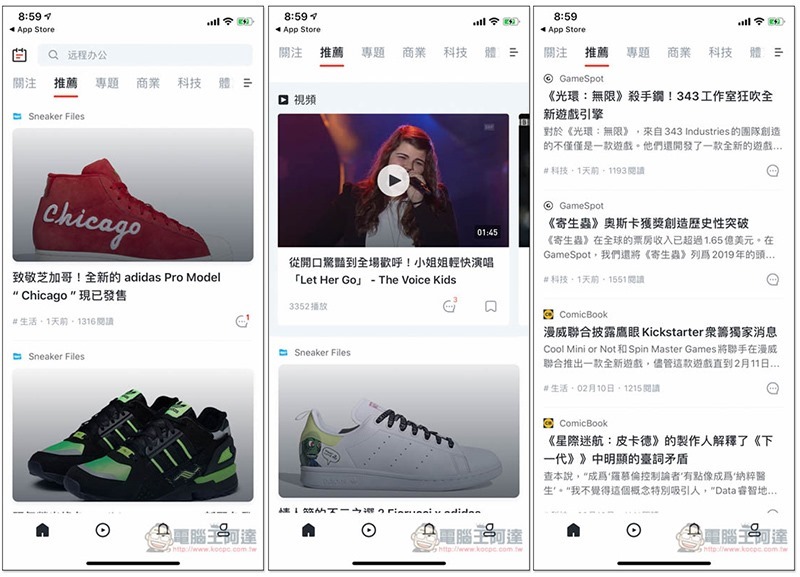
After entering the homepage, in the recommendation menu, there will be a variety of popular topics, including news and videos:
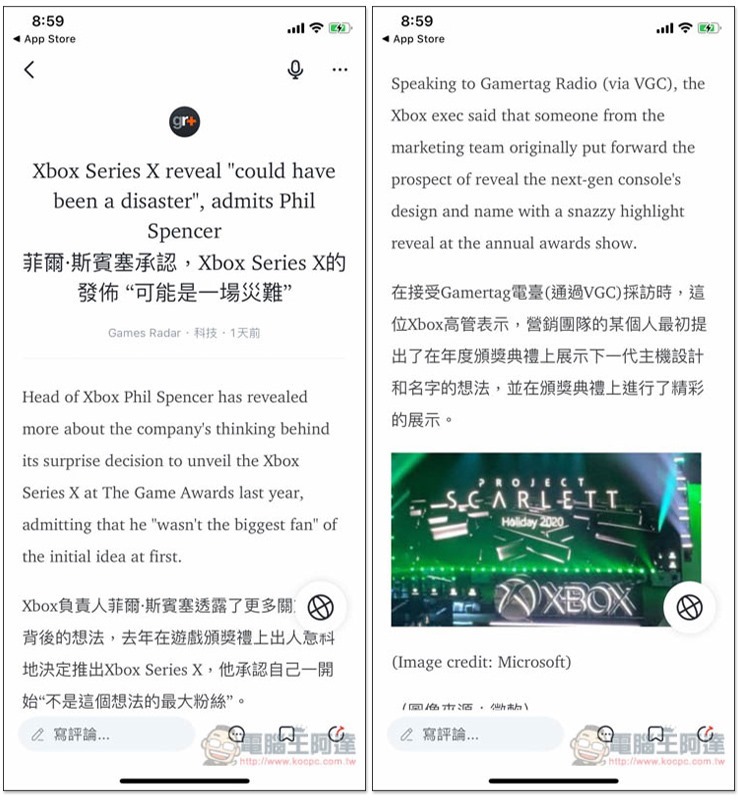
For news articles, there is a Chinese translation directly below each English paragraph, making it easier for us to compare the meaning. I like this very much:
And if there is a word you don’t understand, just click on the word and an explanation of the word will pop up above, as well as the pronunciation:

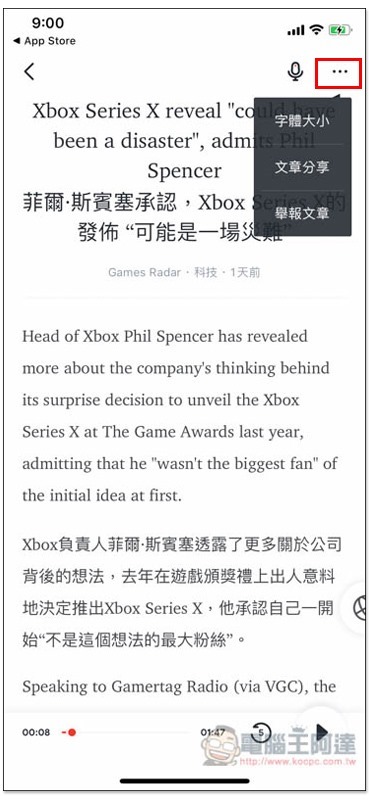
The upper right corner also provides a voice reading function. After turning it on, you can listen to this news instead and train your listening:

For those who feel that the font is a bit small, you can adjust the font size in the menu in the upper right corner:
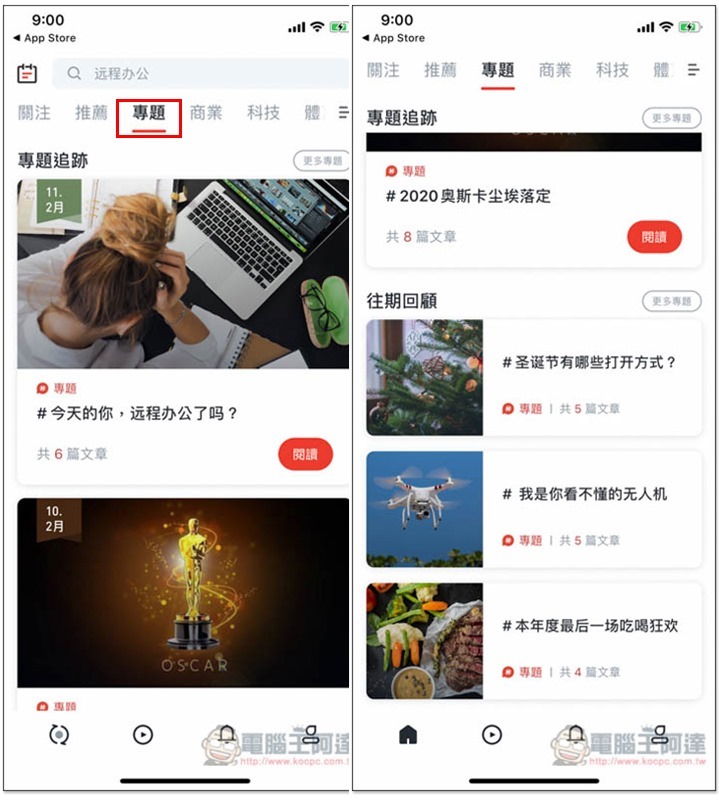
There are also various special topics organized, such as: the latest 2020 Oscar-related, and China’s currently very popular remote office:
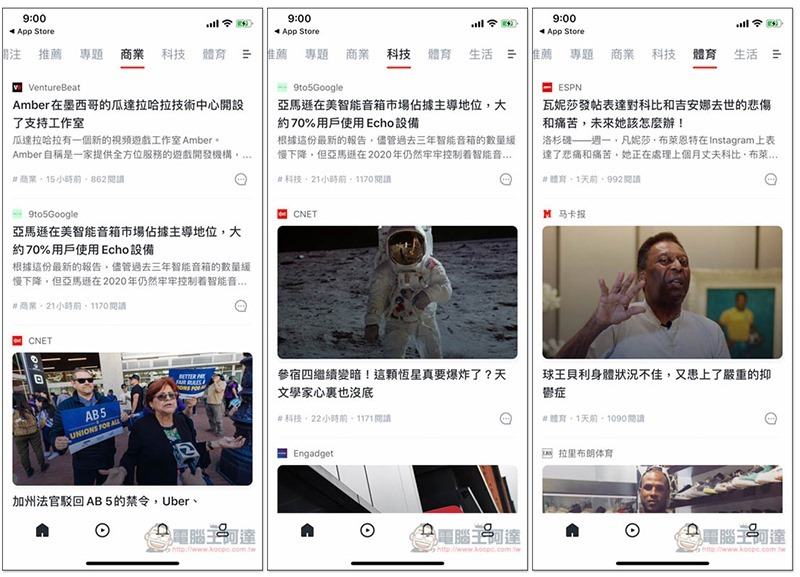
You can also browse the topics you are interested in. You can switch the news type at the top, including business, technology, sports and life. All content comes from more than 100 foreign online media, such as: 9to5Google, ESPN, CNET, etc.:
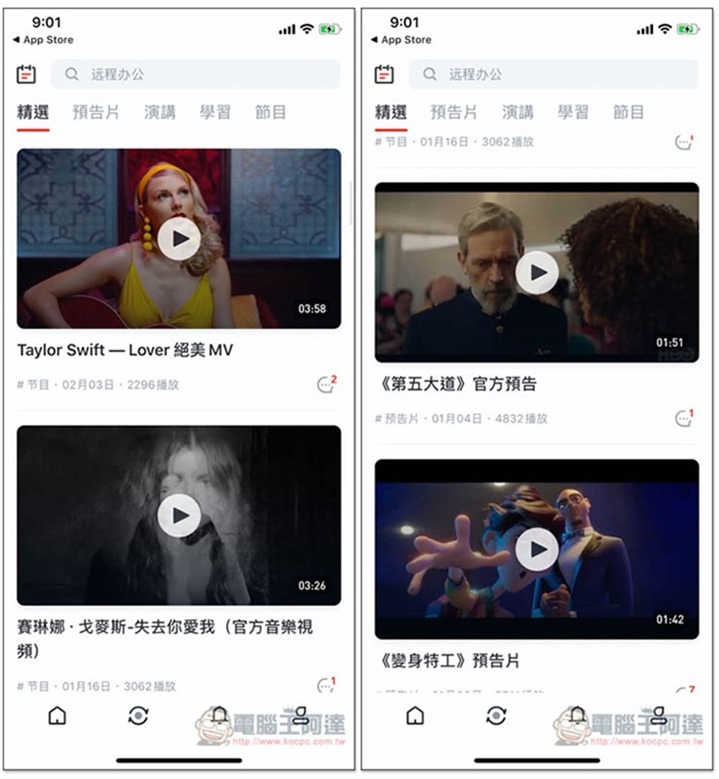
There are also many types of videos, including music, movie trailers, studies, speeches, etc.:
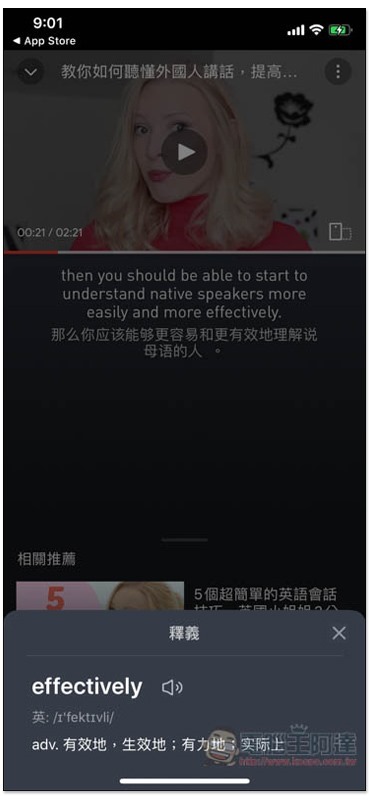
The English and Chinese meanings will be displayed immediately below each sentence in the video:
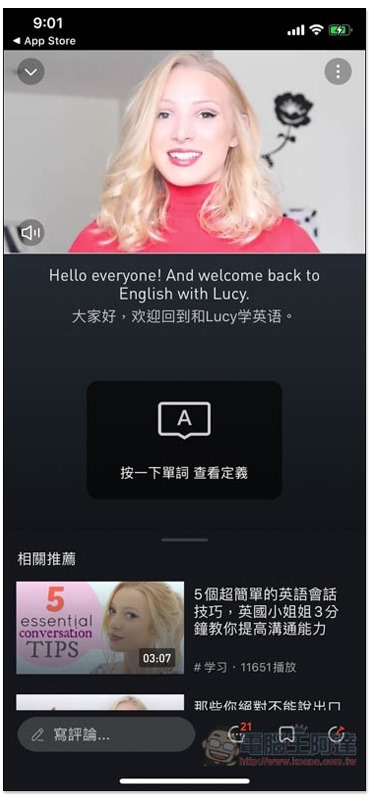
If you click on a word you don’t understand, a Chinese explanation will pop up:
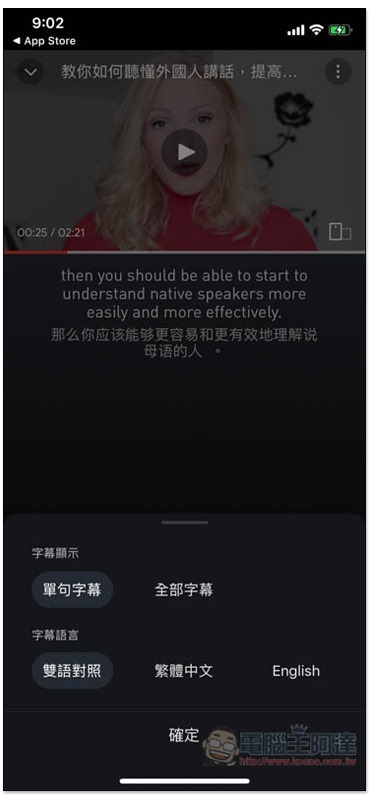
If your English proficiency reaches a certain level, you can also turn off subtitles or select only English:
Prune download link
App Store:Click here to go
Google Play:Click here to go
Source: KOCPC Chinese